Gold, grain and soft light. One of many directions.
The examples below were made with the Photonica editor. “Before Photonica” includes the photographer’s original treatment. Film and optical effects are creative interpretations.
Colour & print
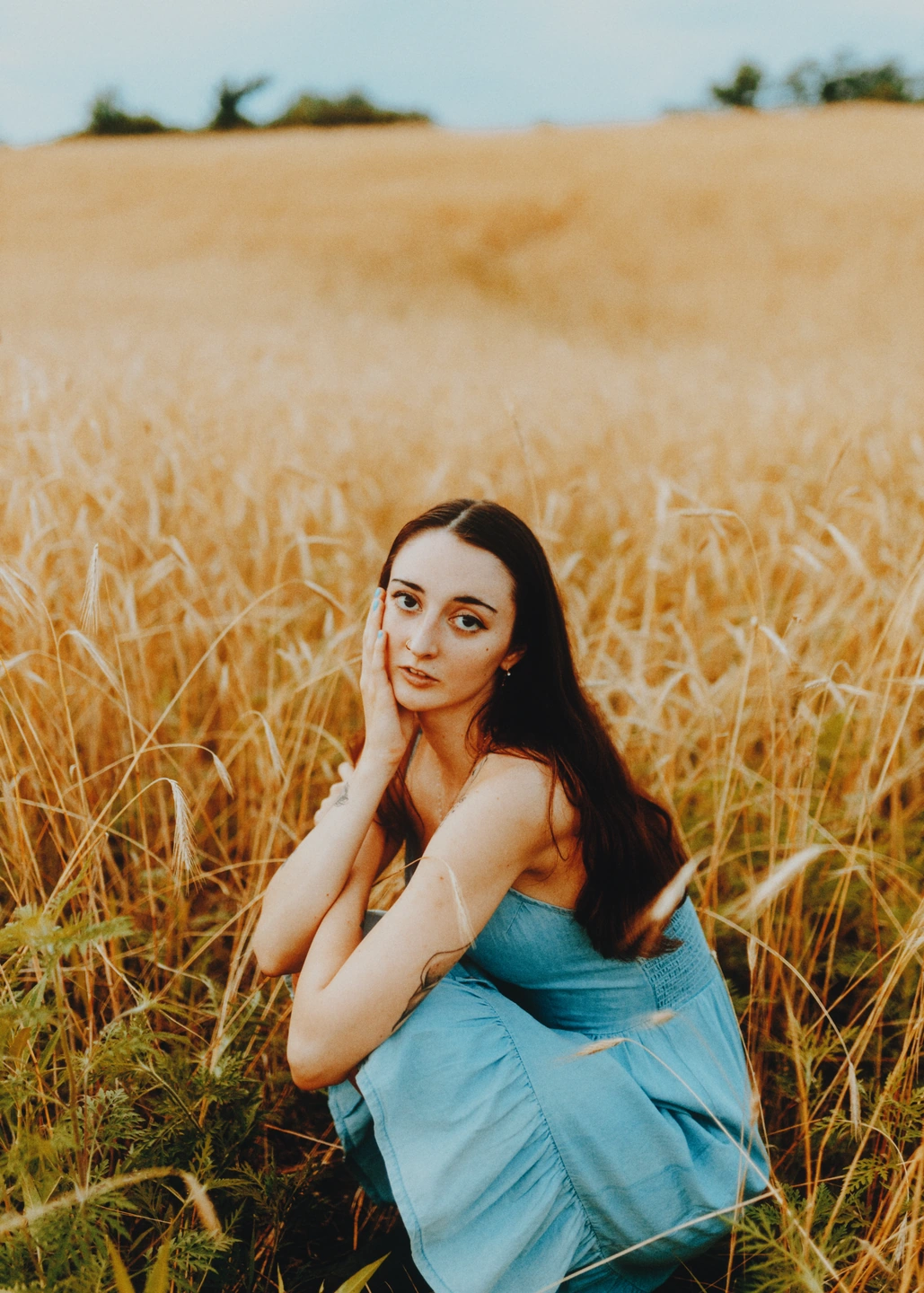
A warmer afternoon. A quieter blue. Start with the character of a film, or find your own colour.
Gold 200 / Endura
Film emulation5 Free · 15 with Pro
Explore Gold, Portra, Velvia and more. Switch film foundations on the same photograph to find the colour and contrast you want.
Print materials1 Free · 8 with Pro
Pair a negative film with a print material to change its finish. Slide films use a direct scan without paper.
ExposureFree
Move towards a brighter print or a denser image. Adjust exposure as you work with your chosen film.
MonochromeFree
Make a black-and-white photograph, shape how colours become greys, then add a warm or cool print tone.
Selective colourPro
Shift hue, saturation and brightness in eight colour ranges. Change the reds or quieten the greens across your image.
Tonal transitionsPro
Set black and white points, soften the roll into highlights and give shadows more depth.
Light & motion
Give bright edges a warm halo, let light spill across the frame, or turn stillness into movement.
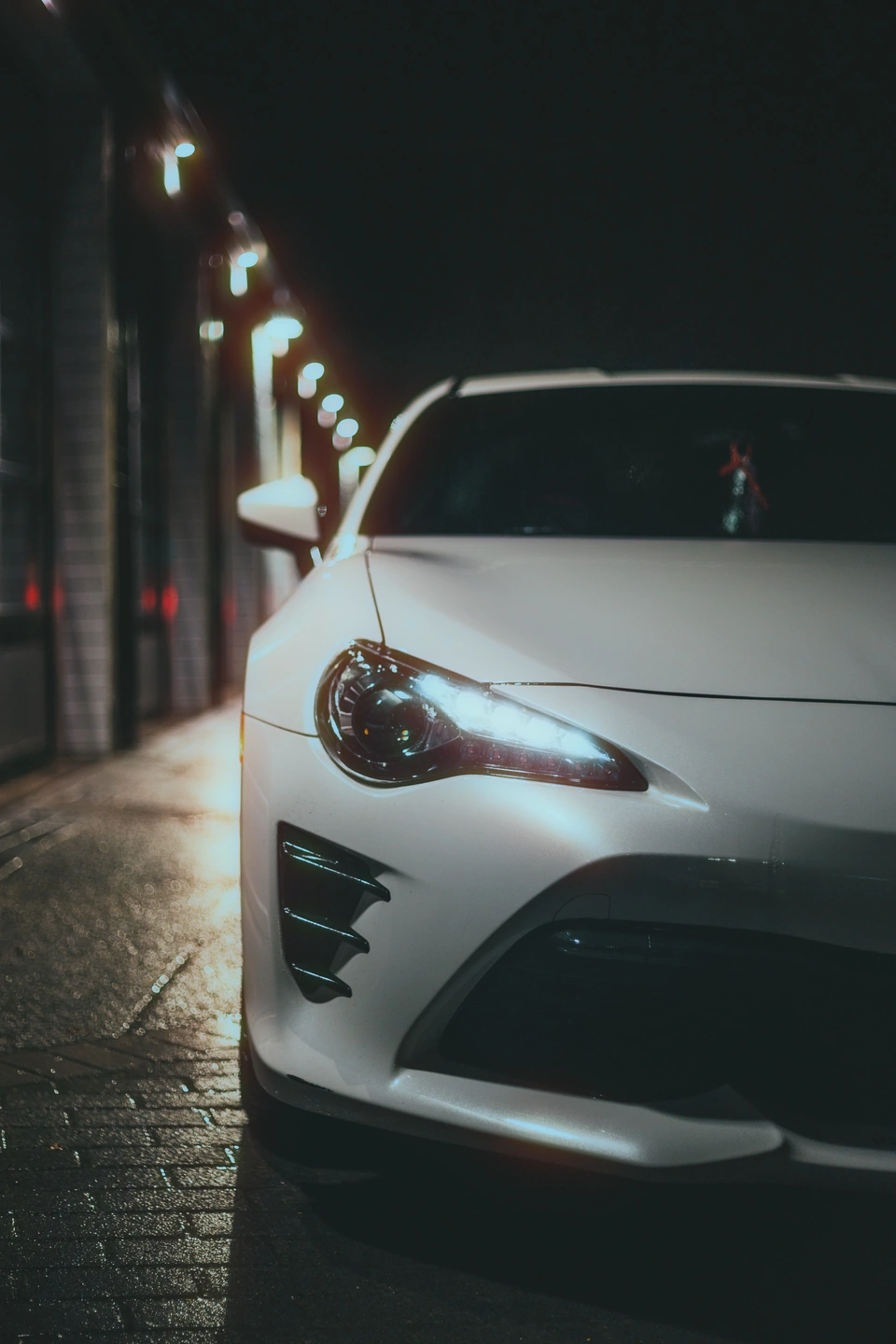
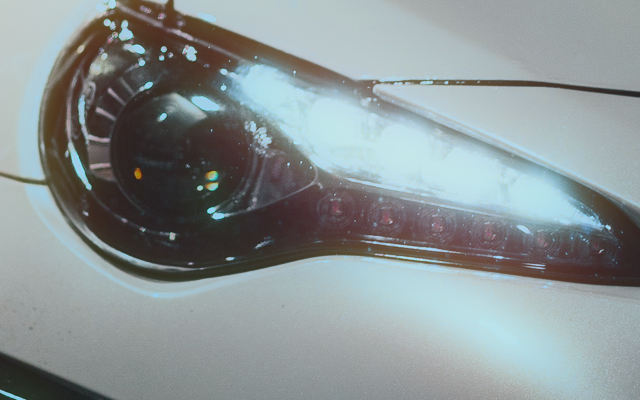
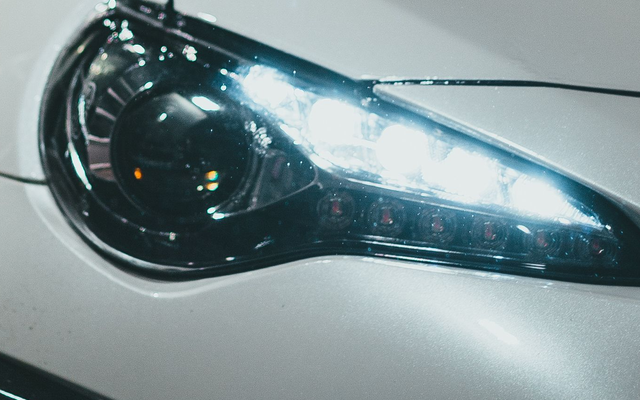
Halation 100 · spread 3
Around the headlight, a warm halo spreads into the darker edges.
BeforeAfter
Zoom 1×
Drag to compare the detail. Before on the left, after on the right.
Add a warm halo around bright light sources. Control its strength and radius; luminous signs and backlit edges make good starting points.
DiffusionCinebloom Free · fine controls Pro
Scatter highlights and soften contrast. Pro adds four diffusion characters with control over their spread and warmth.
Light leaksPro
Bring light in from an edge, a corner or a band. Choose the position, width and warmth, then try another pattern.
Motion blurPro
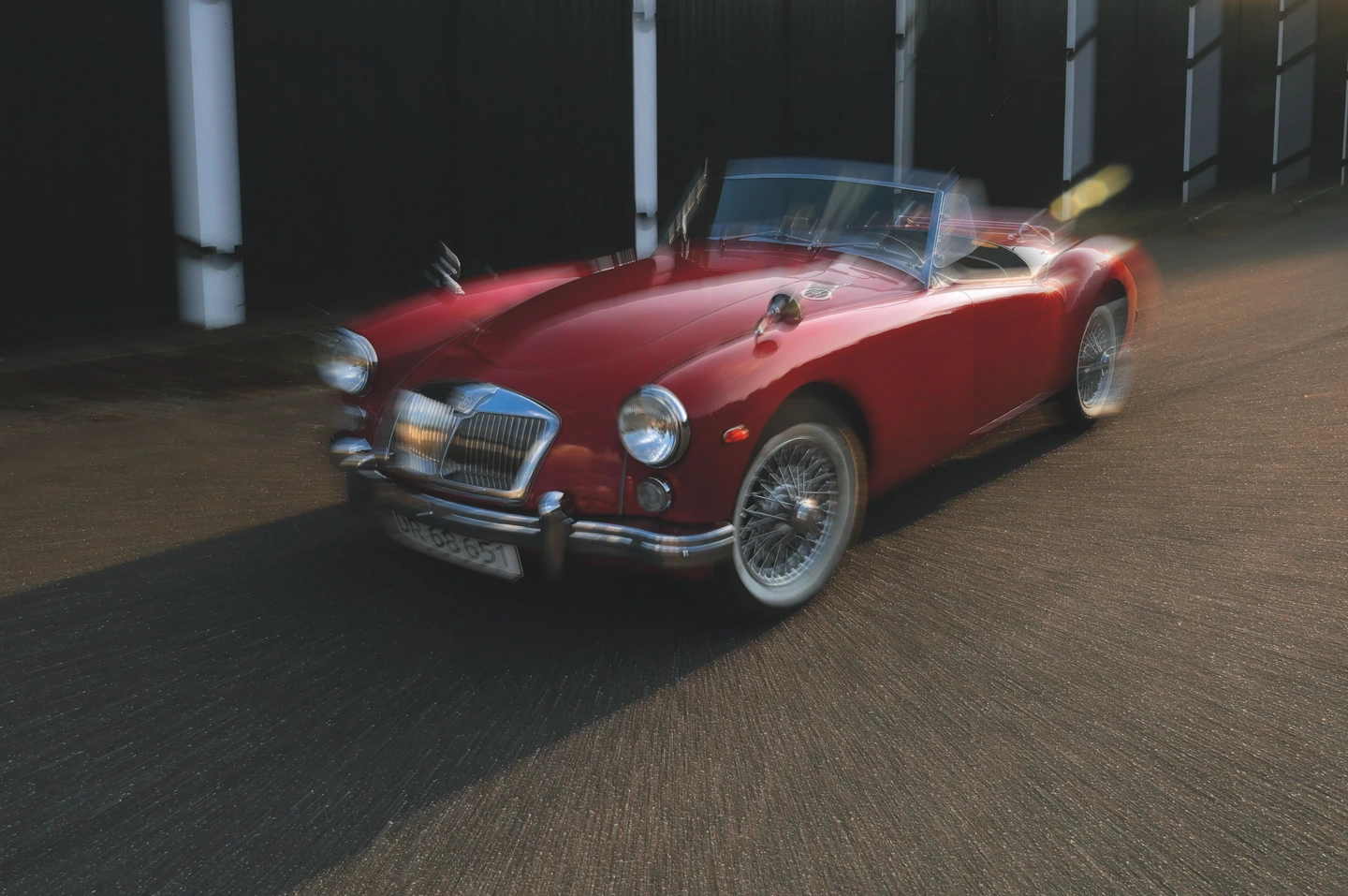
Pull the image in a direction or out from a zoom centre. Balance the blur with Keep sharp; it does not select or track a subject.
VignetteFree
Darken the edges and move the centre of the vignette to guide attention through the frame.
Give the light a different shape.
Cinebloom diffusion 50
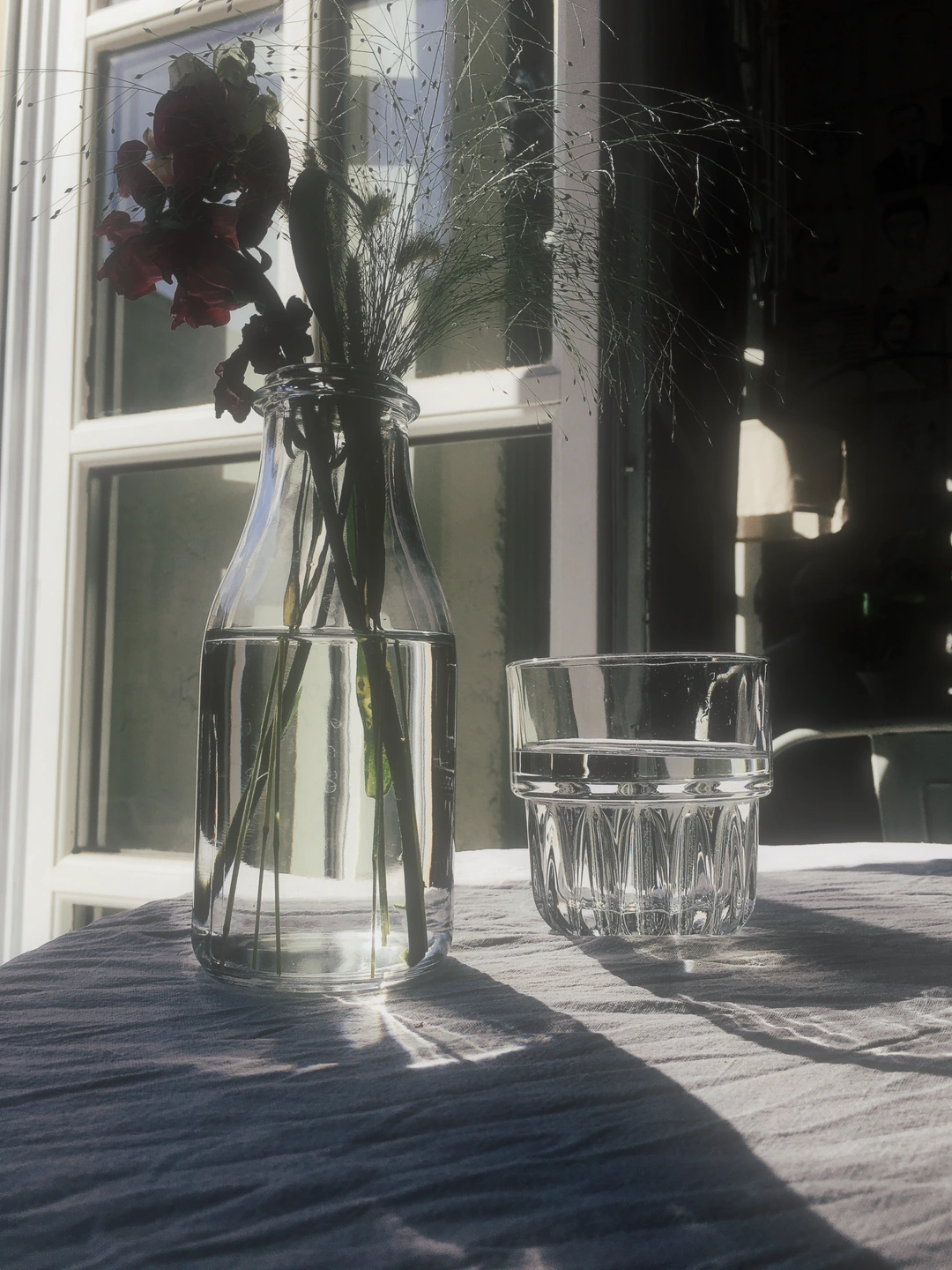
A softer afternoon.
Diffusion spreads the window light into the shadows. Basic Cinebloom is free.
Zoom blur · Pro
A sense of movement.
Zoom blur draws the scene out from a centre point. Keep sharp blends detail back in.
Texture & age
Let the surface become part of the photograph. Keep it subtle, or leave a little history in the frame.
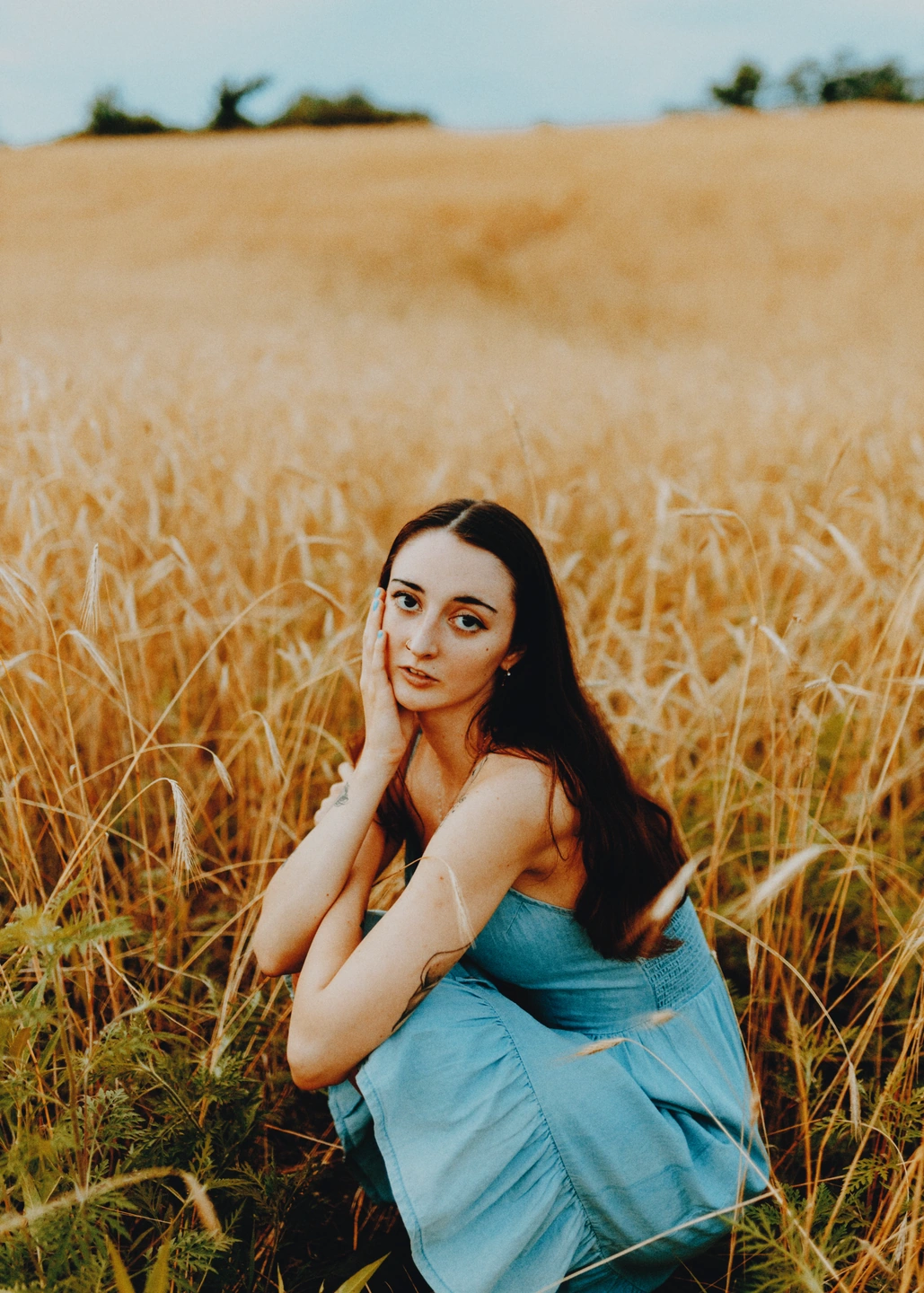
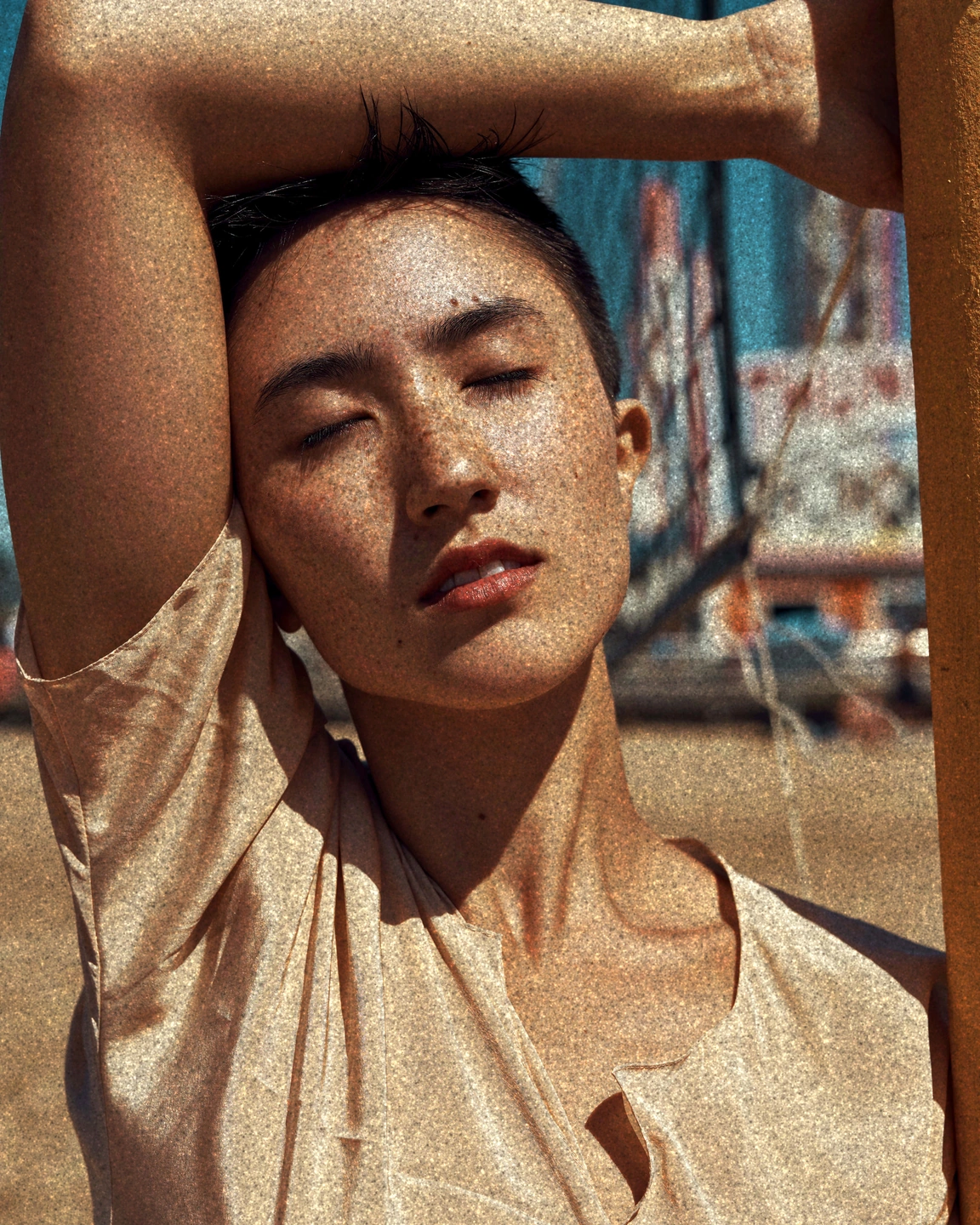
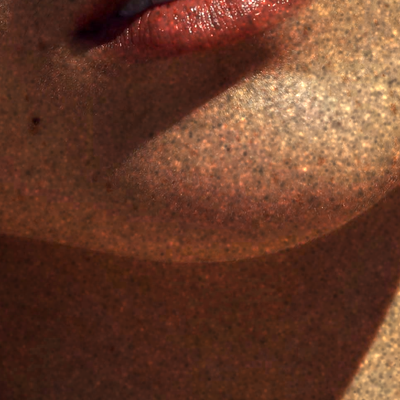
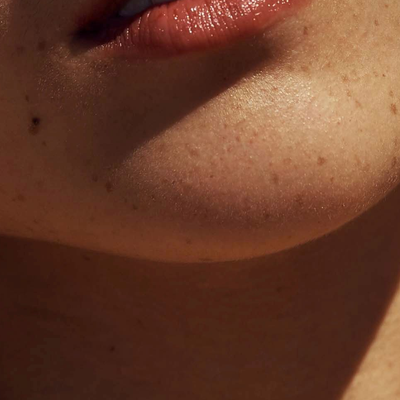
Grain 100 · size 4
Coarse grain up close. Watch the fine texture appear across the skin and shadow.
BeforeAfter
Zoom 1×
Drag to compare the detail. Before on the left, after on the right.
Film grainFree
Choose the amount, size, roughness and colour of the grain. Compare at 100% to see the texture you are adding.
Film softnessFree
Ease fine digital detail independently of grain. A gentle finish that leaves you in control of the texture.
AgingFree
Give a print the colour changes of age, from yellowing paper to fading dyes. Use it on its own or with other effects.
Dust & scratchesPro
Mix fine dust, fibres, transport scratches, scuffs and heavy wear. Adjust each family and regenerate the pattern.
Finishing touches
Find the edges of your photograph. Save the look you want to come back to, and take the finished image with you.
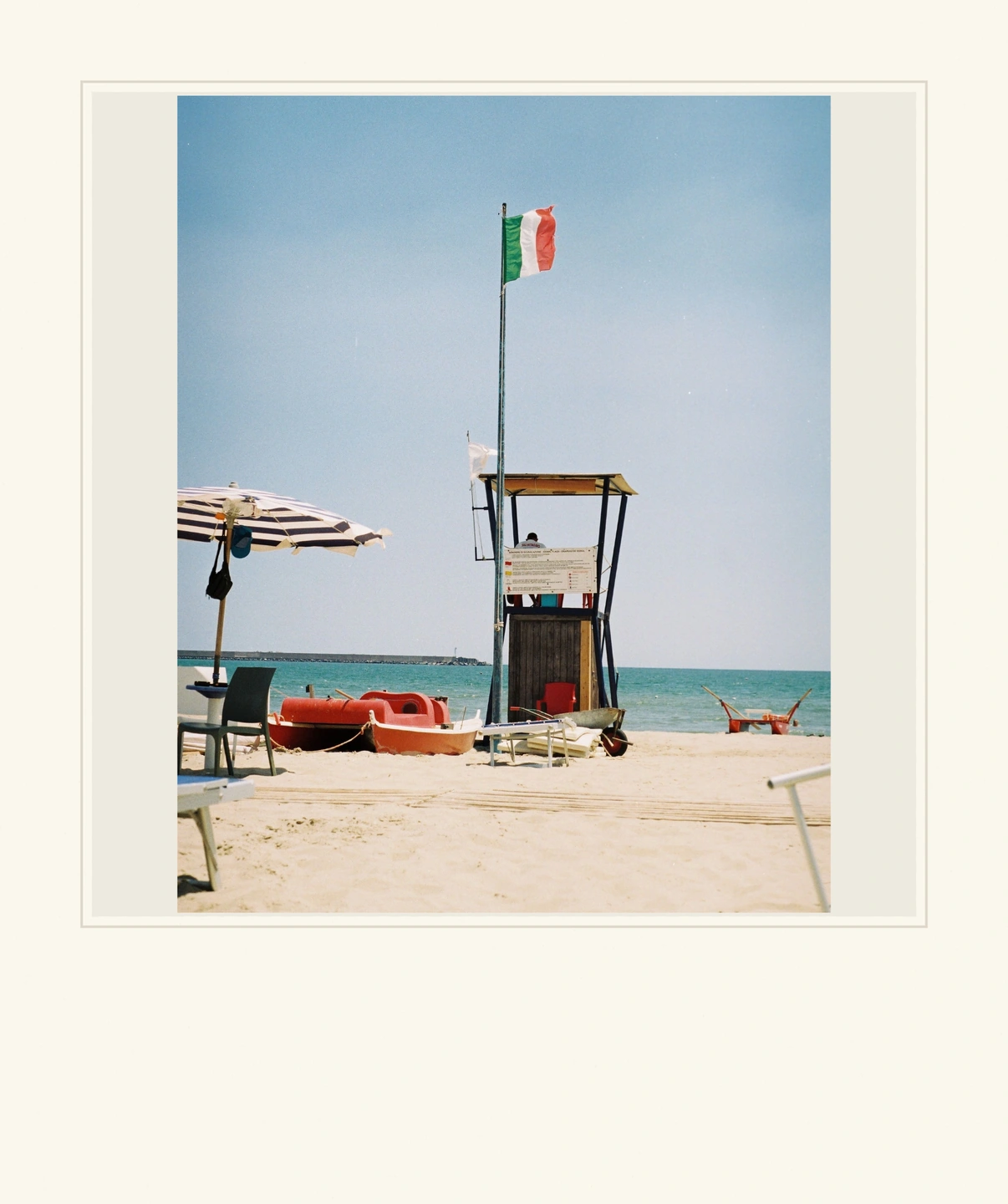
Instant frame · Pro
Frames2 Free · 7 with Pro
Use Photo paper or Medium format for free. Pro adds 35 mm, perforated film, a slide mount, Instant and deckled paper. Fit the whole photo or fill the frame.
Crop & rotateFree
Choose an aspect ratio or crop freely. Straighten the horizon, rotate and flip your photograph before export.
Personal presetsFree account
Save a combination of settings and reuse it on another photo. Crop and frames stay with the photo; Pro settings still require Pro access.
JPEG exportFree · original size Pro
Save a processed sRGB JPEG. Free uses a working image up to 2560 px on the longest side before cropping. Pro exports at the original resolution, subject to your device’s limits.
Make a photograph that feels like yours.
Start free with five films, grain, halation, Cinebloom diffusion and more. Pro adds motion blur, light leaks, dust and scratches, more films and frames, and original-resolution export.
No account is needed for free editing and export. Saving personal presets needs an account. A WebGPU-compatible browser is required.