
Keep daylight colour believable.
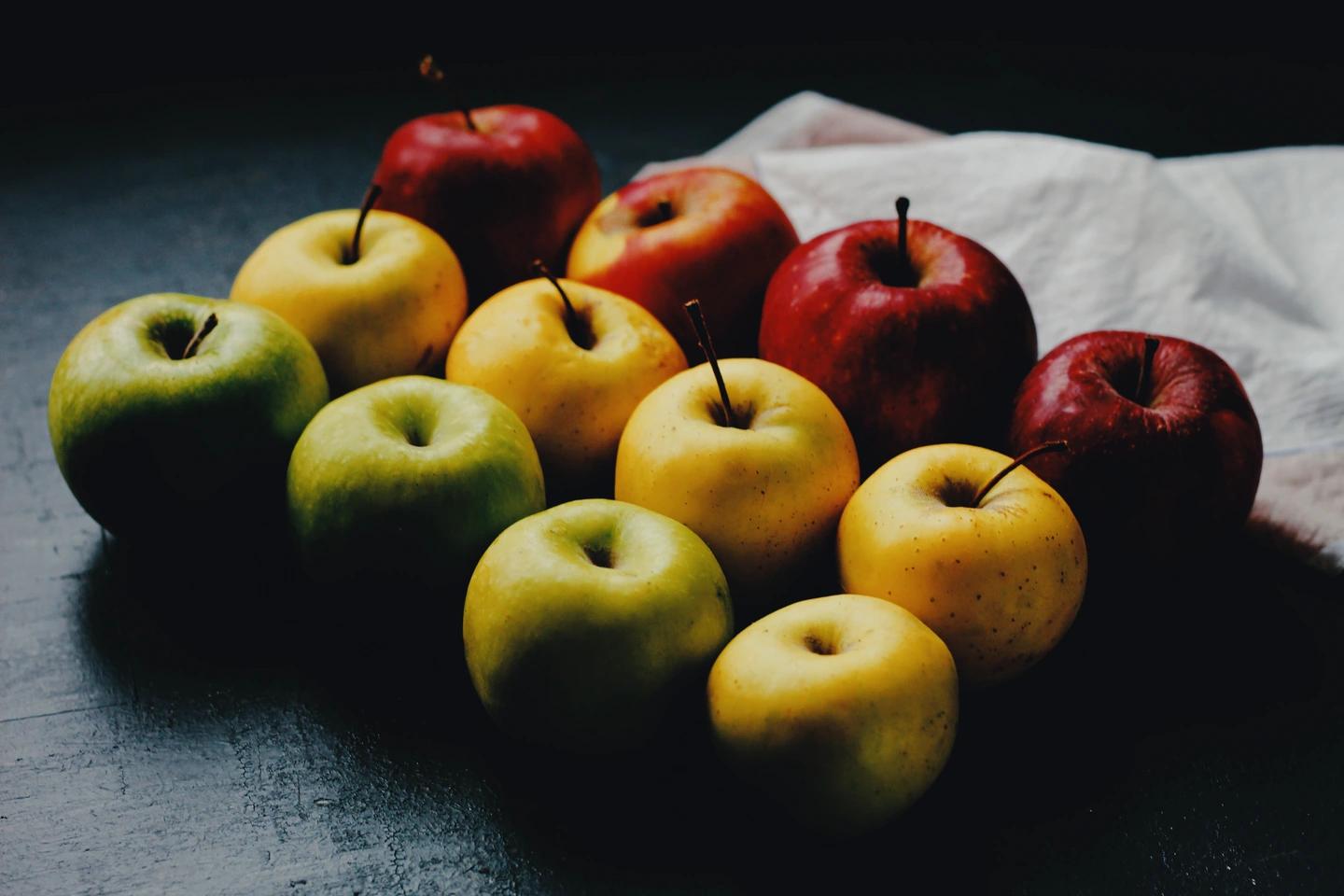
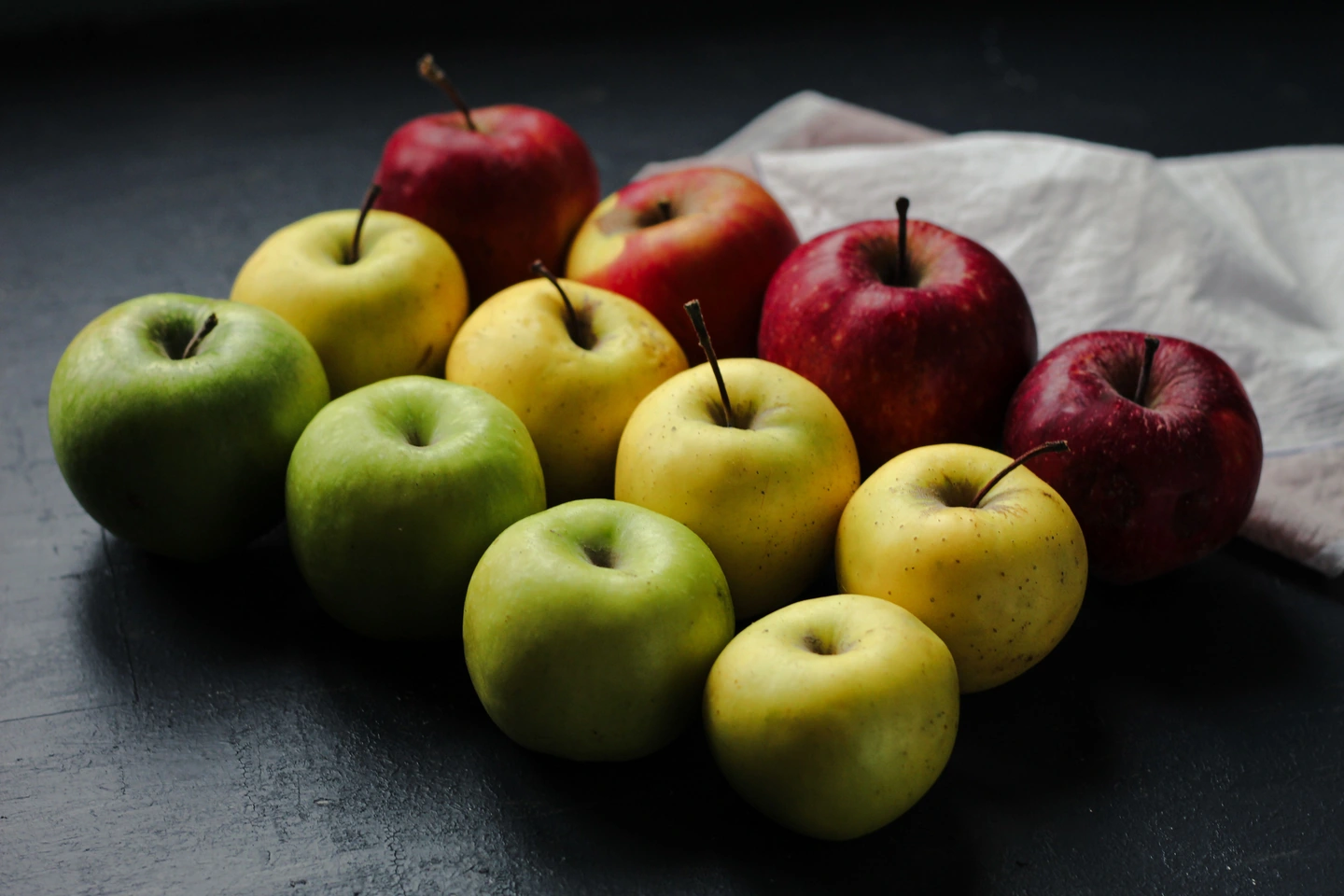
A red apple, a yellow apple and a white cloth are useful checks for a warm film edit. Here is what to look at before adding more warmth or grain.
Choose the reference colours first
The apples give this photograph several colours that should remain distinct. The red fruit should not merge into one dark patch; the green and yellow fruit should still differ. The cloth gives you a pale surface to watch alongside them.
Open your own daylight photo and choose two or three equivalent references: skin and a shirt, foliage and a wall, or painted surfaces in a street. You are choosing what needs to survive the edit. A warm palette is only useful if the subject still reads clearly.
Choose the film before adjusting exposure
Try the recipe below, then open Film and compare the result with No film. Keep the print choice fixed while comparing films. Otherwise two changes happen at once, making it harder to tell which one helped.
Look at the shaded apple skins as well as the cloth. If the whole image feels too dark, adjust Exposure in small steps. Stop when the subject reads comfortably; increasing exposure until the cloth turns blank trades texture for brightness. An edit cannot restore detail that was already clipped in the source.
Treat texture as a finishing decision
Grain can join a smooth colour treatment to a more tactile surface, but the fruit already contains fine texture. Inspect both a smooth patch of cloth and an apple skin at the size you will use the photo. If grain competes with the skin texture, lower its amount before changing the colour again.
Compare the finished edit with the original one last time. Export a JPEG and open that file at its intended viewing size: an enlarged editor preview can make a subtle finish seem much stronger than it will look in a small image.
When this recipe is a poor starting point
Indoor tungsten light and coloured signs already carry a strong cast. This daylight treatment may push their warm areas too far. Start with No film or compare a less warm film, rather than trying to repair the whole image with one more effect. The recipe is a starting point, not a white-balance correction.