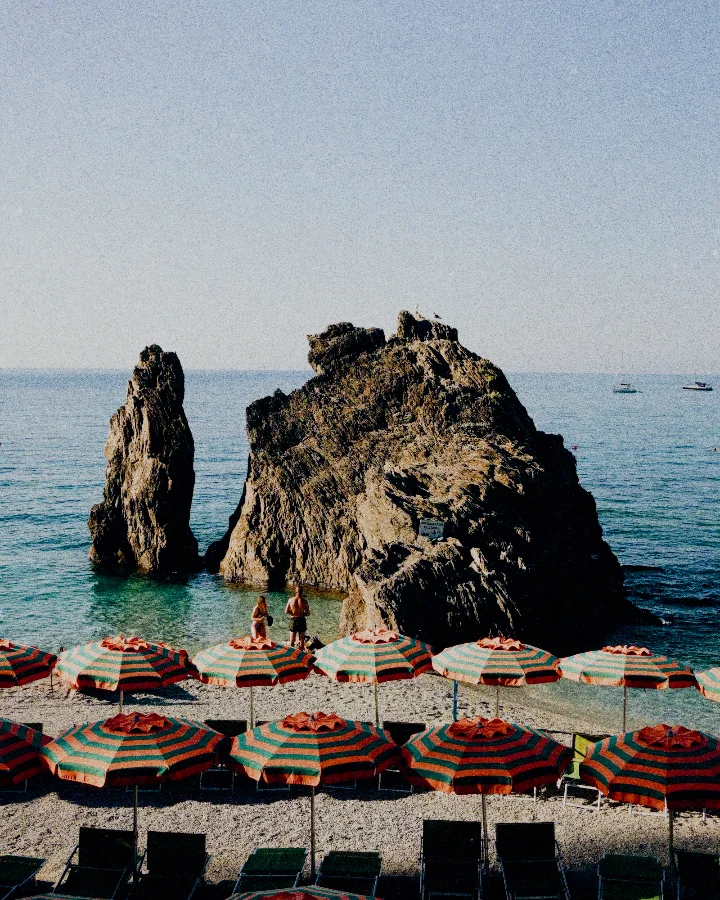
The film look.
No film camera.
Choose a film and a paper, and your photo comes out like a print from a film lab. Or make it a lith print, a cyanotype or a risograph print.
Start free. Your photo stays on your device.
Try Pro free for 7 days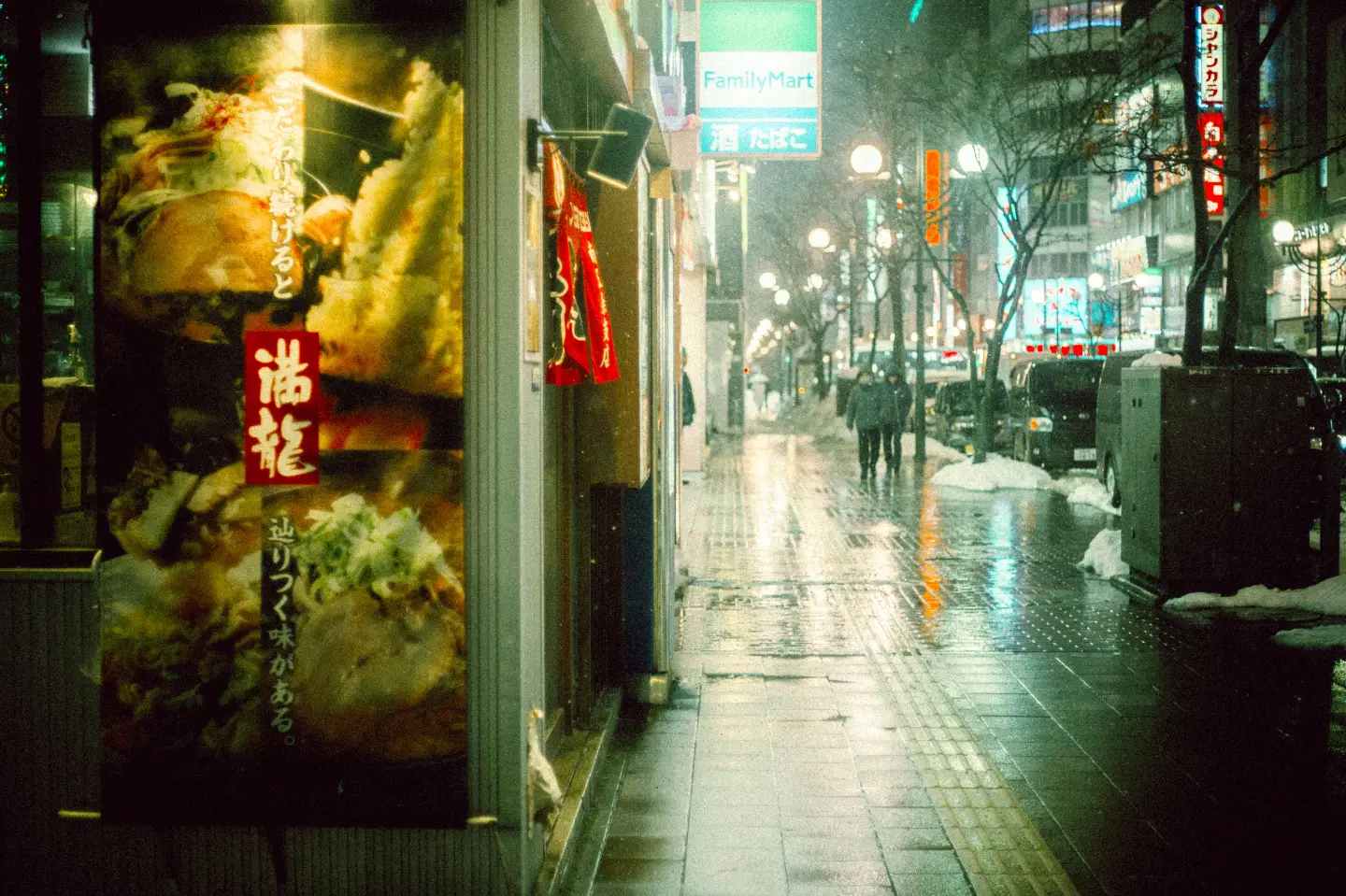
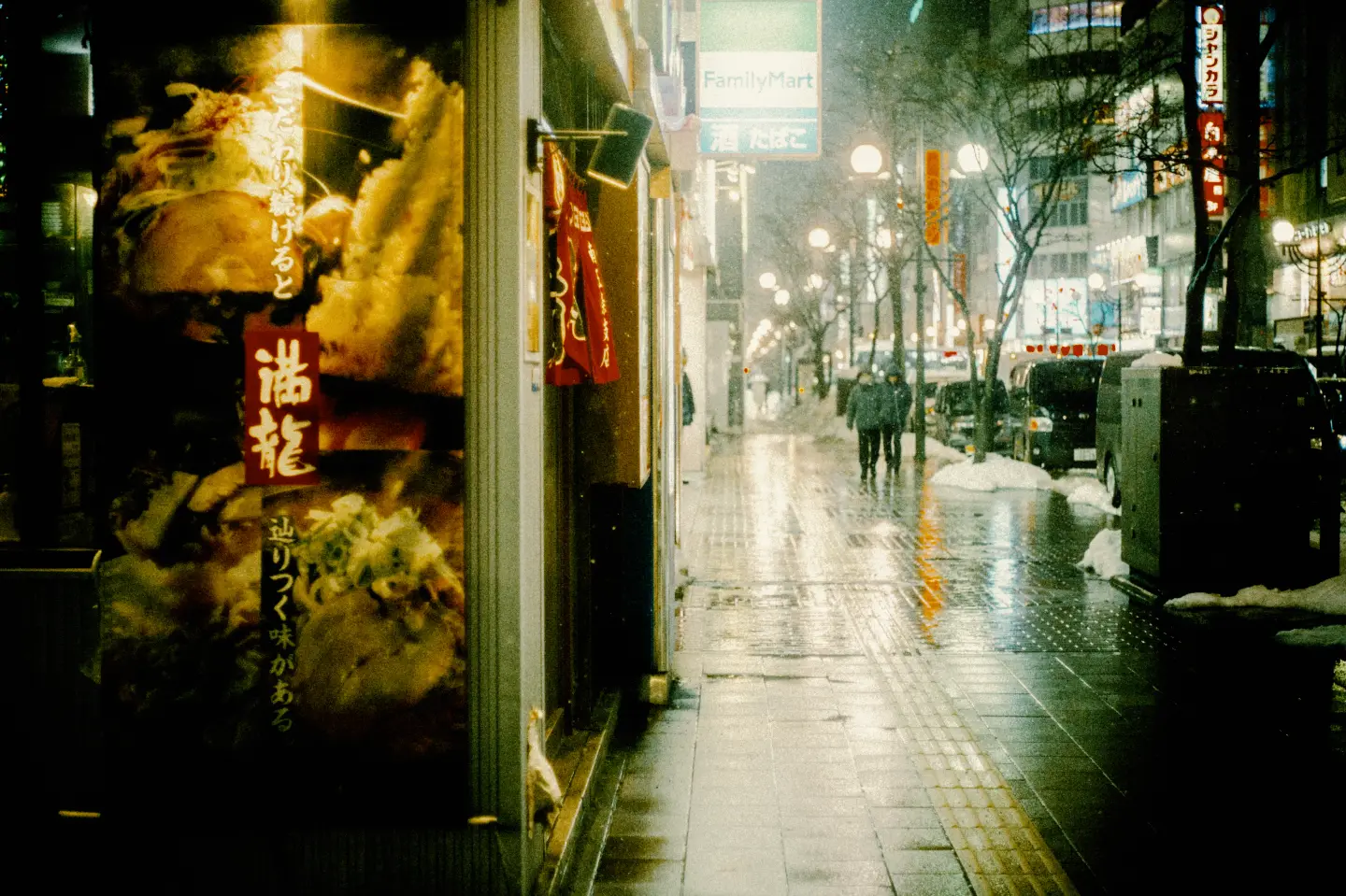
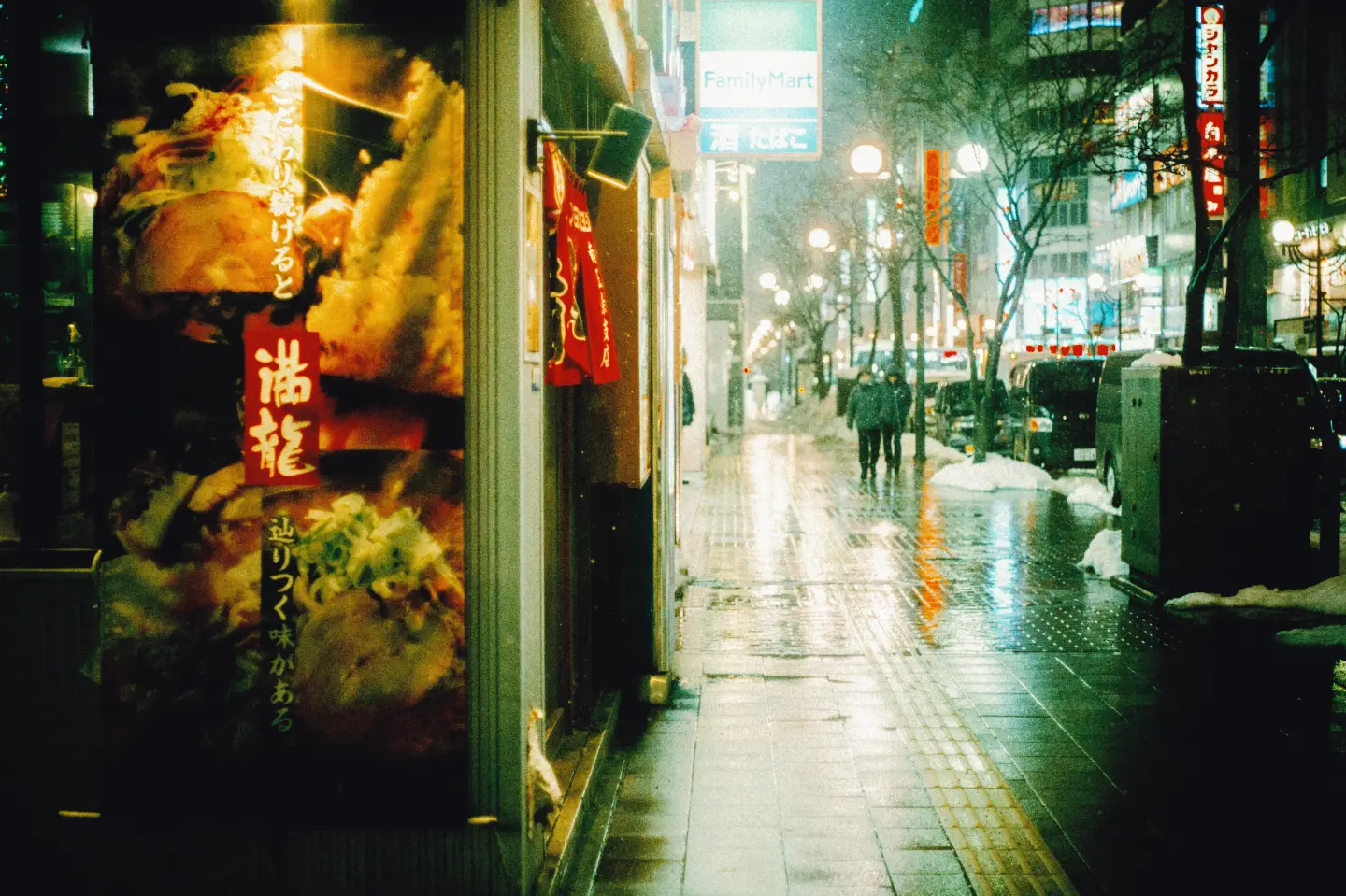
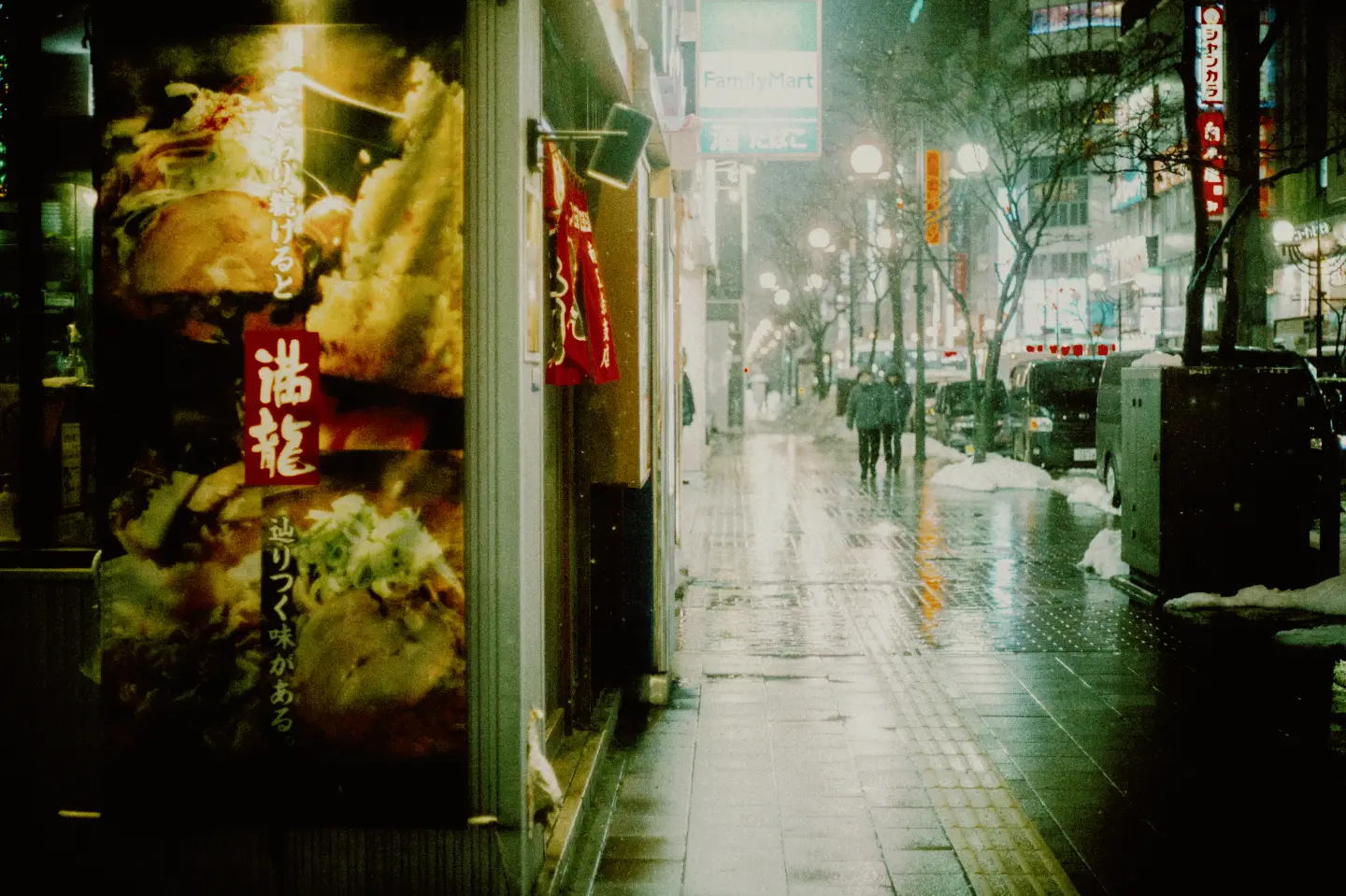
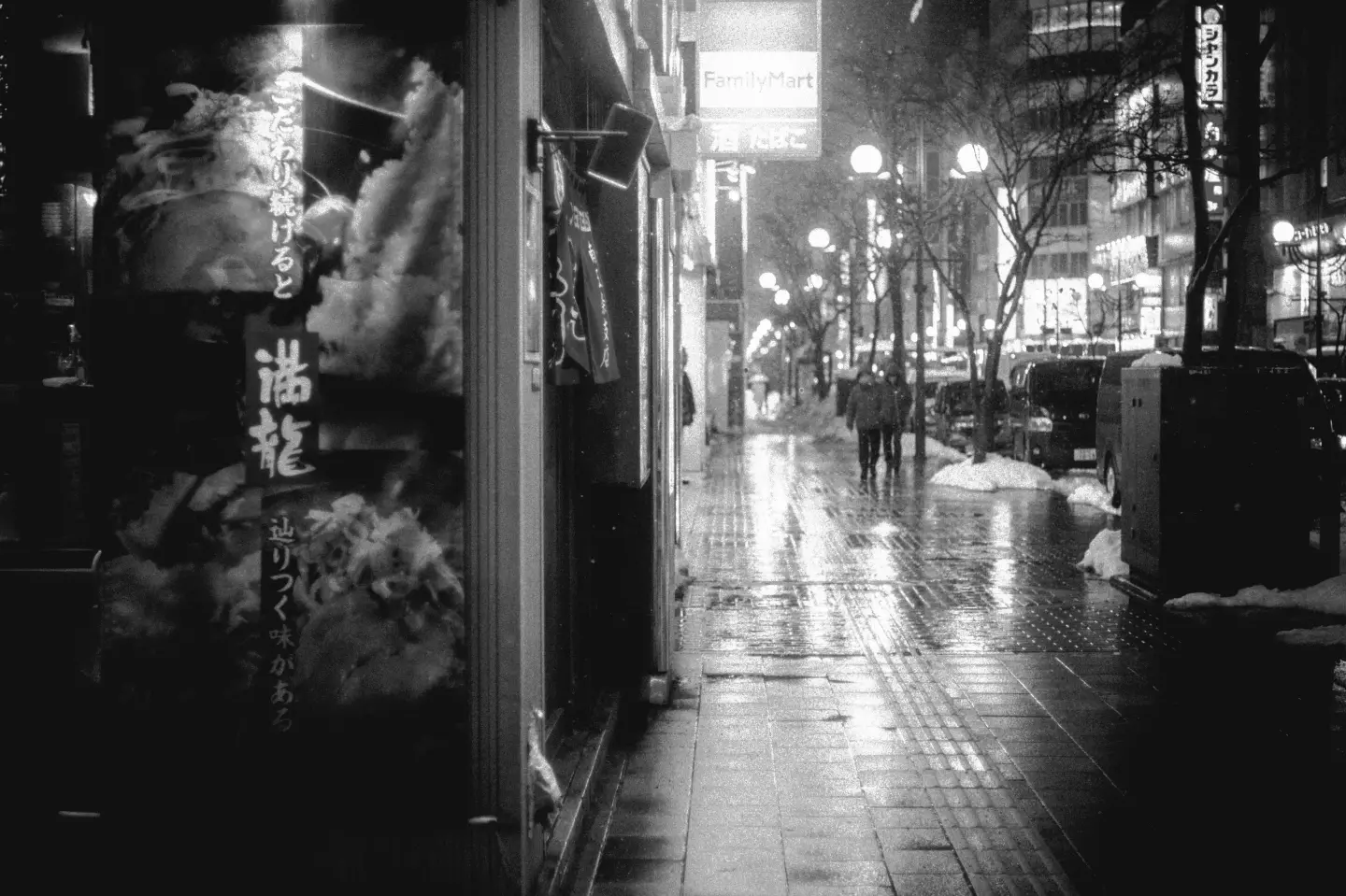
Vision3 500T. A cinema film for night and lamplight: warm signs and deep shadows.
A rainy street in Tokyo. Photo: Dương Nhân / Pexels.
Film, then paper
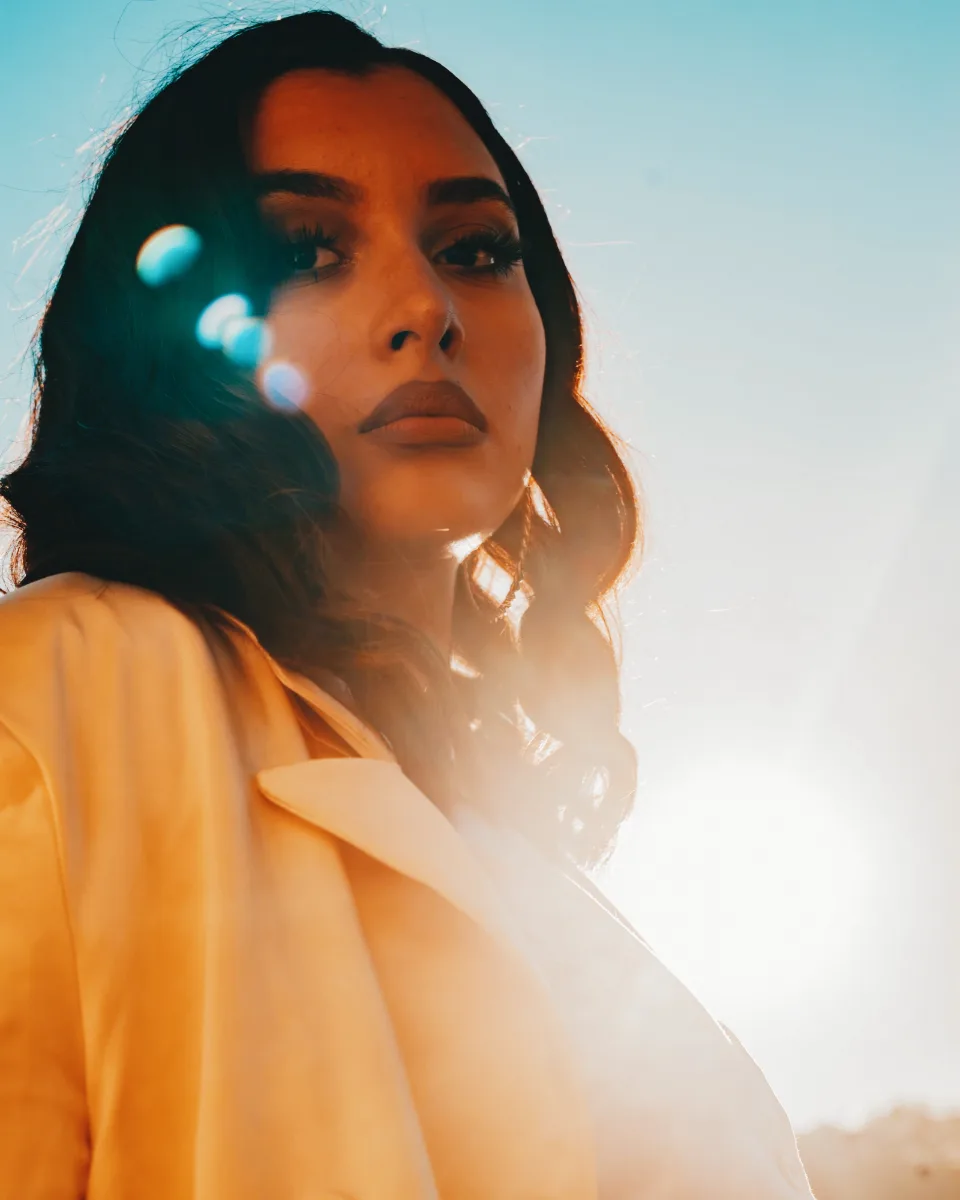
As with a negative at a lab, the film sets the colour and character, and the print sets the final colour and contrast. Try it on this portrait.
Film
Soft contrast and warm, gentle skin.
Paper
A neutral portrait paper.
Eight films and nine print materials are free. Pro adds more films and papers.
One photograph, three processes
Lith print and cyanotype are darkroom processes: one develops in lith developer, the other prints in iron salts. A risograph prints in spot inks through a stencil. All three print your photo with the film and edits you chose.
Included with Pro
Try Pro free for 7 days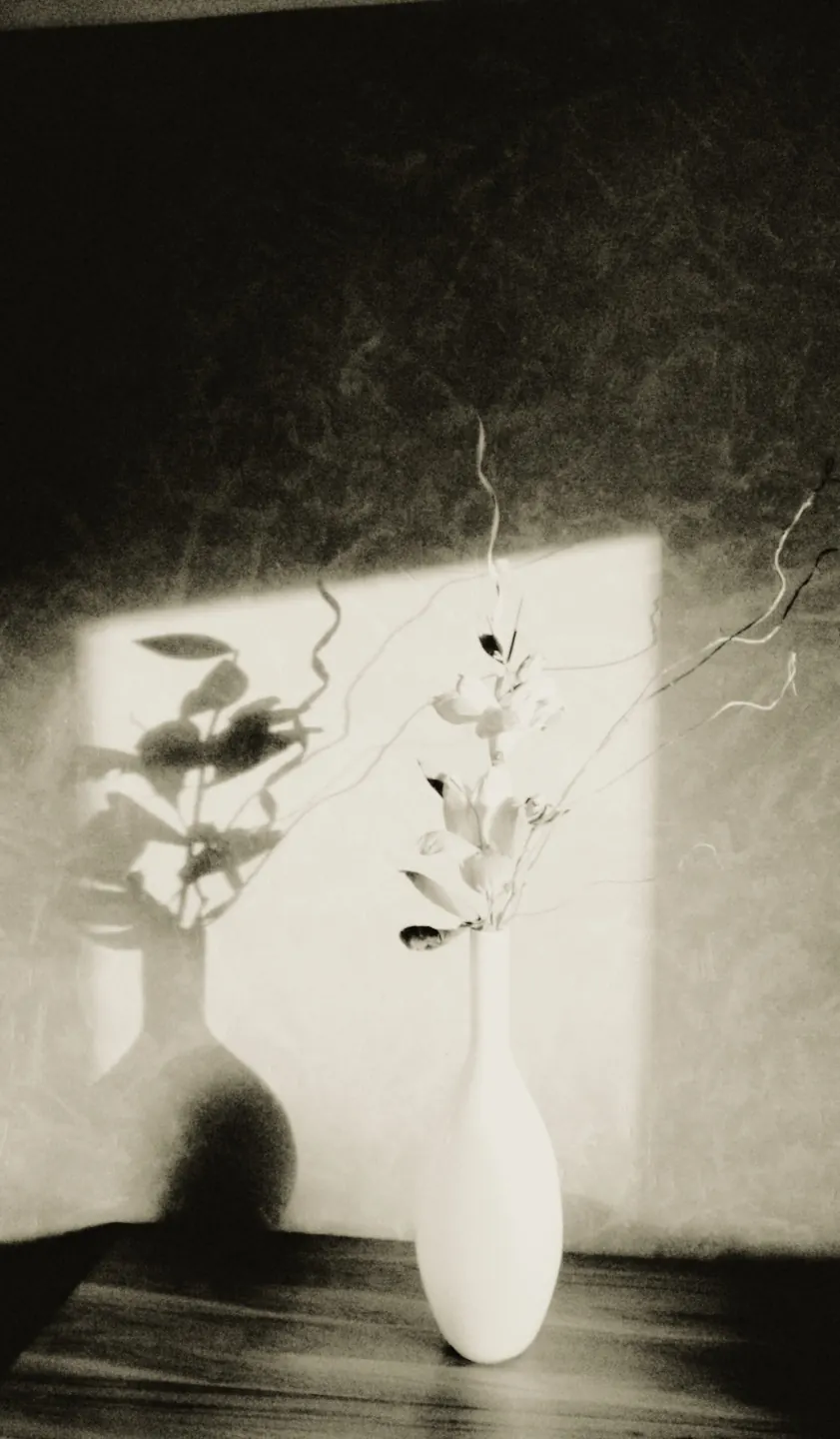
Lith print
Creamy highlights, dense midtones and a sudden gritty black, on five paper colours.
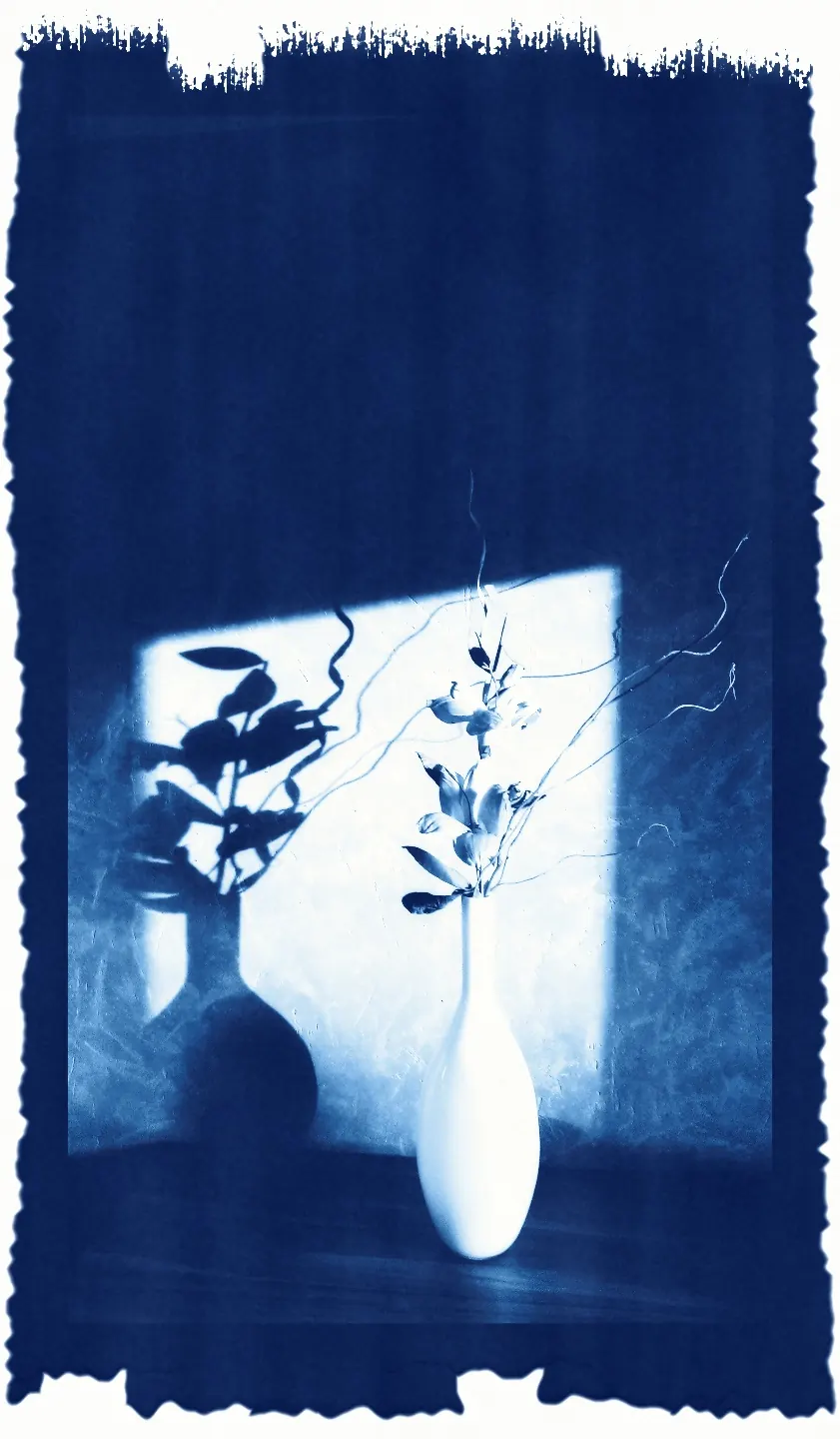
Cyanotype
Prussian blue in the paper, paper-white lights, four papers and four toners.
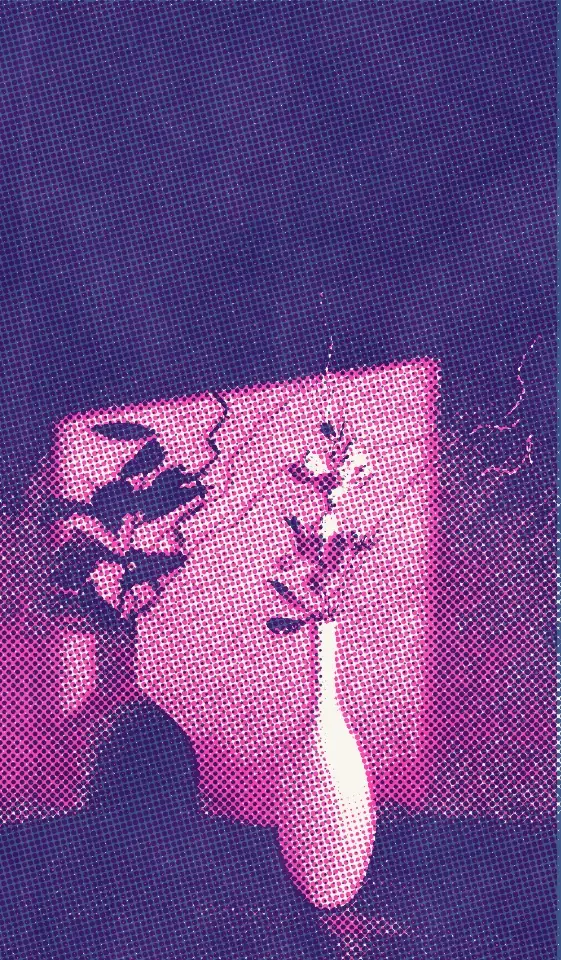
Risograph
One or two spot inks that overprint, a halftone screen and a second colour slightly off register.
Photo: NGSOFT IT / Pexels.
12 photo presets
Each one is a recipe from the lab: take a finished look whole, or open it into film, paper and print.
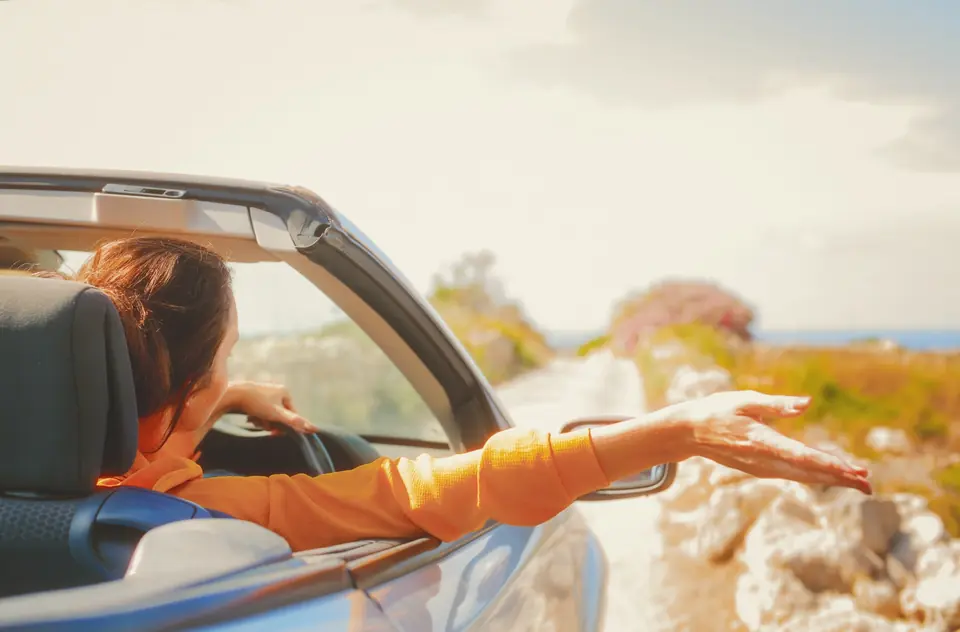
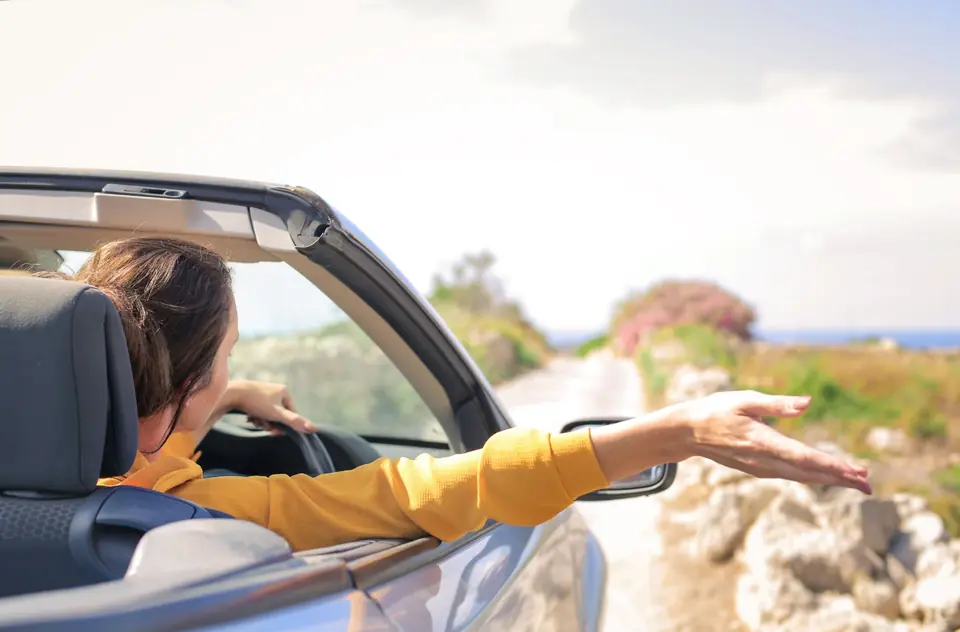
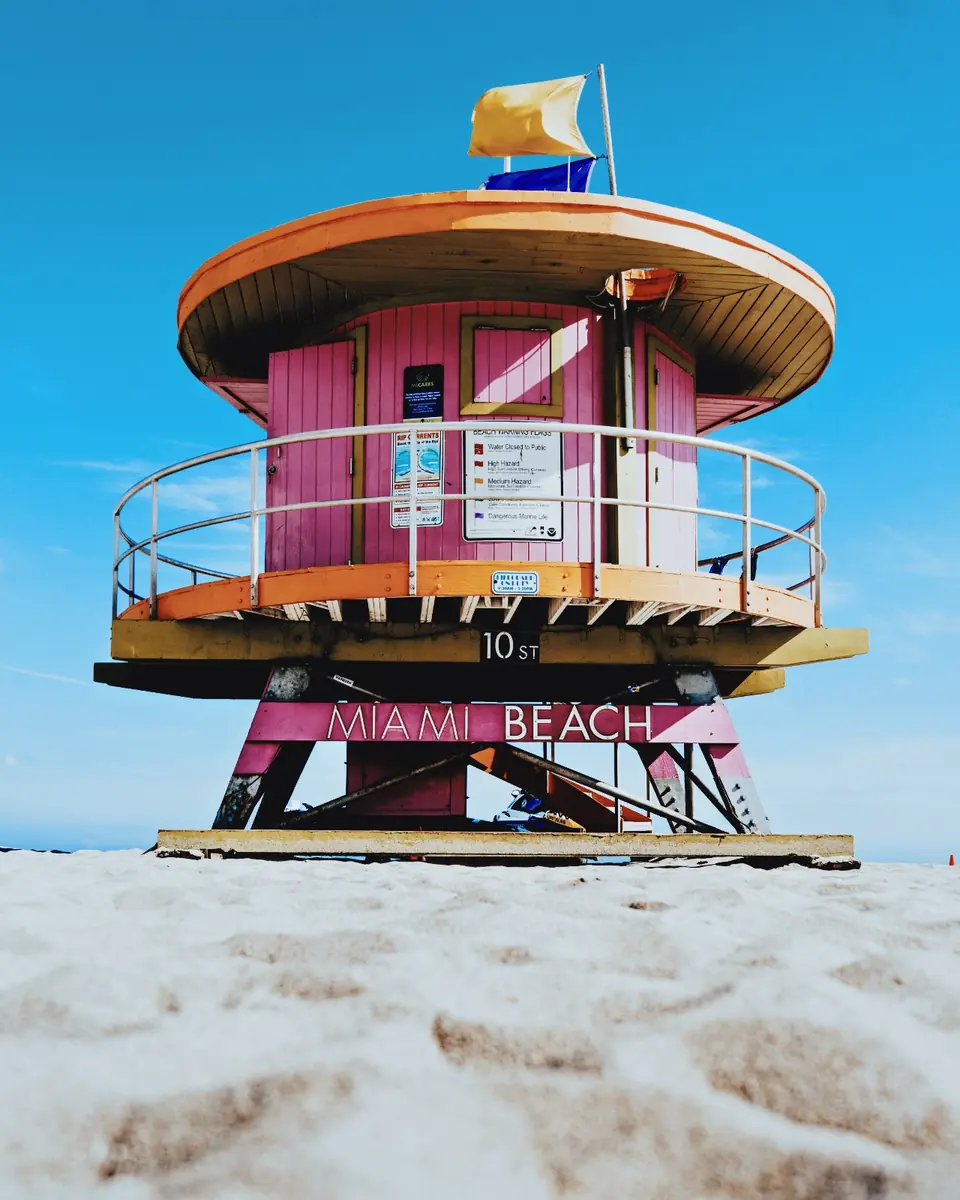
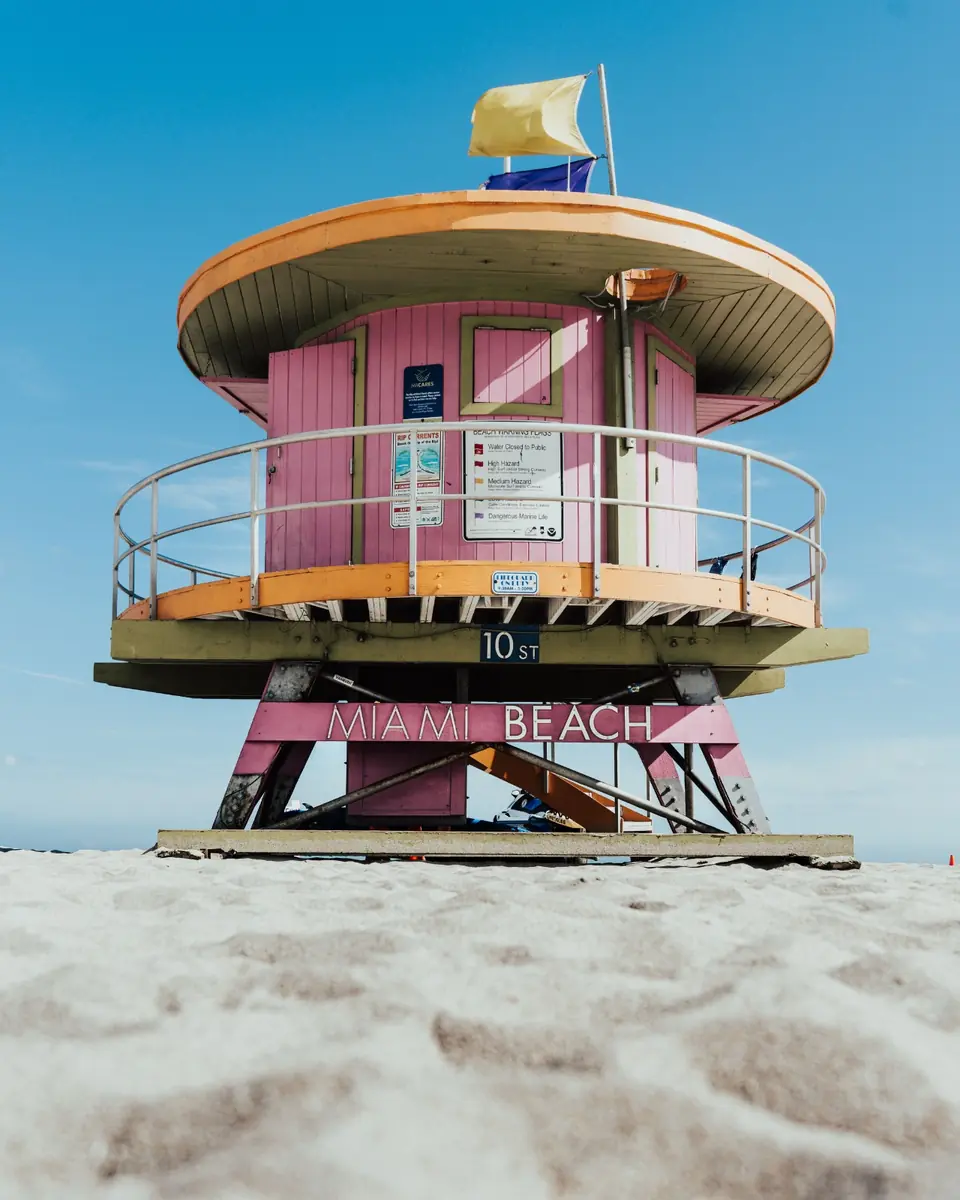
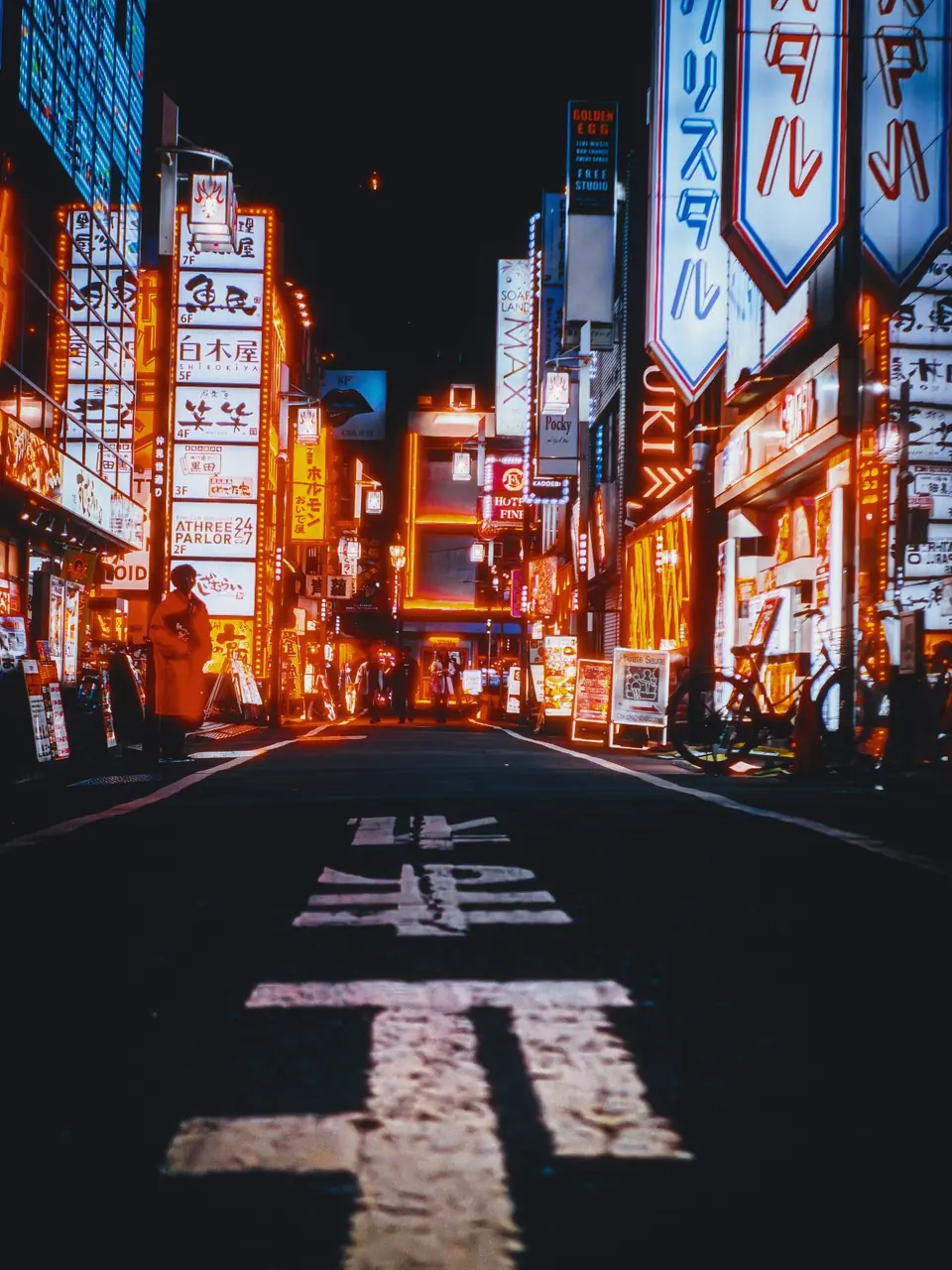
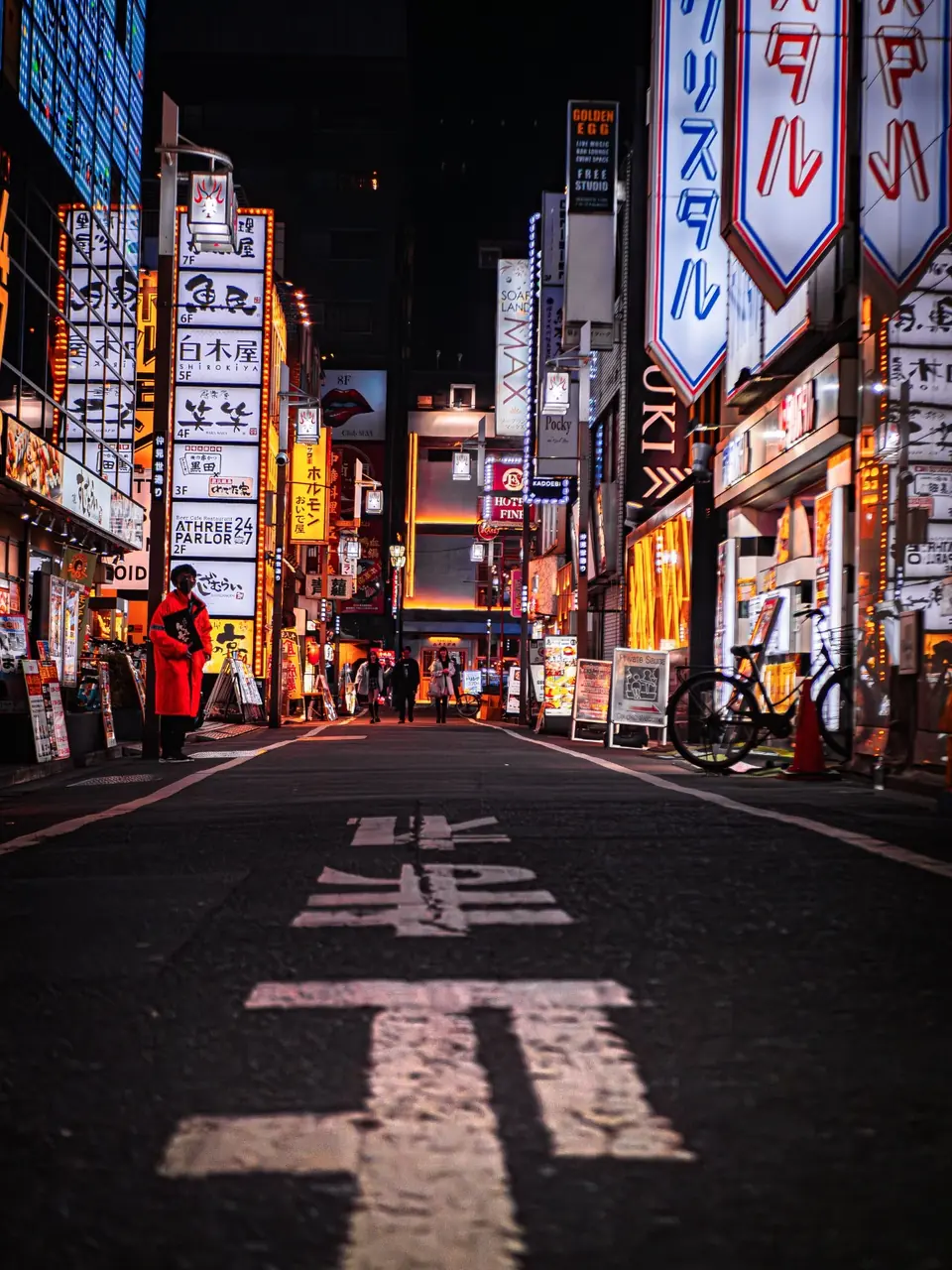
See the results and compare originals. No photo or account needed.
More in the darkroom
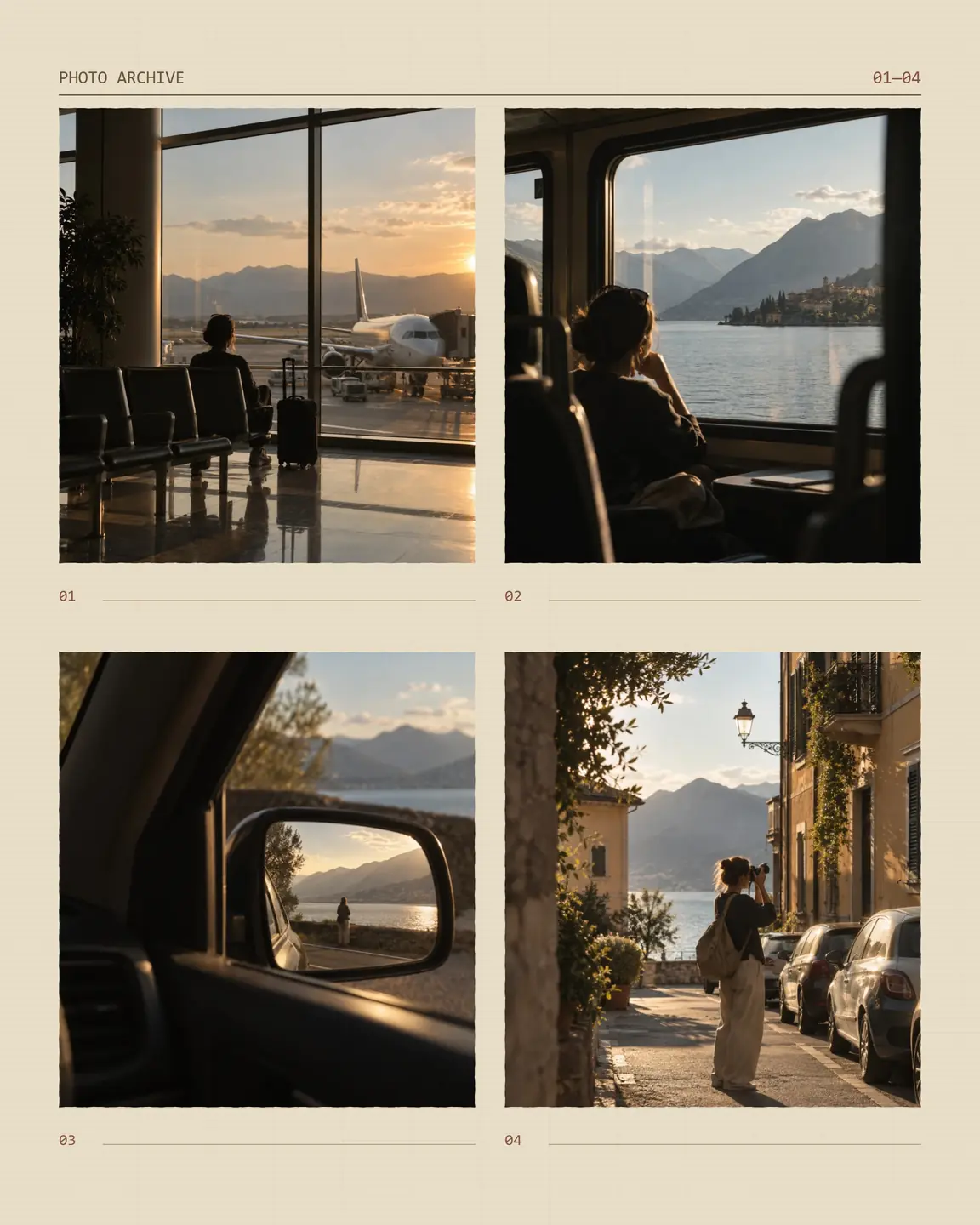
Photo collages
Bring 2–9 photos together in a collage.
Free layouts to start. The signature collection is included with Pro.
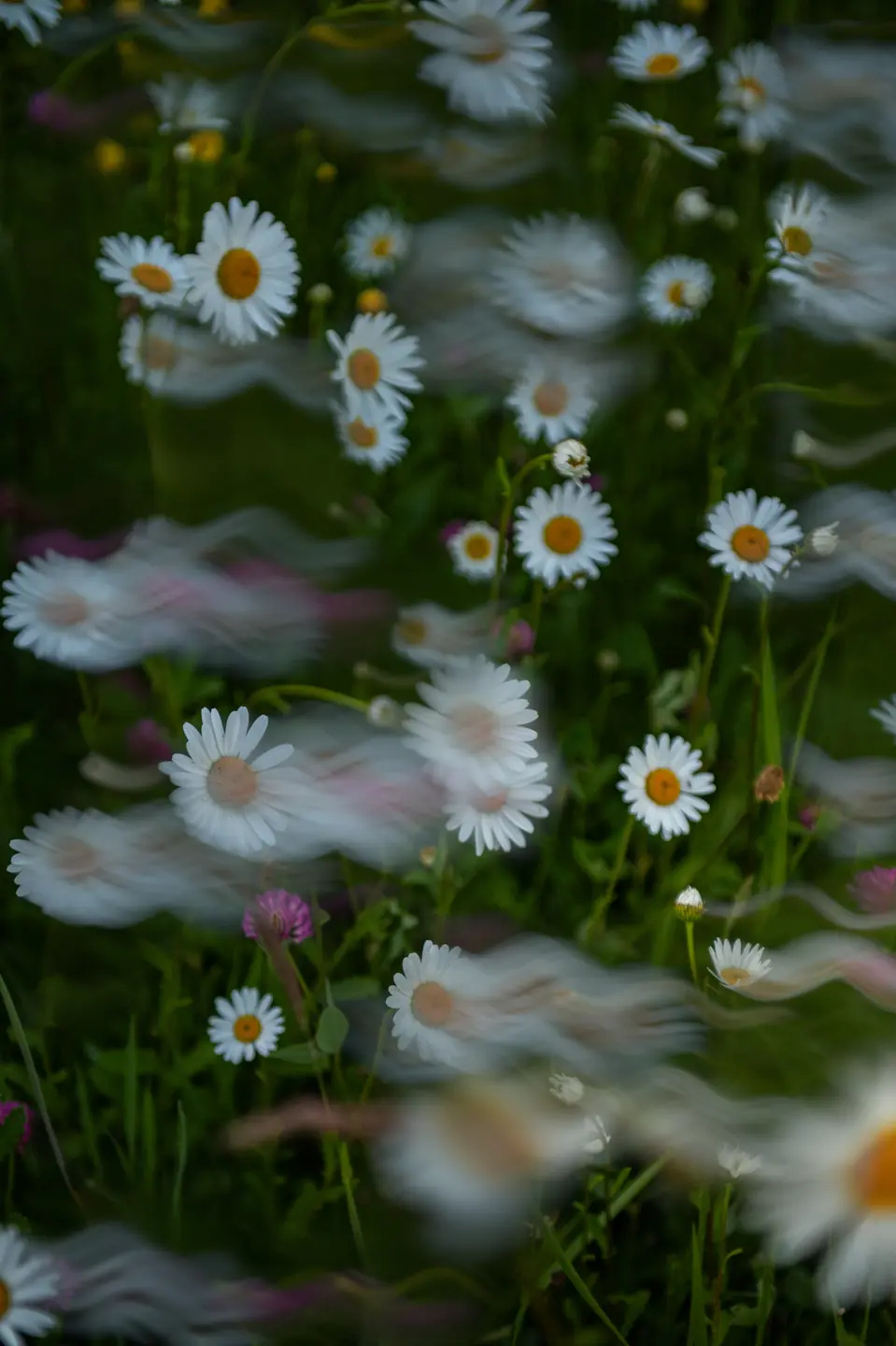
Long exposure
Draw a camera path and let petals flow into soft trails.
Included with Pro
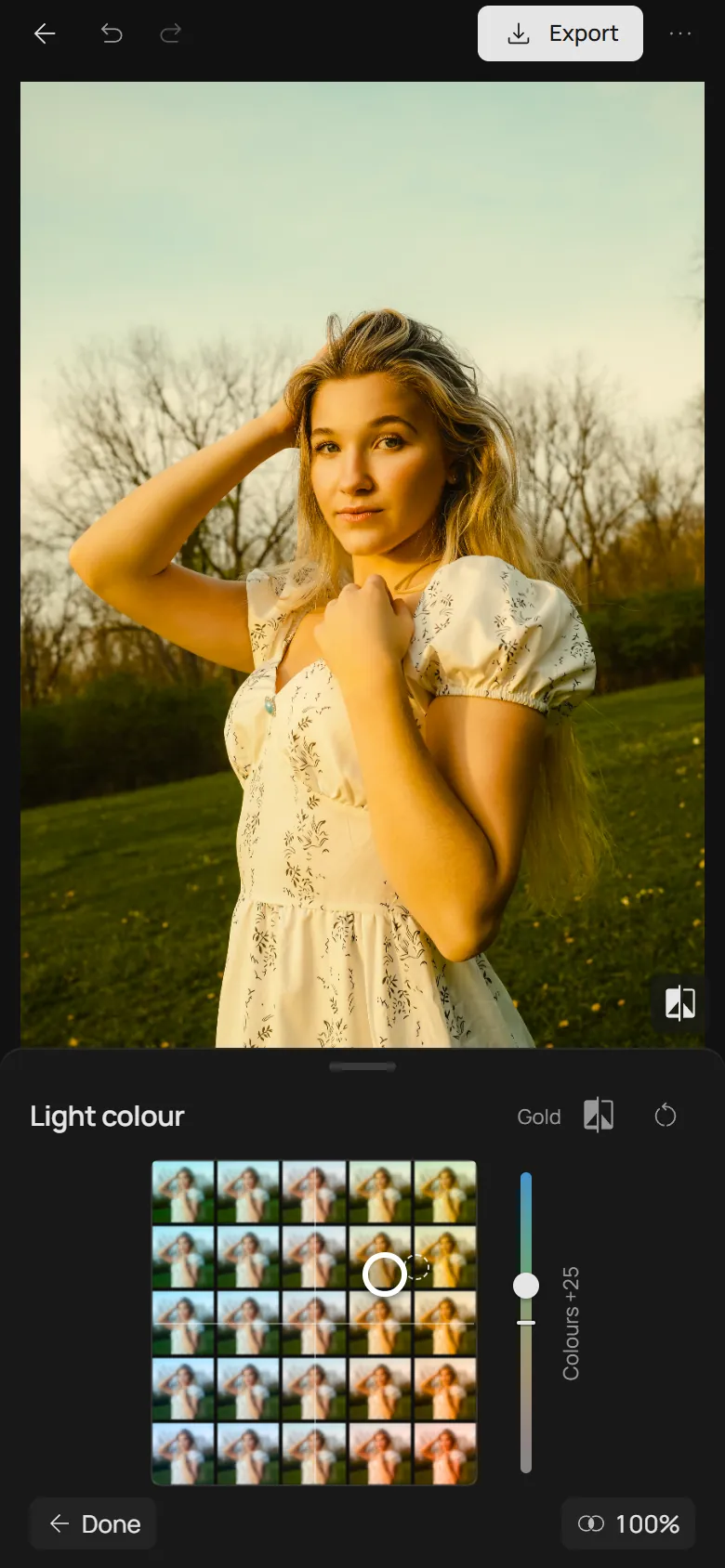
Colour grading
Space replaces colour sliders with two pads: one picks the colour of the light, the other the mood.
The pads, their sliders and Mist softness are free, no account needed.
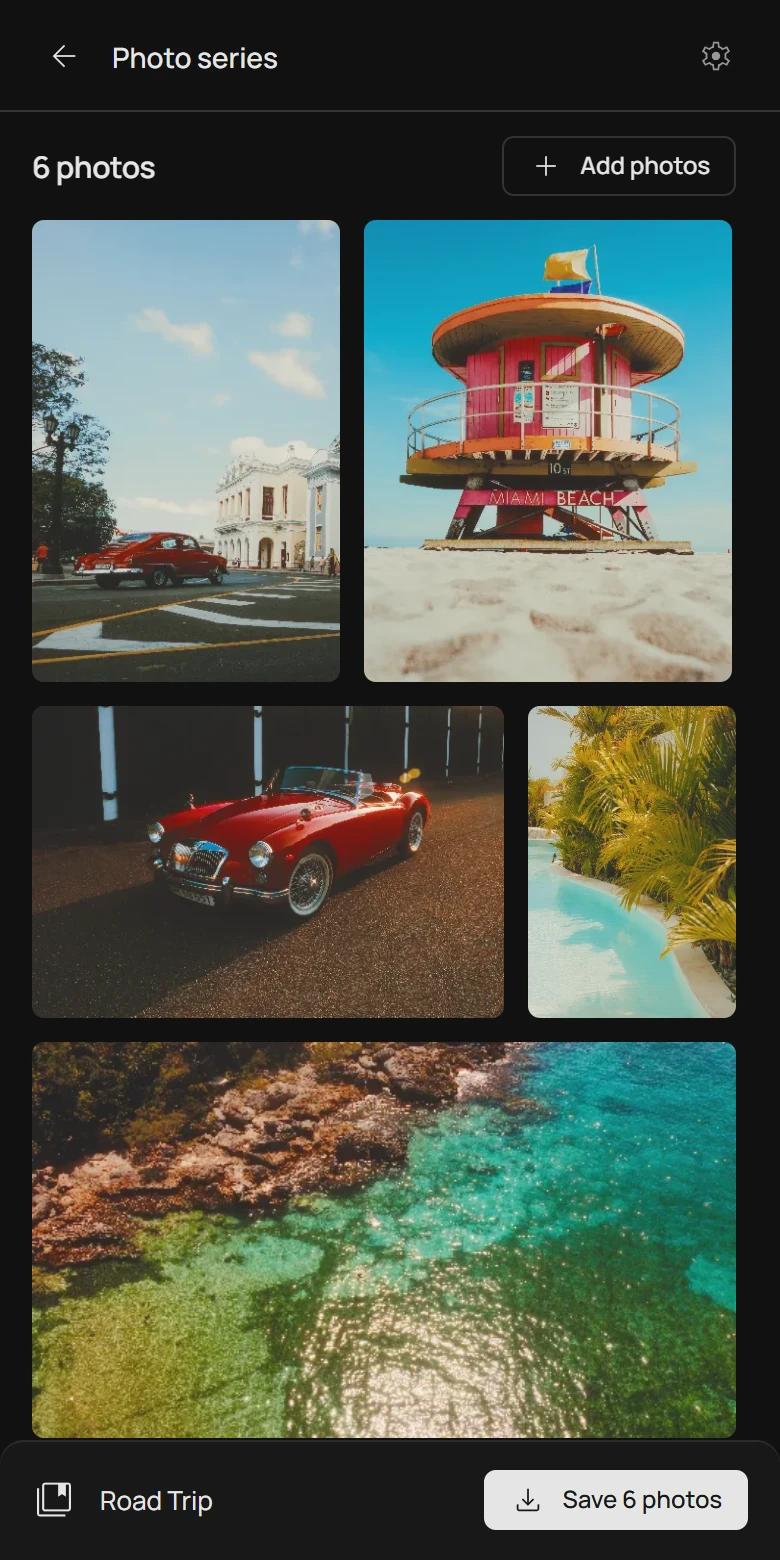
Photo series
Open a set of photographs and choose one look for the series, then correct individual frames.
Free with an account, up to 100 photographs, and the files stay on your device.
Free and Pro
Free
Eight films and nine print materials, three presets, grain, halation and JPEG export up to 1600 px.
Start editing freePro
All 39 film profiles and 12 presets, lith print, cyanotype, risograph, long exposure, motion blur and original-resolution export. $2.99 a month, $19.99 a year or $49 once.
Compare plans and payment termsYour own
darkroom
Your images stay on your device. No uploads, no waiting for a server.
On your phone or computer, right in your browser.
Good to know
What is Photonica?
Photonica is a digital photo lab in your browser: choose a film and a print material, and your photo comes out like a print from a film lab. Lith print and cyanotype print it in a darkroom process, and a risograph prints it in spot inks. The looks are interpretations, not exact matches to a particular roll or scan.
Do I need an account?
Edit without an account and export 3 times a day. A free account removes the daily export limit and lets you save personal presets. Pro tools require Pro access.
Can I edit several photos at once?
Yes. A photo series keeps one look for up to 100 photographs, corrects the brightness and crop of single frames, and saves the set as one ZIP. A free account is required, and the photographs stay on your device. See the photo series.
Can I try Pro before buying?
All Pro tools and original-resolution export, free for 7 days. The trial needs no card and has no automatic charge.
Create a free account and confirm your email. Start your trial when you’re ready; the 7 days begin only when you activate it.
Buy Pro to keep using it after the trial. When your Pro access ends, you keep Free and your saved presets.
One free trial per email every 365 days, counted from activation.
Compare plans and payment termsWhich photos can I open?
JPEG, PNG, WebP, HEIC, and HEIF, up to 100 MiB and 60 megapixels. Editing uses a working image up to 2560 pixels on its longest side. Free export is limited to 1600 pixels; original-resolution export requires Pro access. Smaller photos are not enlarged. RAW files are not supported. See export sizes and formats.
Does it work on my phone?
Photonica is designed for phones and computers. Editing requires a browser and device with WebGPU support. If yours is not supported, the editor will tell you. Installing the app does not change your device's graphics support.
Can I install Photonica?
Use Install Photonica for your browser’s installation prompt or instructions. Installation is optional; you can also use the editor in a tab.
Are my photos saved? Can I edit offline?
Your photo and edits stay in the current tab. Export your JPEG before closing or reloading; sessions are not saved. An internet connection is needed to load the editor, even when installed. Your photo itself is processed locally.