
Aging. Let the colour drift.
Explore yellowing and changing dyes for a print-inspired finish. Give the photograph a sense of age without covering it in damage.
Open editorFree
Age can be a colour relationship.
An old photograph is not defined only by scratches. Its appeal may come from a warmer light area, a shifted red or a colour balance that feels less settled than a fresh digital image. Aging gives you a way to explore that kind of change while leaving the surface free of physical marks.
Photonica provides an overall aging amount, yellowing and separate cyan, magenta and yellow loss controls. Together they let you shape the colour changes instead of applying a single fixed nostalgic filter. The result can stay close to the source or move towards a more visibly timeworn interpretation.
Aging is an optional creative layer. A film emulation does not need to look old, and a clean contemporary photograph can use aging without a film selected. Start by deciding what the image should feel like: a warm family print, a faded colour study or simply a slightly less pristine rendering.
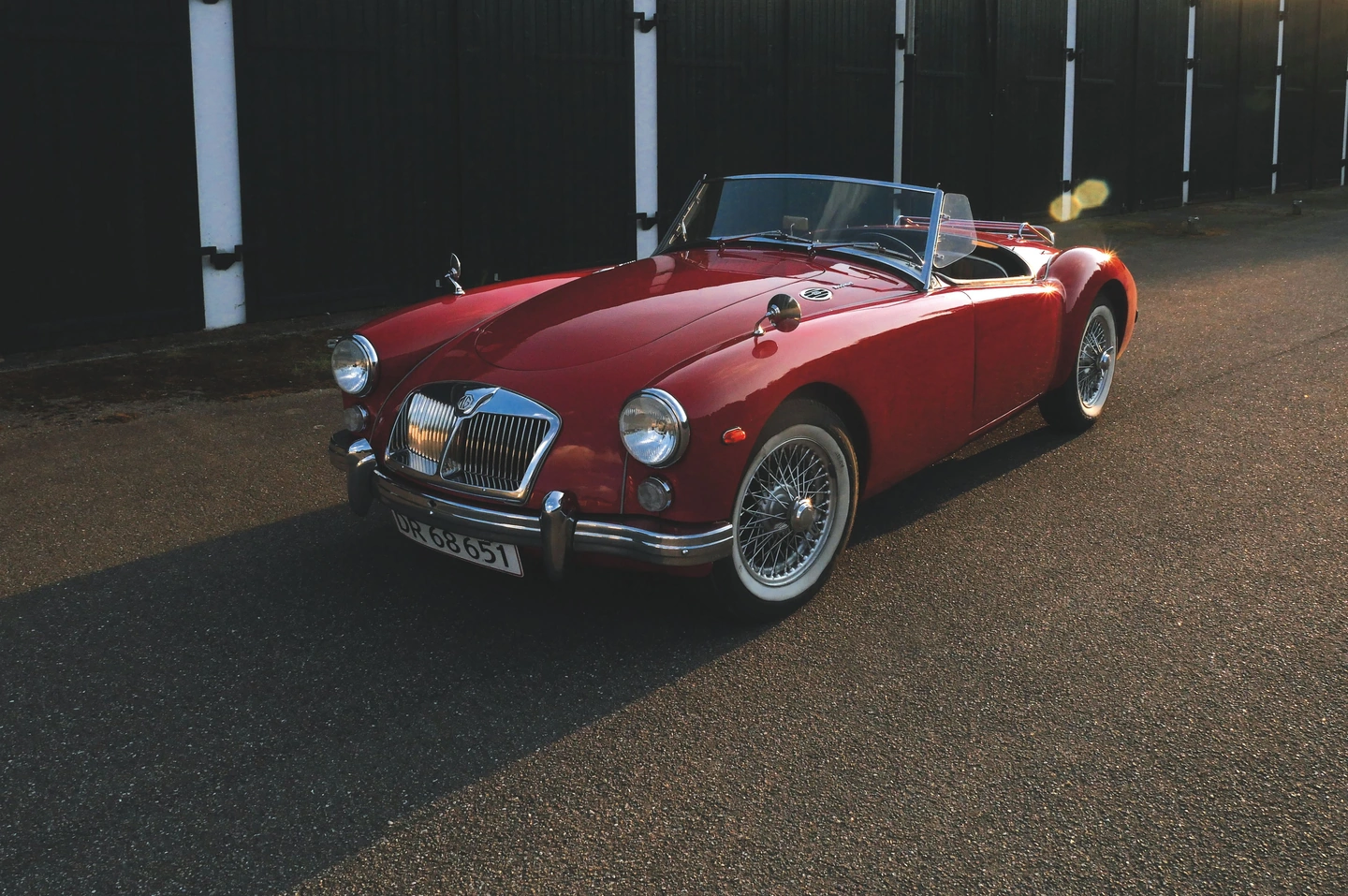
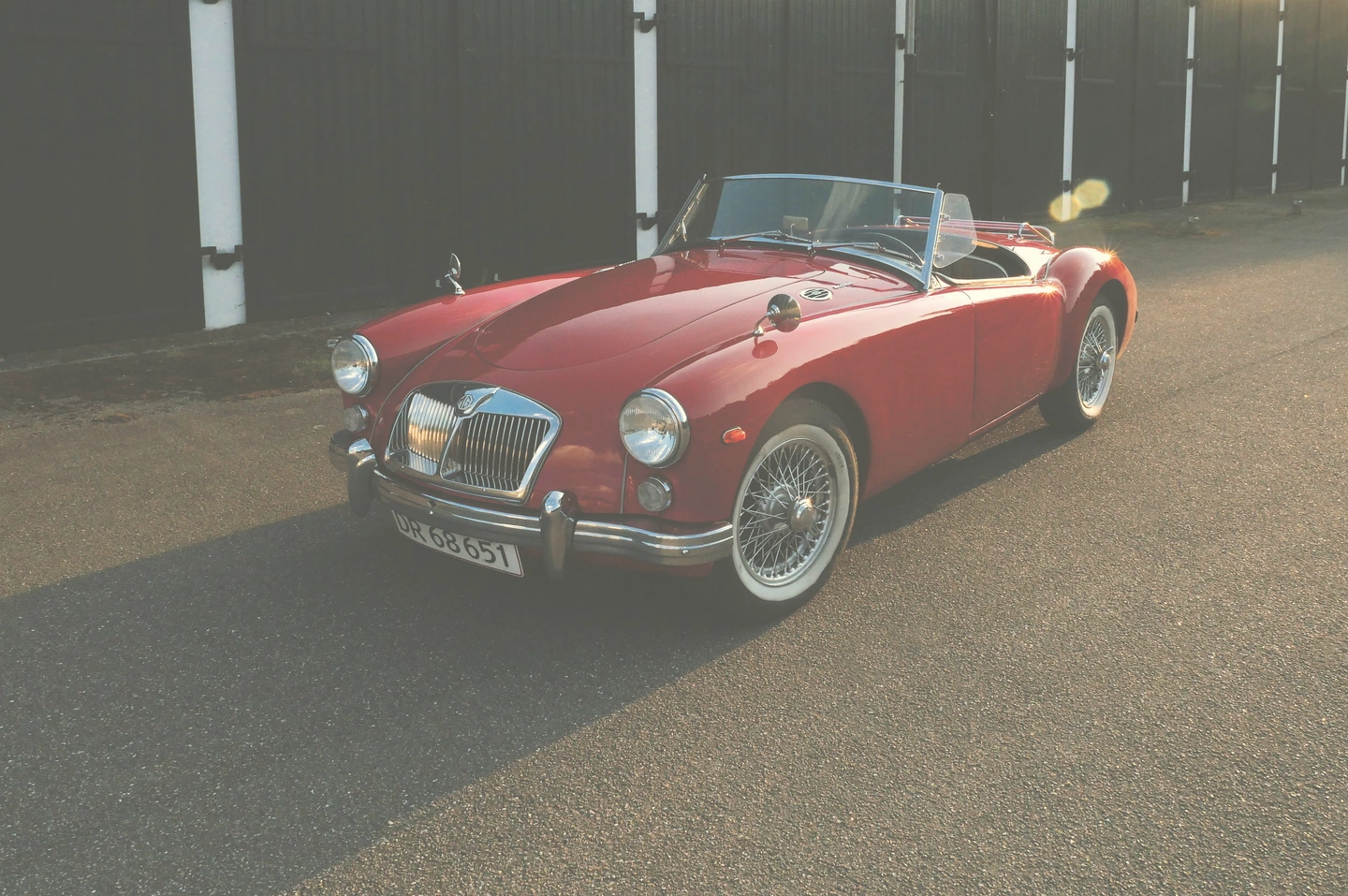
Aging off / aging applied. The source photograph’s original sunlight and flare remain unchanged as source elements.
Watch the red, then the pale surfaces.
The roadster gives the eye a strong colour reference, while the sunlit street makes shifts in the lighter tones easier to judge. Compare both areas together. The vehicle is already vintage; the added treatment changes how the photograph is rendered.
Move the divider to compare. Before on the left, after on the right. Zoom in to look closer.
Made with Photonica. Source photographs retain their photographer’s original treatment. Film and optical effects are creative interpretations.
When to use aging.
A starting point for your photograph. Let the subject and the light guide the final choice.
A personal diary with a warm print mood
A restrained yellowing treatment can suggest a warmer paper impression. Check teeth, white clothing and pale walls so the warmth feels intentional rather than like an unnoticed colour cast.
Objects with a history
Cars, interiors and everyday belongings can support a timeworn colour interpretation. Let the object provide the story; the treatment only needs to underline it.
A looser, less uniform palette
Explore dye-loss controls when you want colour shifts beyond simple warmth. Work slowly and check skin and neutral surfaces, which often reveal when the effect has gone too far.
Find your balance.
- Aging
- Set the overall aging treatment. Compare with the effect reduced or off before adding other forms of imperfection.
- Yellowing
- Shape the yellowed impression of the image. Pale areas are useful reference points because their colour change is easy to notice.
- Cyan, magenta and yellow loss
- Explore changes to the dye balance independently. These are creative controls, not a prediction of how a specific physical print will deteriorate.
How to use aging in Photonica.
Build a sound colour foundation
Choose exposure and any film treatment first. Aging is easier to judge when the photograph already works without it.
Choose warmth or colour change
Begin with the overall amount and yellowing. Introduce individual dye-loss adjustments only when you want a more specific shift.
Decide whether the surface needs anything else
Compare the aged colour on its own. Add grain, a paper frame or dust only if each addition supports the picture.
Free Compare Free and Pro.
A few things to know.
Does Aging add scratches or dust?
No. It changes the colour impression. Dust & scratches is a separate Pro tool, while grain is a separate free texture tool.
Can Aging restore an old photograph?
No. This is an effect for adding an aged appearance. It does not remove yellowing, reconstruct faded original colours or repair physical damage.
Is aging required for a film look?
No. A film-inspired photograph can be clean, bright and contemporary. Use aging only when its colour changes help tell the story you want.
Photography: Nordic Overdrive on Pexels. Edited in Photonica.
Make it your photograph.
Bring a photograph and see where it takes you. Your photo stays on your device.
Open editorUse a WebGPU-compatible browser. Free JPEG export uses a working image up to 2560 px on its longest side before cropping.
Explore all photo editing tools