
Photonica for Windows
The film darkroom in its own window on your PC: the same films, papers and presets as on the site, the same account and Pro, and new versions in one click. Your photos never leave your computer.

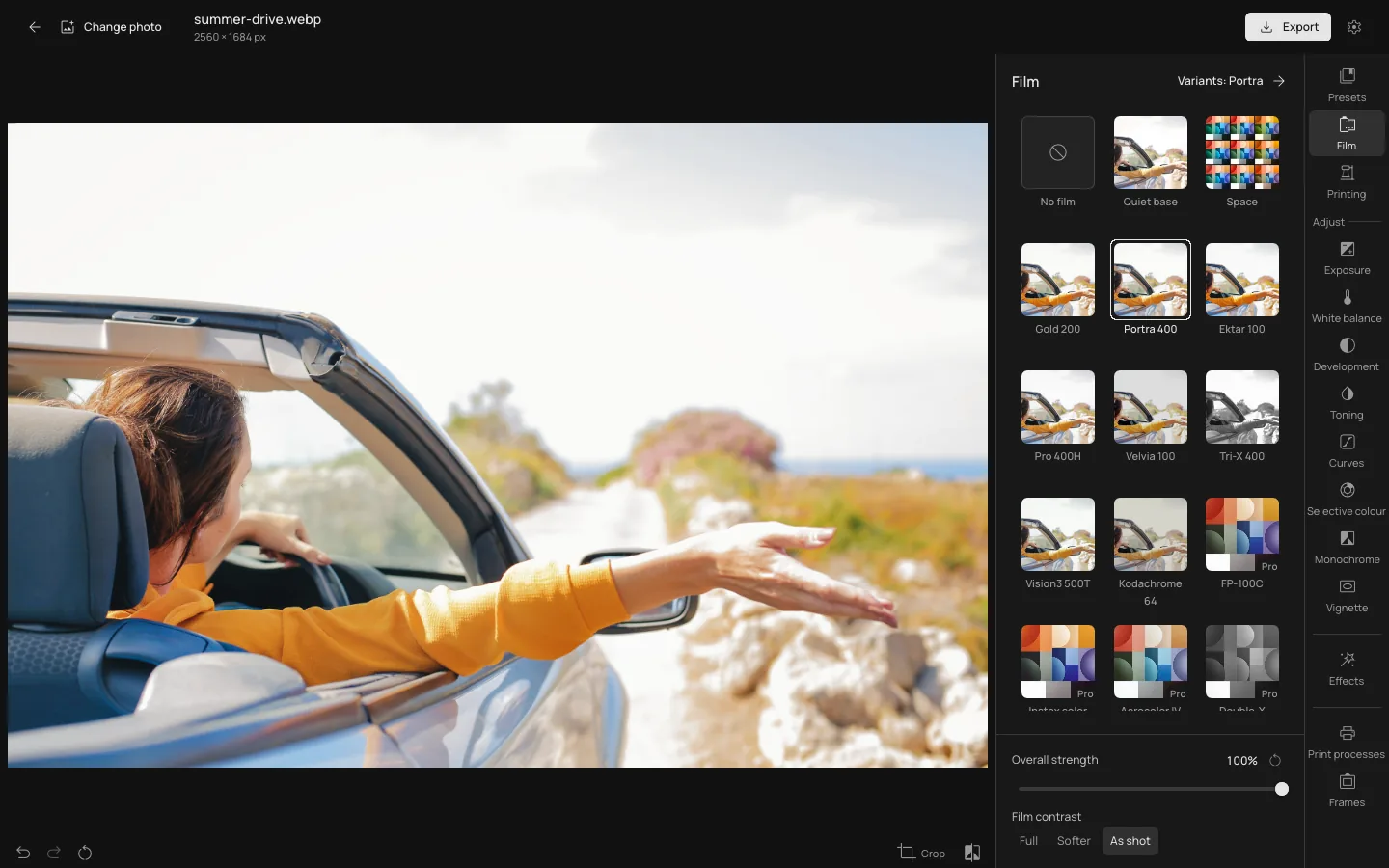
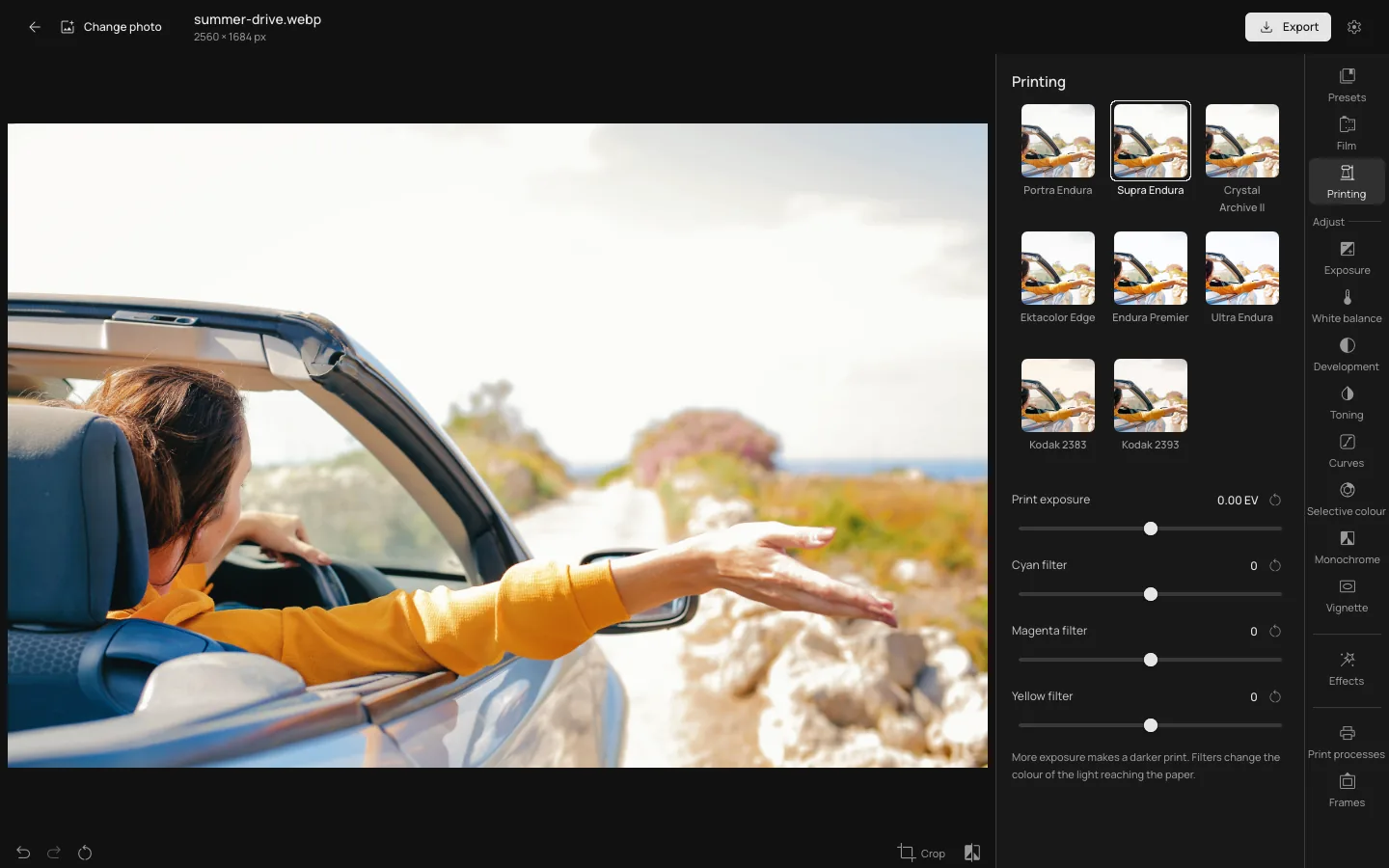
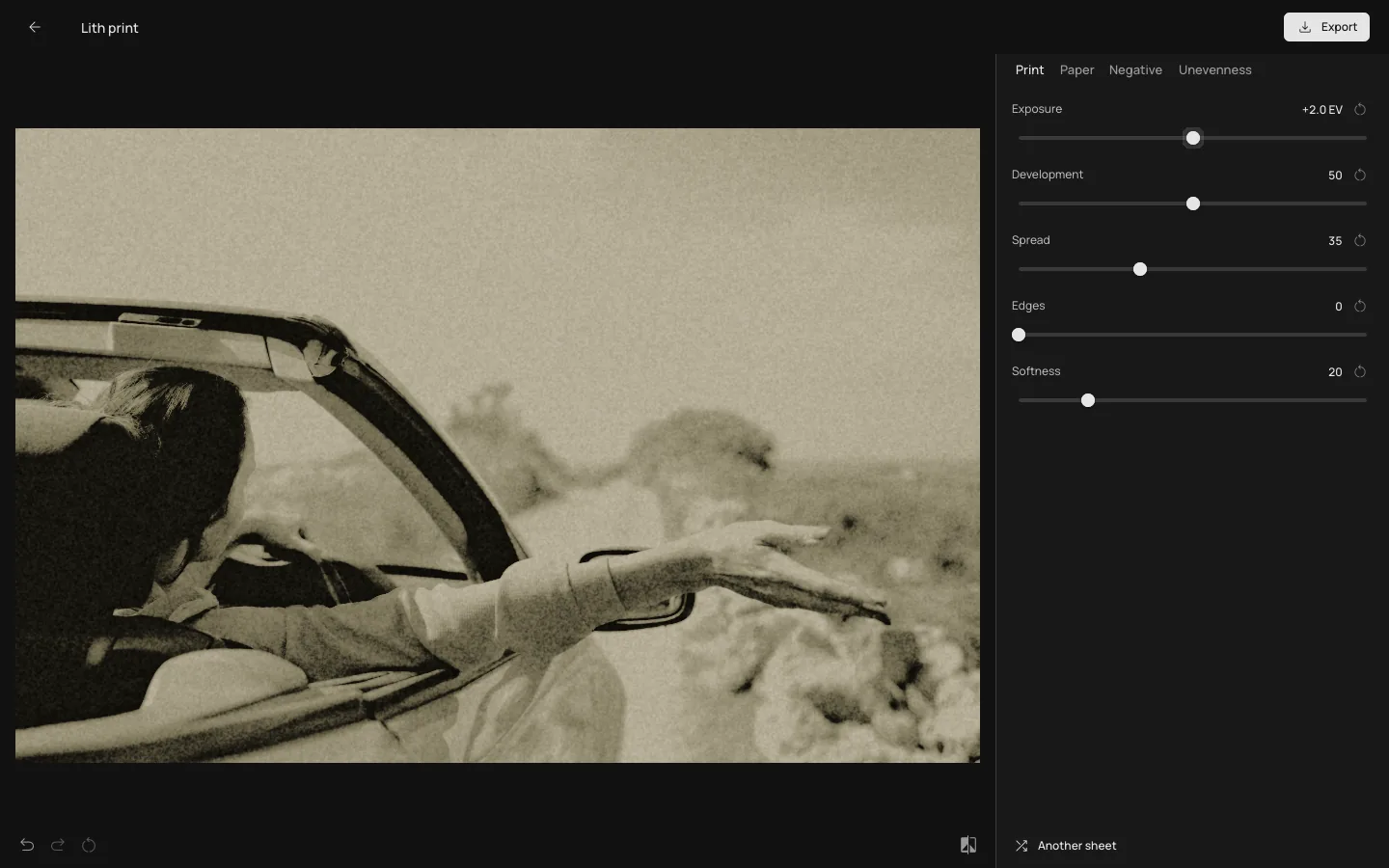
Screens of the app itself: it develops the photo on your graphics card. Photo: Andrea Piacquadio / Pexels.
The whole darkroom from the site
Films, papers, presets, Space, frames and the print processes run on the same engine as the editor in your browser, so a look gives the same picture in both. The panels and their names are the ones you know.
Made for your PC
Updates itself
Photonica looks for new versions on its own. When one is ready, press Update: the app restarts on it and keeps the photo you were working on.
One account, one Pro
Sign in through your browser with the account you use on the site. One Pro plan covers both.
Works without a connection
Open, develop and save photos offline. Pro keeps working for 30 days without the internet and checks in when you are back.
Photos stay on your PC
Your graphics card develops every photo. Nothing is uploaded, and the JPEG goes where you choose.
Install in a minute
No administrator password and nothing to set up.
Download the installer
Photonica-win-Setup.exe, 95 MB.
Run it
It installs Photonica for your Windows account, adds it to the Start menu and the desktop, and opens it.
Open a photo
Choose a JPEG, PNG or WebP, or try the sample. Sign in when you want Pro.
If Windows says it protected your PC, choose More info, then Run anyway: the app is new and does not yet carry a publisher’s signature.
Good to know
- System
- Windows 10 or 11, 64-bit
- Graphics
- A graphics card with DirectX 12 or Vulkan
- Download size
- 95 MB
- Photos
- Opens JPEG, PNG and WebP. Saves JPEG.
- Price
- Free. Pro is the same plan as on the site. Compare Free & Pro
- Not in the app yet
- Photo series, collages and video. Use them on the site, in your browser.
- Mac and phones
- Not yet. The editor in your browser works on them.
Questions about the app
Is the Windows app free?
Yes. It has the same free films, papers and tools as the site. Pro adds the rest with the same account, wherever you got it.
Why does Windows warn me before it runs?
Windows SmartScreen warns about programs it has not seen often, and Photonica is new and not yet signed. Choose More info, then Run anyway. If your browser asks whether to keep the file, choose Keep.
Is it the same as the site?
The darkroom is: the same engine, films, papers, presets and tools, so a look gives the same picture. Photo series, collages and video are not in the app yet.
Do I need the internet?
Only to download it, sign in, get new versions and load a Pro tool the first time. After that it works offline, and Pro keeps working for 30 days at a time.
How do I uninstall it?
Open Settings, then Apps, find Photonica in the list and choose Uninstall. Your photos and the JPEGs you saved stay where they are.
Is there a Mac version?
Not yet. On a Mac, use the editor in Safari or Chrome.