
How to make iPhone video look like film
Phone video comes out sharper, brighter and smoother than film. Change a few settings before you shoot, watch the light, then add film colour, moving grain and glow.
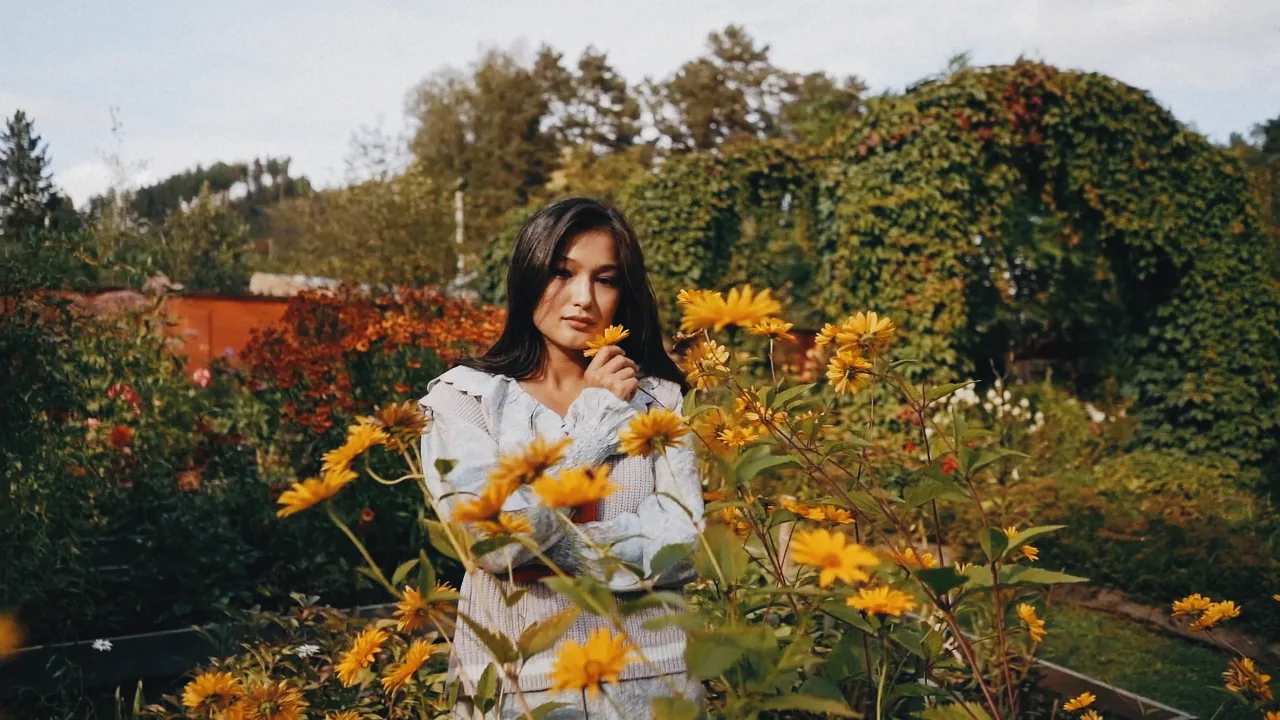
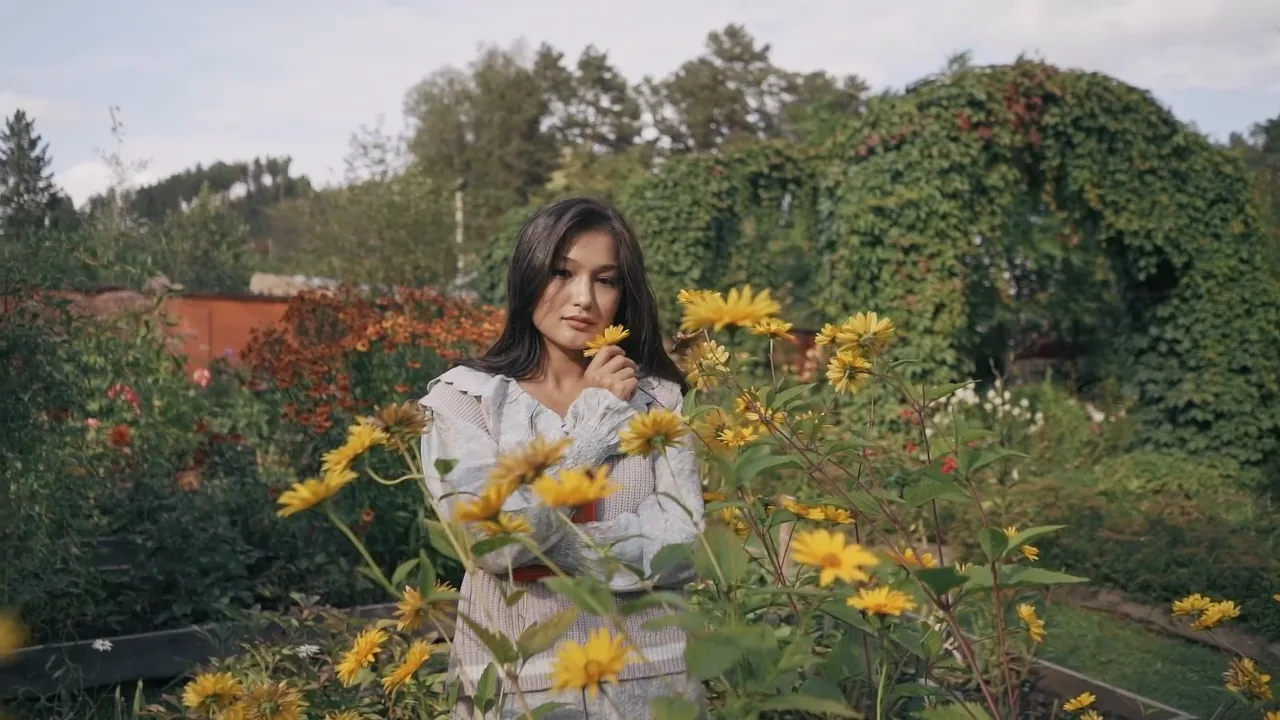
Record at 24 frames per second
Cinema film runs at 24 frames per second, and phones record 30 unless you change it. The difference is small, but 24 moves more like a film. On iPhone, open Settings, then Camera, then Record Video, and choose 24 fps. On Android, look in the video settings of the camera app; not every phone offers it.
Turn off HDR Video on the same screen. It makes highlights blaze on a phone and look flat elsewhere. Then go back to Camera, open Formats and choose Most Compatible, which records H.264 that every browser can open.
Lock the exposure and keep the highlights
On film a bright sky or lamp fades slowly to white. Phone video burns out all at once, at a hard white edge, and no filter brings that detail back. So expose for the brightest part you care about: press and hold on the subject to lock focus and exposure, then drag the sun icon down a little. A slightly dark clip develops better than a bright one.
The lock also stops the picture from pumping brighter and darker as you move, which gives phone video away at once.
Stand back and move less
Use the 2x or 3x lens if your phone has one, and stand further back. The wide main lens keeps everything sharp and bends faces close to it. Move slowly or not at all: a steady clip looks planned.
Motion blur matters too. A free app such as Blackmagic Camera lets you set the shutter near 1/48 of a second, so movement smears the way it does in cinema. In bright sun that takes an ND filter over the lens, so treat it as an extra.
Choose the light first
Light does more for a film look than the film you pick. Low sun, a window from the side, lamps and neon at night all work. Hard noon sun from straight above gives any film the least to work with.
Then add film colour, grain and glow
Open the clip in Photonica and choose a film: Portra 400 for skin, Gold 200 for summer, Vision3 500T for night. Add Grain until you can just see it at full size, and Halation if there are bright lights in the frame.
The grain has to change on every frame, or it looks like a dirty screen. Photonica develops new grain for each frame and saves an MP4 with the sound. Video is in beta and we have not yet tested it on real phones, so a computer is the surest place to finish an export.
What a filter cannot do
A filter changes colour, contrast and texture. It does not change how the clip was shot: a blown-out sky stays blown out, and 30 frames per second stays 30. A clip can come close to film, but the shooting does as much of that as the filter.