
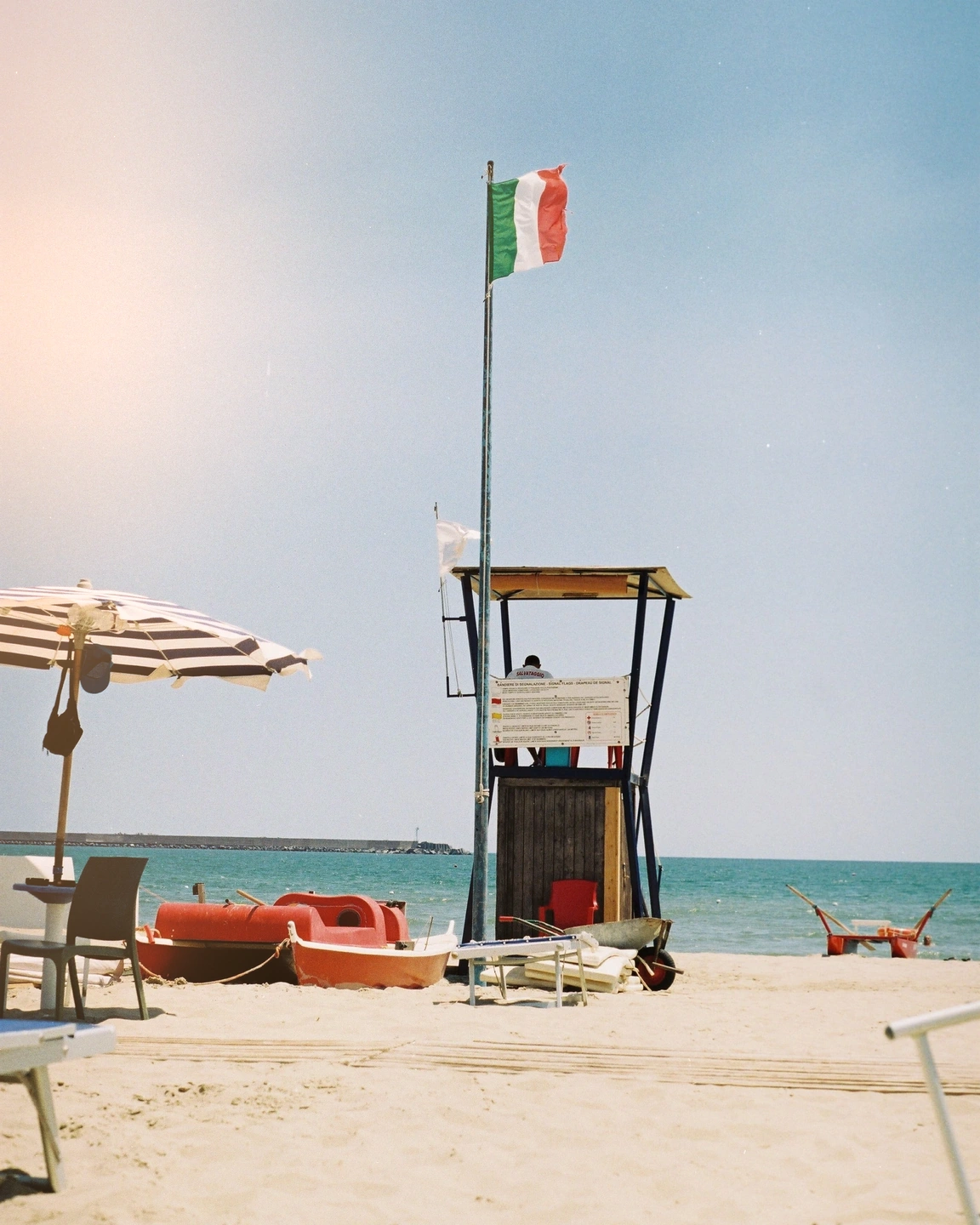
Move the interruption into a corner.
A corner treatment occupies the frame differently from an edge spill. Compare how much uninterrupted space remains around the subject before choosing the shape.
Bring a soft spill, a warm corner or a wandering band into the photograph. Leave room for chance, then decide where it belongs.
Open editorPro
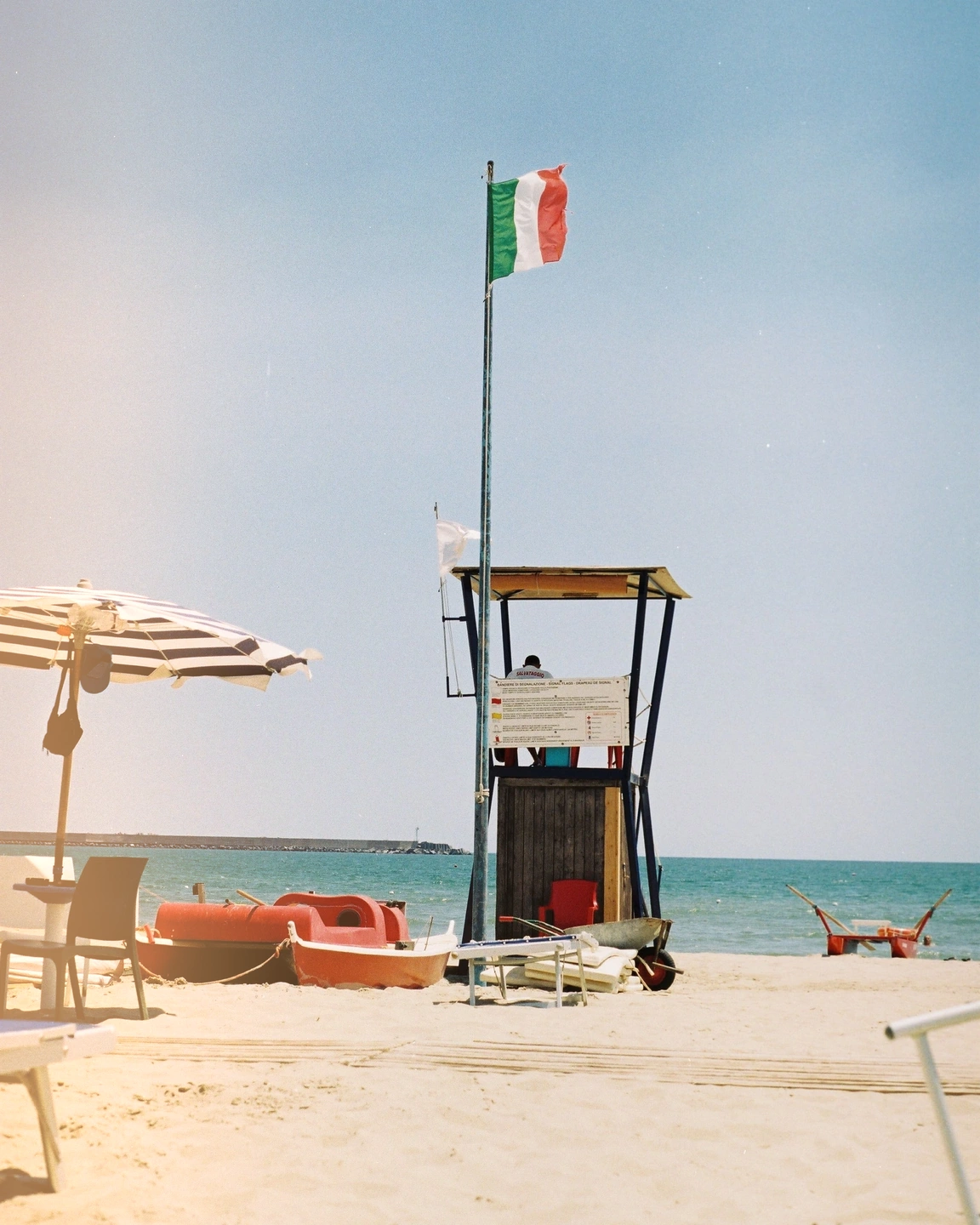
A light leak introduces an uneven wash of brightness and colour, recalling stray light reaching photographic material. In a digital photograph it becomes an intentional interruption: an edge that feels less contained, a corner with extra warmth, a band that breaks up an otherwise orderly scene.
The most convincing placement often follows the visual logic already in the picture. An open sky or a bright side of the frame gives the spill somewhere to begin. A leak over the main expression, a small important object or a carefully placed silhouette can weaken the photograph instead of making it more atmospheric.
Photonica gives you edge, corner and band shapes, with control over side, position, width, warmth and amount. You can regenerate the pattern while keeping the same creative direction. The result is a designed effect; it does not recover or reveal a light leak hidden inside your original file.
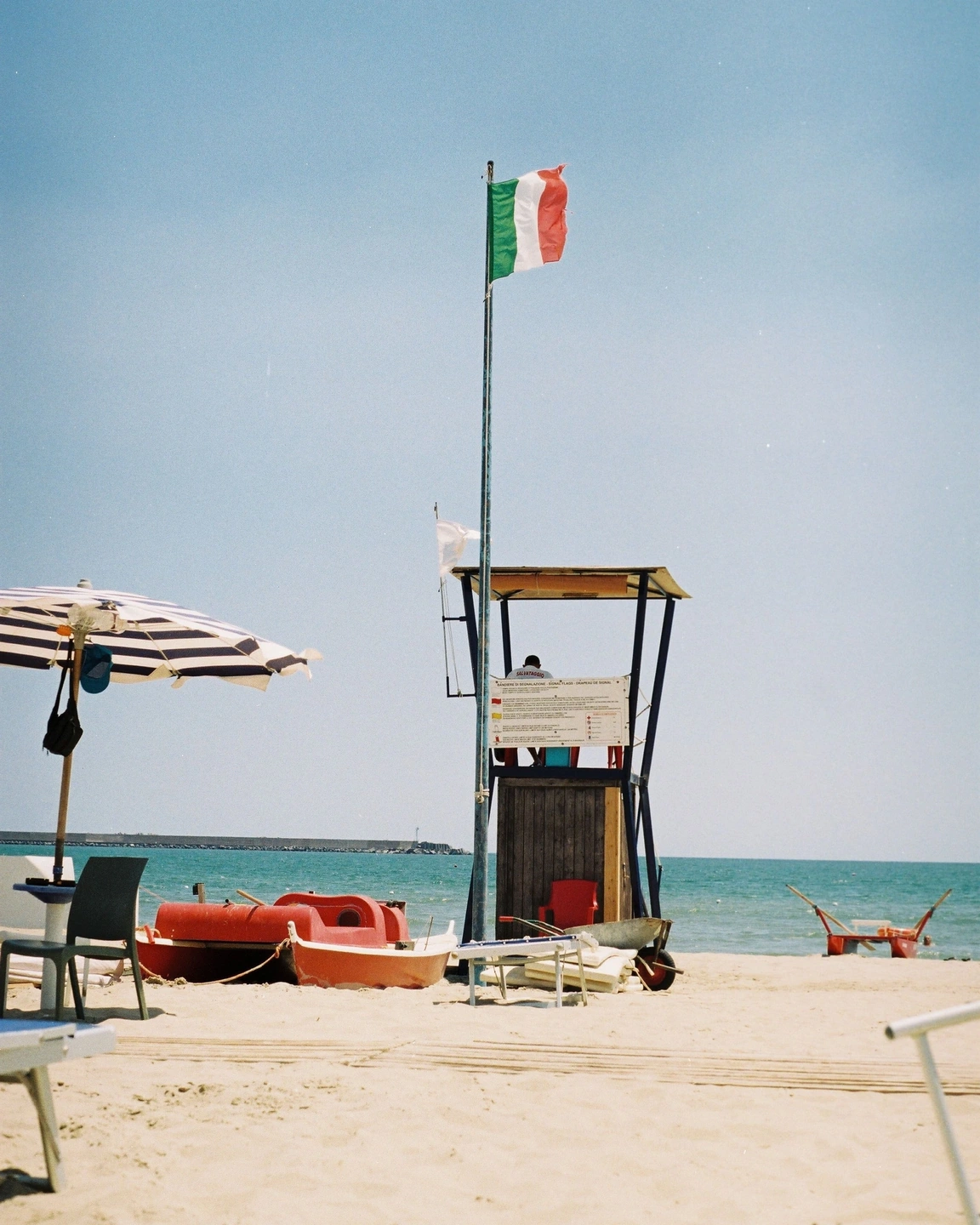
Leak off / edge leak. The photo and the other treatment settings stay the same.
The beach has broad areas of light and a clear red focal point. Compare the added spill while watching whether the boat still reads first. The existing daylight gives the leak context, but the new wash is produced by Photonica.
Move the divider to compare. Before on the left, after on the right. Zoom in to look closer.
Made with Photonica. Source photographs retain their photographer’s original treatment. Film and optical effects are creative interpretations.
A corner treatment occupies the frame differently from an edge spill. Compare how much uninterrupted space remains around the subject before choosing the shape.
A starting point for your photograph. Let the subject and the light guide the final choice.
A beach, field or pale wall leaves room for a light spill to breathe. Keep a recognisable anchor elsewhere in the composition so the effect feels like part of a photograph rather than its whole subject.
Use a restrained leak on selected frames to give a sequence variation. Applying a large, identical spill to every picture can make the effect feel predictable instead of accidental.
Combine a modest leak with grain or aging when the intention is a looser, more tactile image. Introduce each effect separately so you can tell which one adds something useful.
Choose the edge or corner with useful negative space. Start with a restrained amount and a fairly contained width.
Adjust position and width while keeping the important expression, object or silhouette readable.
Try another pattern if needed, then check the result at its intended viewing size. The leak should earn the space it takes.
Pro Compare Free and Pro.
No. You can add a light leak with No film selected, or combine it with a film and other effects. Light leaks require Pro access.
No. A leak is an added pattern placed within the frame. Halation responds to bright sources and edges already present in the photograph.
Photography: Eugene Laszczewski on Pexels. Edited in Photonica.
Bring a photograph and see where it takes you. Your photo stays on your device.
Open editorUse a WebGPU-compatible browser. Free JPEG export uses a working image up to 2560 px on its longest side before cropping.
Explore all photo editing tools