
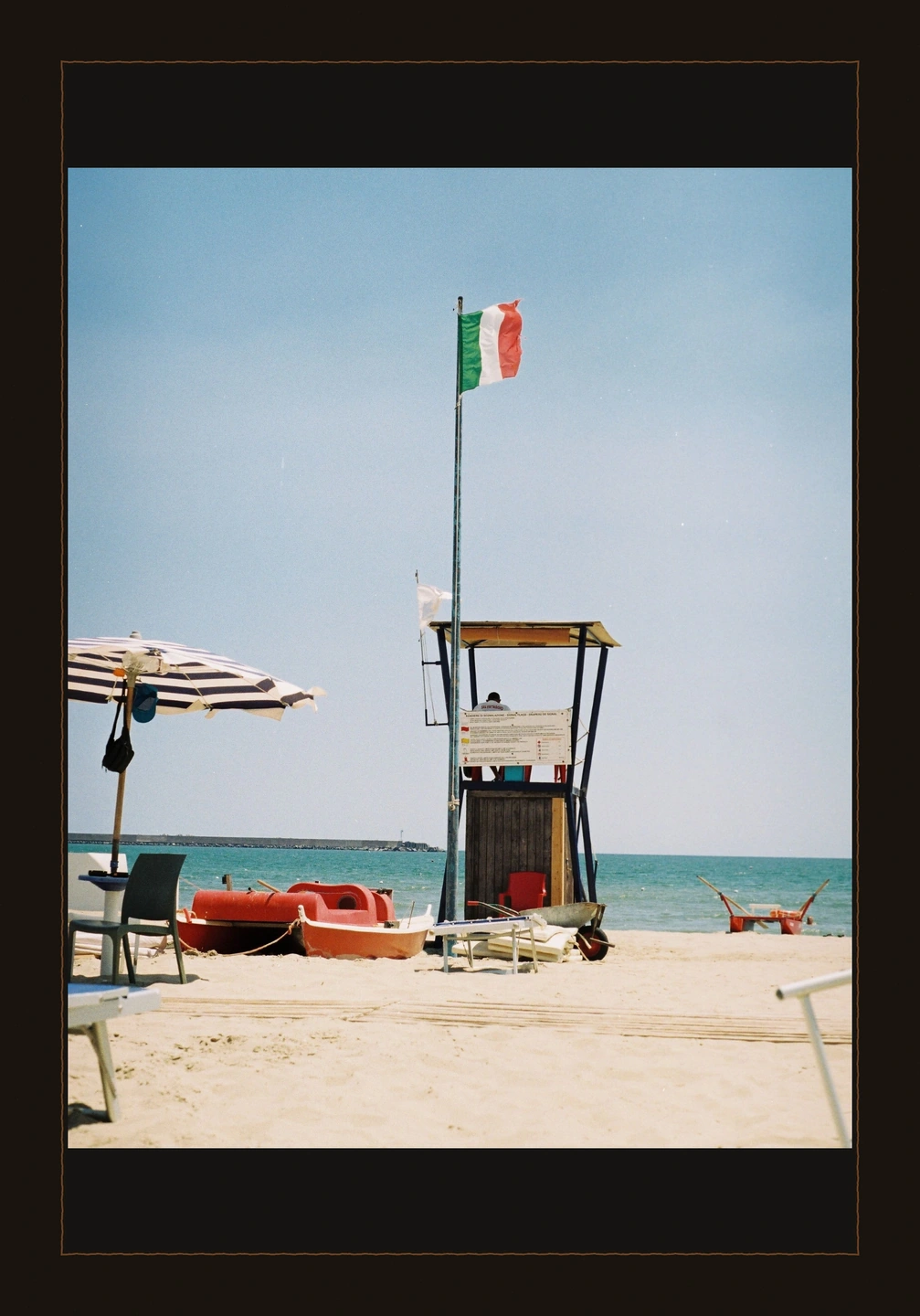
A darker edge.
A 35 mm frame gives the light beach a more pronounced boundary. Check how the dark surround changes your impression of the colours inside.
A clean paper border, a dark film edge or an instant-print shape. Frame the photograph with the same care you gave the image inside.
Open editorPhoto paper and Medium format Free · 7 styles with Pro
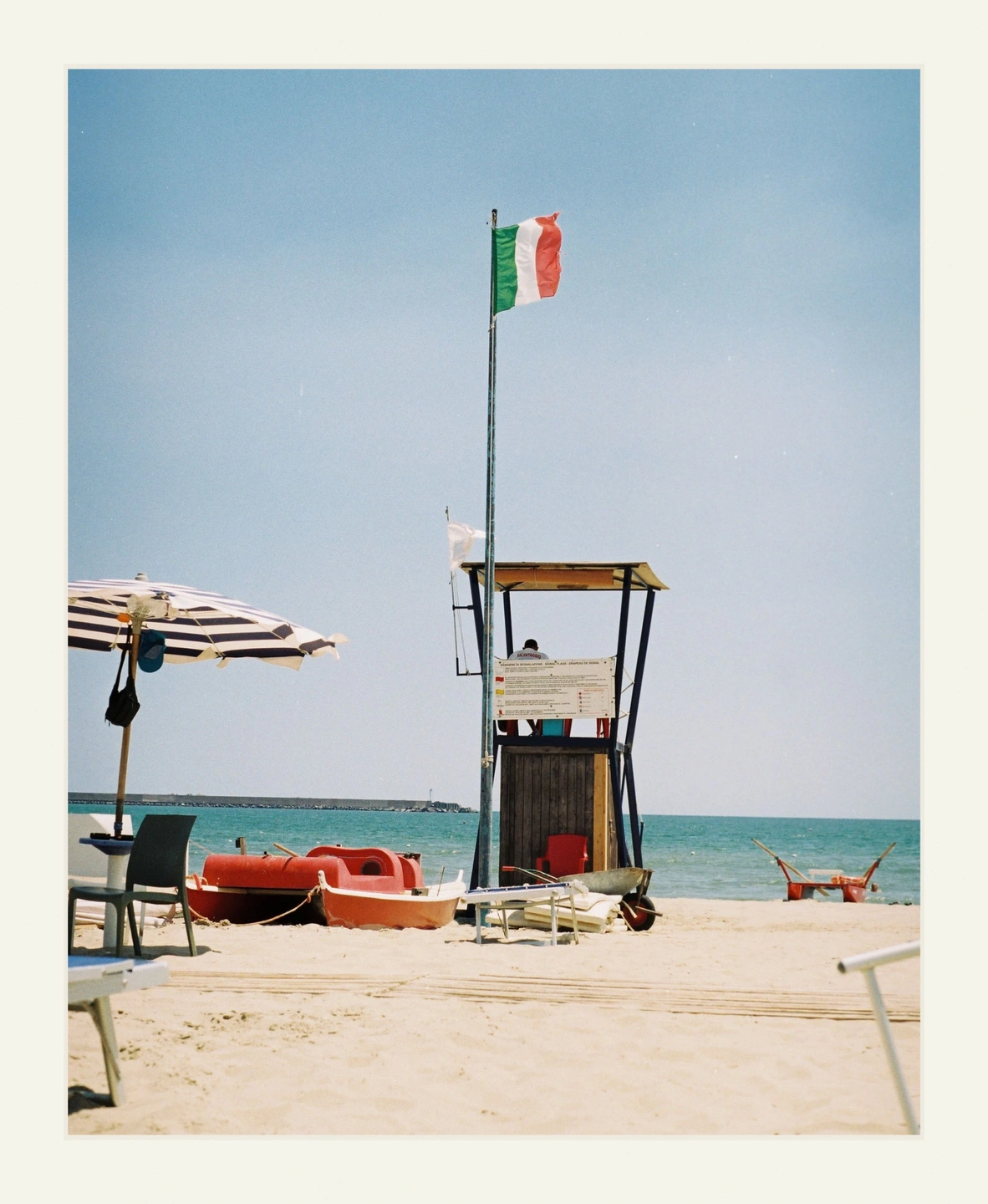
A frame creates a pause between the photograph and everything around it. White paper gives colours a light surround; a dark film edge can make the same picture feel more contained. An instant-print shape brings its own proportions and a generous lower margin. These choices change the presentation even when the image treatment stays the same.
Photonica includes Photo paper and Medium format for free. Pro adds 35 mm, perforated 35 mm, Slide mount, Instant and Deckled paper. Some are restrained; others make the photographic object a visible part of the design. Choose the one that fits the image rather than treating the most elaborate border as the default.
Fit and Fill decide how the photograph sits within the frame. Fit retains the whole photo, while Fill fills the opening and can crop the image. Border size and horizontal and vertical placement give you more control over that relationship. Review the complete framed composition before saving.
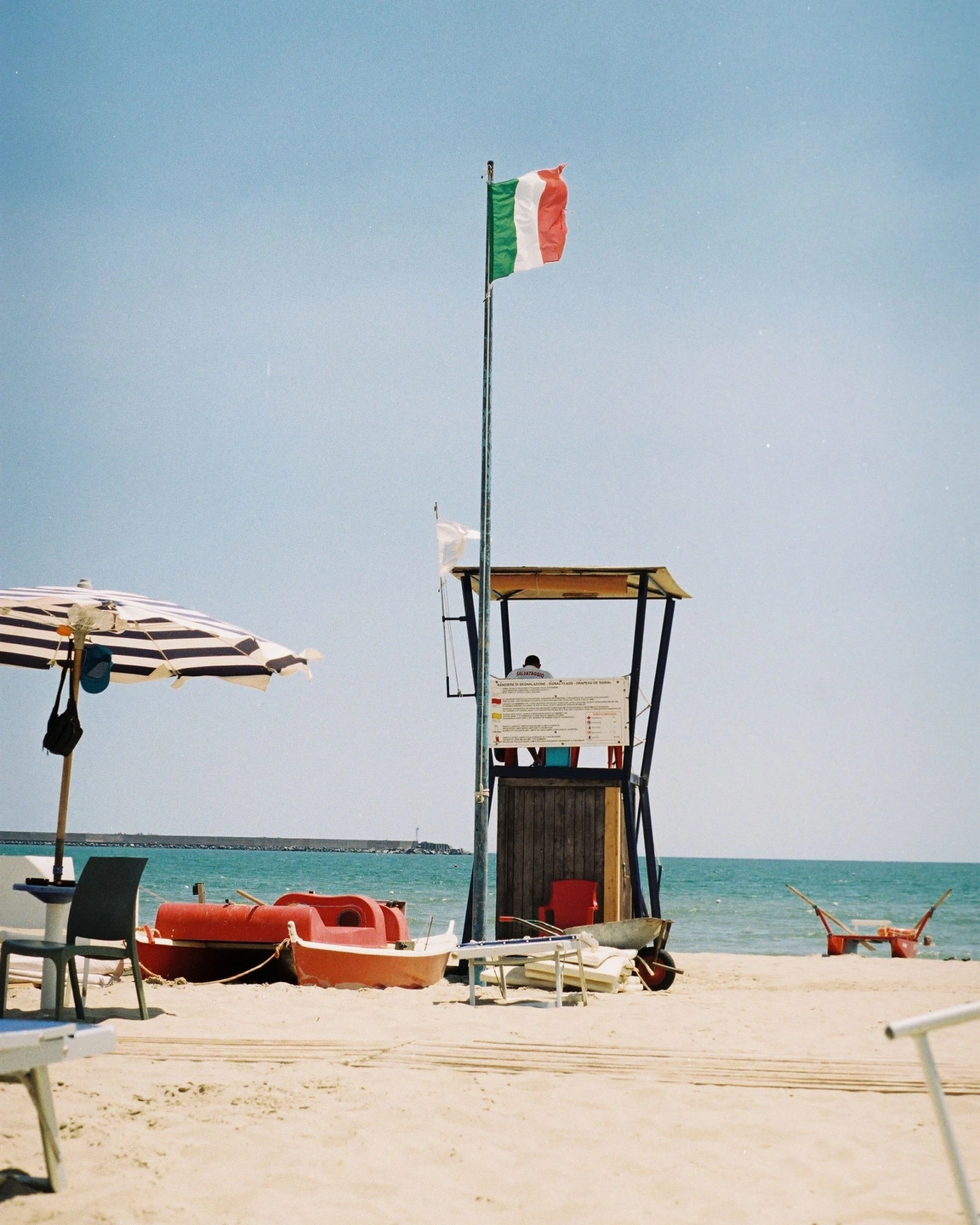
Original presentation / Photo paper frame with the complete photograph fitted inside.
The beach image stays the same while a paper surround changes its presentation. The complete frames are shown so you can judge the border and its proportions, not just a cropped fragment of the image.
Made with Photonica. Source photographs retain their photographer’s original treatment. Film and optical effects are creative interpretations.
A 35 mm frame gives the light beach a more pronounced boundary. Check how the dark surround changes your impression of the colours inside.
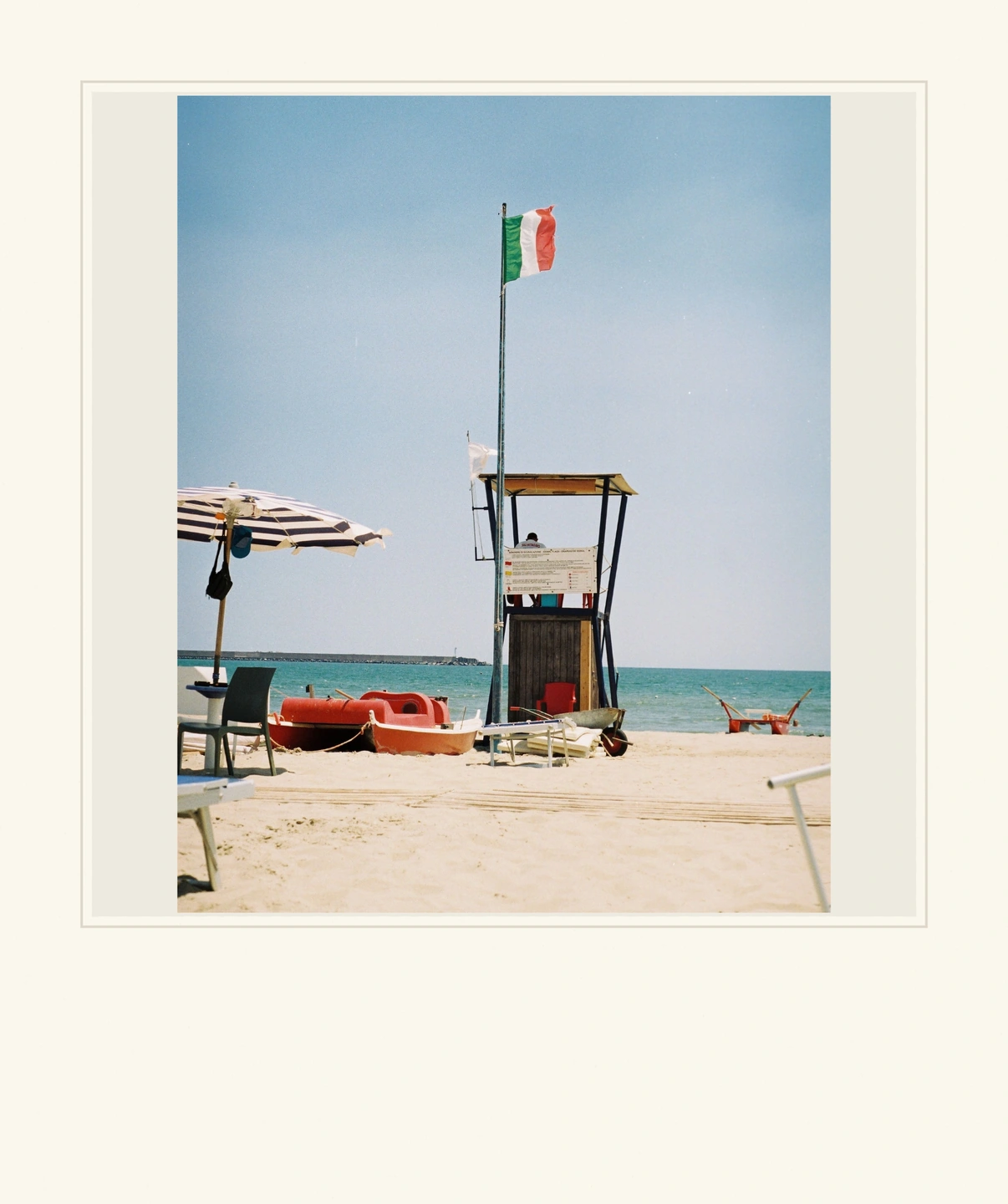
The Instant style has a square opening and a deeper lower border. Fit preserves the photograph within that shape; Fill makes a different compositional decision.
A starting point for your photograph. Let the subject and the light guide the final choice.
A simple border can give a standalone photograph a deliberate edge in a busy feed or message. Keep the surround restrained when the image already has a strong composition.
Use a consistent frame style across a small group while checking placement individually. A portrait and a landscape may need different decisions about Fit and Fill.
Deckled paper or an instant shape can make the object-like quality part of the idea. Leave enough space for the photograph itself to remain the main point of interest.
Set the crop, colour and light before choosing a surround. A frame can change how dense or bright the image feels.
Compare Fit and Fill, then adjust the image position. Keep important edges, hands and faces comfortably inside the opening.
Inspect the whole frame and export the JPEG. The frame becomes part of the saved image.
Photo paper and Medium format Free · 7 styles with Pro Compare Free and Pro.
The frame adds the visible surround. Print materials are a separate tool for the colour and contrast rendering of a negative-film treatment.
No. Fit and Fill arrange the available photograph inside the frame. They do not generate missing image content.
Photography: Eugene Laszczewski on Pexels. Edited in Photonica.
Bring a photograph and see where it takes you. Your photo stays on your device.
Open editorUse a WebGPU-compatible browser. Free JPEG export uses a working image up to 2560 px on its longest side before cropping.
Explore all photo editing tools