
VHS filter for video and photos
Put a clip or a photo on a VHS tape, right in your browser. Colour runs past the edges, the lines wobble, the tracking slips and a camcorder’s date records into the picture. You save an MP4 or a JPEG, and nothing is uploaded.
Camcorder at its starting settings, with the date on the picture.
Clip: Alexis B / Pexels.
One clip, four tapes
Each tape has its own colour, wear and tracking. Choose one and the clip keeps playing from the same moment.
Fresh tape in a home camcorder: warm and saturated, with crisp outlines around things.
Your picture goes through a tape
Many VHS filters lay a texture of lines and noise over a clip. Here the picture itself goes through what a tape does to a video signal, line by line, so the smears come from your frame: a red coat bleeds red, and a bright window trails along its line.
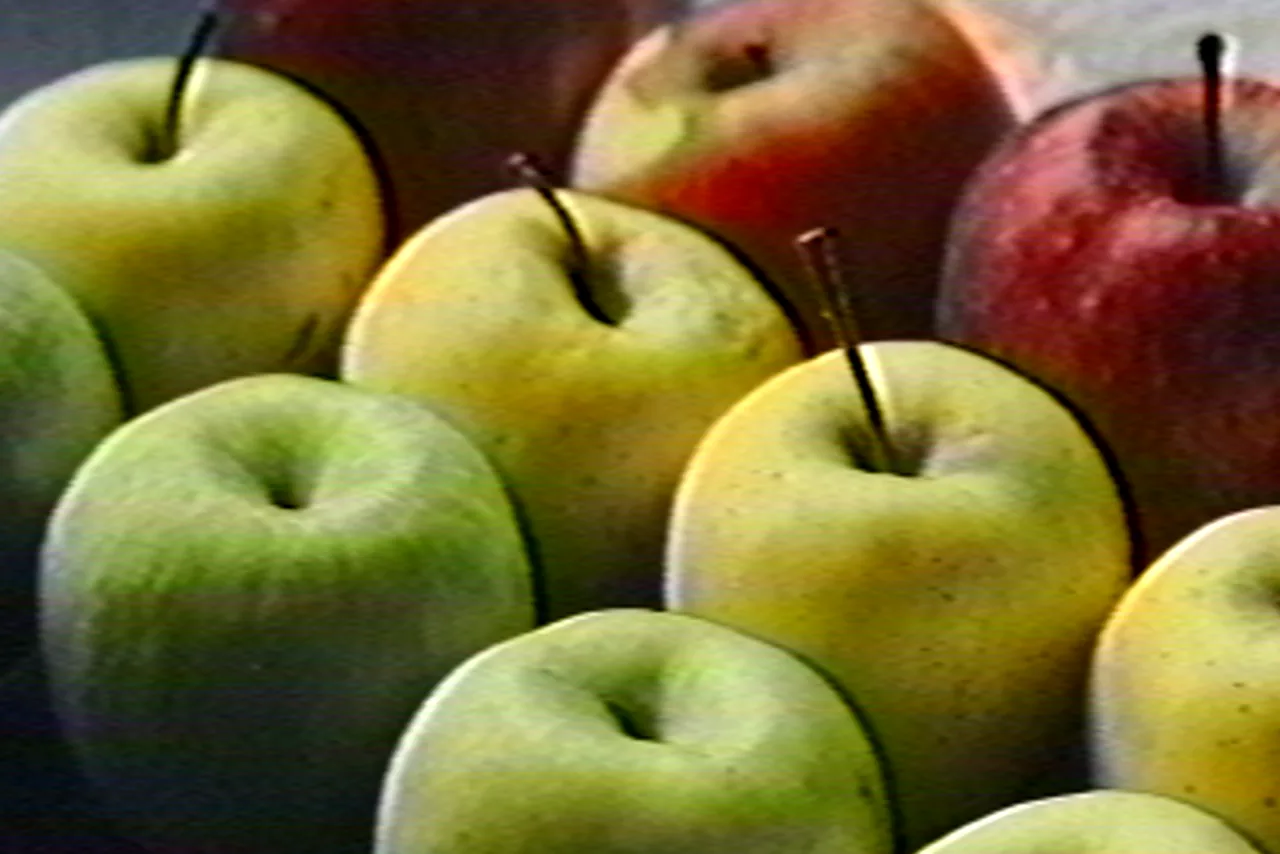

- Colour bleed
- A tape keeps far less colour than brightness, and the colour arrives late. It spreads past the edges of things, mostly to the right.
- Softness
- This is the tape’s speed. Standard play keeps about 240 lines of detail, long play far fewer, and the deck’s sharpening draws a faint bright outline around edges.
- Wear
- Noise that streaks along the lines, colour blotches in flat areas and white flecks with tails, where the tape has lost its coating.
- Tracking
- Every line starts slightly off, so upright edges wobble. Raise it and bars of lost signal drift through the frame and tear it sideways.
- The strip at the bottom
- At the very bottom of the frame the deck switches heads. That strip of noise is on every tape.
A date on the picture, PLAY on the screen
A camcorder recorded its date into the picture, so it smears with everything else. Set any date and time; on a clip the seconds run. The deck’s PLAY and counter come after the tape, so they stay clean and still while the picture moves.
Rental at its starting settings, with PLAY on screen.
Clip: PNW Production / Pexels.
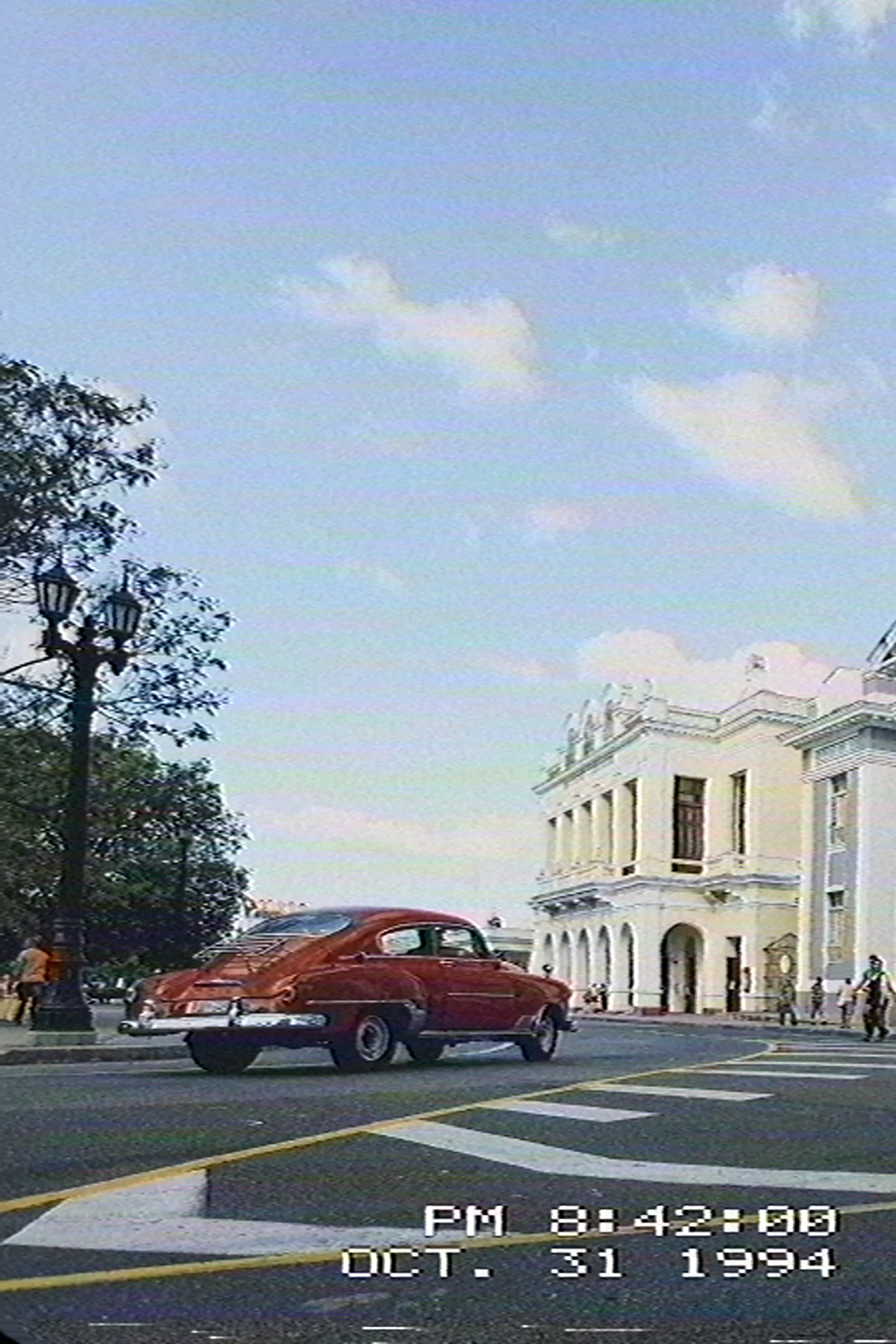

On photos too
A photo is one moment of tape. If a bar of noise lands in the wrong place, press Another stretch of tape for other flaws. The lines always run level across your crop.
Vertical clips for Reels and TikTok
A real tape was always wide, but the effect keeps your clip’s shape: vertical, square or wide. The lines stay level and the softness stays the same.
The sound goes on tape too
A clip’s sound takes the path of a home deck’s audio track: one channel, a narrow band, hiss, a low mains hum and a pitch that wanders with the tape’s speed. The more wear, the more you hear it. Turn off Tape sound to keep the clip’s own sound.
How to add a VHS effect
Three steps in the browser. You can combine VHS with any film or preset: the tape records whatever the editor has made.
Open your clip or photo
Open the editor and choose a file. A clip can run up to 60 seconds.
Choose a tape
Under Effects, open Home movies, then the VHS tab, and pick a tape; a tape turns Super 8 off. Move Wear, Tracking, Colour bleed and Softness if you want more or less of them.
Export
A clip saves as an MP4 with its sound, a photo as a JPEG. Keep the tab open while your device develops the frames.
VHS questions
Is the VHS filter free?
No. VHS is part of Pro, with the other Pro effects and the whole of a clip up to a minute. The free editor has eight films, grain and halation. Compare Free & Pro
Is my video uploaded?
No. Your browser decodes the clip, your device records every frame and the file is written on the spot. It never leaves your device.
Does it add a watermark?
No. The file you save has no watermark or logo.
Can I change the date?
Yes. Turn on Date on the picture and set any date and time from 1980 to 2039. On a clip the seconds run as it plays.
Does it change the sound?
Yes, while Tape sound is on. A device that cannot encode sound saves the clip’s own sound instead, or none, and says so.
How long can a clip be?
Up to 60 seconds and 500 MB. Pro saves the whole clip.
Can I make it 4:3?
On a photo, yes: crop it to 4:3. A clip keeps its own shape.
Can I use it with a film look?
Yes. Choose a film or a preset, and the tape records the result.
Does it work on a phone?
It should, in a recent browser with WebGPU, but video is in beta and we have not yet tested it on real phones. A computer is the surest way to finish an export.
Is it a real tape?
No, it is a simulation: nothing is recorded on tape. It follows how a VHS deck treats a signal, so the look comes close, but it copies no particular tape or deck.
Try it on your clip
Included with Pro. Your clip stays on your device.
The tape clips and photos on this page were recorded by Photonica; the As shot clip and the Before side of each comparison are their sources. All were saved smaller so the page loads quickly. Results vary with your picture. Clips: Alexis B, Mikhail Nilov, PNW Production and Gary Barnes on Pexels.