

iPhone video that looks like film
Phone video comes out sharper, brighter and smoother than film. Change a few settings before you shoot, watch the light, then add film colour, moving grain and glow.
Each lesson takes a real photo or clip through a few edits and shows the before and after. Then try the same steps on your own.
Phone video comes out sharper, brighter and smoother than film. Change a few settings before you shoot, watch the light, then add film colour, moving grain and glow.

In a beautiful picture one light colours everything, so the colours agree. The Cloud in Space shows this on your own photo and gathers the colours in one tap.
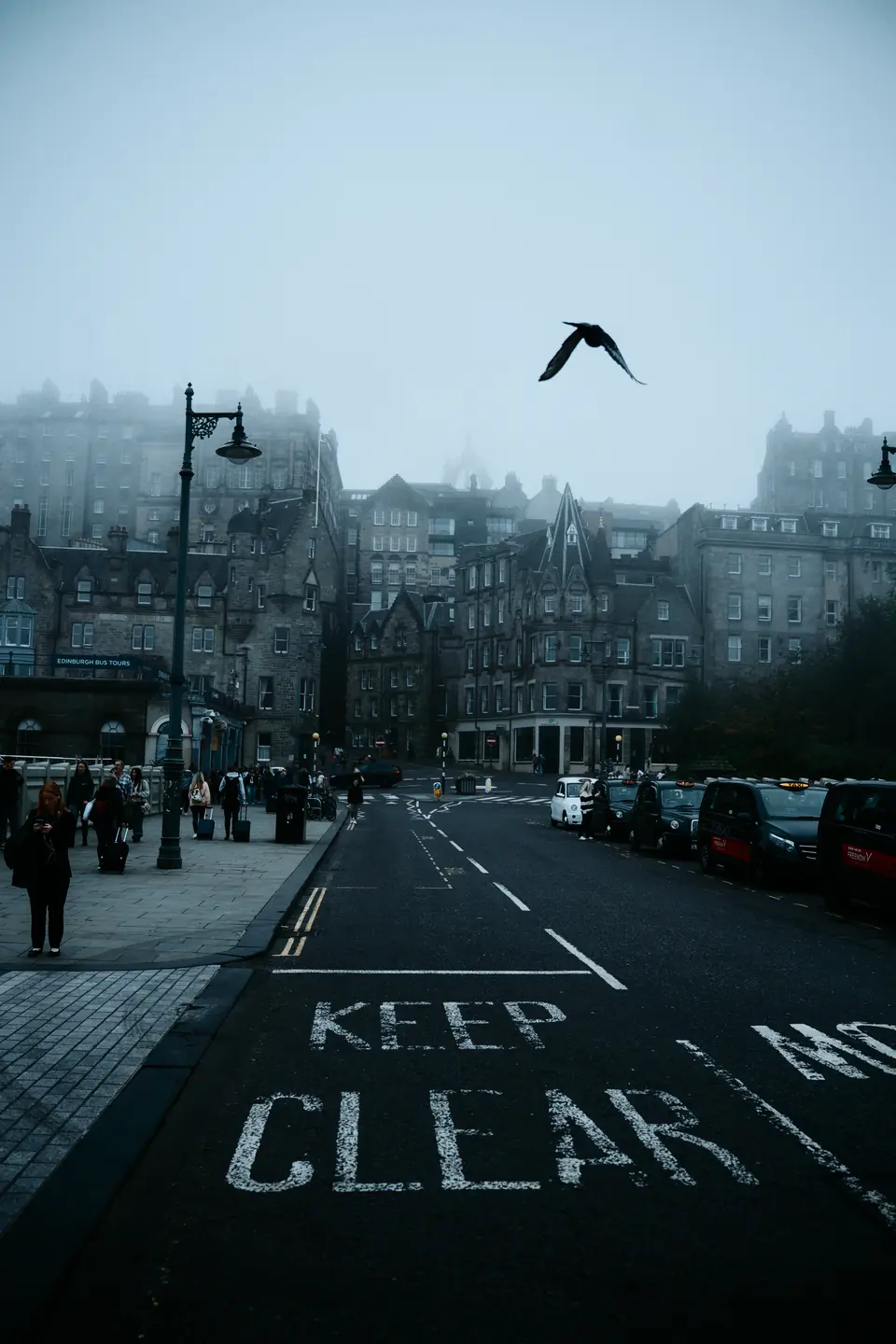
Space has two pads: the colour of the light and the mood. Set the light, then the mood, and most photos are done.
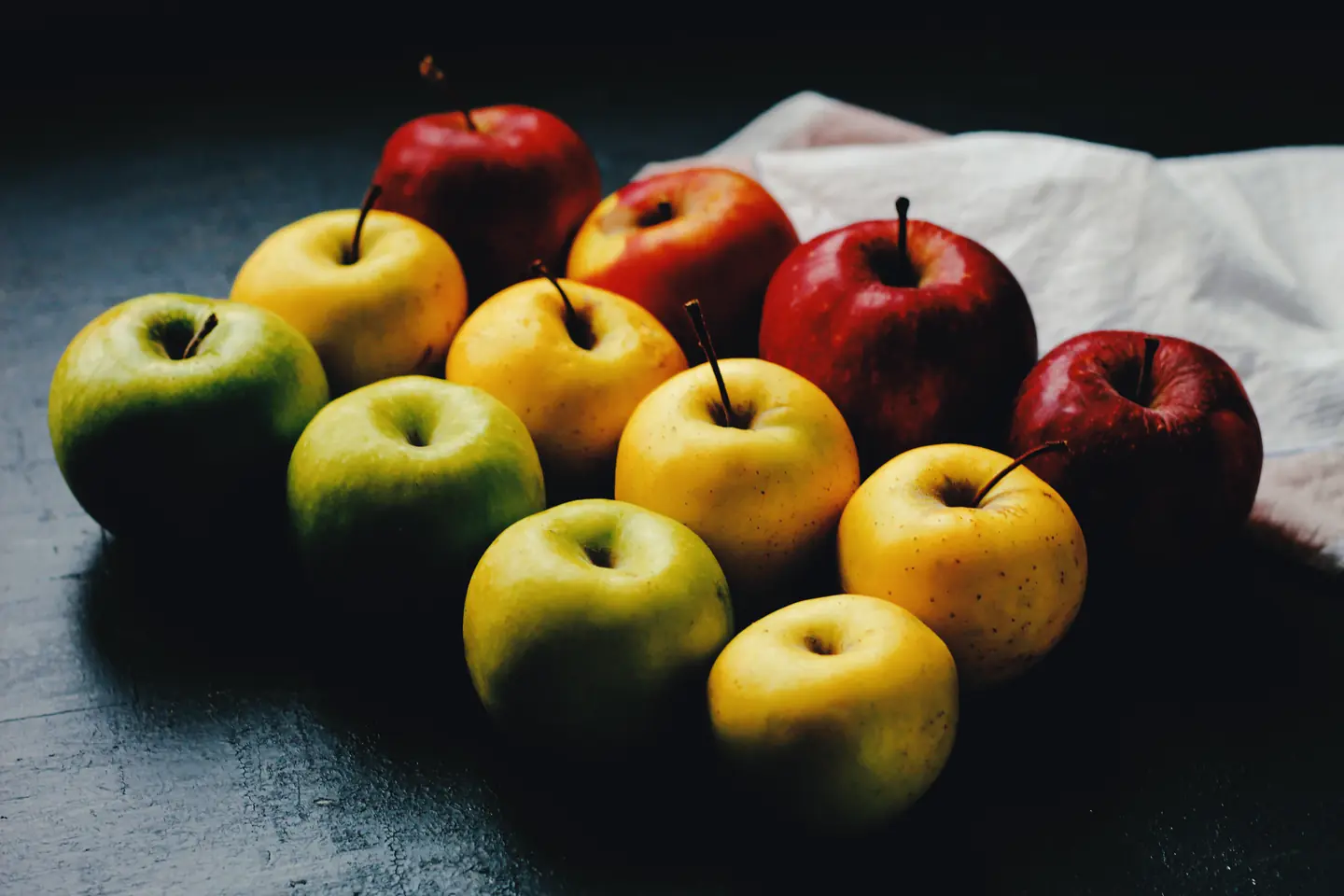
A red apple, a yellow apple and a white cloth are useful checks for a warm film edit. Here is what to look at before adding more warmth or grain.
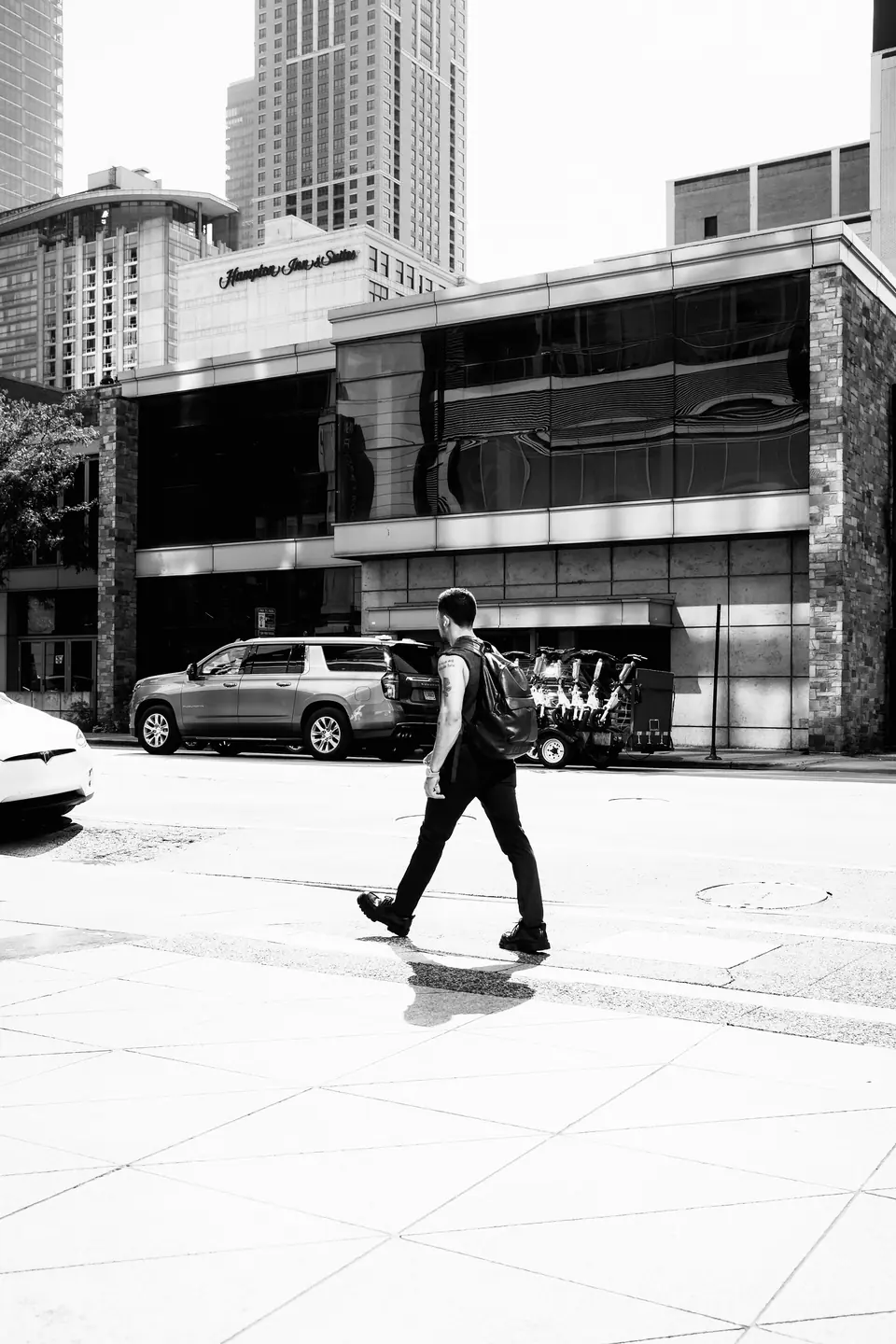
A dark figure crossing a bright pavement already has a strong shape. Turn it black and white, then check that the face and buildings still hold detail.