
Risograph: a photograph printed in spot inks
Photonica separates your photograph into one or two inks and prints it the way a stencil duplicator does: translucent spot colours that overprint, a screen of dots or grain and a second drum that never quite lines up, on uncoated paper.

On this page
What a risograph print is
A Riso is a stencil duplicator. It burns each colour into a master, wraps the master round a drum of soy ink and pushes the ink through onto the sheet: one drum per colour, one pass per drum. The inks are translucent, so they multiply where they overprint; the screen breaks every tone into dots; and because the sheet runs through the machine once for each colour, the second never lands exactly on the first.
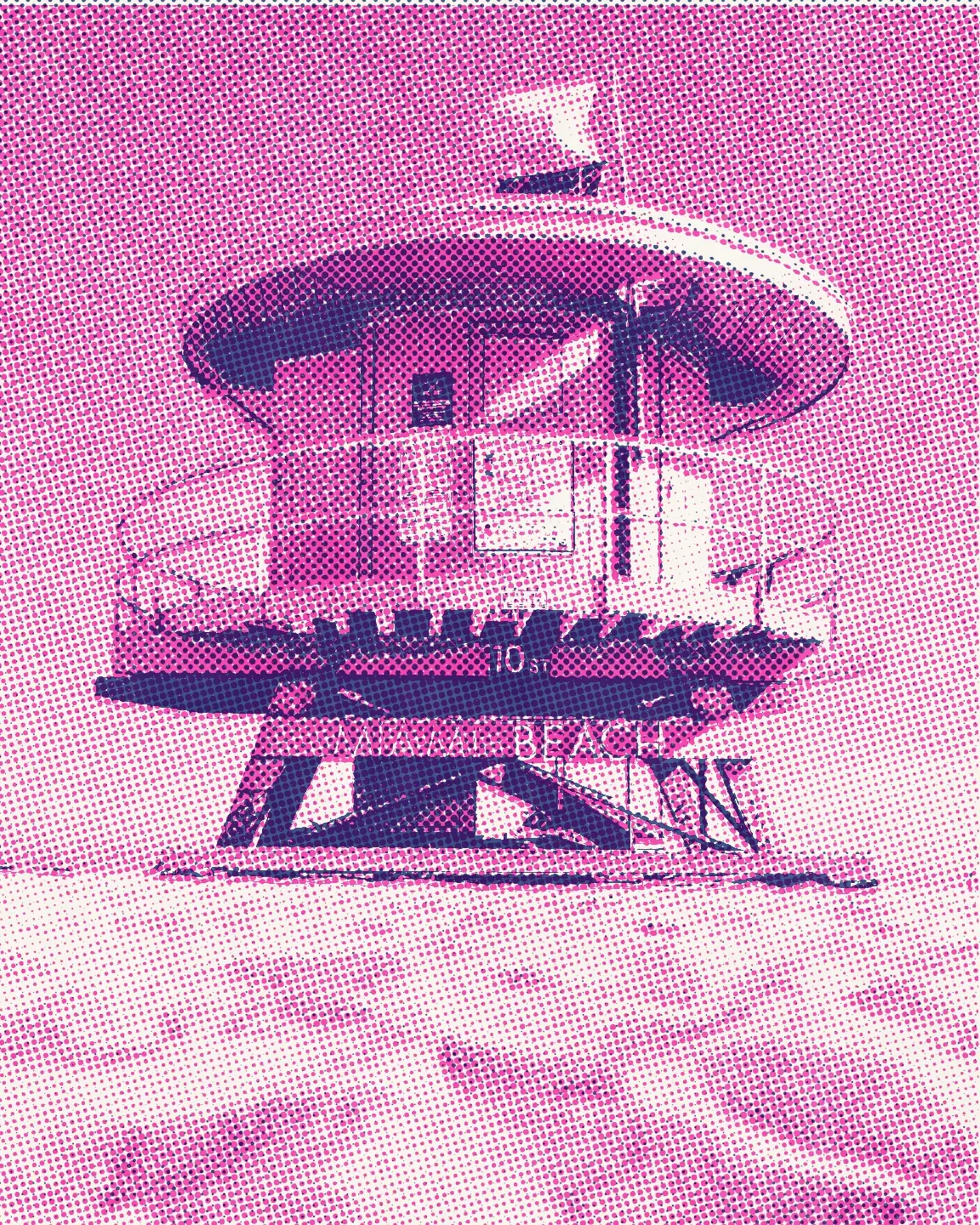
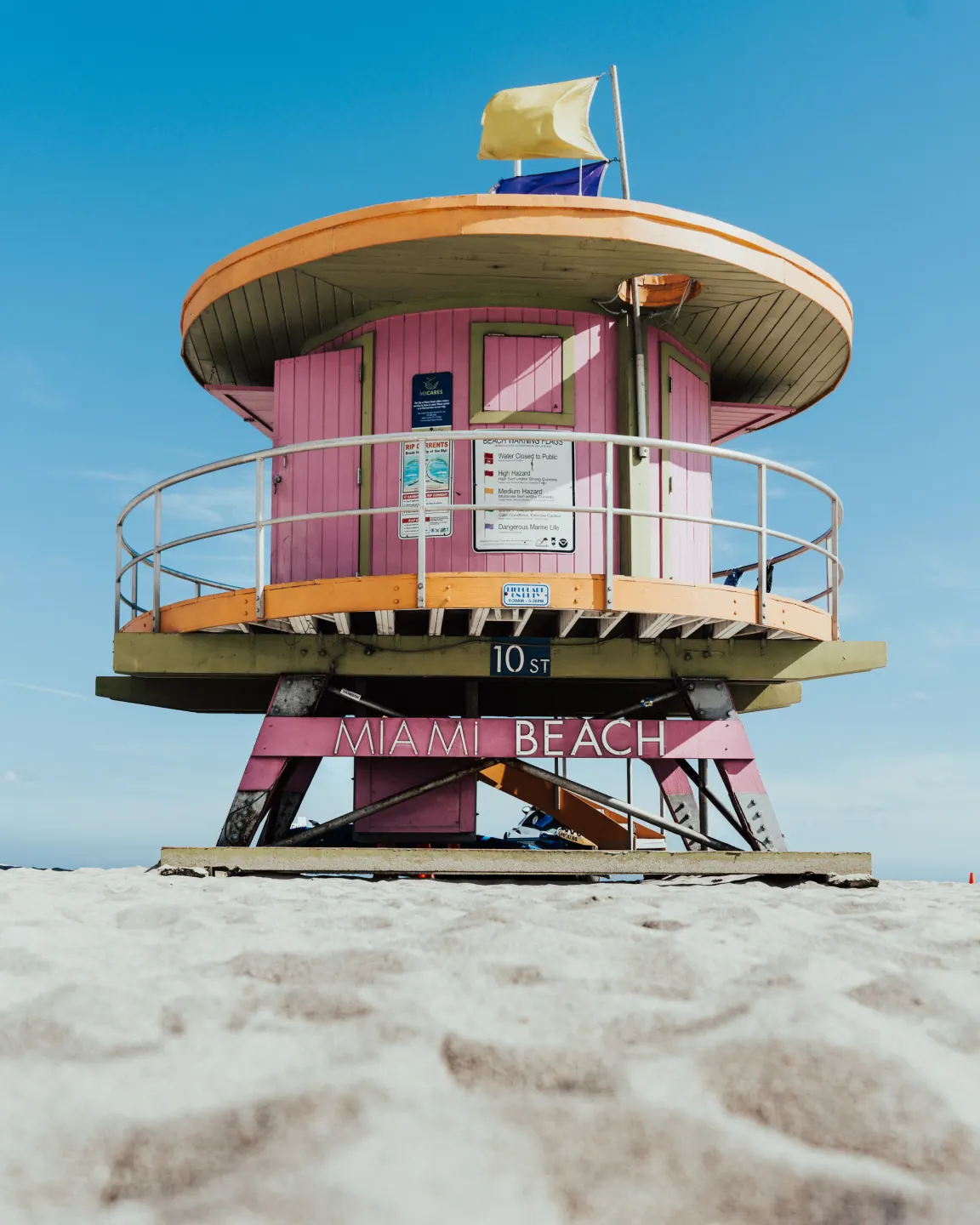
One photograph, three separations
Duotone is how riso studios print photographs: the lighter ink carries the light and the midtones, the darker one gathers the shadows, and the brightest places stay paper. Photo colour is a colour separation — each ink takes its share of the photograph’s colours. Poster cuts the tones into flat fills with crisp edges, the way riso posters are drawn.
Photonica makes every separation on your device, from your photograph, at the size of your export. Nothing is uploaded.
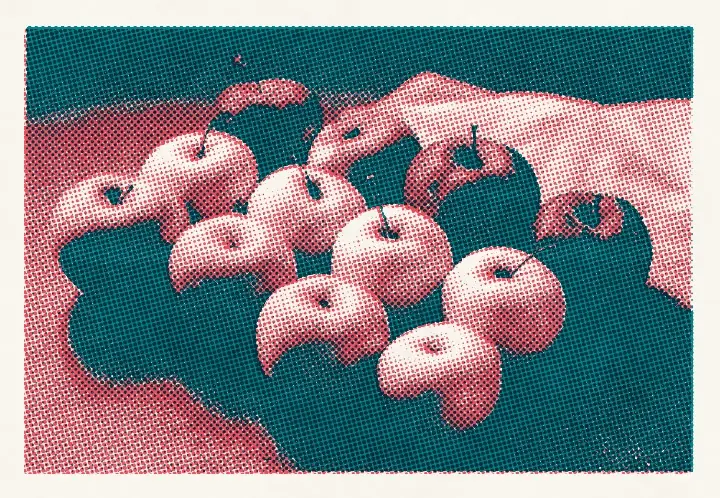
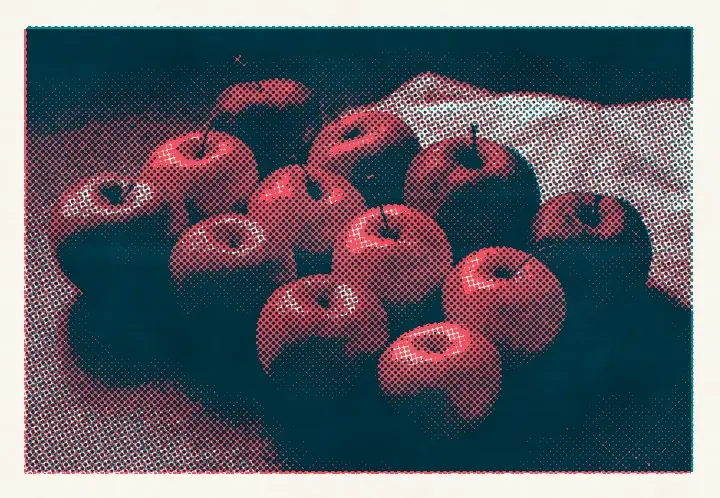
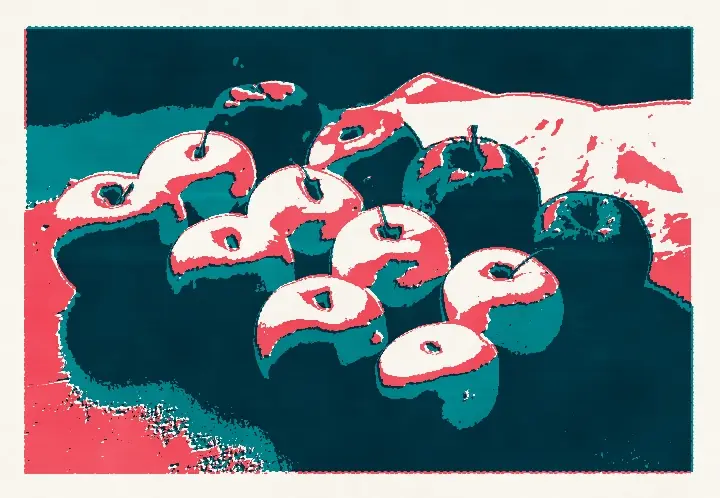
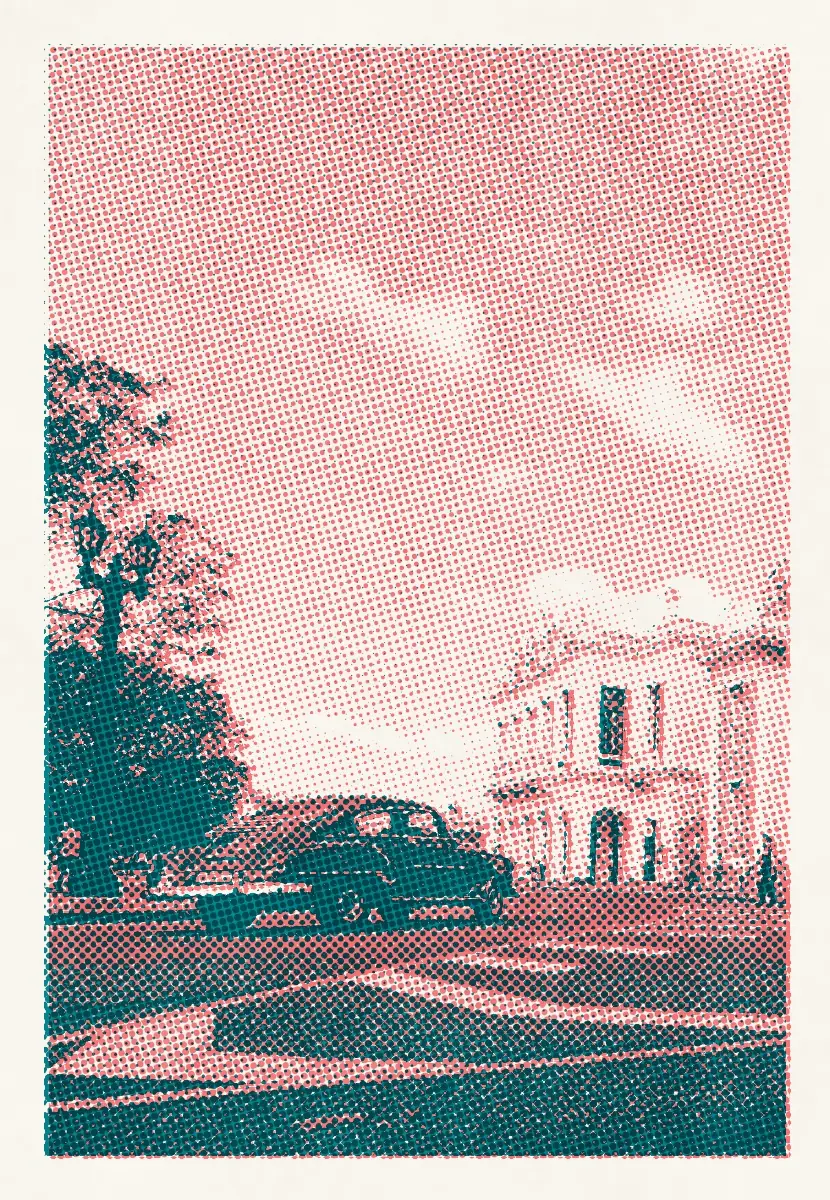
Teal and Bright Red on white stock, the same press for all three. These examples are real prints from the risograph stage in Photonica; “Before” keeps the photographer’s original treatment, and the print is a creative interpretation of a stencil duplicator.
Risograph settings
Four controls give a riso print its texture: how coarse the screen is, whether it is dots or grain, how far the second drum misses the first and how much ink the drums lay down. The base print stays in place; each study moves one control, and the coarse grain also raises the screen size.
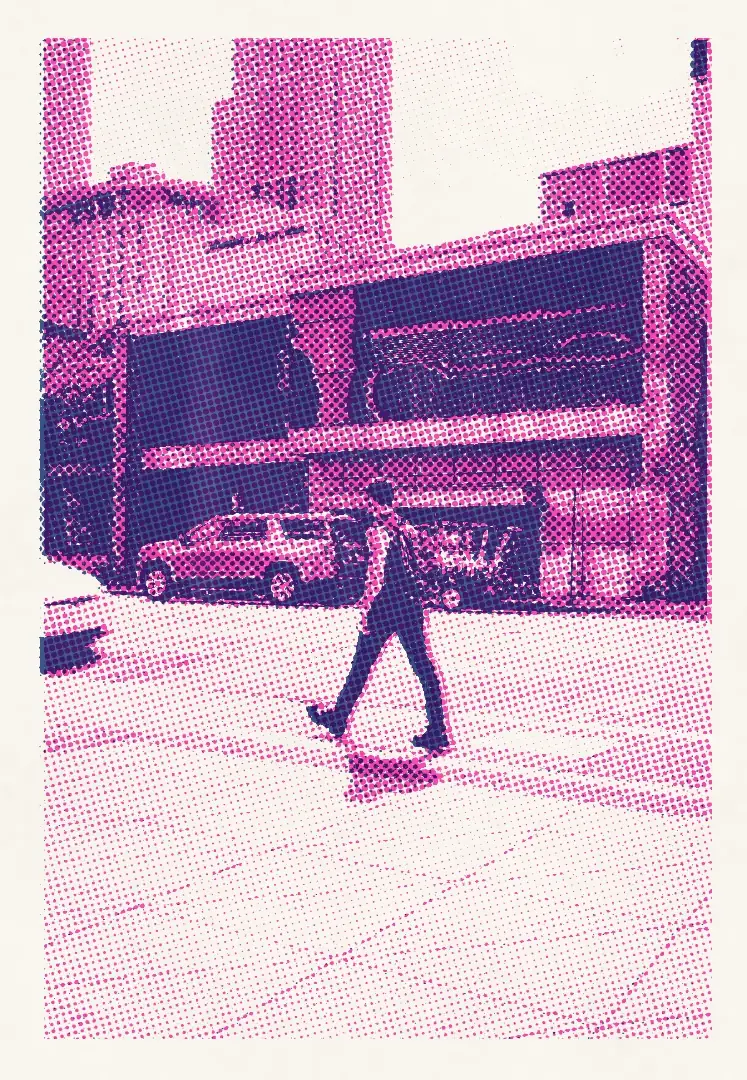
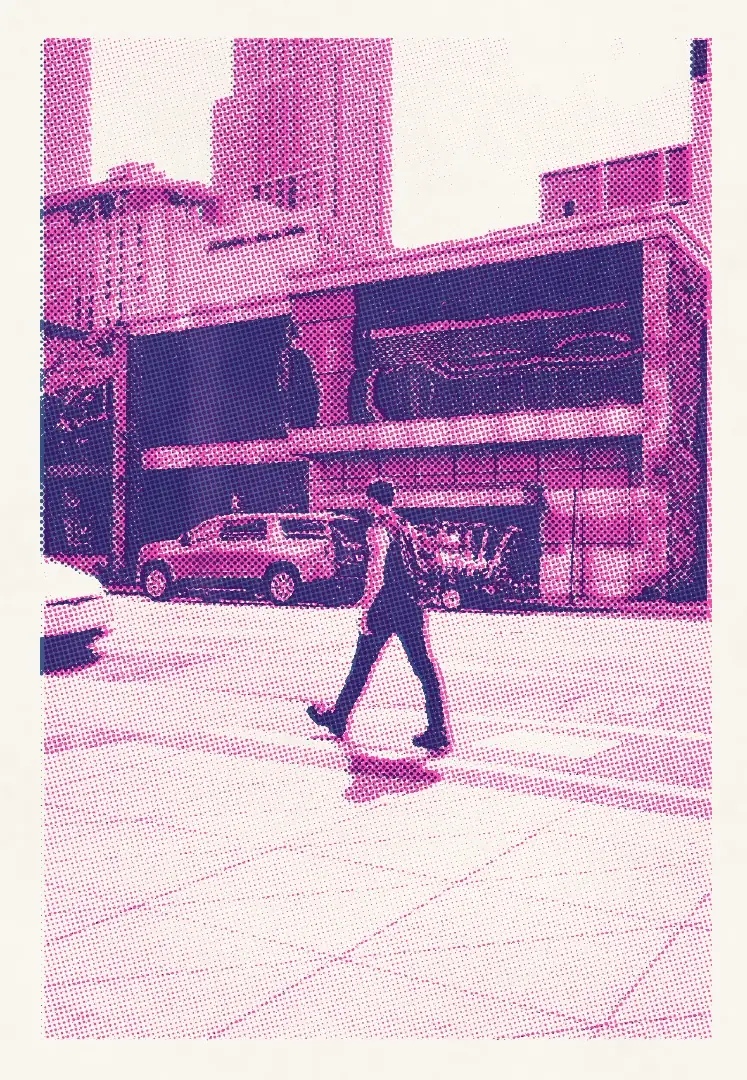
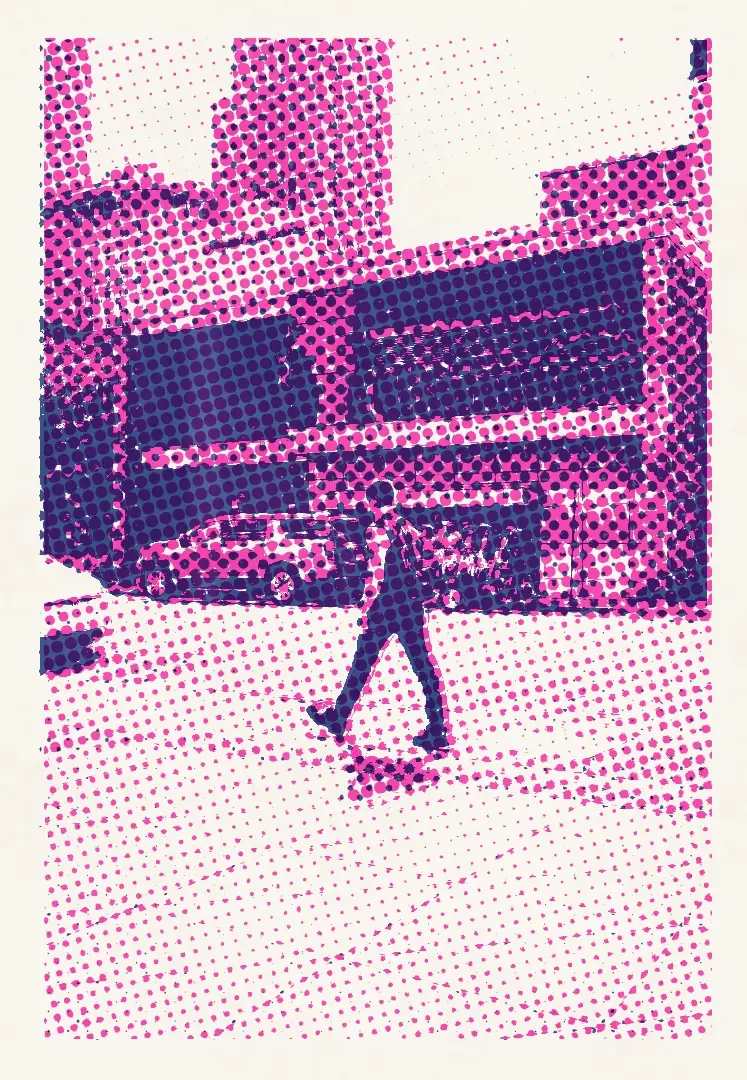
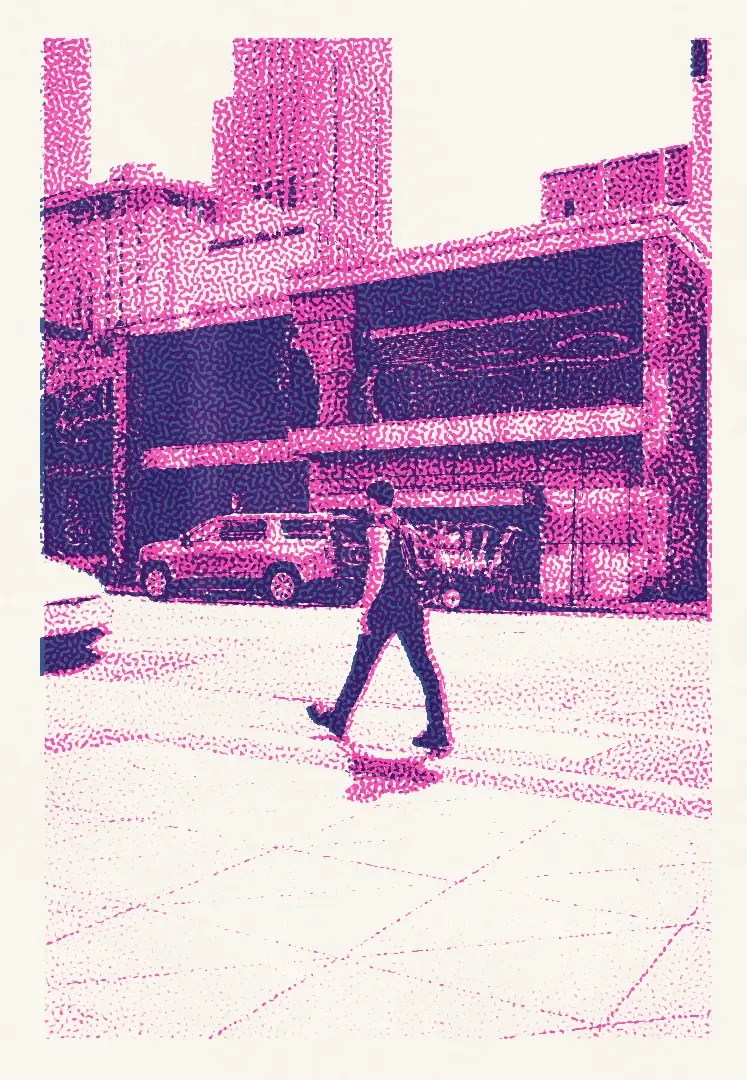
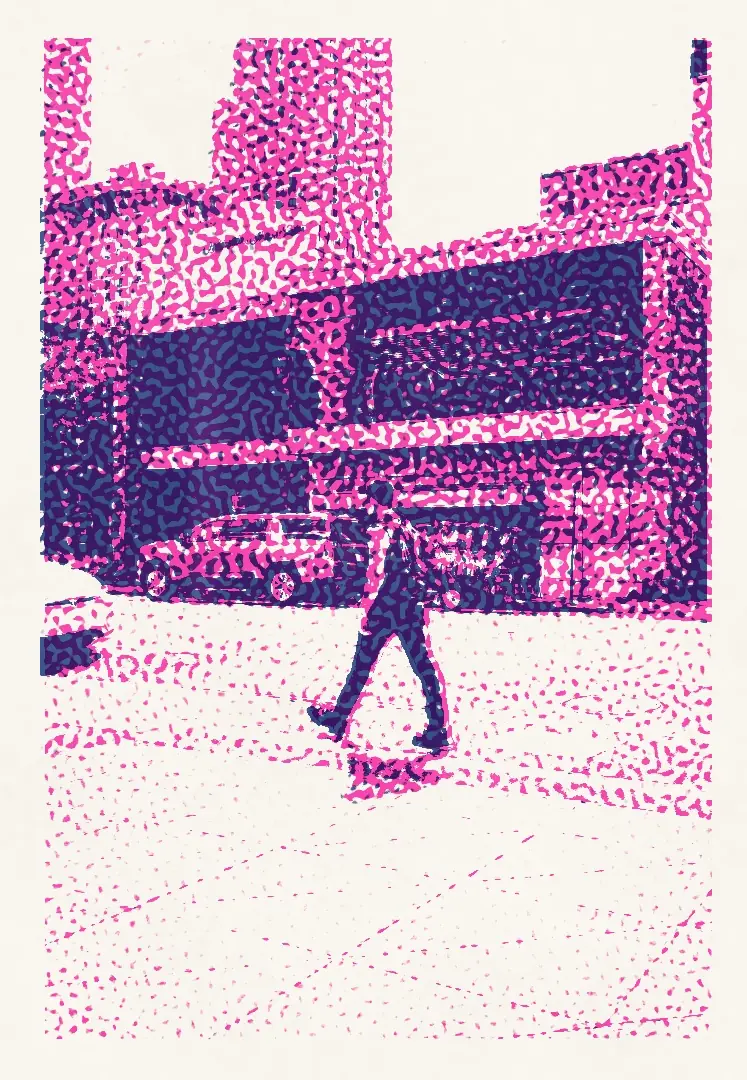
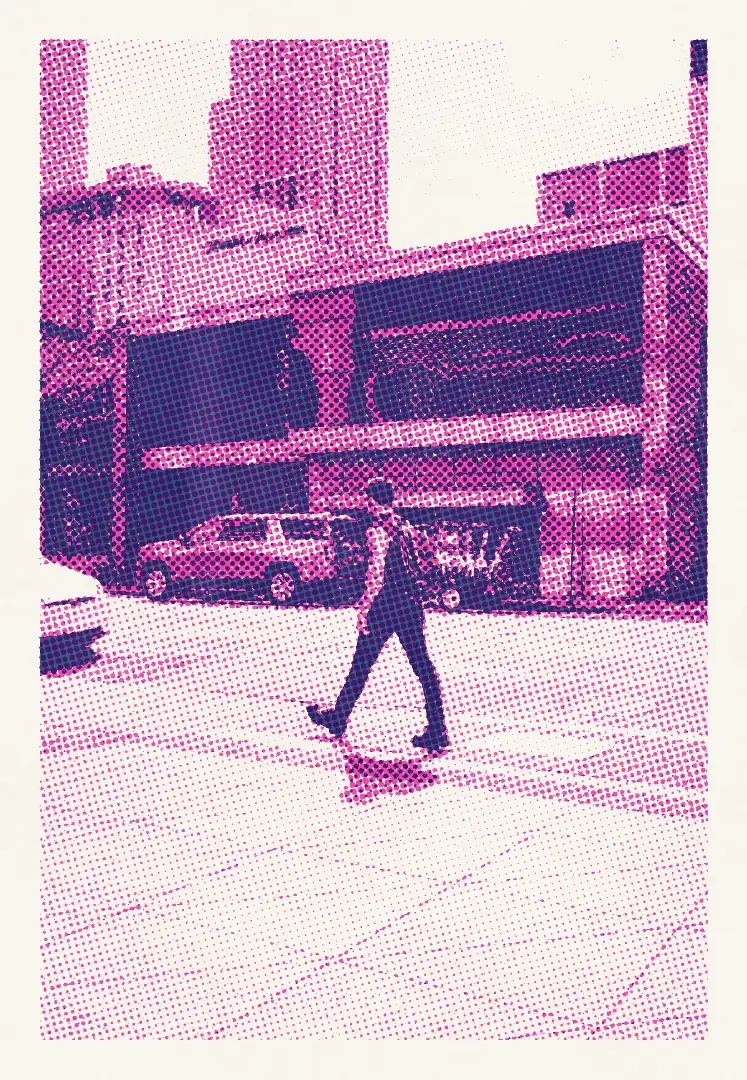
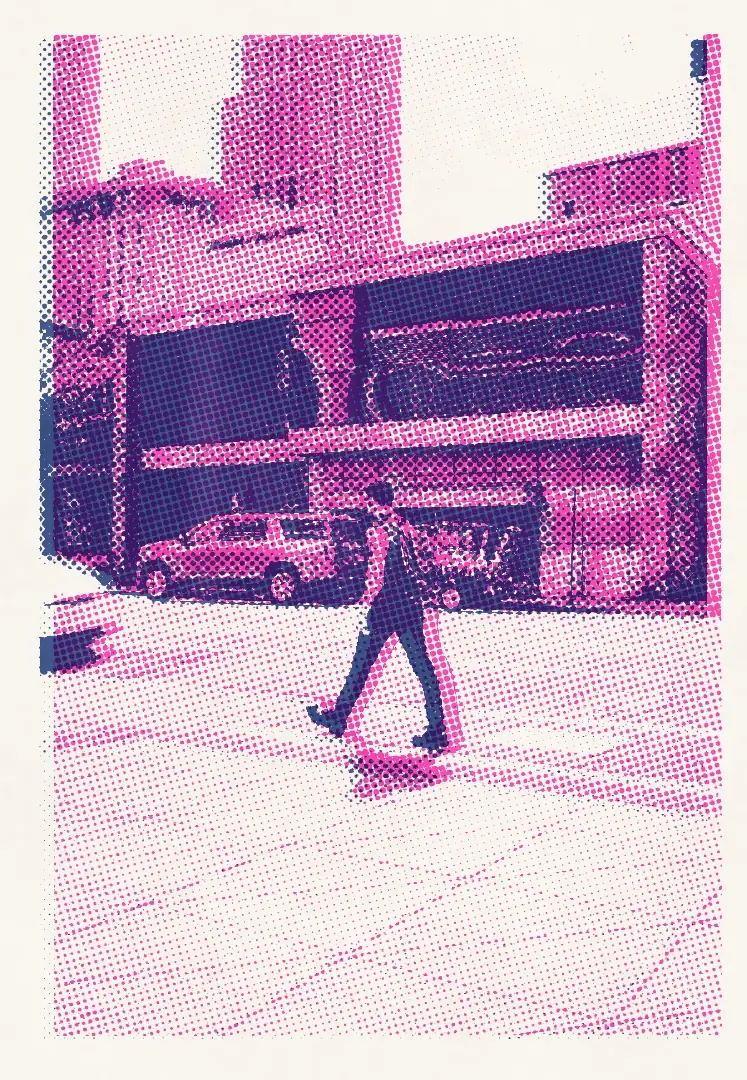
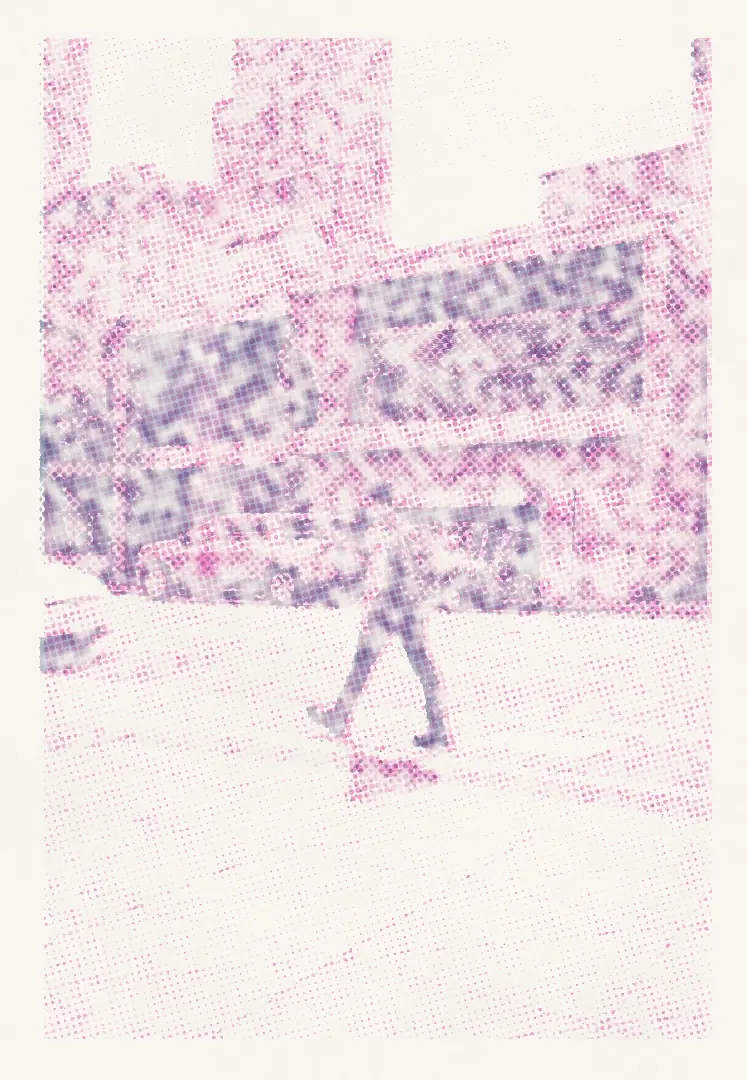
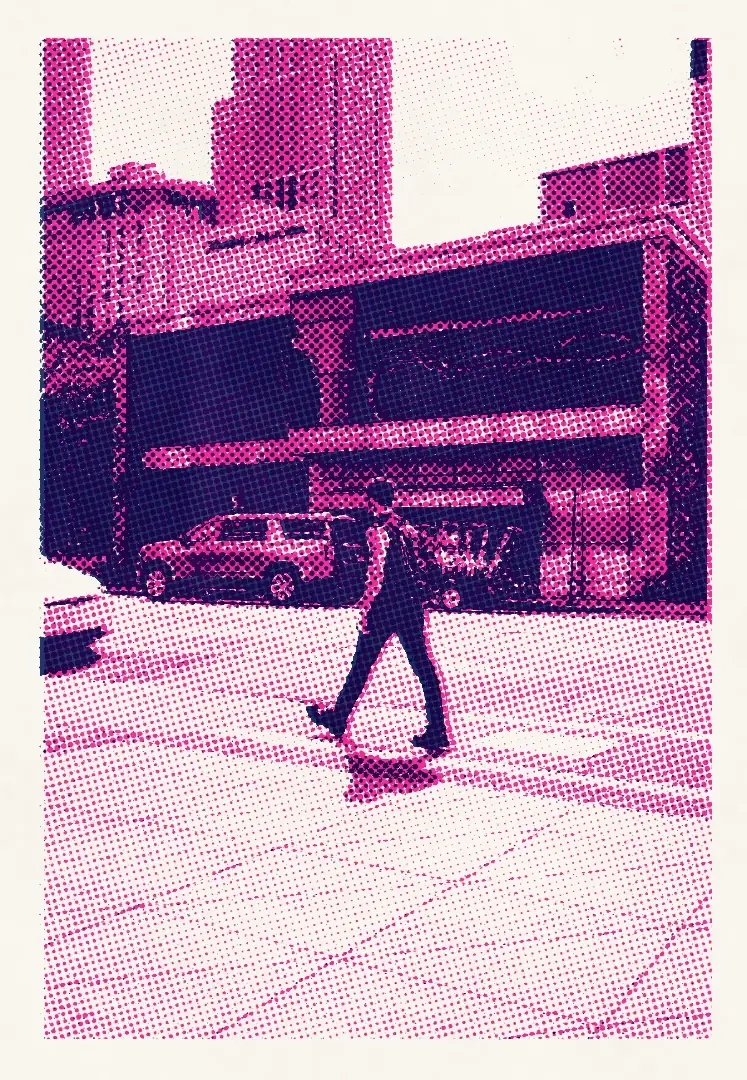
The second drum lands well off the first: a pink shadow follows every edge.
Inks holds the two drums; Paper the stock and the sheet’s edge — a paper margin or full bleed. Tone holds Separation, Steps, Brightness and Contrast; Print holds the screen, its size, Print density and Misregistration. Another print pulls a fresh sheet with its own registration error, ink film and paper grain.
Seventeen inks and four papers
The stage keeps the spot inks riso studios print with — Federal Blue, Fluorescent Pink, Teal, Sunflower and thirteen more — and four uncoated stocks. One portrait in five classic pairs and a single ink, then one print on each paper.
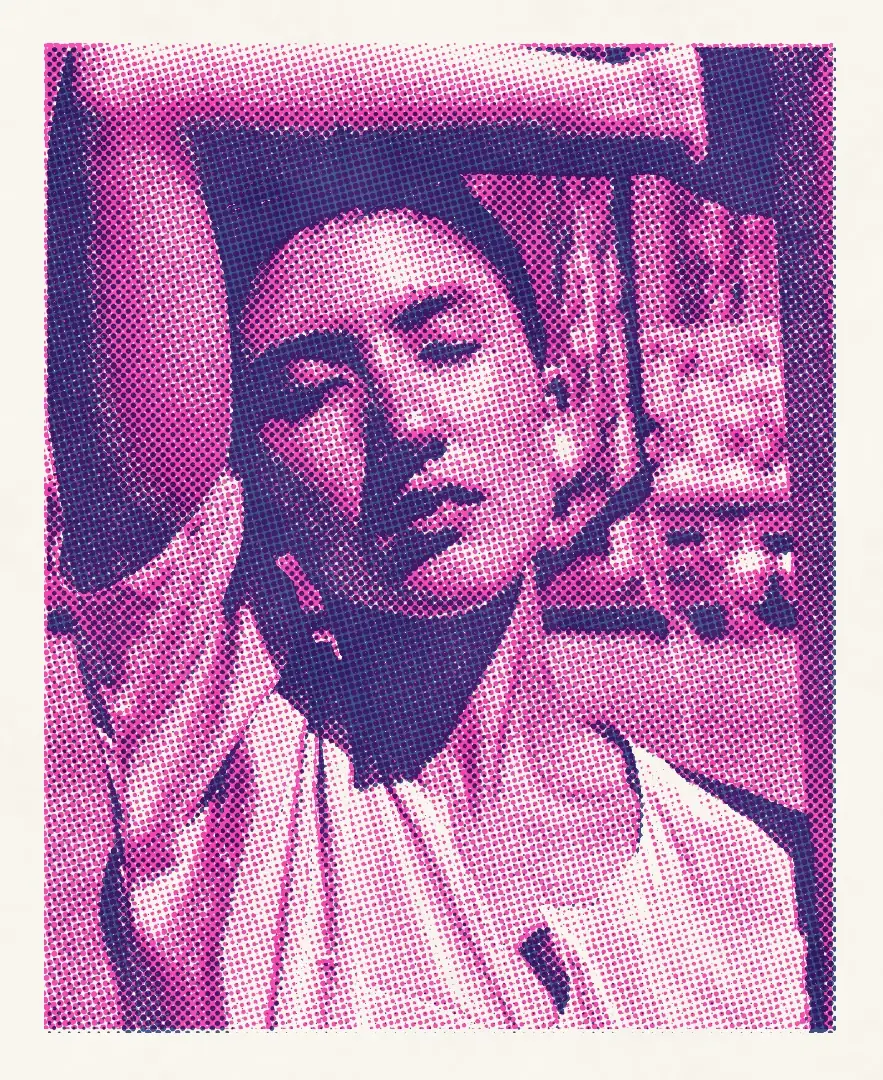
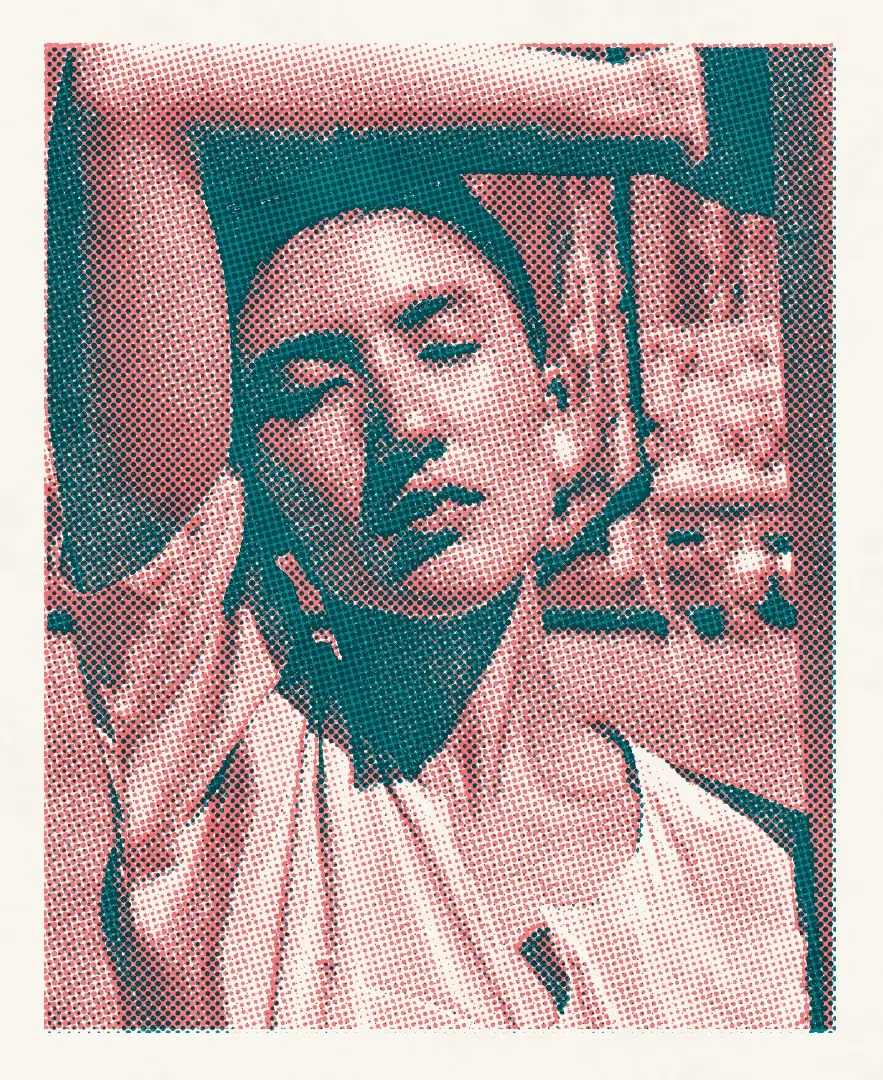
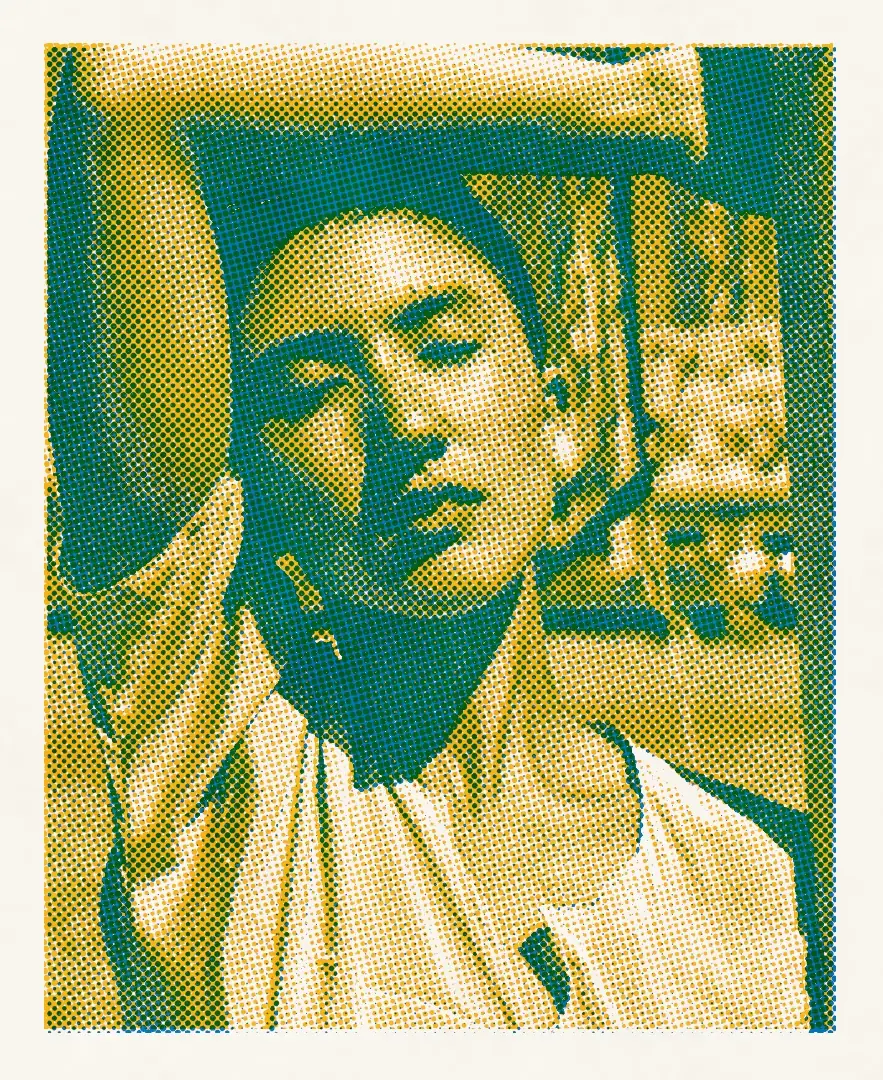
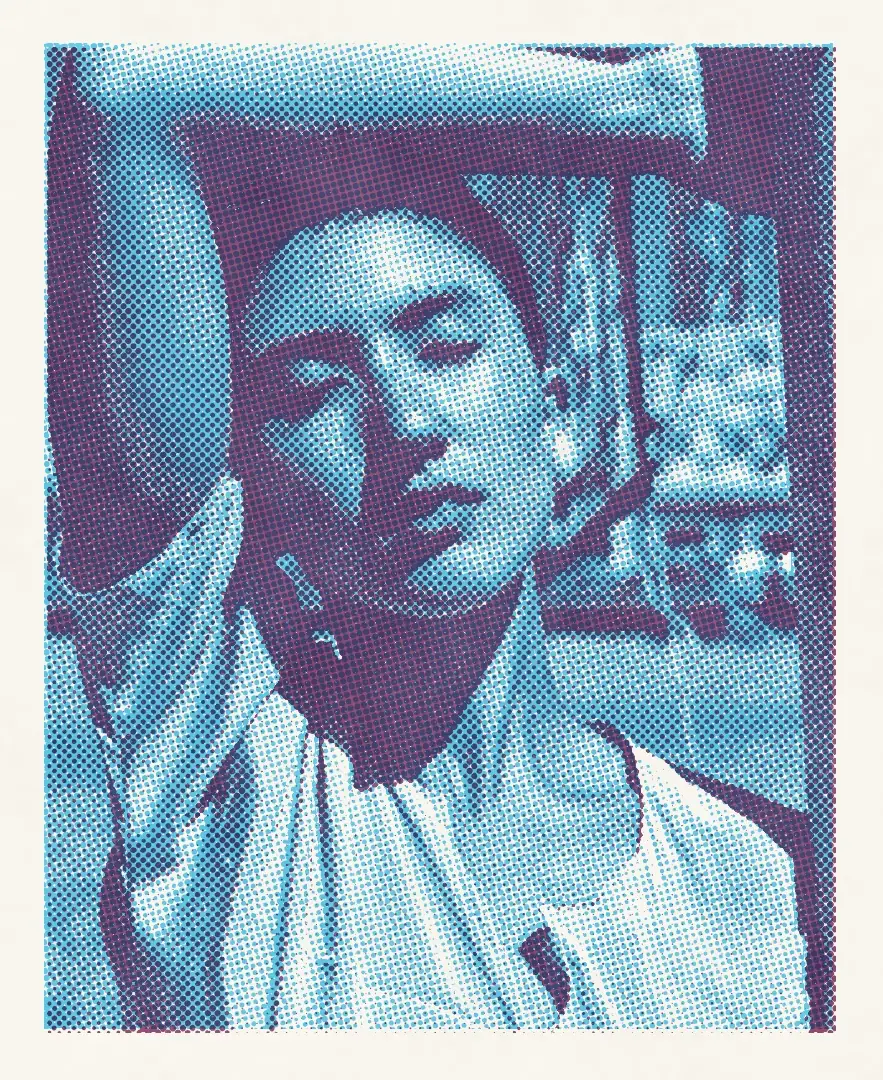
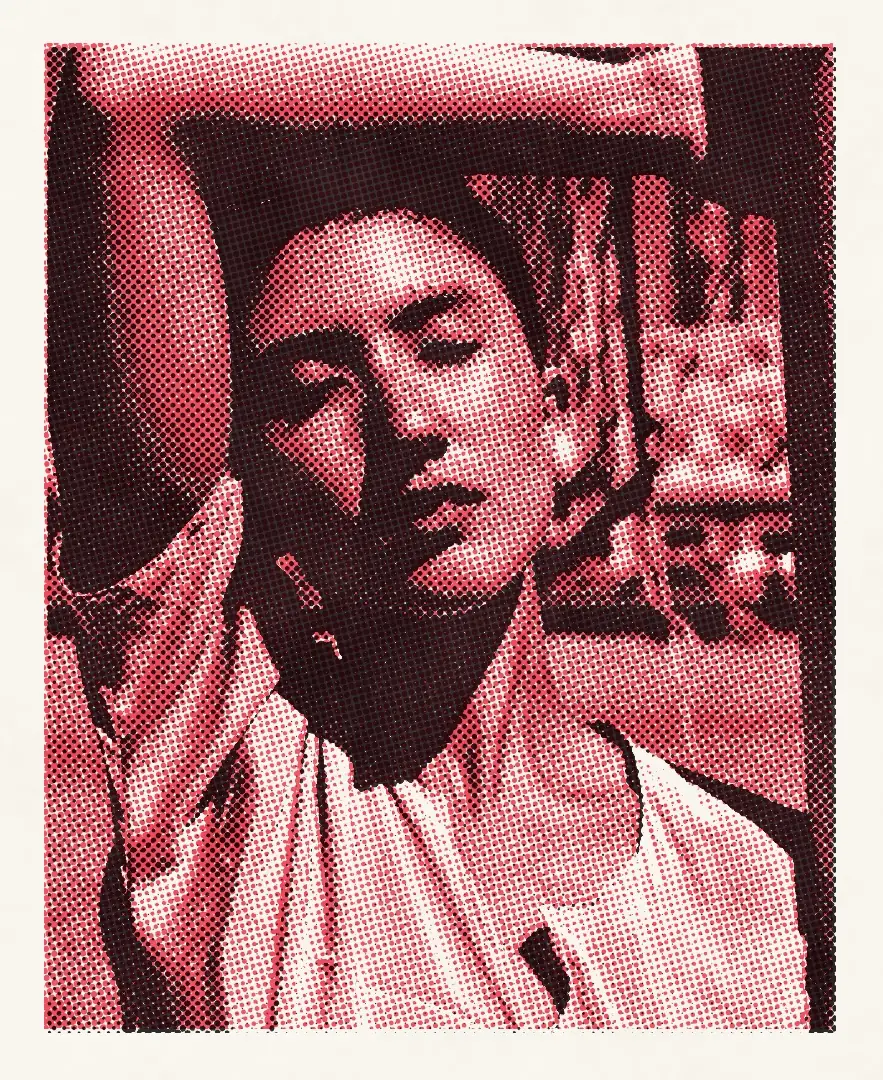
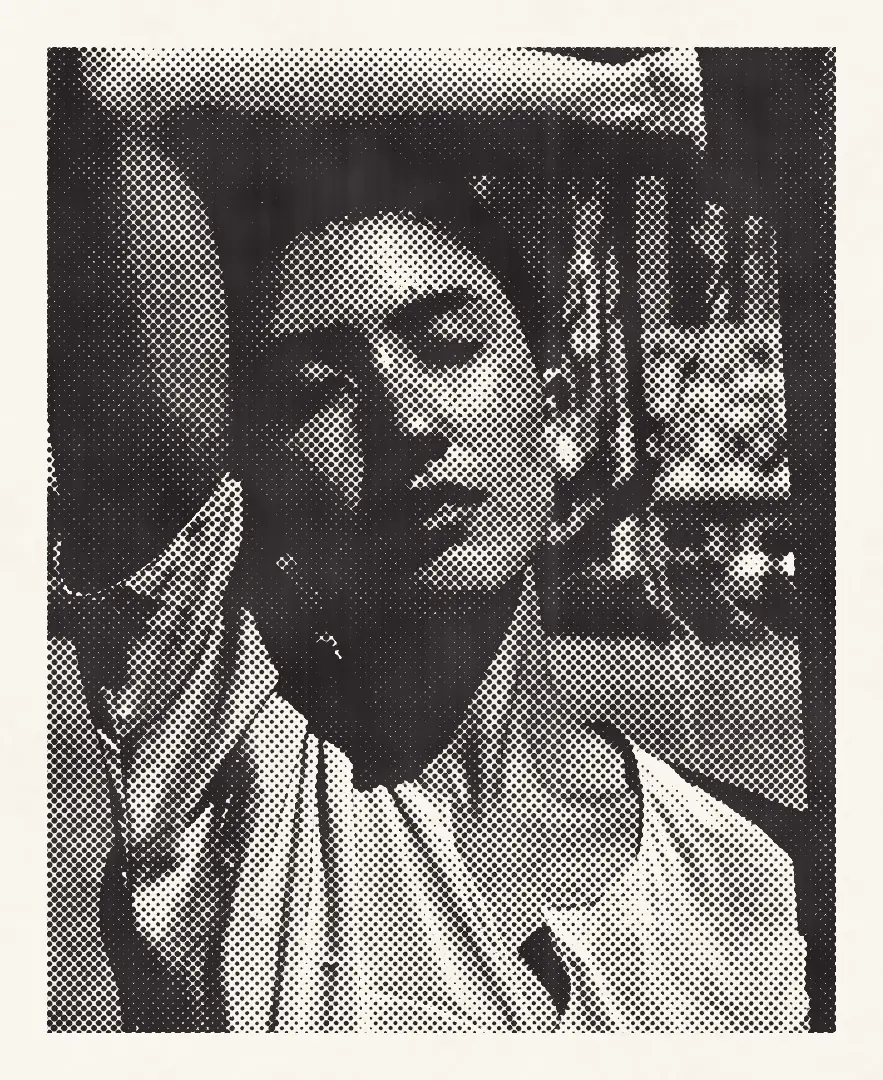
The same portrait, separation and press in six ink choices. In a duotone the darker ink always takes the shadows, so the order of the drums does not matter.
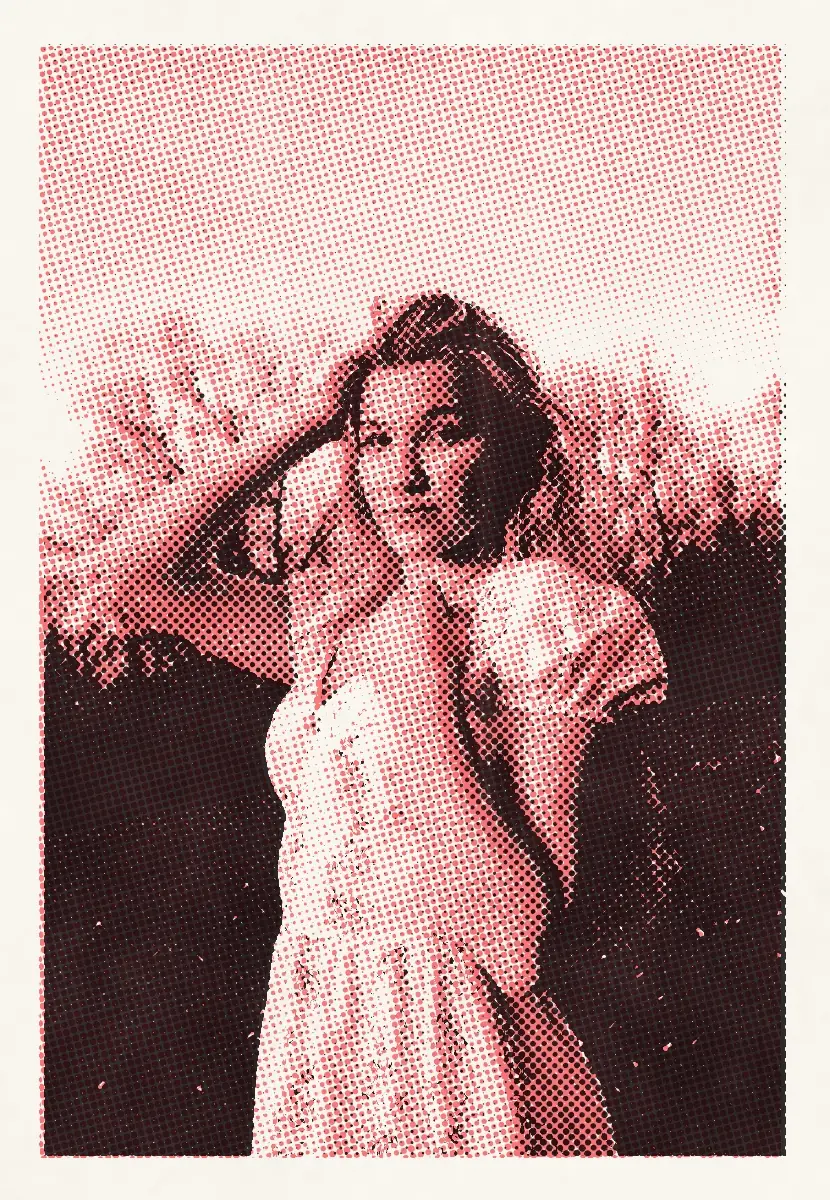
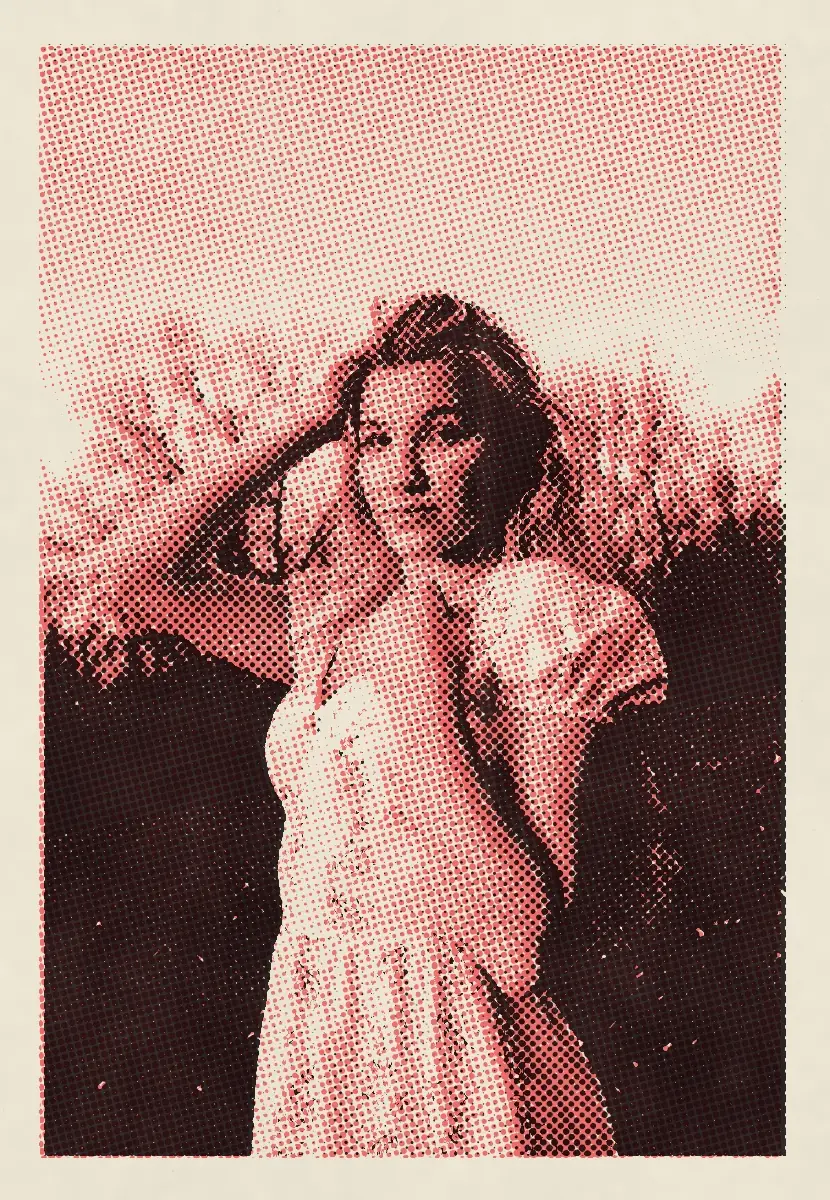
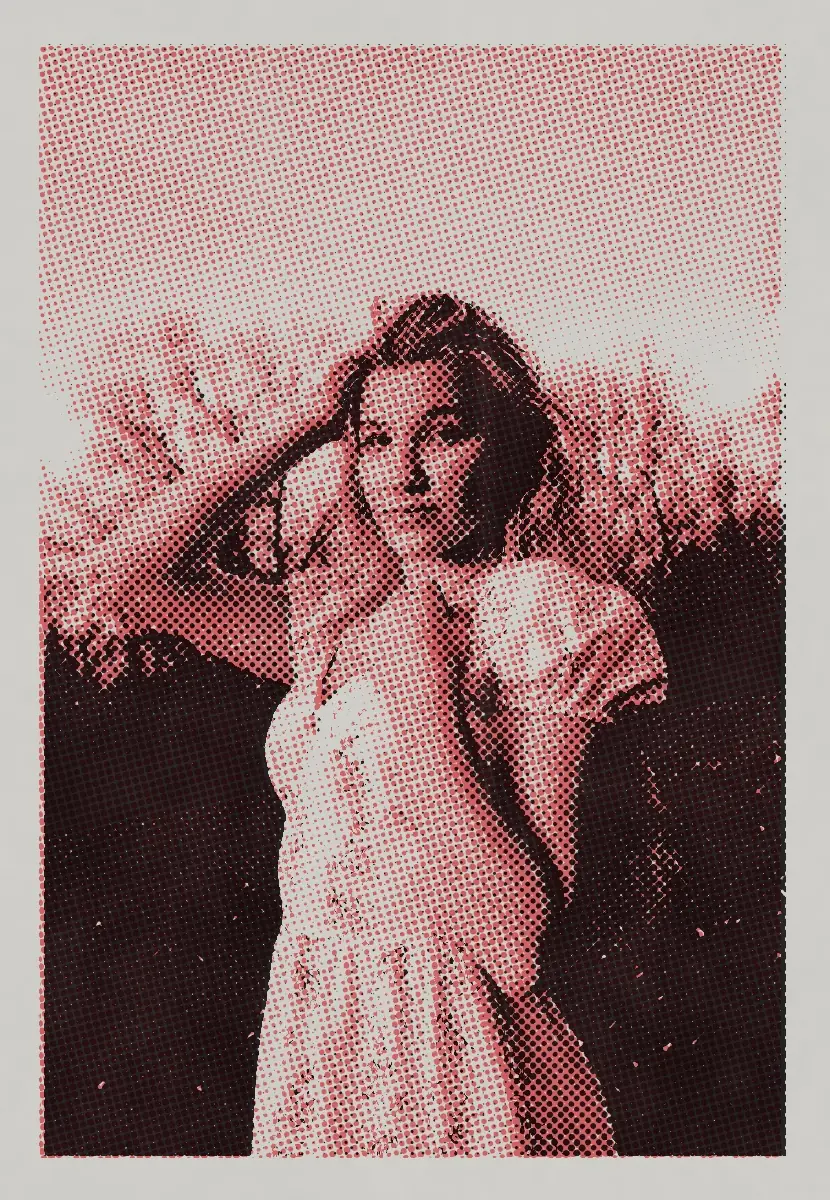
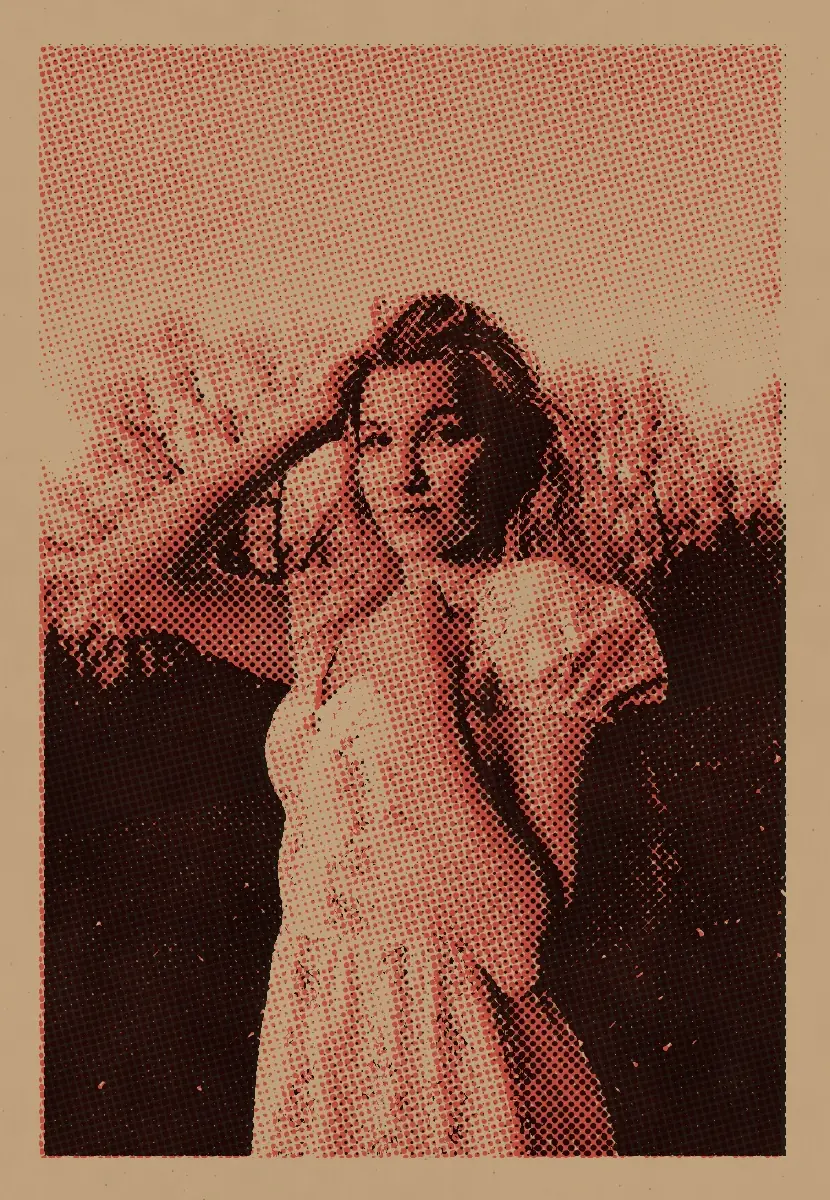
One print — Black and Fluorescent Orange in duotone — on the four stocks. Only the paper changes: its white, its tooth and how the inks sit on it.
Which photographs make a good riso print
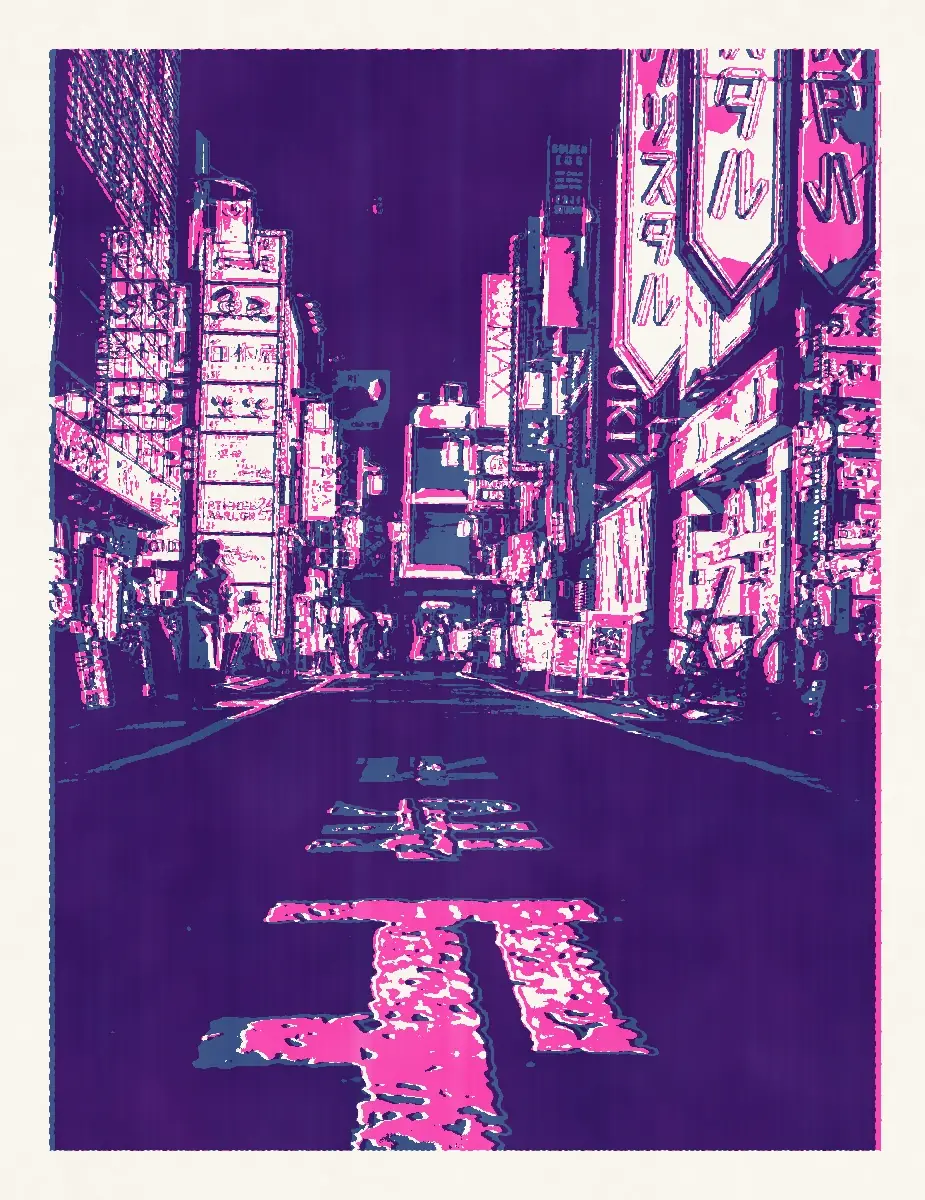
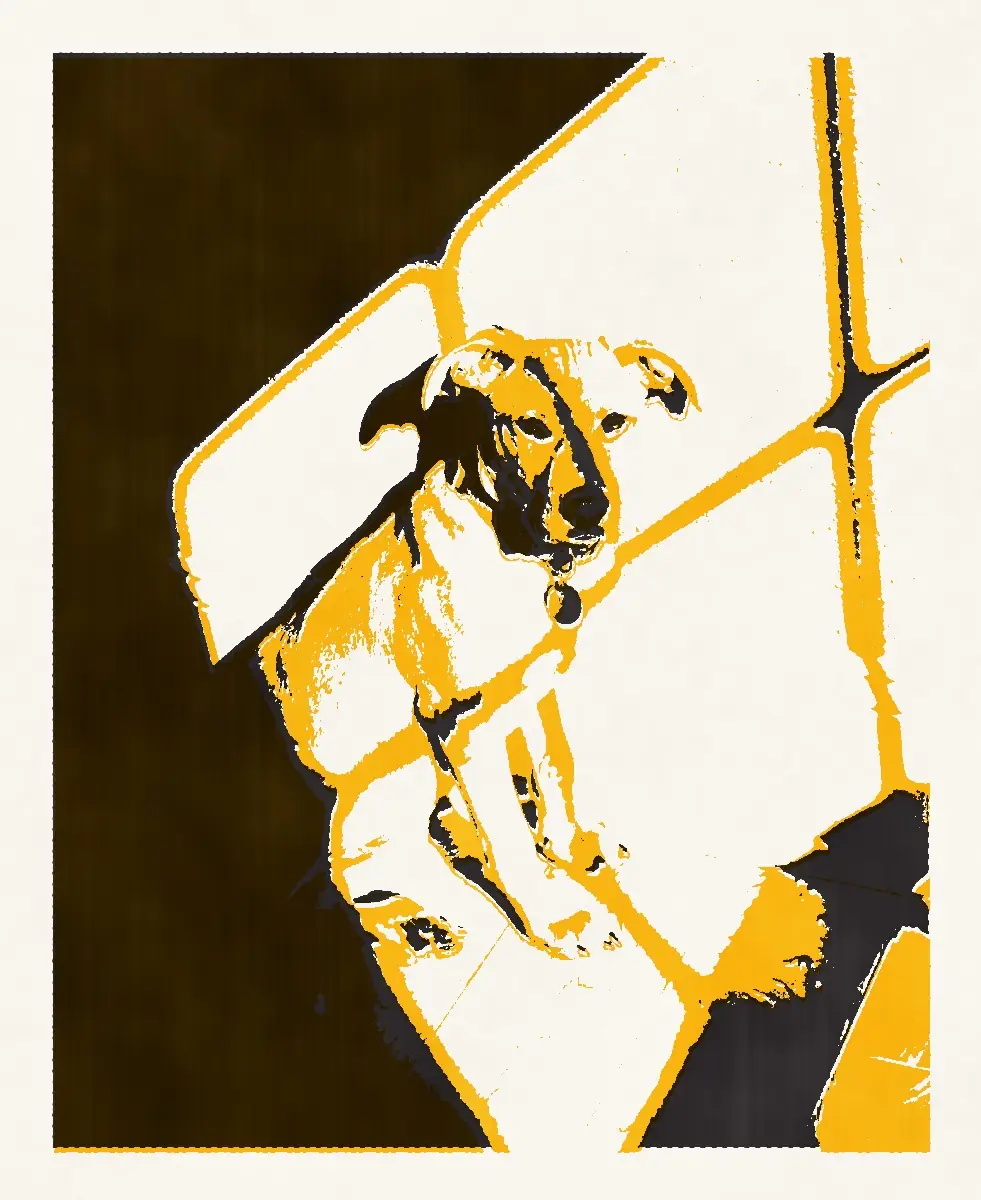
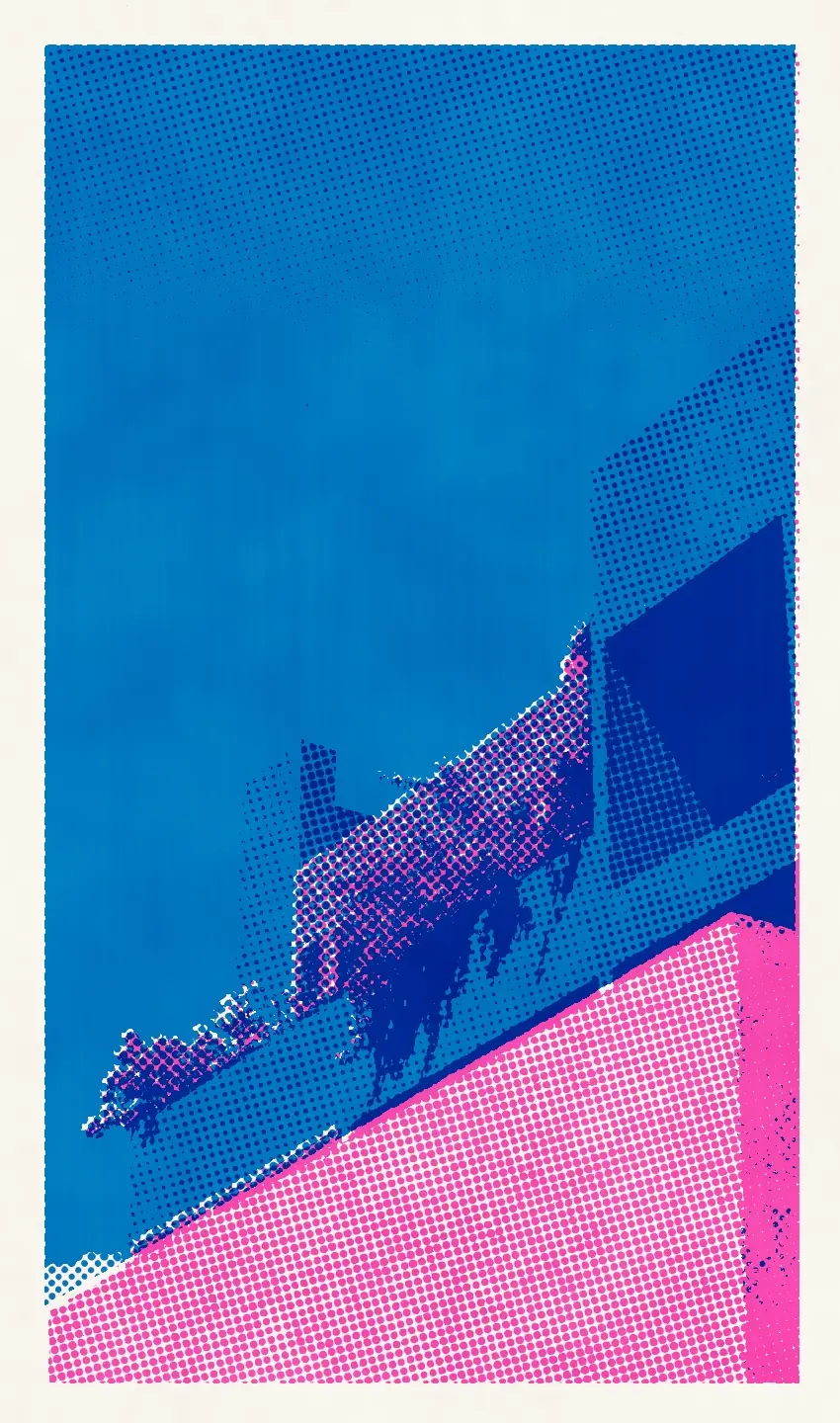
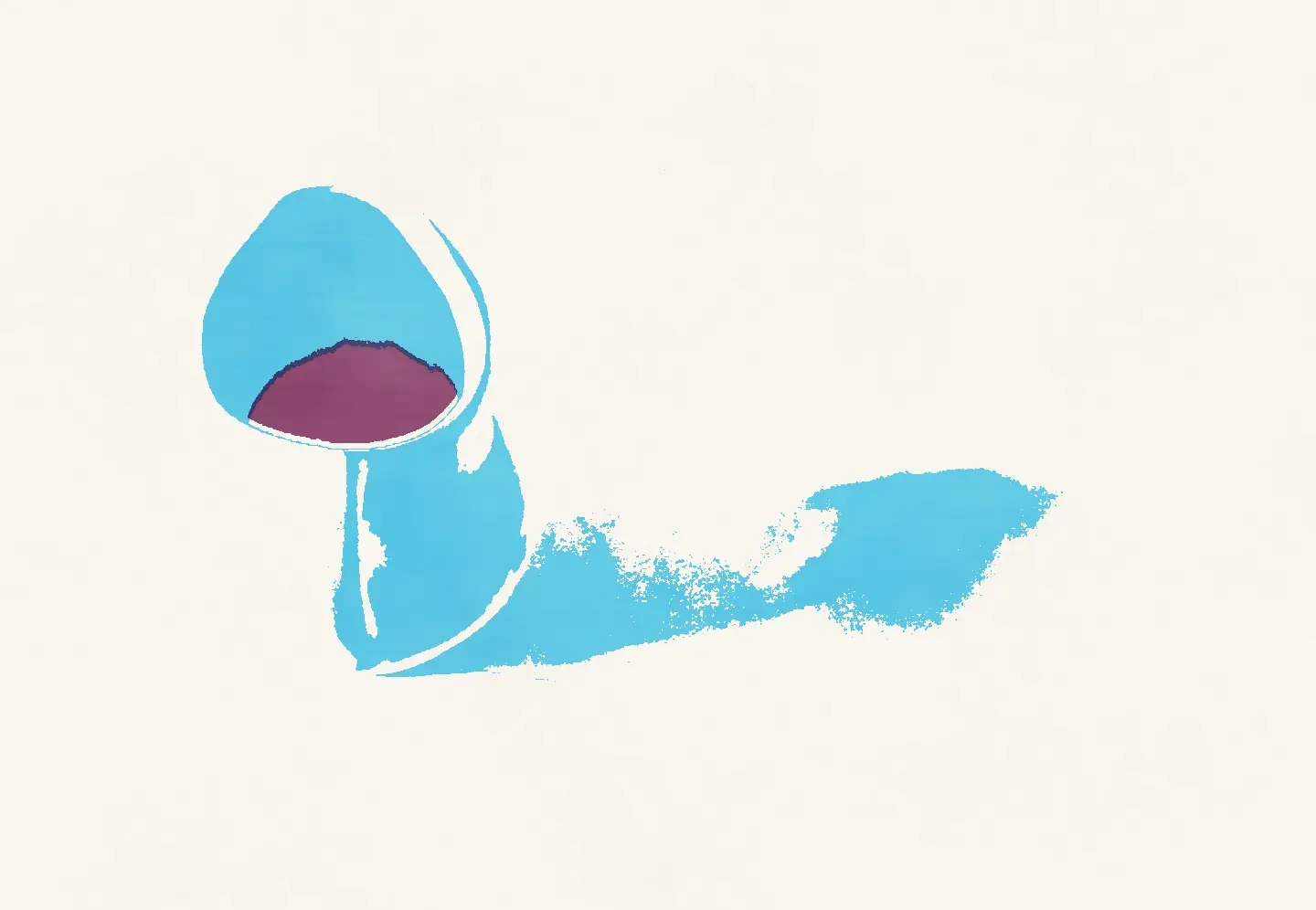
Look for a clear shape and a strong light: a face, a sunlit wall, a street full of signs at night, a dog in a patch of sun, a jug and its shadow. Two inks and a screen have to say everything, so a busy, flat photograph has less to give — Poster and Contrast help it find its shapes.
Your edit goes to press as it is
The risograph comes after every other image tool. It separates the photograph with all of its current processing — film, print paper, adjustments and effects — and changes none of it. Close the stage, and your edit is where you left it.
How to make a risograph print
Risograph is part of Pro, and every Pro feature can be tried free for 7 days. The separation, the screen and the print are computed on your device.
Finish the photograph
Edit as usual — film, light, effects. The riso print takes the photograph exactly as it looks.
Open the risograph
Open Print processes after Effects and choose Risograph. The first print comes out in Federal Blue and Fluorescent Pink.
Choose the inks, then the press
Pick two inks and a paper, choose Duotone, Photo colour or Poster, then set the screen and the misregistration. Press Another print for a fresh pull, and Export.
Risograph questions
What is a risograph print?
A print from a Riso stencil duplicator, a Japanese machine built for fast office copying that artists and small presses took up for posters, zines and photo books. It prints one spot ink per drum through a stencil burnt into a master, so a two-colour print runs through the machine twice. Its look comes from that: vivid translucent inks that overprint, a halftone screen, an uneven film of ink and a second colour slightly out of register.
Is it just a halftone filter?
No. A halftone filter turns a photograph into dots. The risograph stage first separates it into two inks the way a riso studio does, screens each ink at its own angle, sets the second drum slightly off the first and lays the inks as an uneven film on uncoated paper, with a paper margin or to the edge.
Which photograph prints best?
One with a clear shape and strong light: a portrait by a window, a sunny street, a street full of signs at night, a plant against a wall. When a photograph is busy, try Poster: it simplifies the tones into flat shapes.
Can I send the file to a riso studio?
Not as print-ready masters. The stage exports the finished print as a JPEG — how it would look pulled from the machine — not one greyscale master per drum. It makes a good proof to show a studio the inks and the look you want.
Will the risograph change my edit?
No. The stage takes the photograph with all of its current processing and leaves everything underneath alone: close it, and your film, adjustments and effects are where you left them.
Is the risograph free?
No, the risograph is part of Pro. Every Pro feature can be tried free for 7 days, with no card and no automatic charge.
Is my photograph uploaded anywhere?
No. The separation, the screen and the print are computed in your browser; the photograph never leaves your device.
Photographs: Andrea Piacquadio, Chris S, Esra Erdem, Airam Dato-on, Saul Joseph, Airam Dato-on, Christopher Politano, Elizabeth Ann Stein, Eduardo Fuentes Loya, Brunxs and Mehmet Turgut Kirkgoz on Pexels. Edited in Photonica.