
Lith print: a photograph with a will of its own
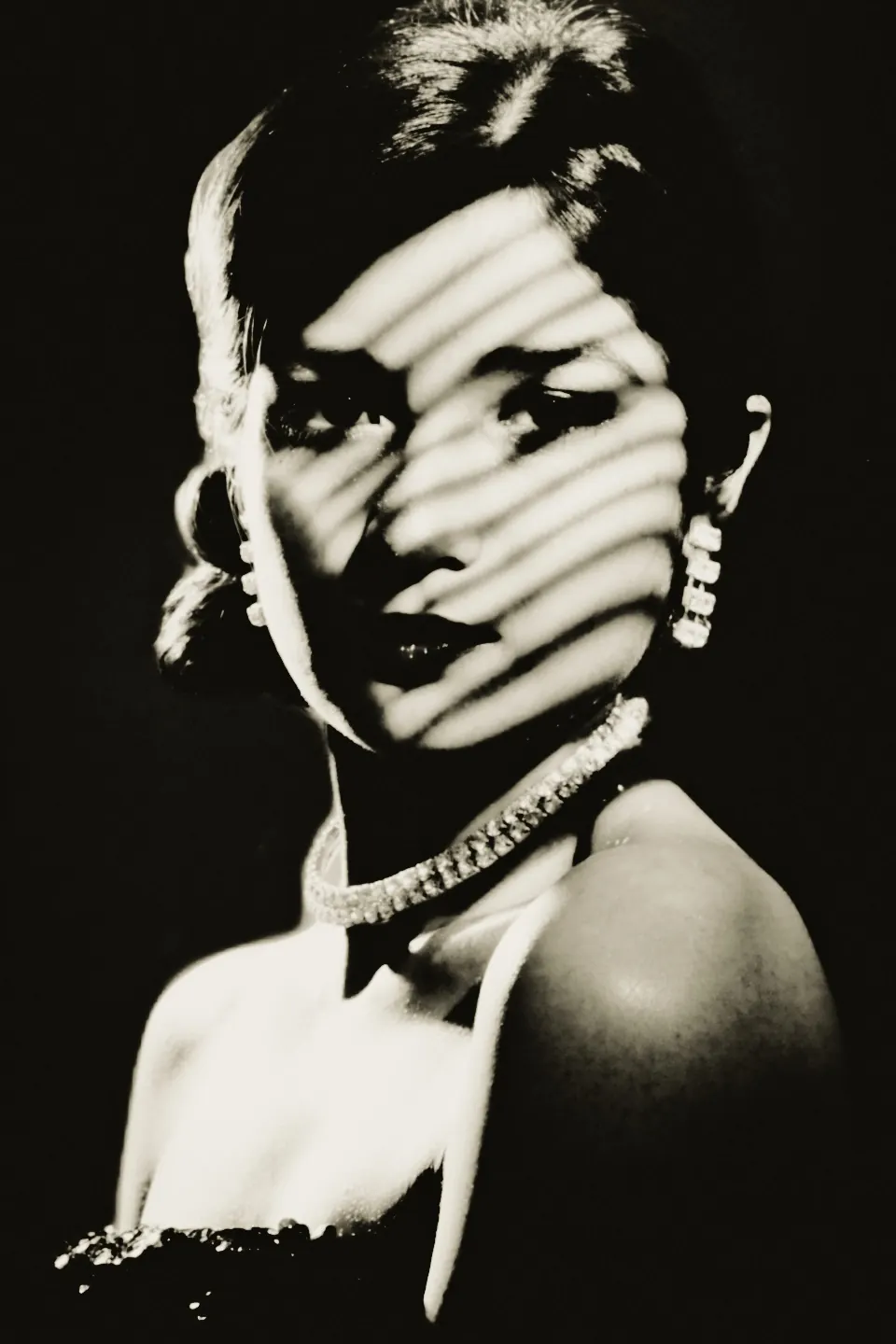
Photonica recreates the darkroom chemistry from your photograph: creamy highlights, a sudden gritty black and five papers of its own.
On this page
What a lith print is
The black arrives all at once. Fine silver grows slowly everywhere and saturates low, so the highlights stay creamy and never turn paper white. Where exposure is heavy, development accelerates itself: the shadows race into a coarse, blotchy black, and the printer pulls the sheet before it swallows the picture.
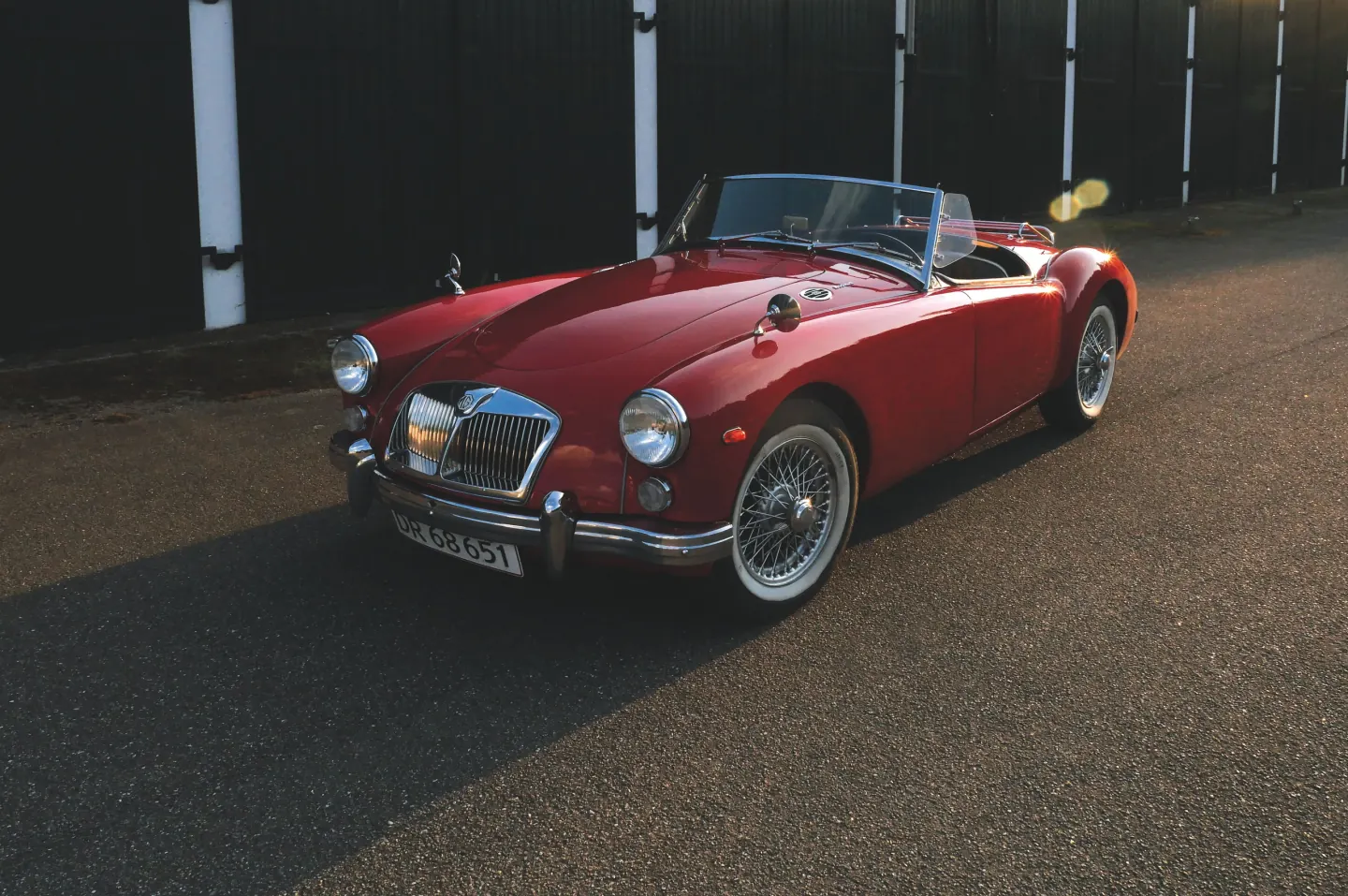
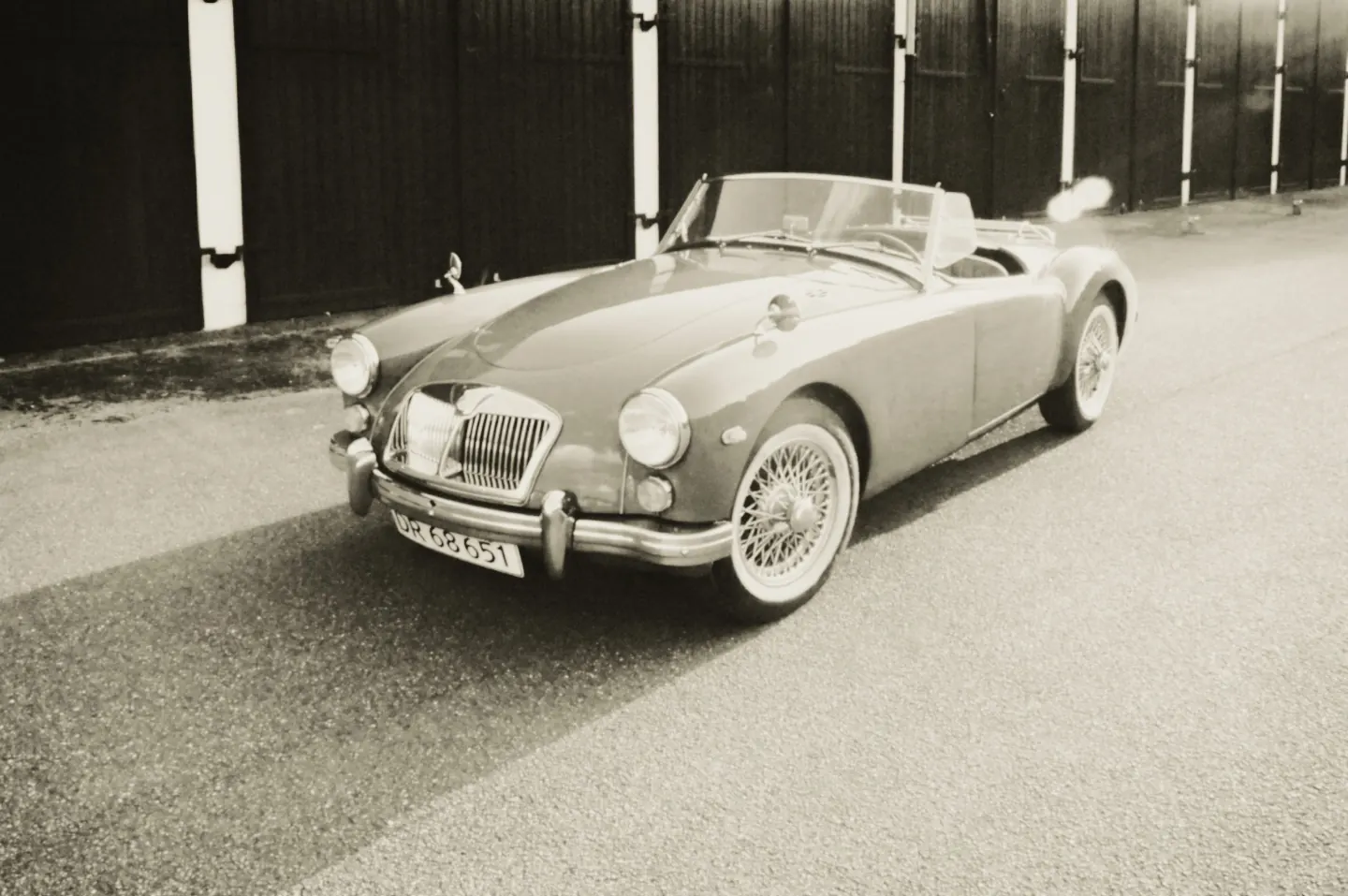
A red roadster on a sunlit street. In the lith print the car keeps a creamy tone and the wall behind it drops into black. Choose a side to look closer.
Photo: Nordic Overdrive / Pexels.
One process, two chemistries
The highlights print dense and warm: the middle of the picture is tone, not paper. And the edge of the black is gritty, because the negative’s grain decides where each spot of shadow takes off.
Photonica computes that chemistry on your device, from your photograph, at the size of your export. Nothing is uploaded.
These examples are real prints from the lith stage in Photonica. “Before” keeps the photographer’s original treatment; the print is a creative interpretation of a darkroom process.
Lith print settings
Three decisions shape the print: how much light the sheet takes, when it leaves the developer and what the negative carries. As on a darkroom test strip, each strip prints the same still life three times, and only one control moves.
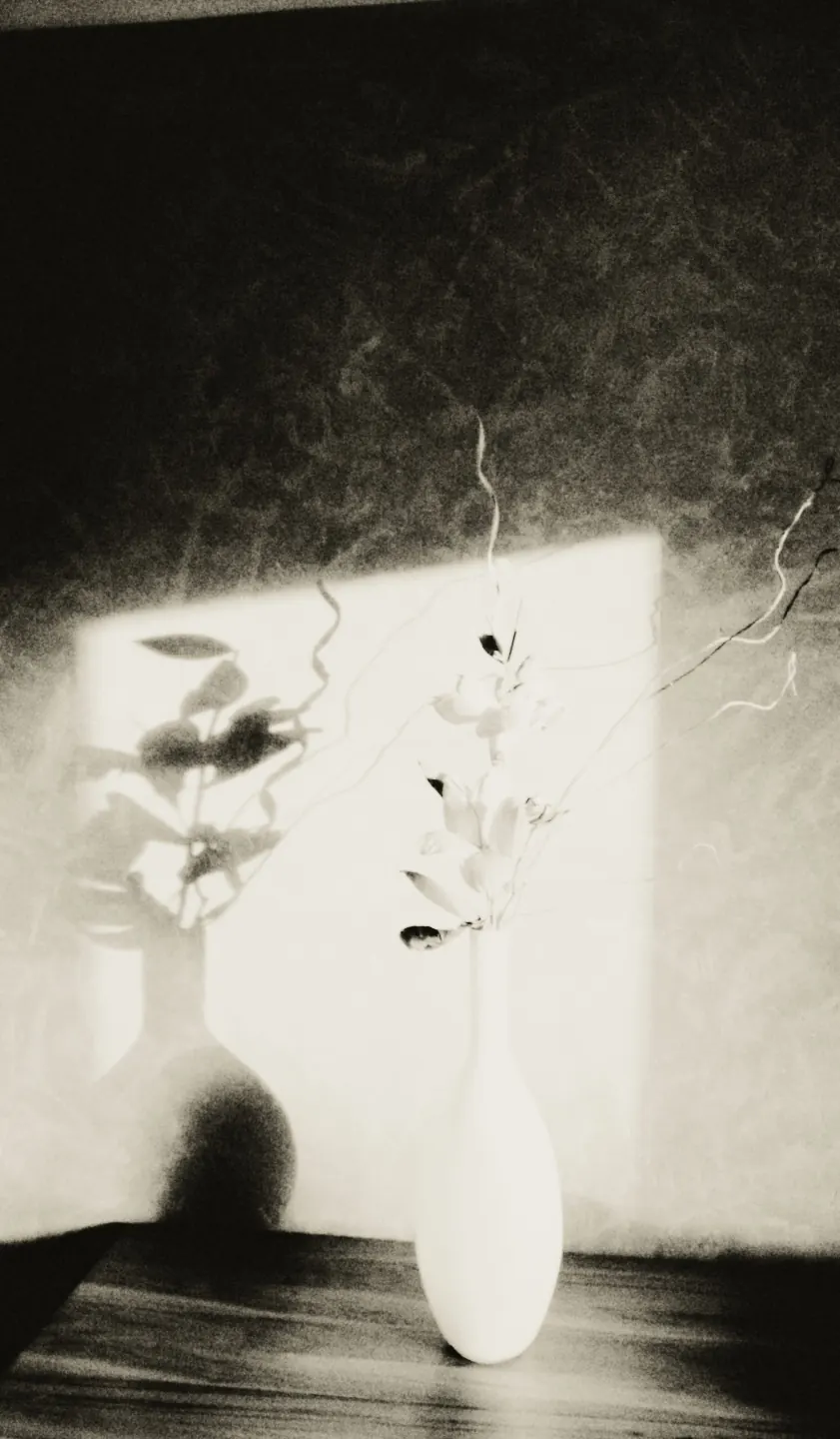
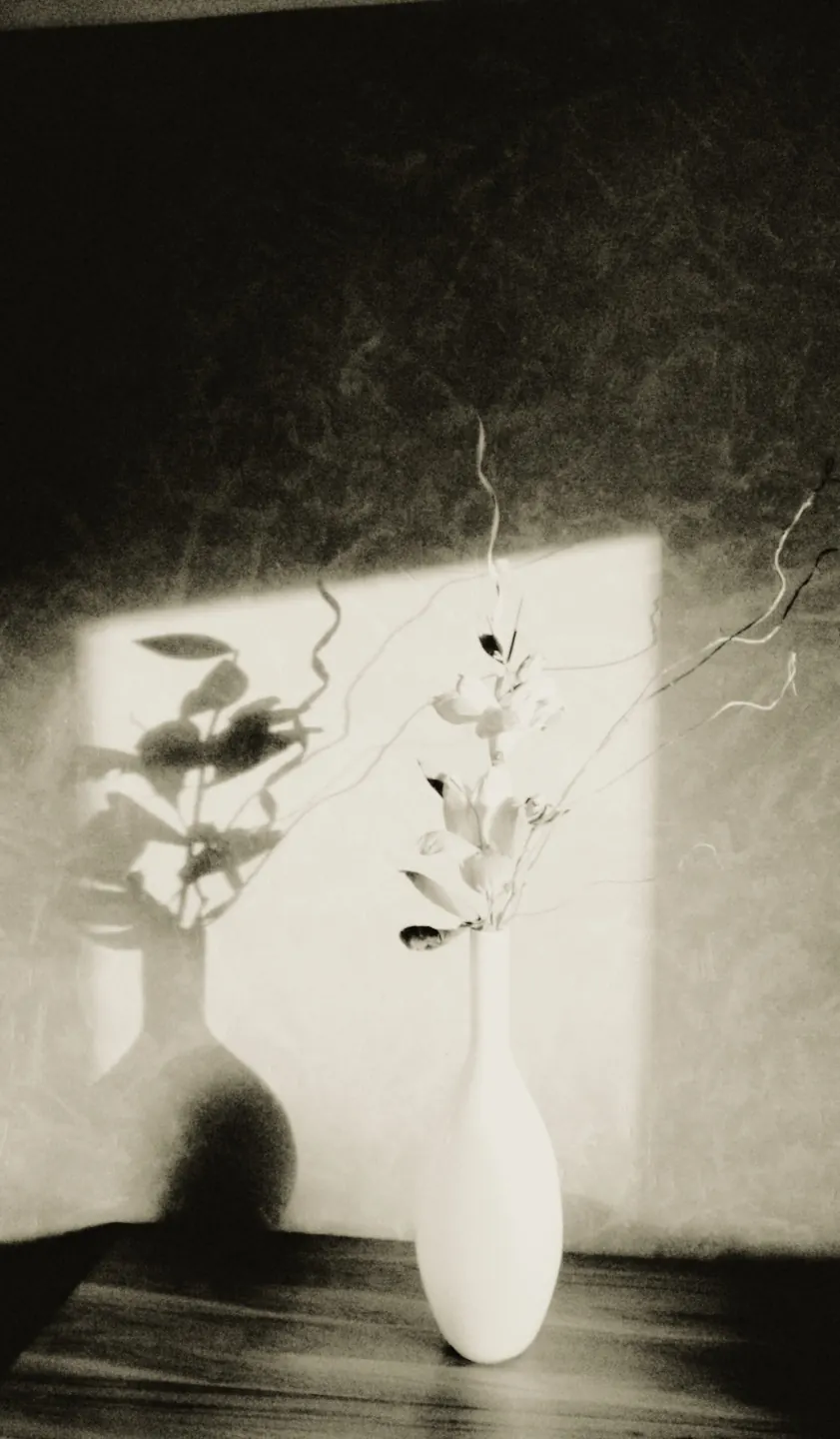
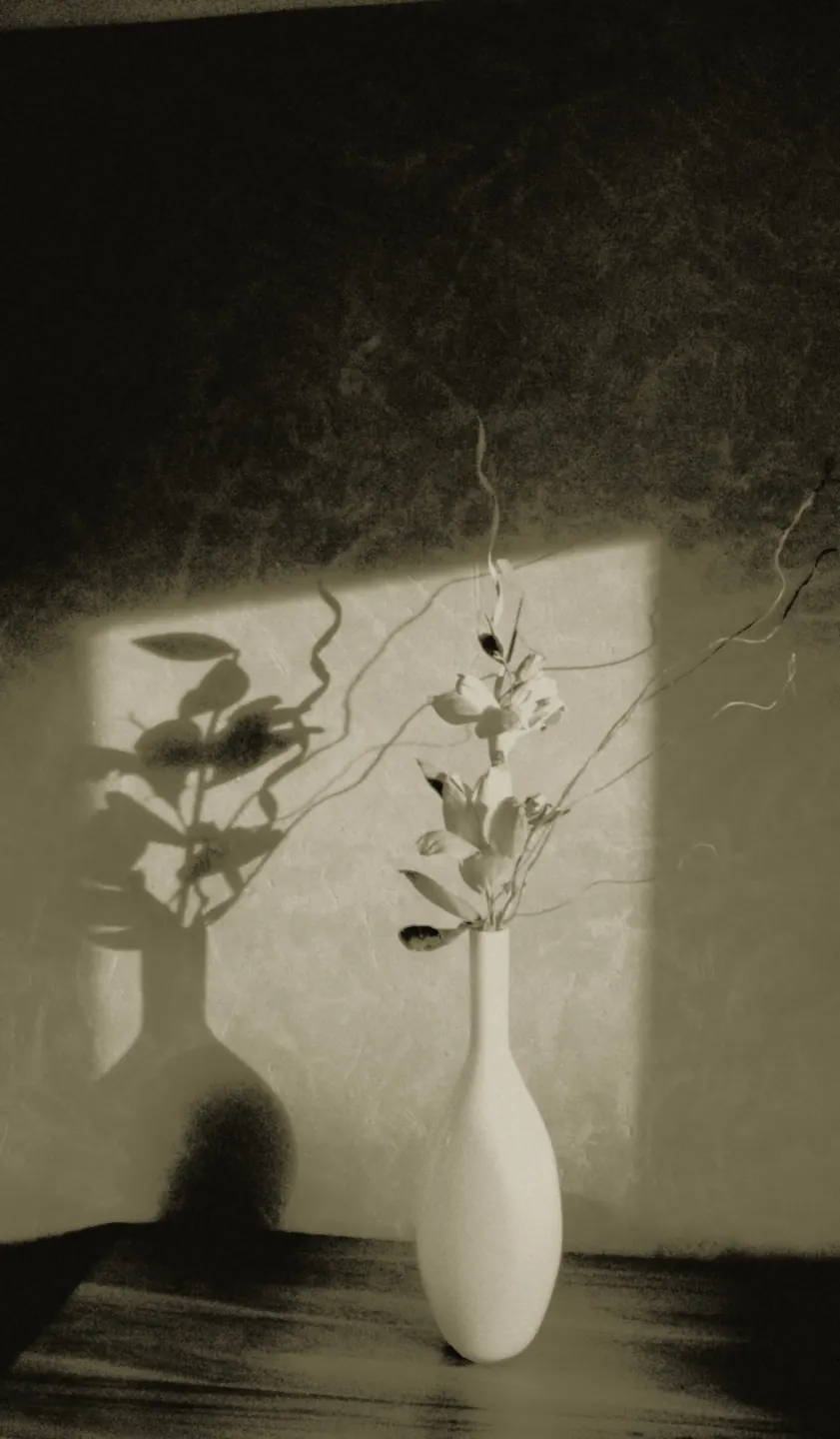
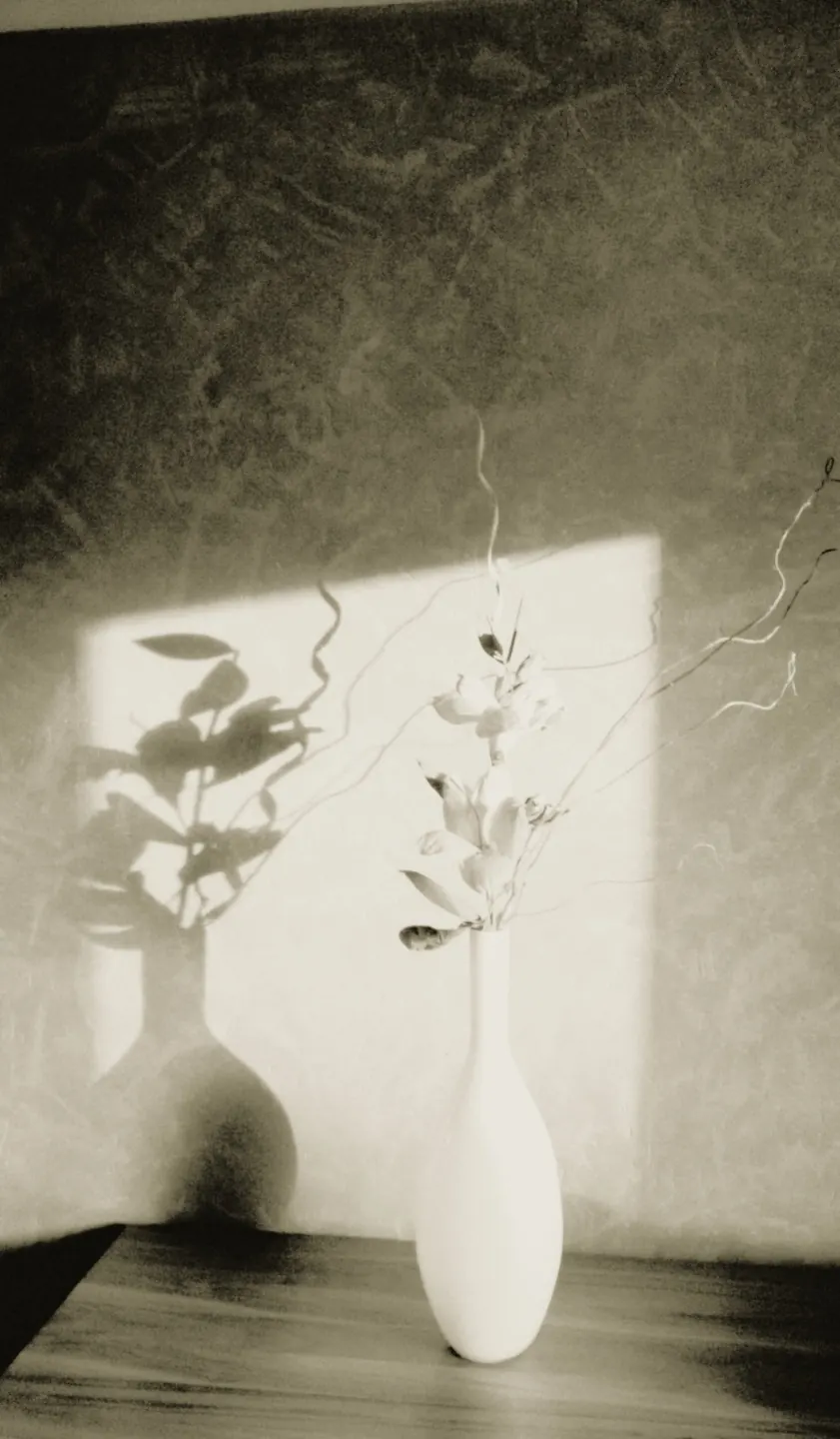
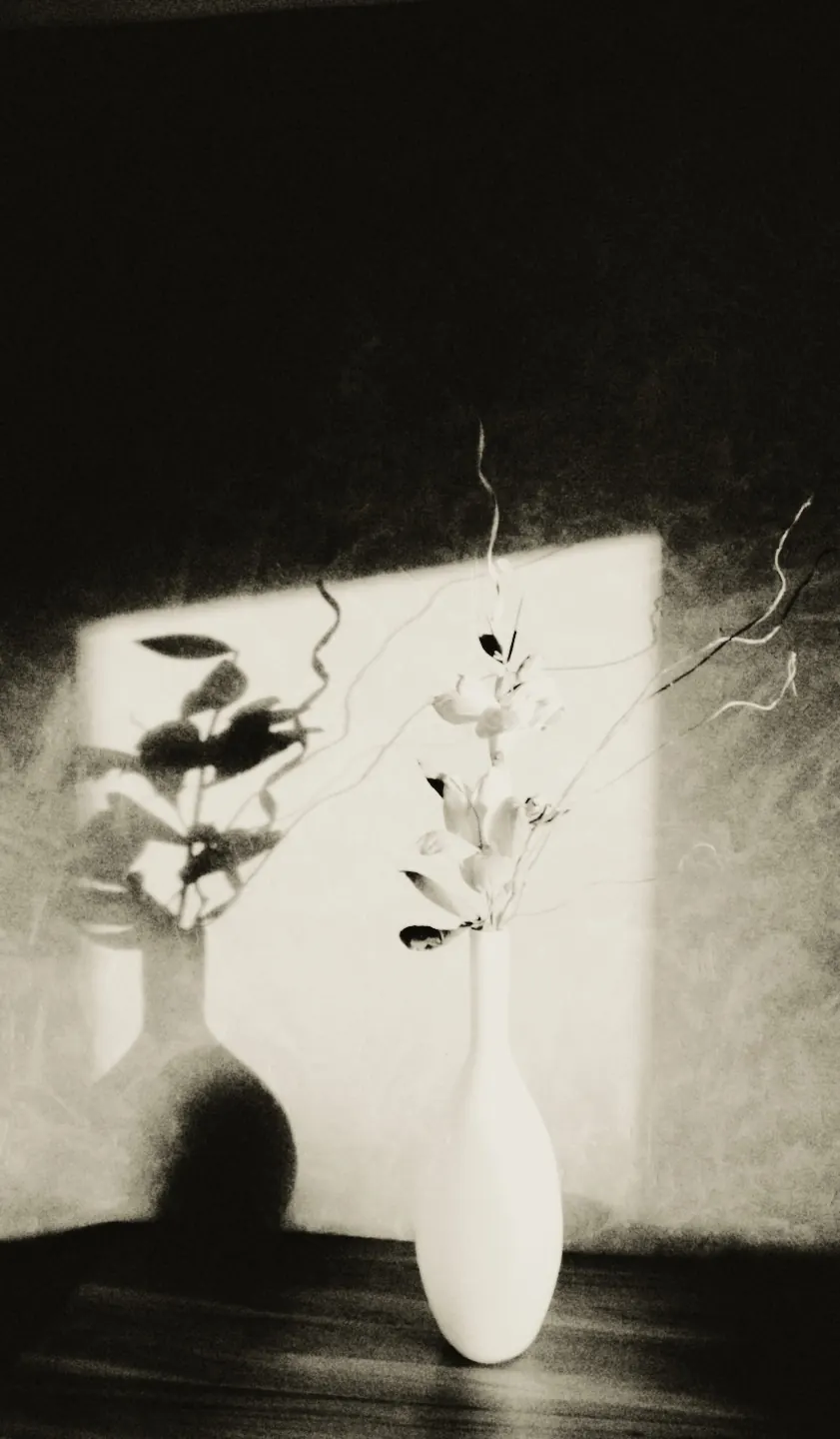
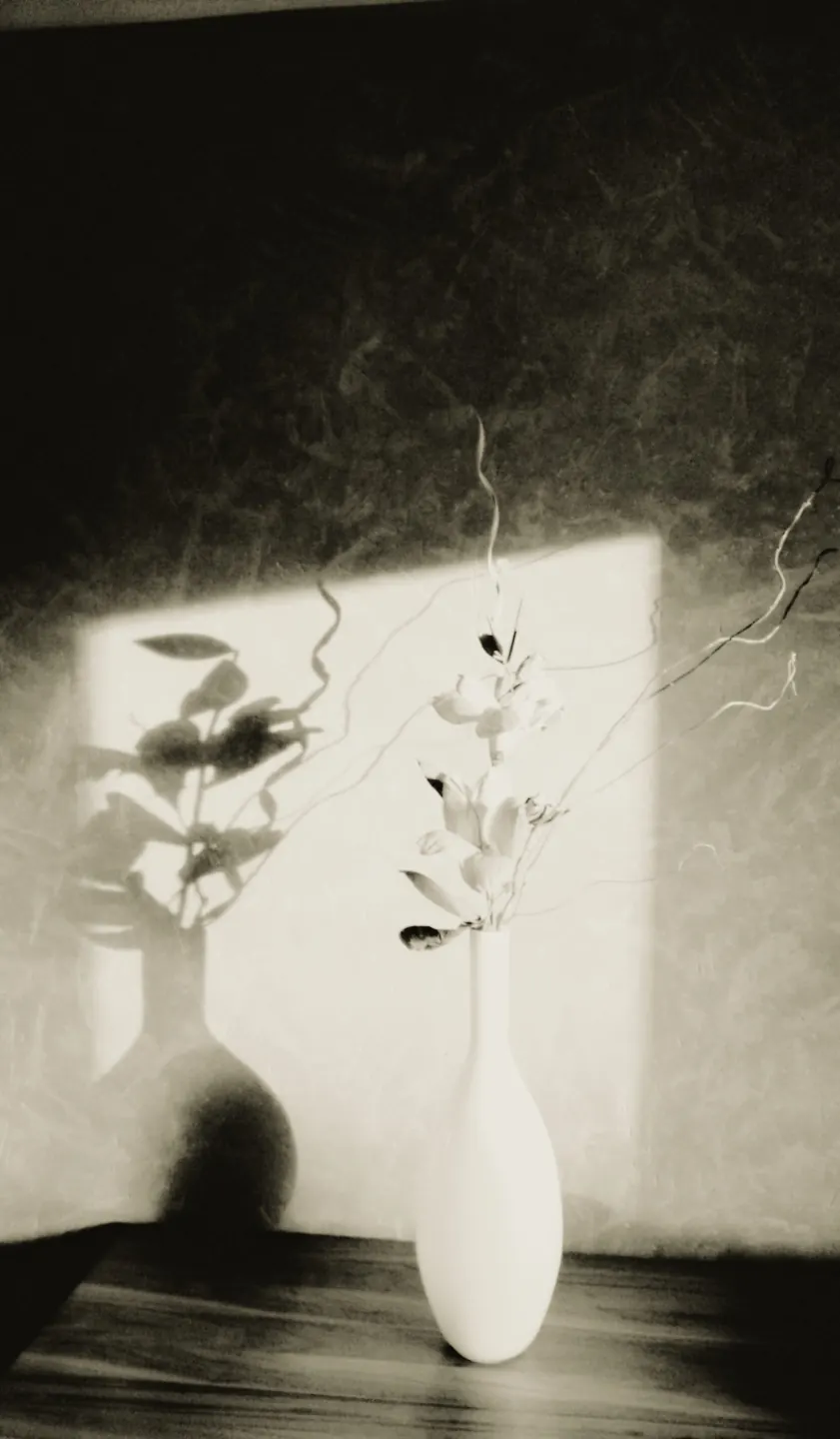
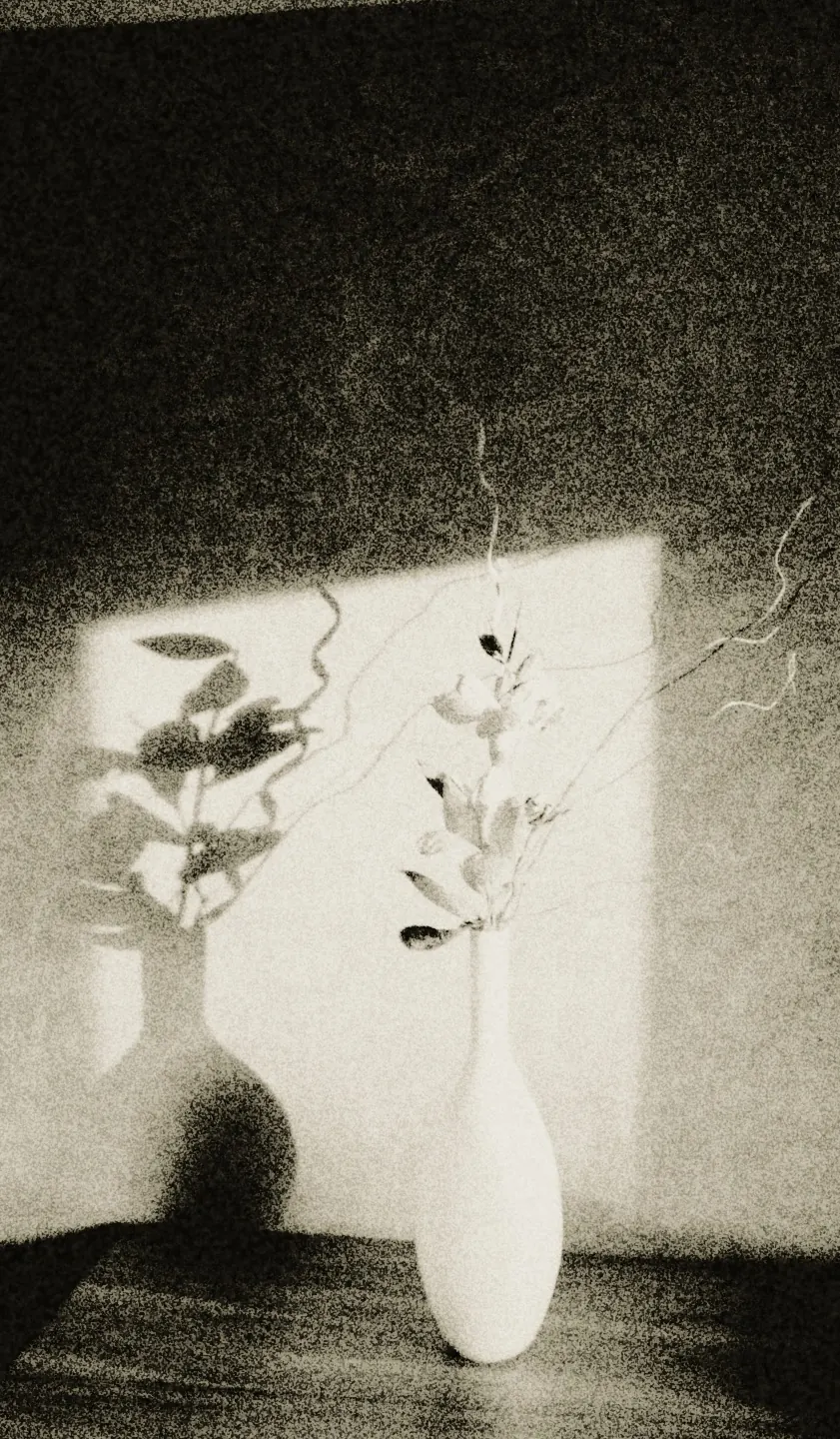
Print keeps Exposure and Development, with Spread, Edges and Softness under More. Paper mixes the silver’s colour and tones it in selenium; Negative chooses the film, the format and the depth of the shadows; Unevenness adds developer exhaustion and tray streaks. Press Another sheet to print again with fresh grain: no two sheets ever match.
Five papers and selenium
Lith papers differ by the colour their silver reaches: olive, peach, rose, chocolate and a nearly neutral cold. One still life printed on every paper — and then the same print toned in selenium.
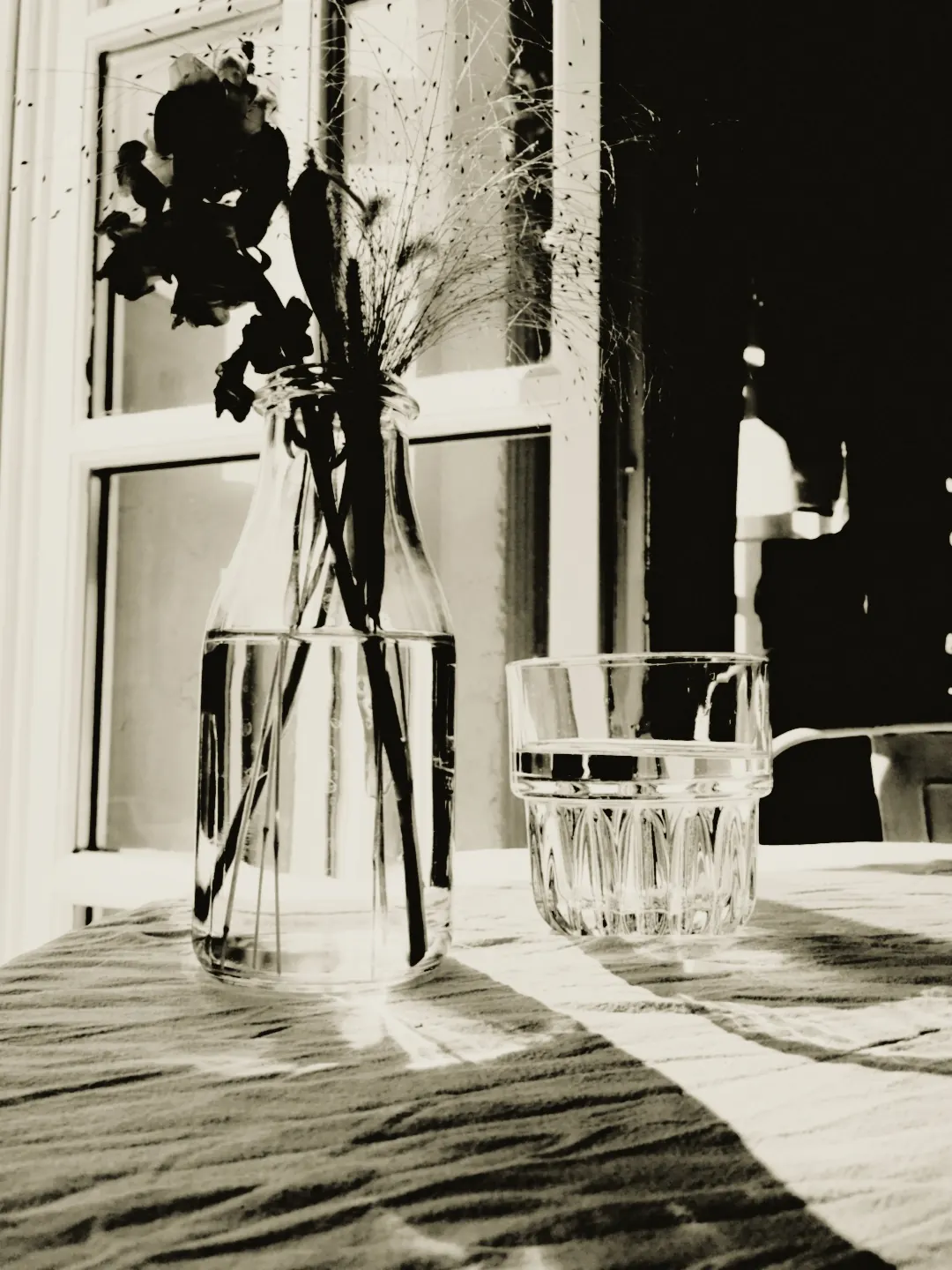
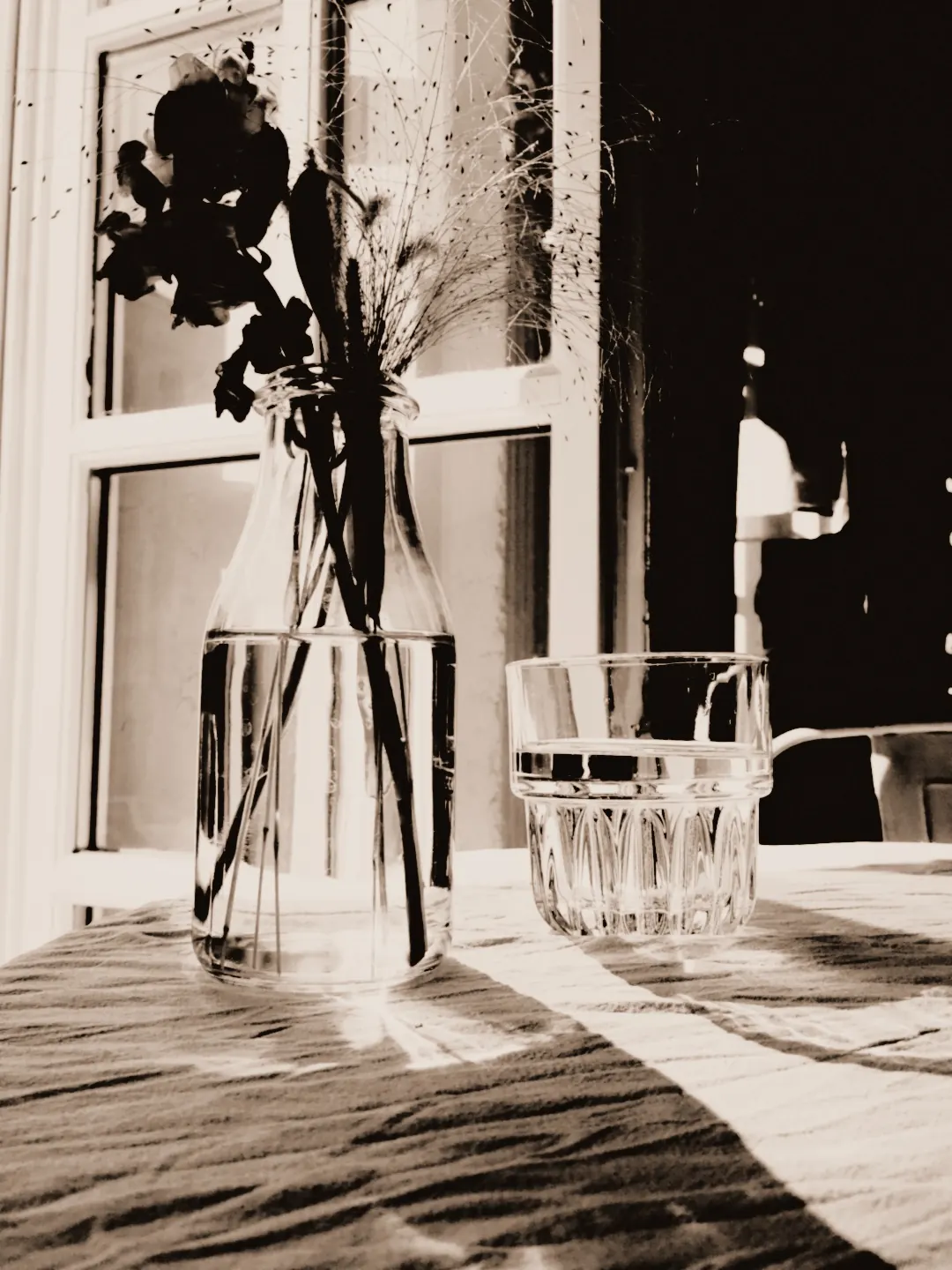
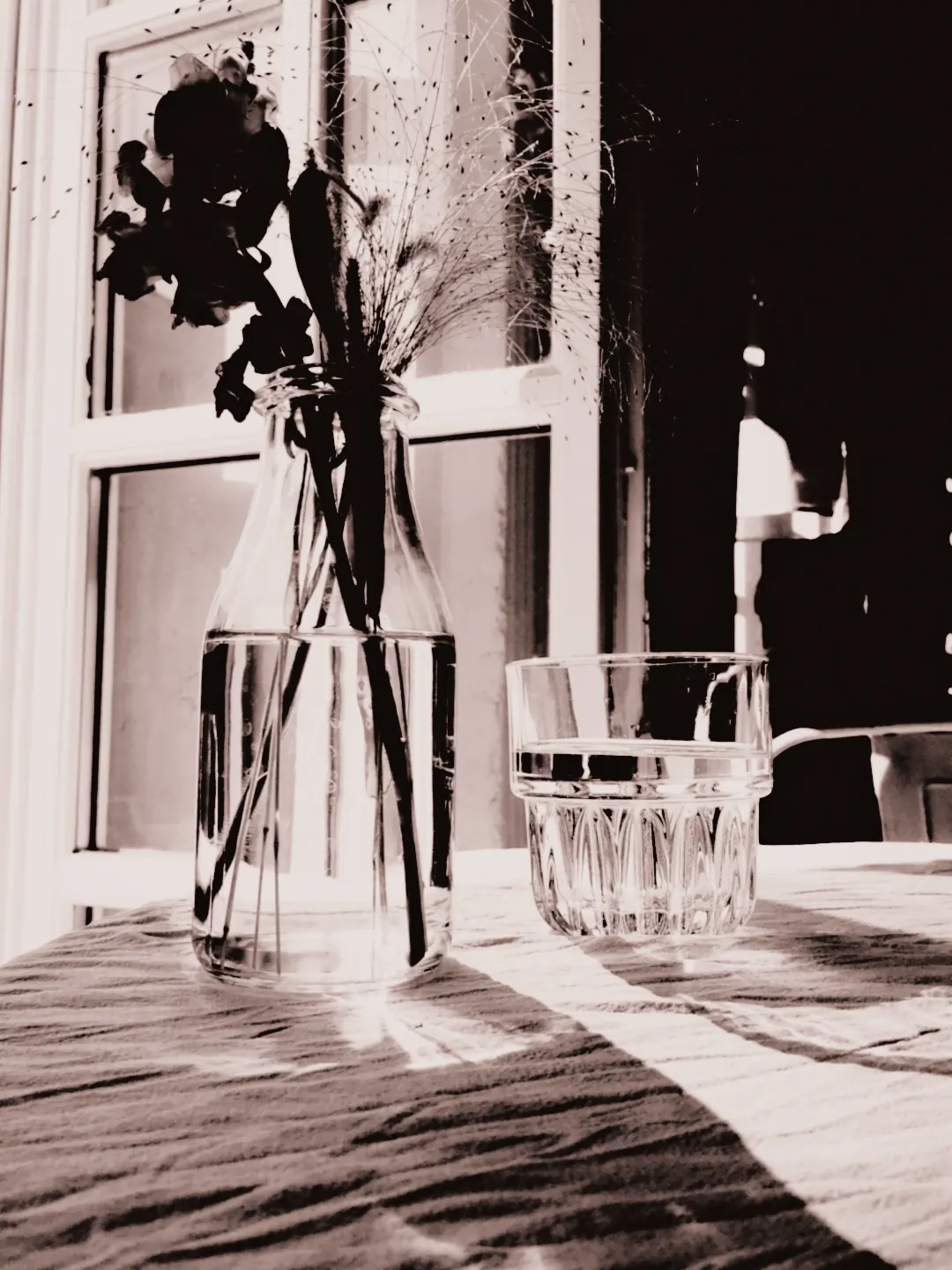
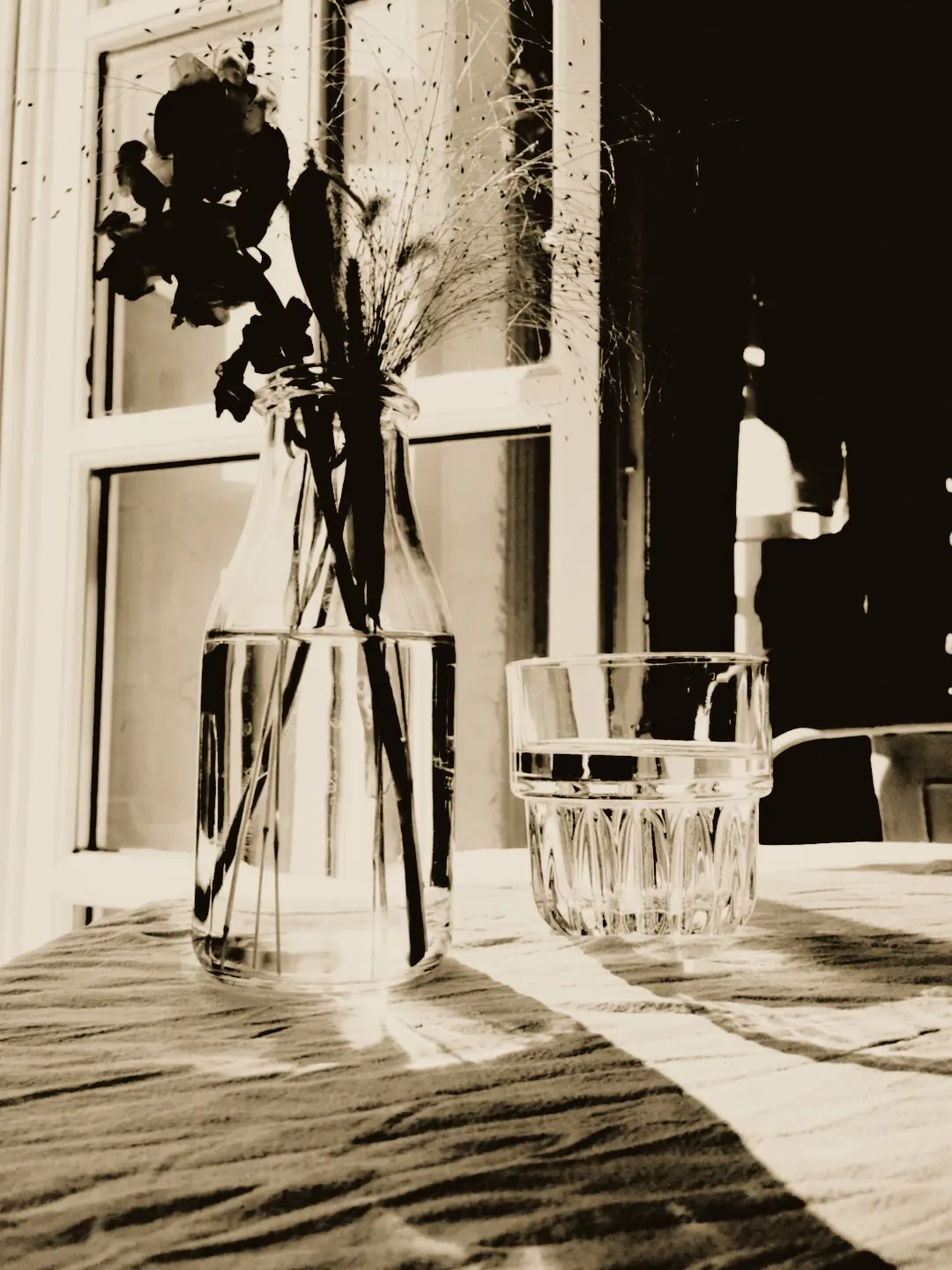
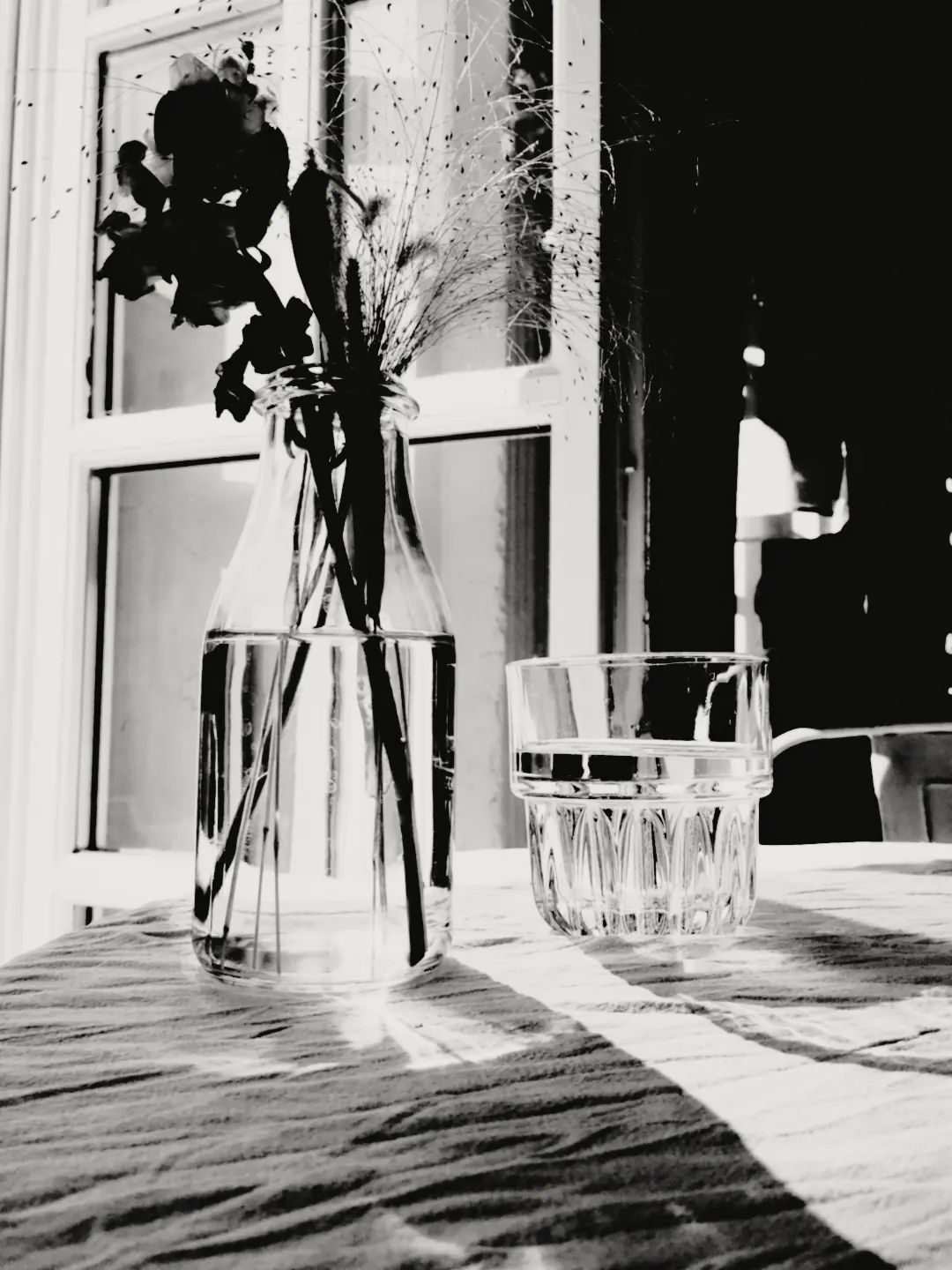
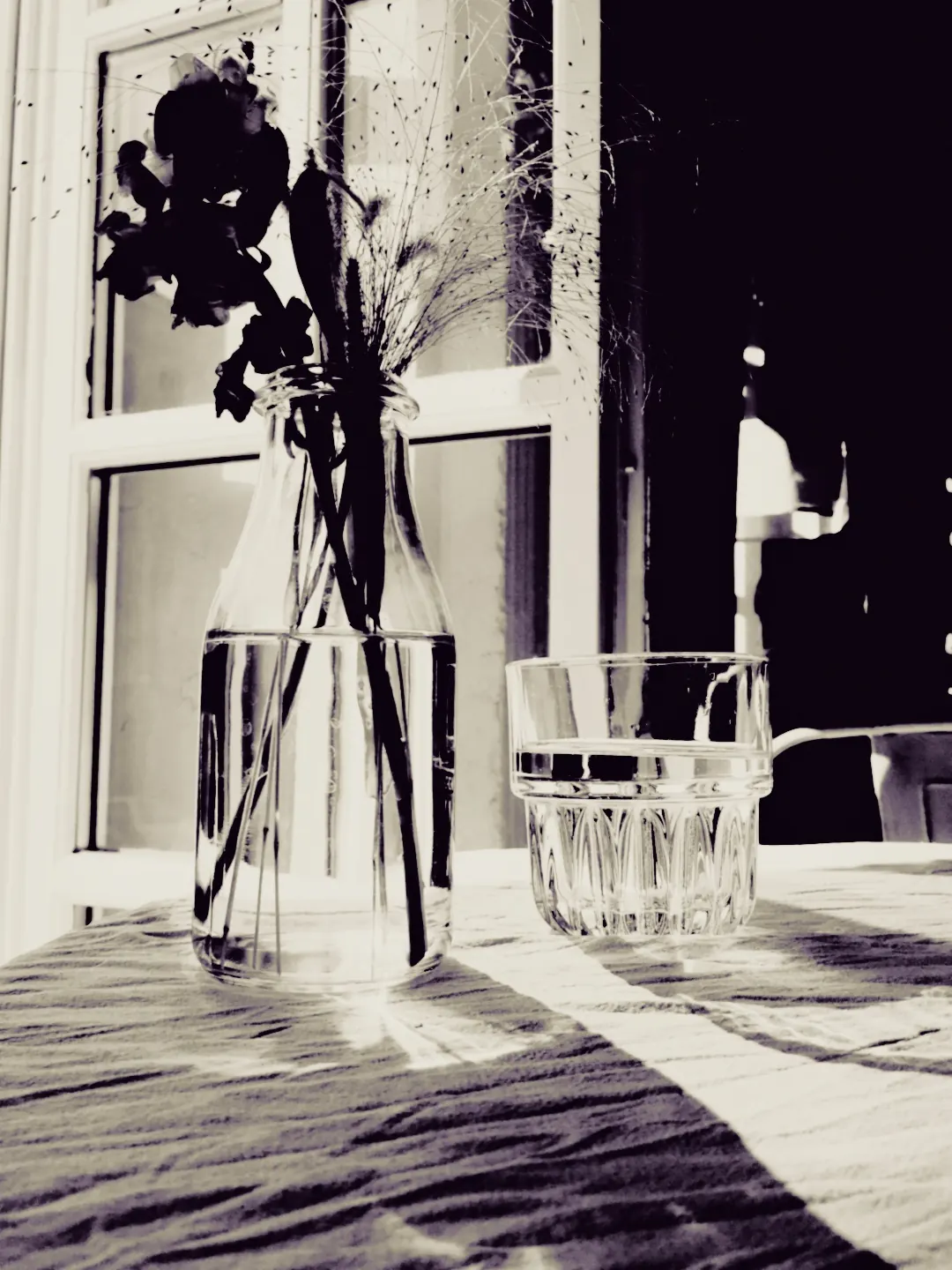
All five papers change only the silver’s colour, from a nearly neutral cold to a deep chocolate. The sixth study is the olive print toned in selenium.
Which photographs make a good lith print
Look for real highlights and real shadows: hard sun on a face, lamps in the dark, water in a long exposure, a quiet object in window light. A flat, evenly lit scene gives the process less to do — the shadows stay grey and never reach black.
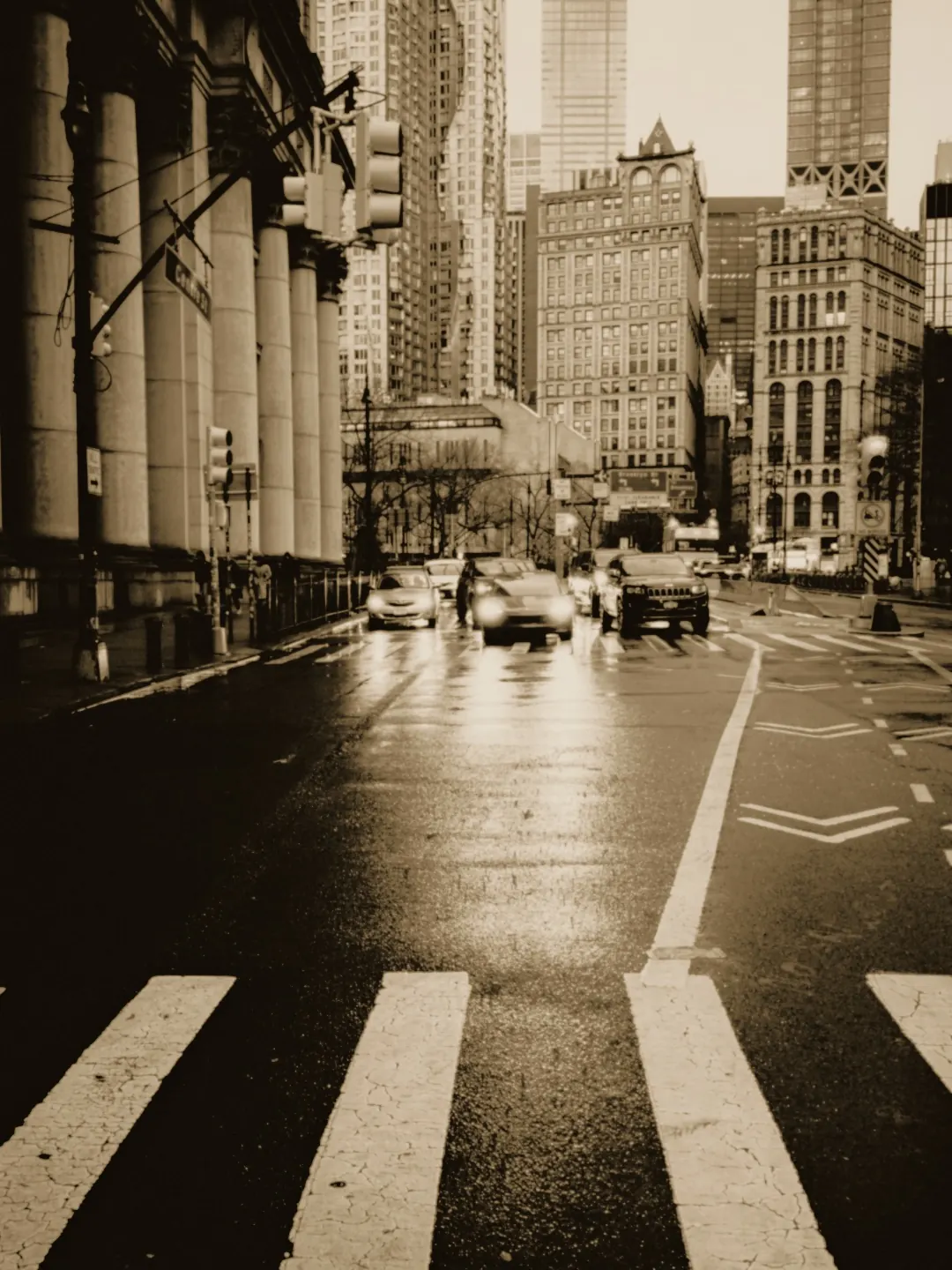
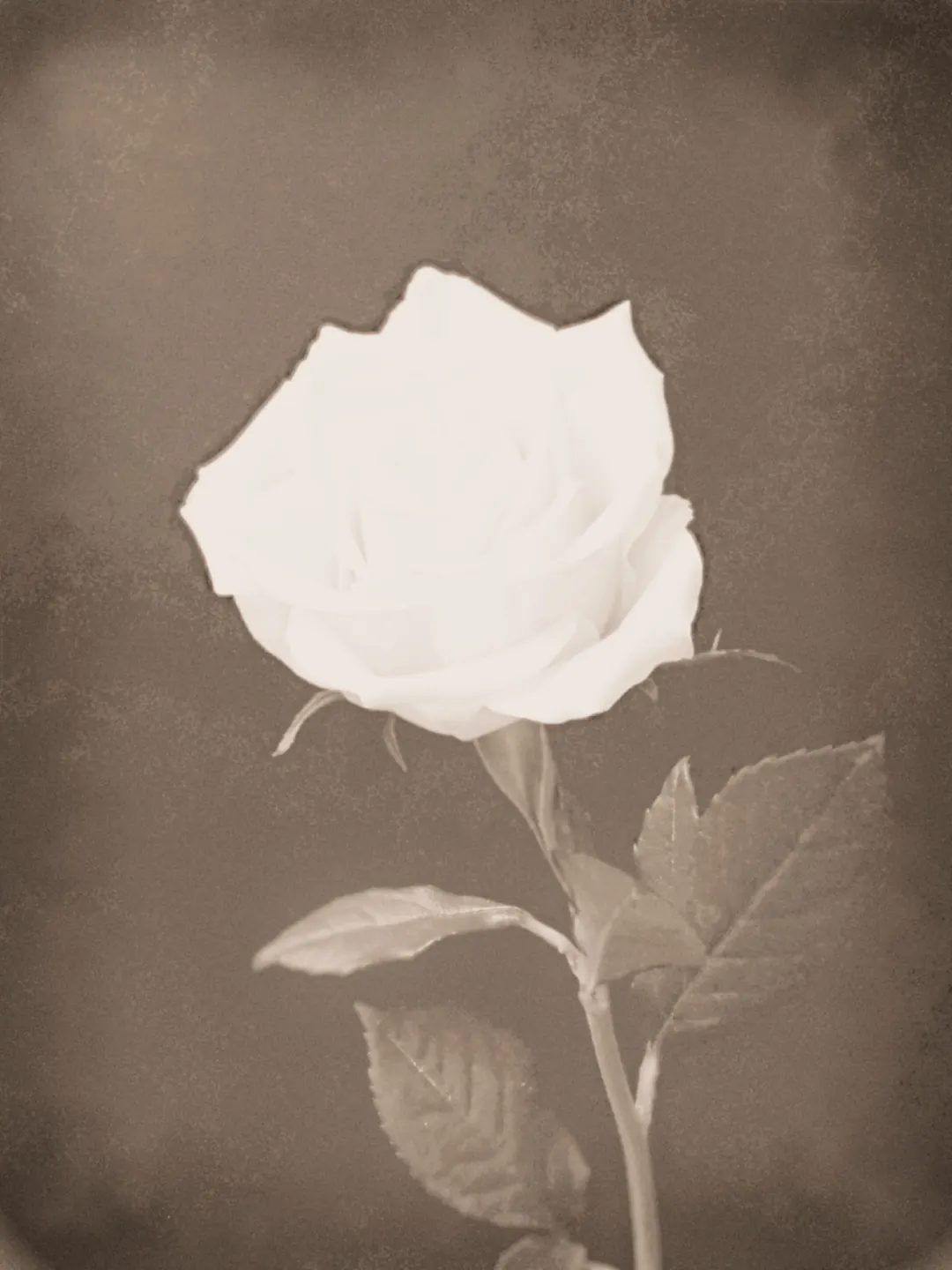
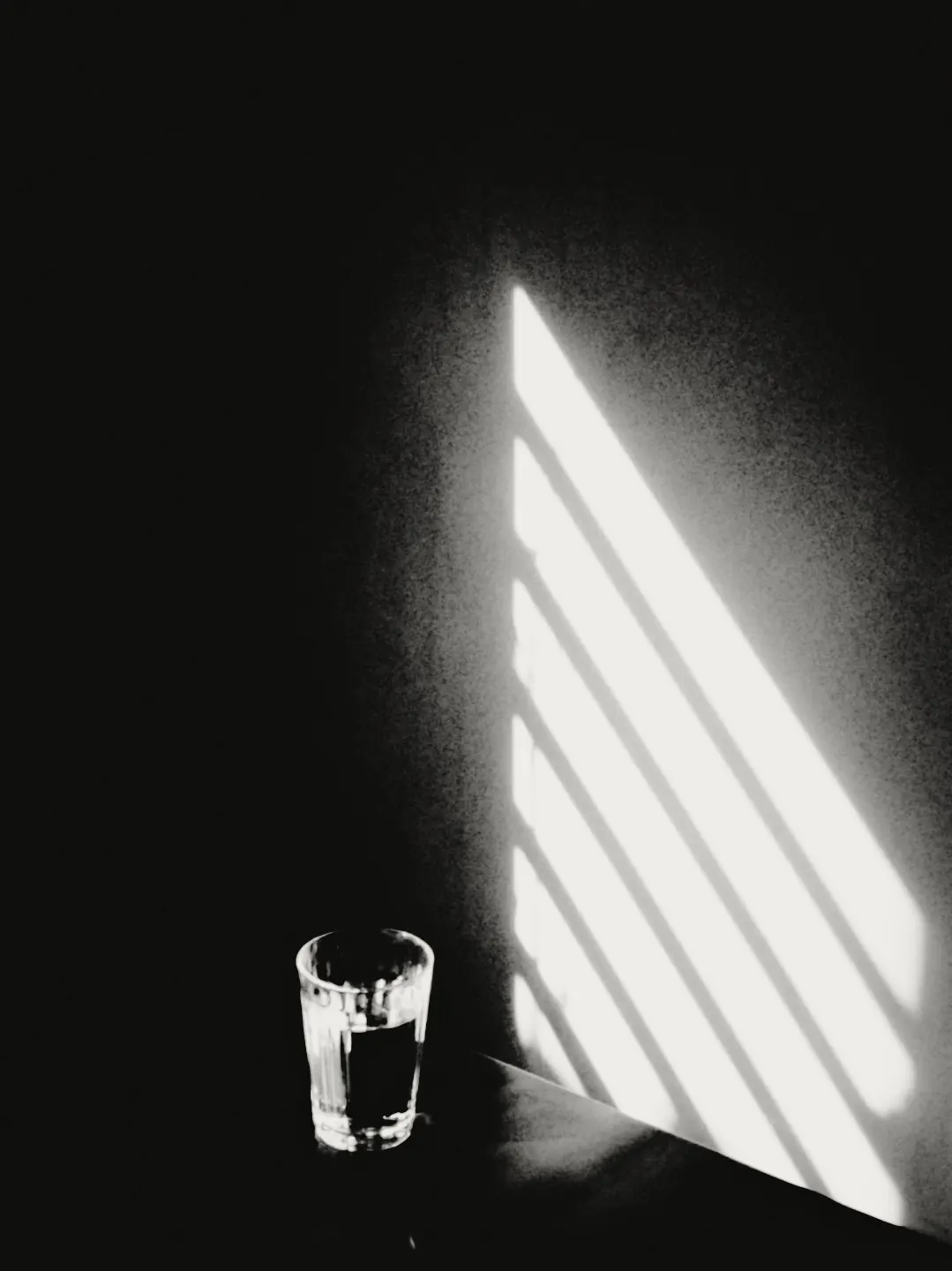
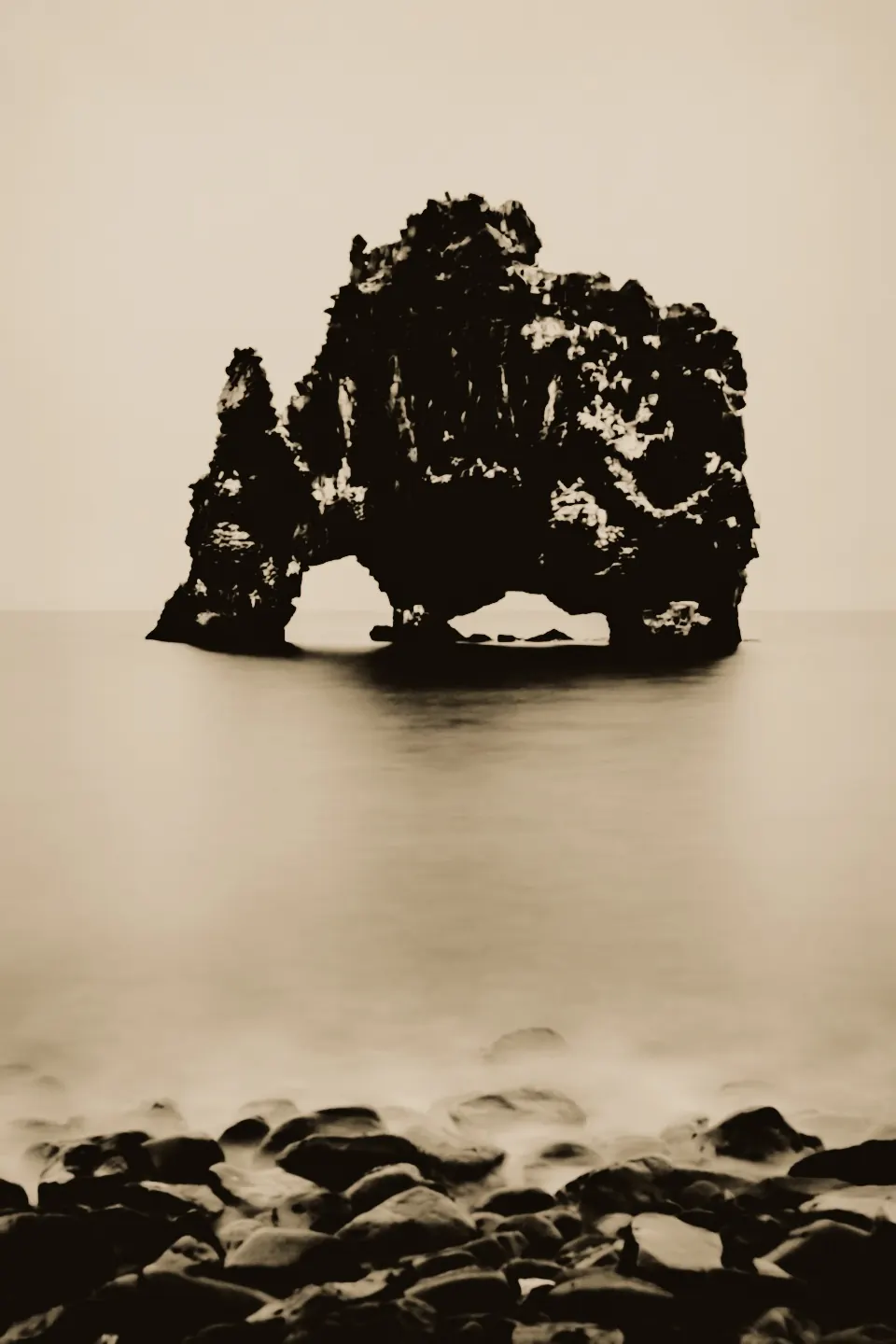
It prints your edit as it is
The lith print comes after every other image tool. It prints the photograph with all of its current processing — film, print paper, adjustments and effects — and changes none of it. Close the stage and your edit is where you left it.
How to make a lith print
Lith print is part of Pro, and every Pro feature can be tried free for 7 days. The negative, the sheet and the print are computed on your device.
Finish your photograph
Edit as usual — film, light, effects. The print keeps every one of your decisions.
Open the lith darkroom
Open Print processes after Effects and choose Lith print. The editor makes a sheet from your photograph.
Tune the print
Choose a paper, move Exposure and Development, and press Another sheet for fresh grain. Export the JPEG when it is done.
Lith printing questions
What is lith printing?
A darkroom process of the twentieth century: a print overexposed on lith paper and developed in lith developer, whose chemistry runs away with the shadows. Photographers prize it for creamy highlights, dense midtones and a sudden, gritty black that no ordinary print gives. Photonica recreates that behaviour as a model computed on your device.
How is a lith print different from a silver gelatin print?
A silver gelatin print aims for a neutral black and a paper-white highlight, and its tones rise evenly. A lith print is overexposed and developed in a warm, dilute lith developer: the highlights saturate at a creamy tone, the midtones go dense, and the black arrives suddenly with a gritty edge. Toning in selenium then cools the densest black towards aubergine.
Which photograph should I start with?
Start with one that already has a clear dark and a clear light: window light on a face, a lamp in a dark room, sun on water. Flat scenes stay flat — the highlights turn grey and the black never arrives.
Does the lith print change my edit?
No. The step prints your photograph with all of its current processing and changes nothing underneath. Close the stage and your film, adjustments and effects are exactly as you left them.
Is lith print free?
No, the lith darkroom is part of Pro. Every Pro feature can be tried free for 7 days, with no card and no automatic charge.
Does my photograph leave my device?
No. The negative, the sheet and the print are computed in your browser; nothing is uploaded anywhere.
Photographs: Anubhaw Anand, Nordic Overdrive, NGSOFT IT, Valerie de Limoges, Allen Boguslavsky, Thorarinn Torfason, Phil Mitchell and Ánh Đặng on Pexels. Edited in Photonica.