
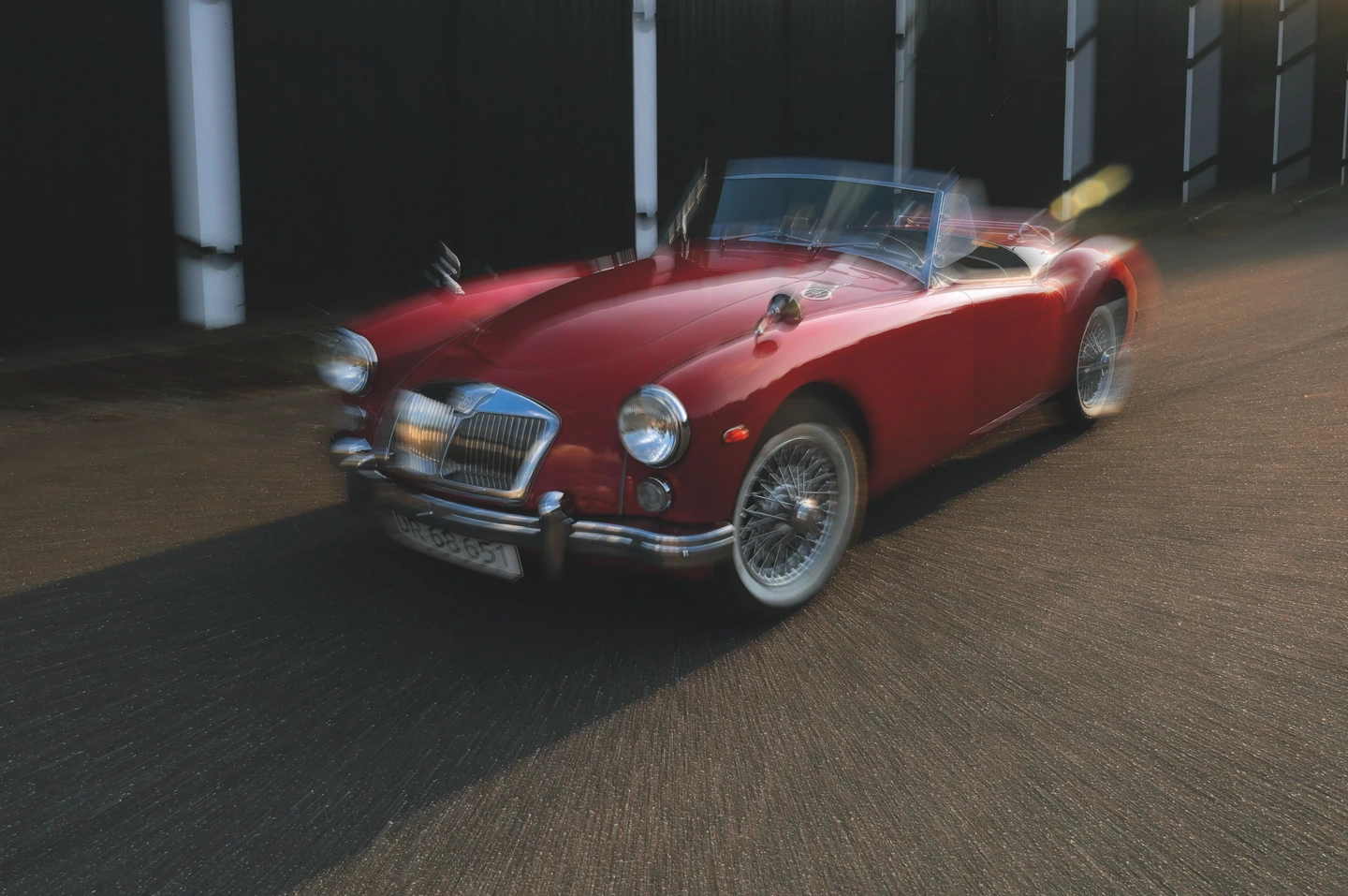
Pull the image around a centre.
Zoom blur creates a different rhythm from a parallel streak. Place the centre with the composition in mind and check whether the outward movement strengthens or distracts from the main shape.
Draw the frame in a direction or let it move out from a centre. Balance movement with enough definition to keep the picture readable.
Open editorPro
Motion blur stretches the visual information in a photograph into a path. A directional treatment can feel like a camera movement or a passing glance. A zoom treatment draws the image outward around a chosen centre, creating a different kind of pull towards the subject.
The effect works best when you decide what must remain understandable. A recognisable silhouette, a strong colour block or a simple face can survive more movement than a scene full of equally important small details. You are choosing the balance between description and sensation.
Photonica offers directional and zoom modes, length and amount controls, and Keep sharp to mix definition back into the result. It does not identify a moving subject or create a protected object mask. The treatment operates across the image, so keep checking the background and subject together.
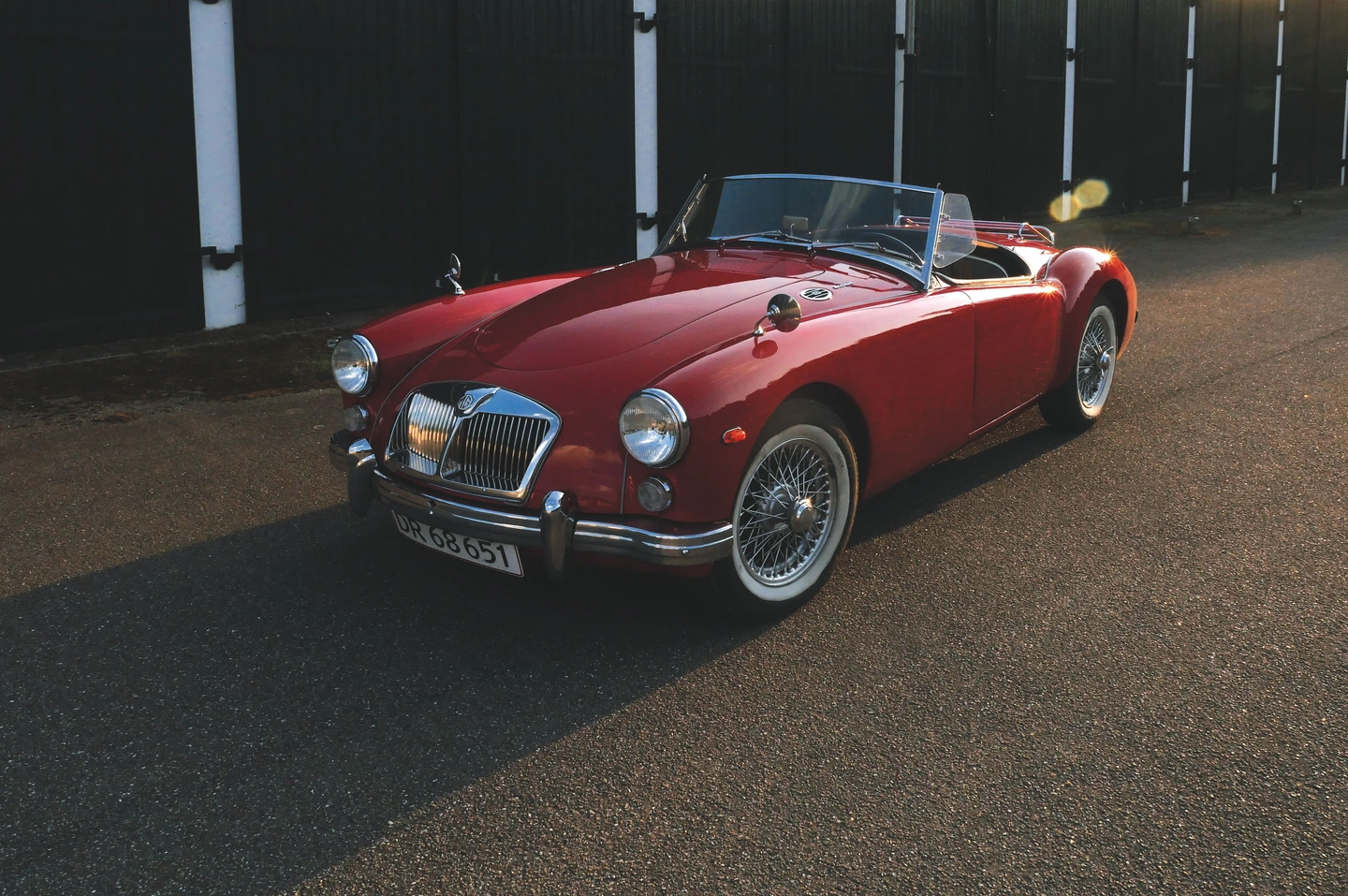
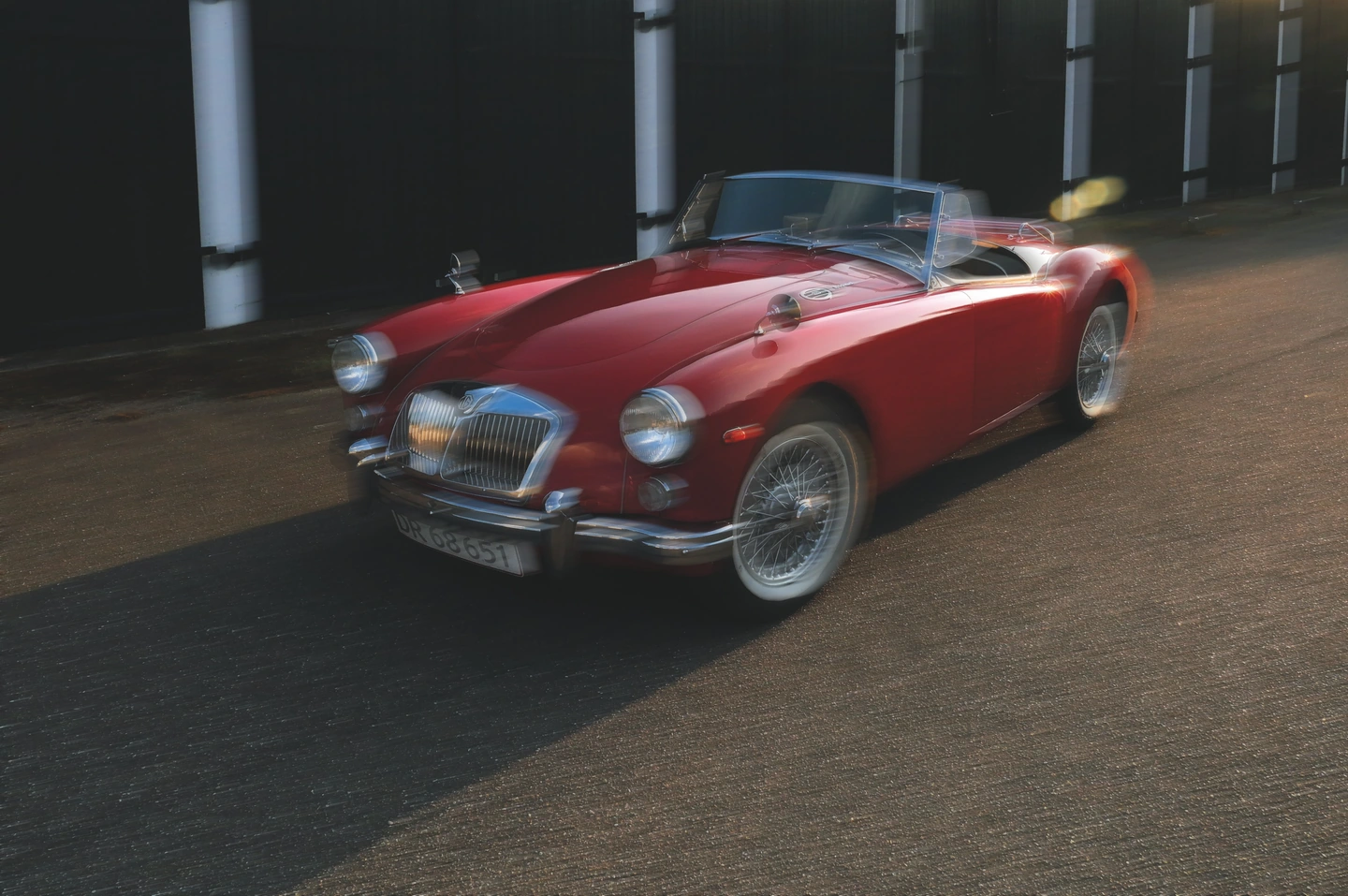
Motion off / directional motion. This is an added photographic effect, not evidence that the car was moving.
The horizontal shape of the roadster gives a directional blur a clear visual relationship to follow. Compare the bodywork, wheels and surrounding street. Keep sharp helps retain definition, but the car is not being automatically separated from its background.
Move the divider to compare. Before on the left, after on the right. Zoom in to look closer.
Made with Photonica. Source photographs retain their photographer’s original treatment. Film and optical effects are creative interpretations.
Zoom blur creates a different rhythm from a parallel streak. Place the centre with the composition in mind and check whether the outward movement strengthens or distracts from the main shape.
A starting point for your photograph. Let the subject and the light guide the final choice.
A bold outline gives the viewer something to recognise within the blur. Try a direction that relates to the street or subject, then reduce the amount until the central idea remains clear.
Large blocks of colour can become a more abstract image when stretched. This can suit a deliberately loose treatment where atmosphere matters more than a literal account of every detail.
One motion-treated image can change the pace of a set of otherwise still photographs. Use it where the added energy makes sense rather than applying the same movement to every scene.
Try directional for a clear sweep or zoom for movement around a focal area. Start with a modest length.
Adjust amount and Keep sharp while looking at the most important silhouette or expression in the image.
A blur is experienced across the whole frame. Return to Fit and make sure the movement reads as intentional before exporting.
Pro Compare Free and Pro.
No. It stretches and mixes the existing photograph along a direction or around a zoom centre. It does not combine two separate photographs.
No. You can use a still source for an expressive result. The example shown here adds movement to a still photograph.
Photography: Nordic Overdrive on Pexels. Edited in Photonica.
Bring a photograph and see where it takes you. Your photo stays on your device.
Open editorUse a WebGPU-compatible browser. Free JPEG export uses a working image up to 2560 px on its longest side before cropping.
Explore all photo editing tools