
Cyanotype: a photograph printed in iron and sunlight
Photonica recreates the two-iron contact print from your photograph: Prussian blue in the paper fibres, a short steep scale and lights that stay paper-white.
On this page
What a cyanotype is
A sheet of paper is brushed with two iron salts and dried in the dark. Under a negative, ultraviolet light turns iron(III) into iron(II); rinse the sheet and the iron meets ferricyanide as Prussian blue, while everything the light did not reach washes away. The blue sits in the fibres rather than on them, so the print is matte, its scale is short and steep and its brightest tone is the paper itself.
One process, two sensitizers
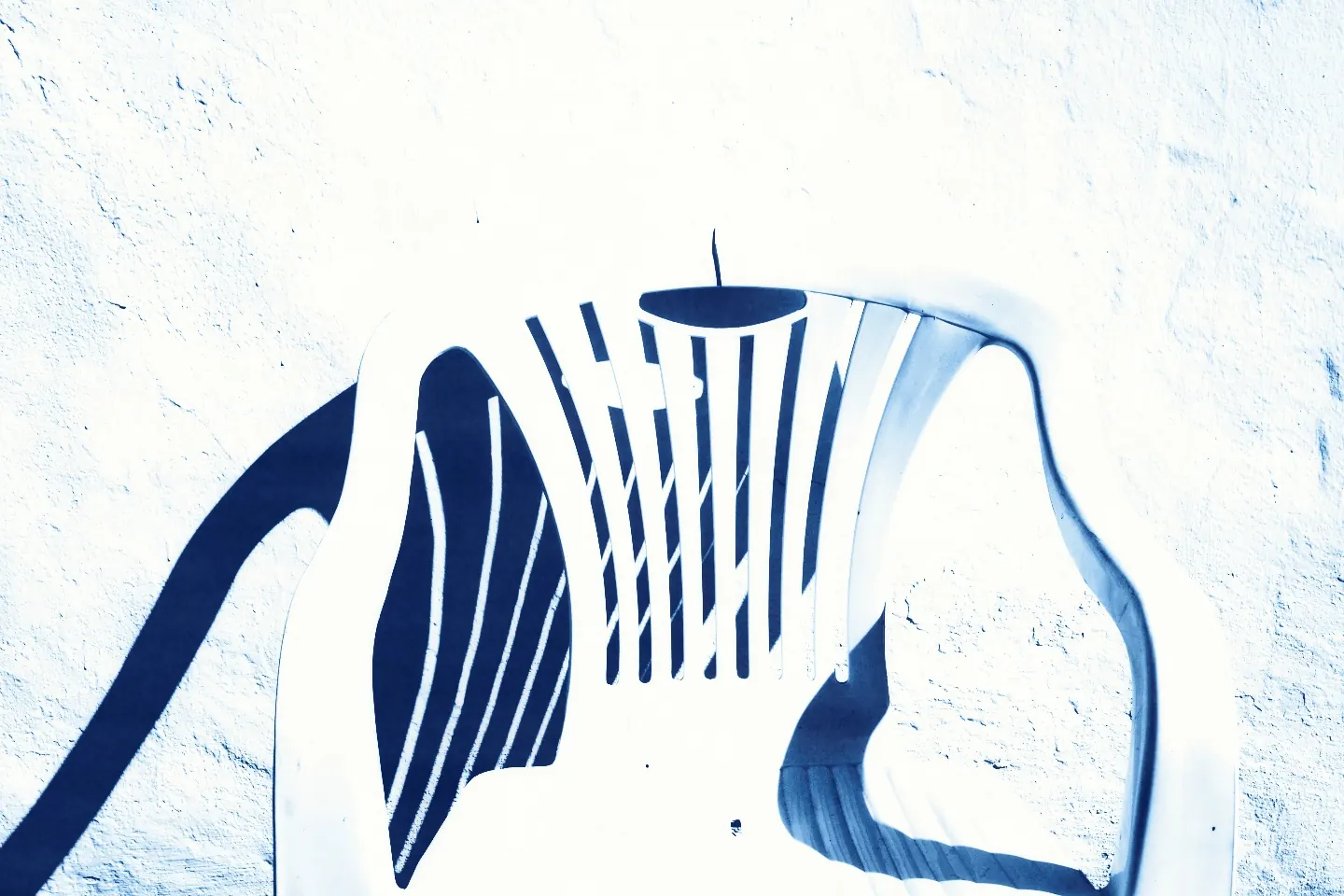
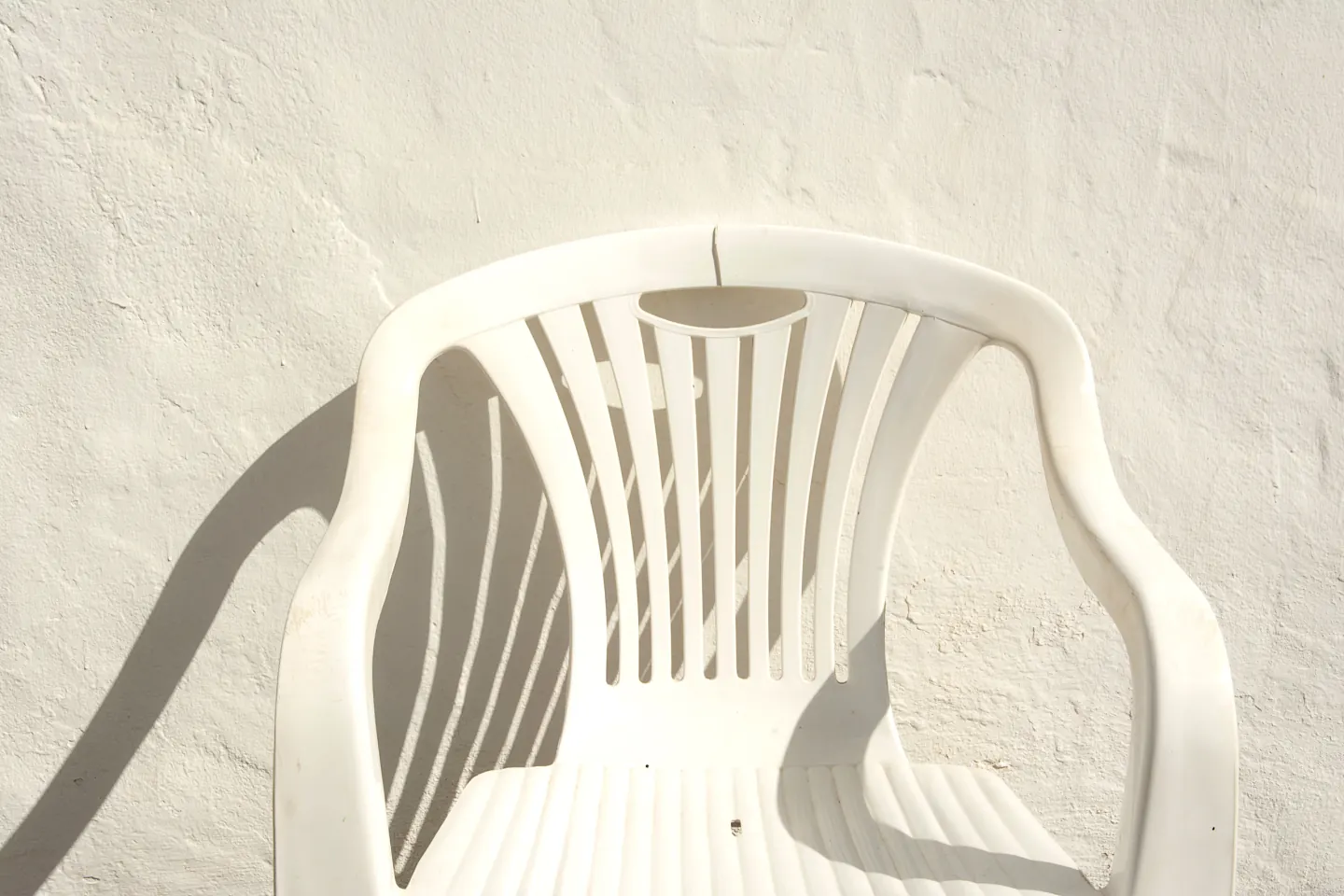
Herschel’s citrate sensitizer is slow, contrasty and a little stingy with pigment: the blue bleeds into its neighbours and the deepest tone never quite reaches black. Mike Ware’s single-solution oxalate sensitizer is about five times faster and gives a deeper blue, cleaner lights and almost no bleed.
Photonica computes either chemistry on your device, from your photograph, at the size of your export. Nothing is uploaded.
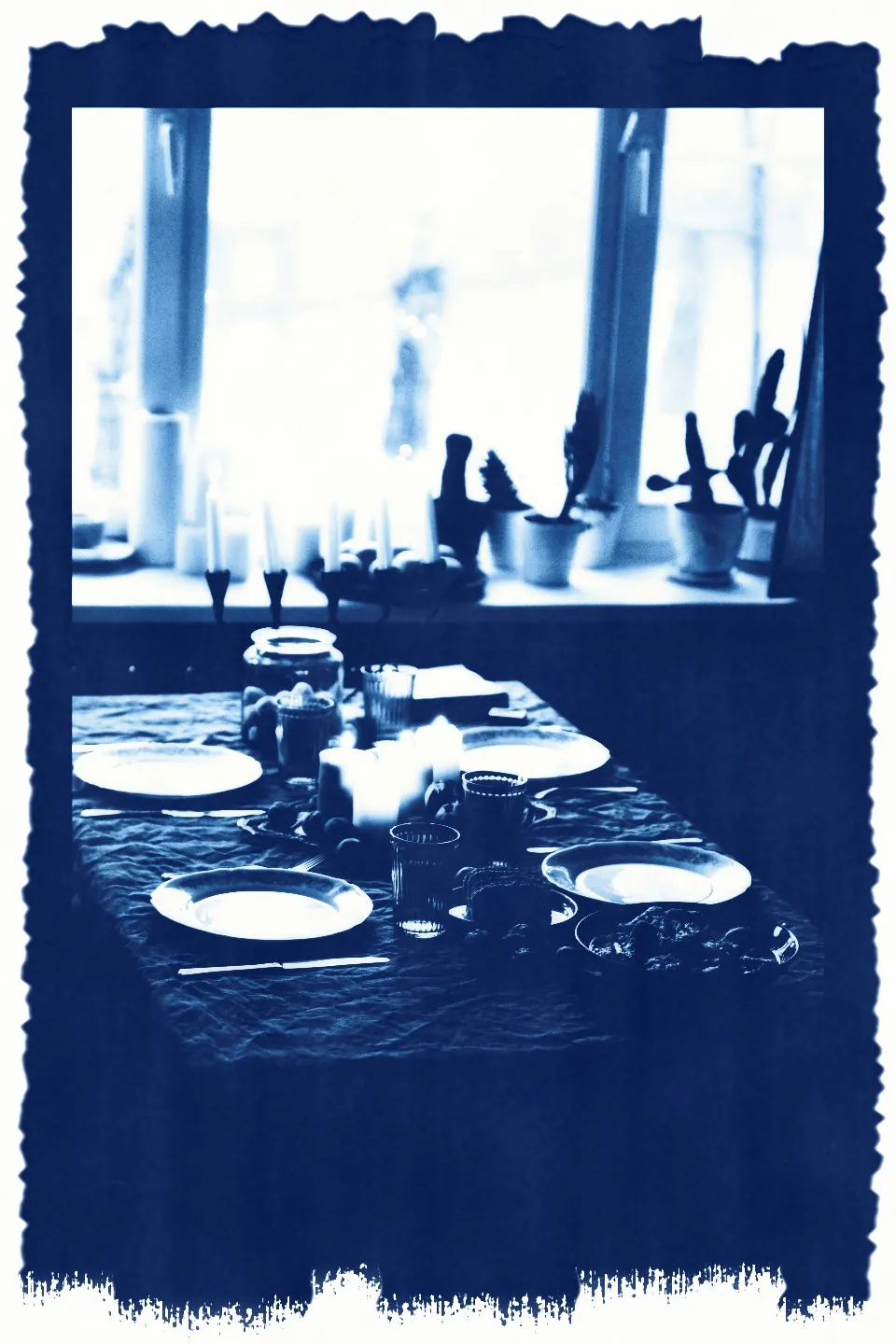
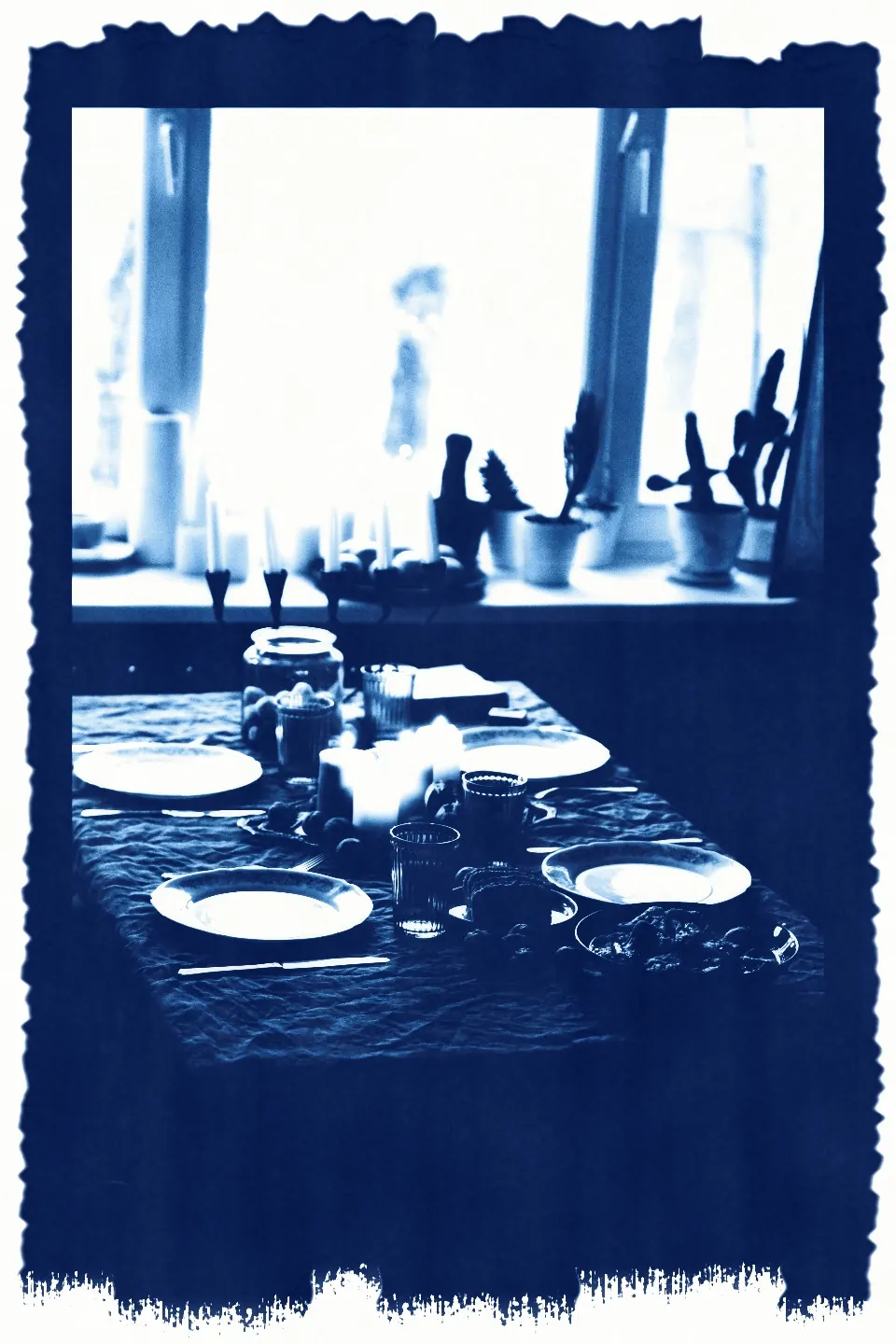
These examples are real prints from the cyanotype stage in Photonica. “Before” keeps the photographer’s original treatment; the print is a creative interpretation of a darkroom process.
Cyanotype settings
Three decisions shape the print: how much light the sheet takes, how dense the negative is and how thoroughly the iron is washed out. The base print stays in place; each study moves one control.
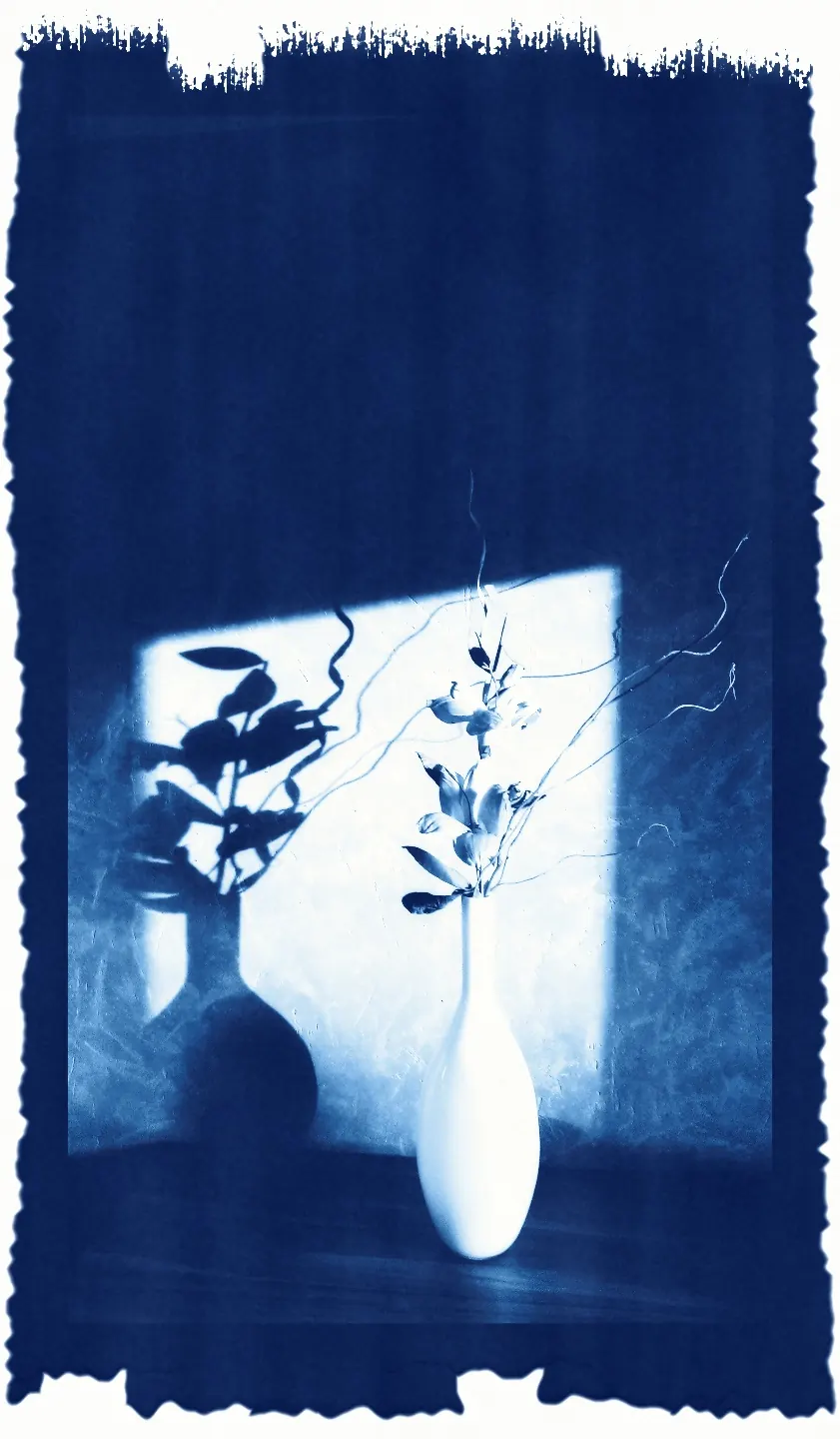
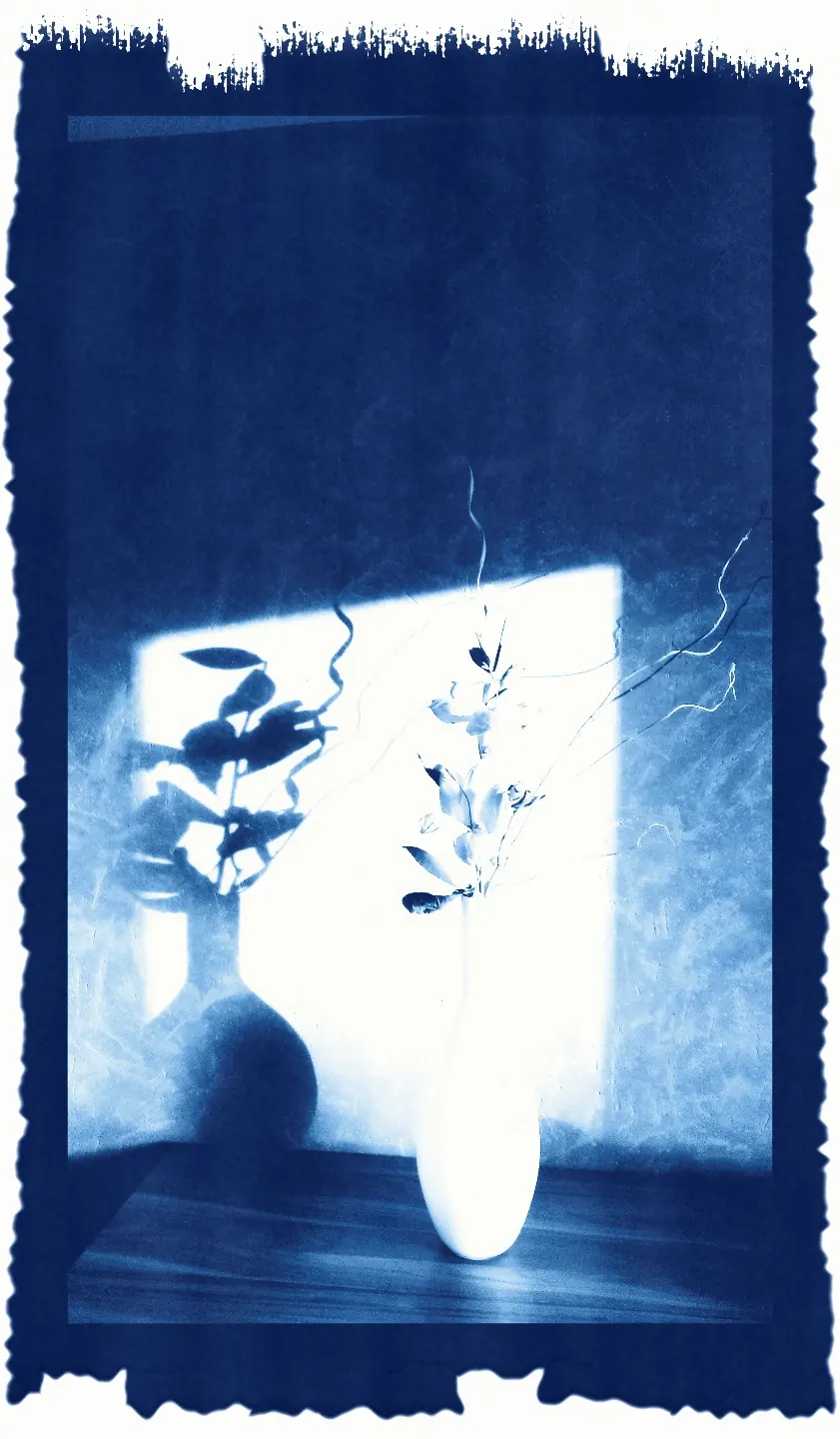
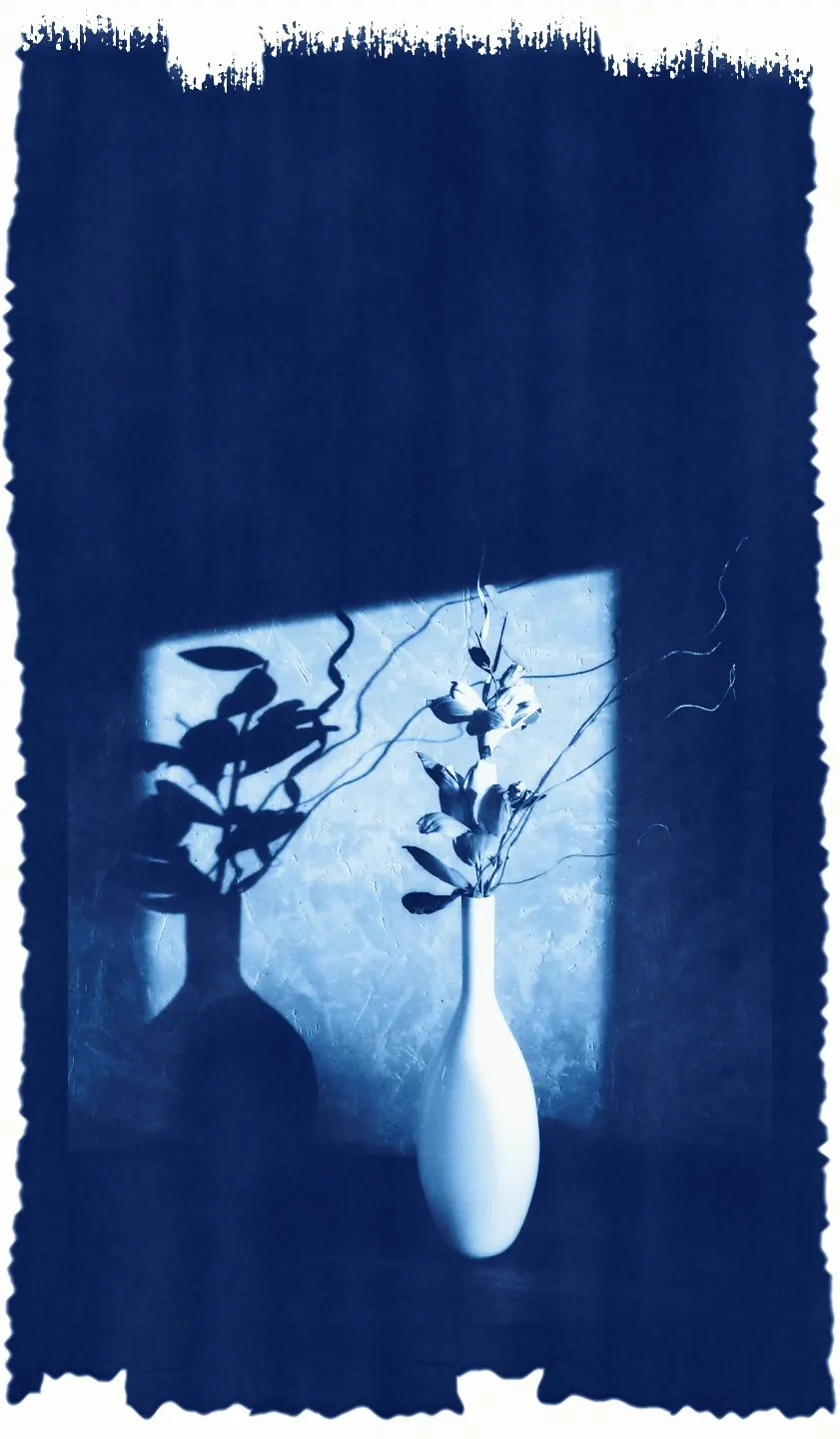
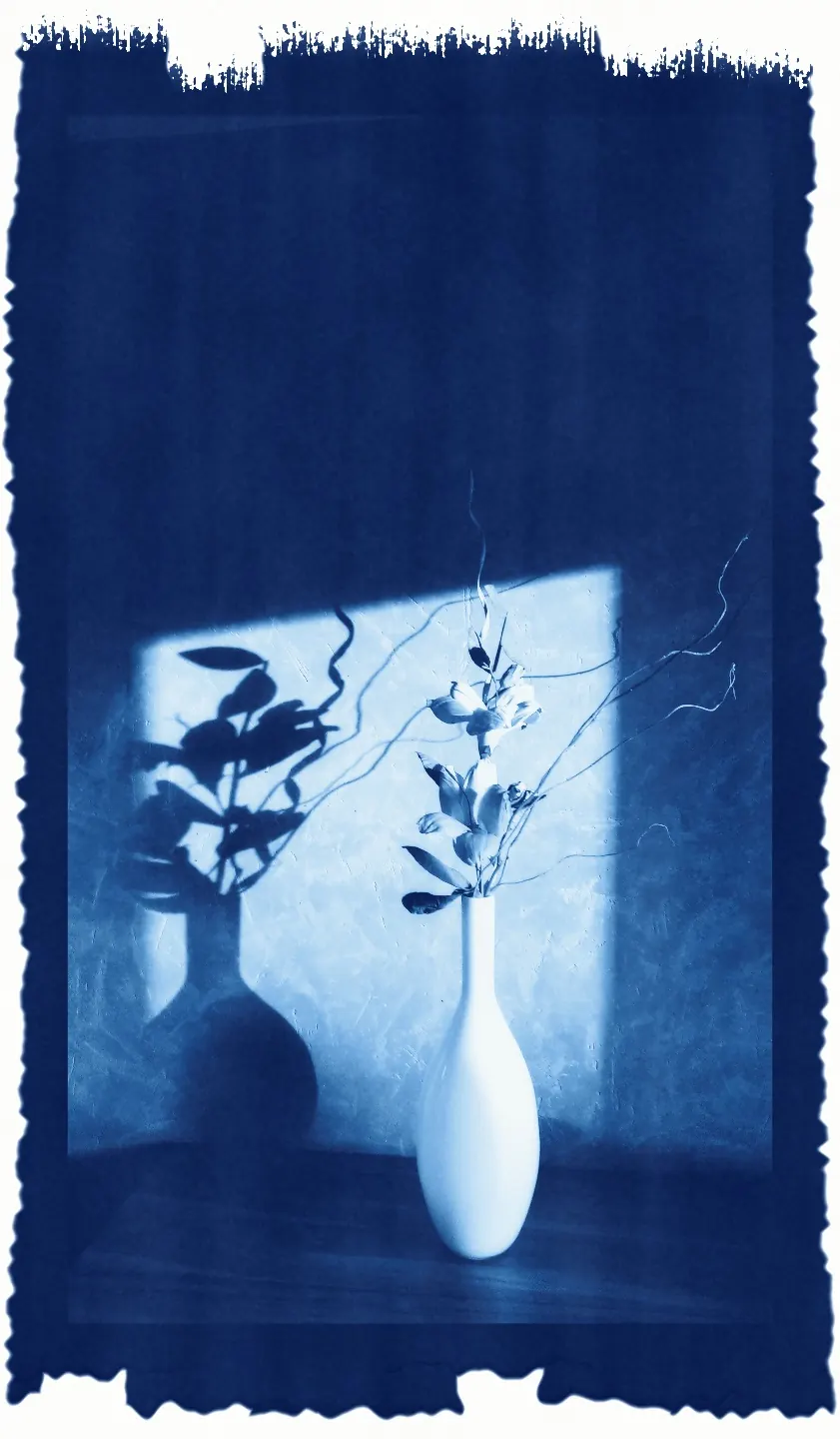
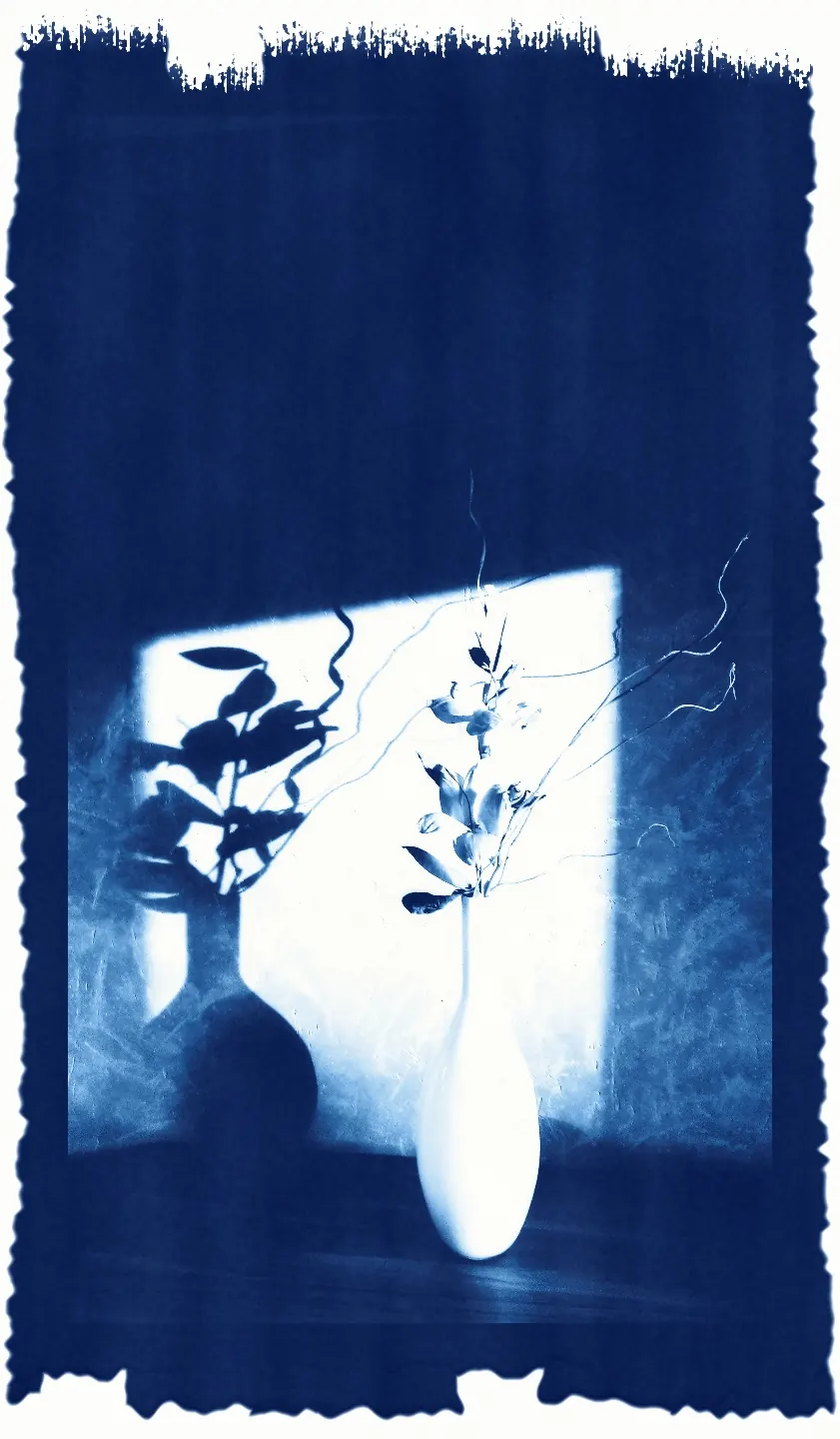
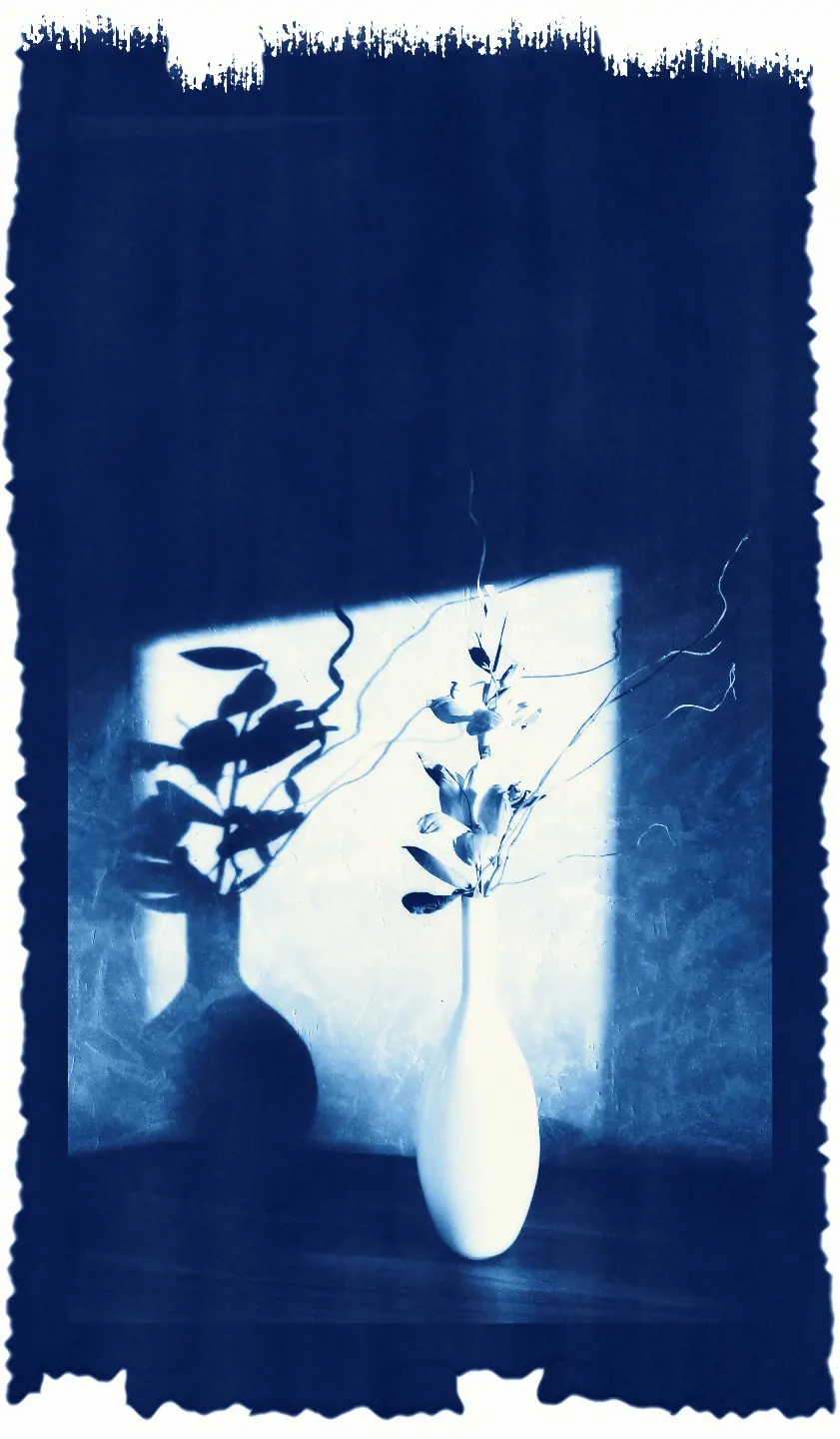
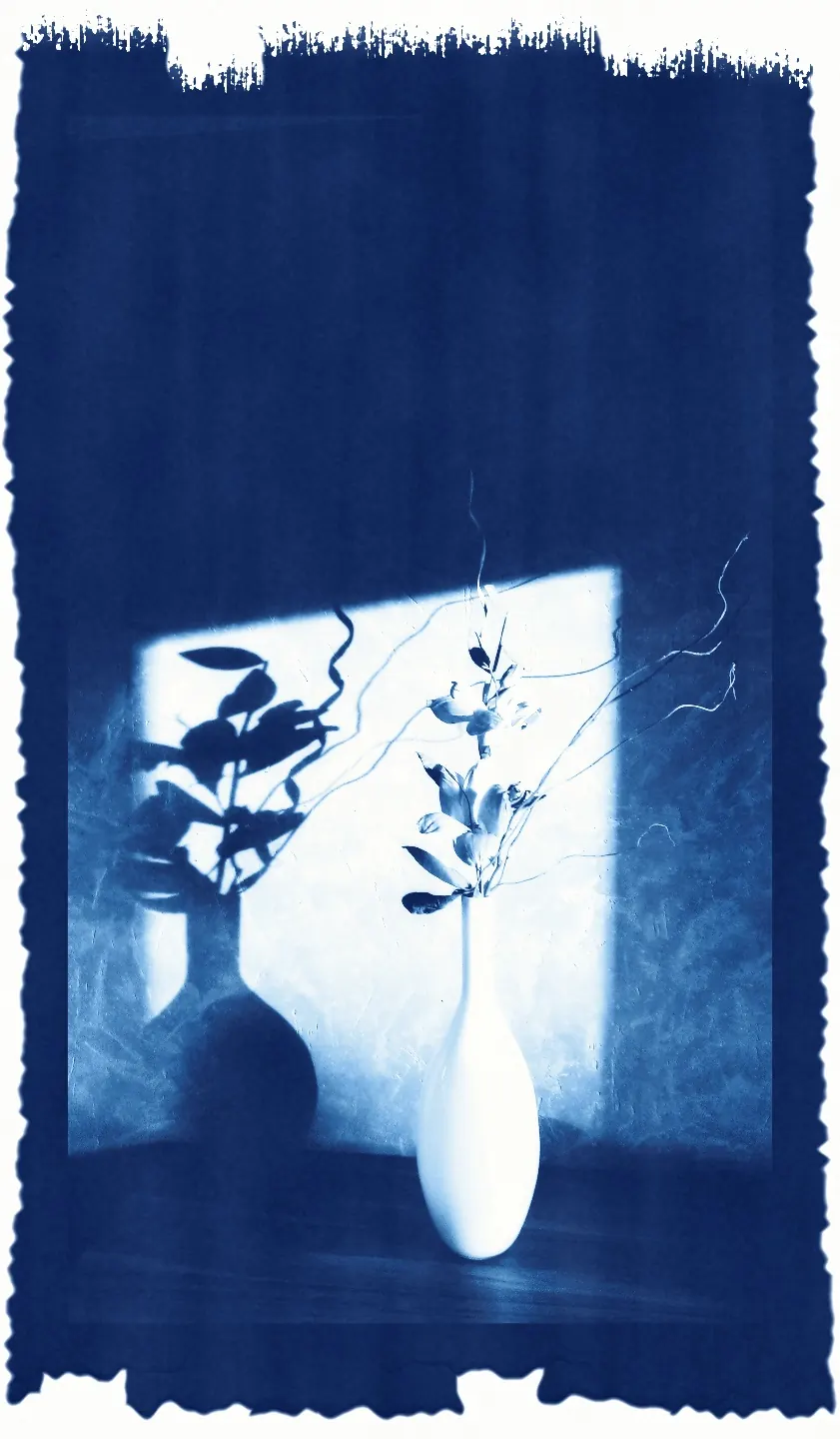
The lights take iron and the shadows solarise towards a paler blue.
Print keeps Density, Exposure and Wash. Paper chooses the sheet’s white, tooth and how deeply the sensitizer sinks in; Sensitizer switches between Herschel’s citrate and Ware’s oxalate formula; Toner moves the blue towards warm brown, aubergine, blue-black or green; Another sheet prints a fresh sheet of paper, whose tooth and coating are its own.
Four papers and four toners
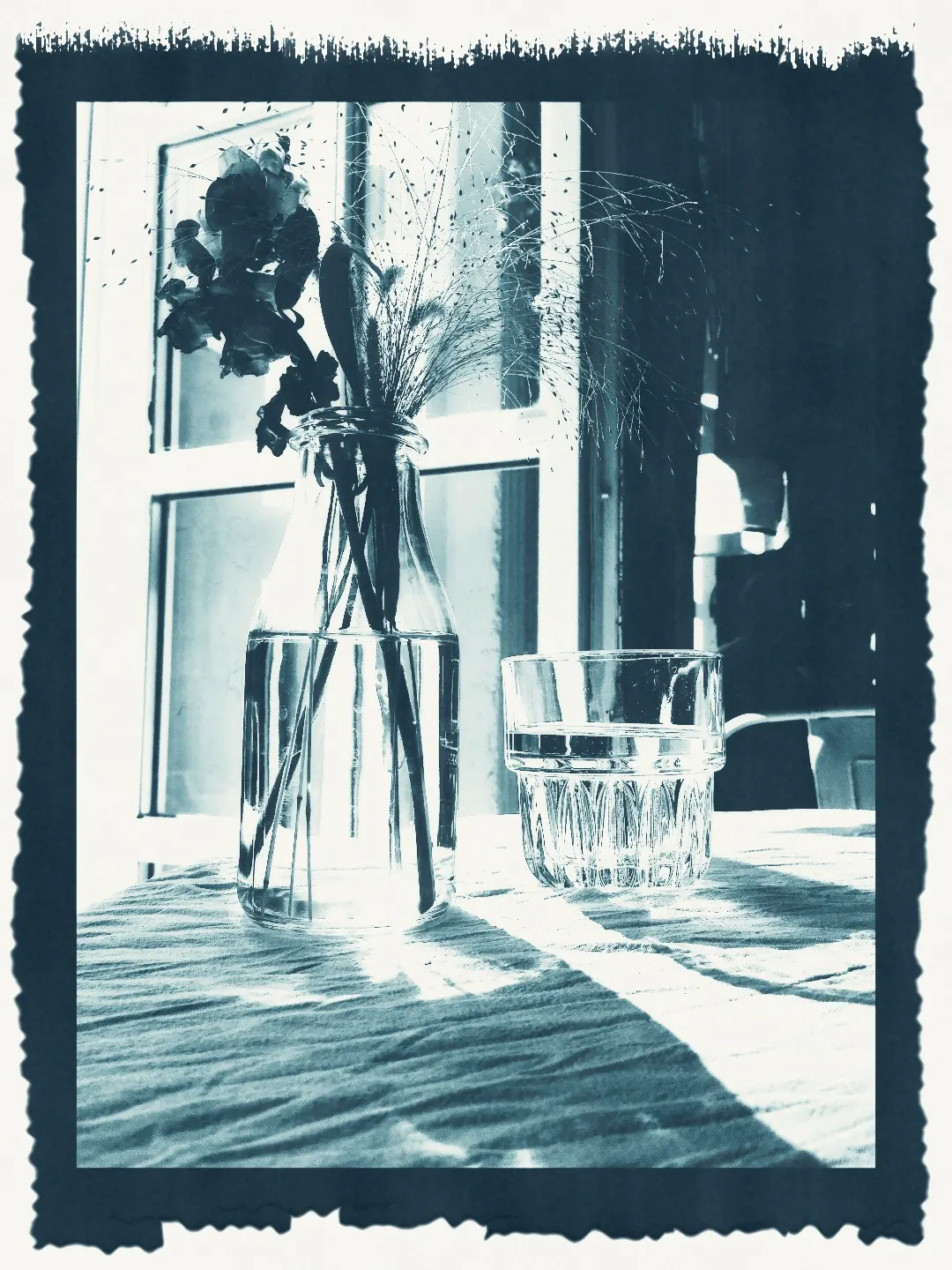
Arches Aquarelle, Rives BFK, Fabriano Artistico and Hahnemühle Platinum Rag differ in their white, their tooth and how much sensitizer they drink. One still life printed on all four — then the same print left untoned and toned four ways.
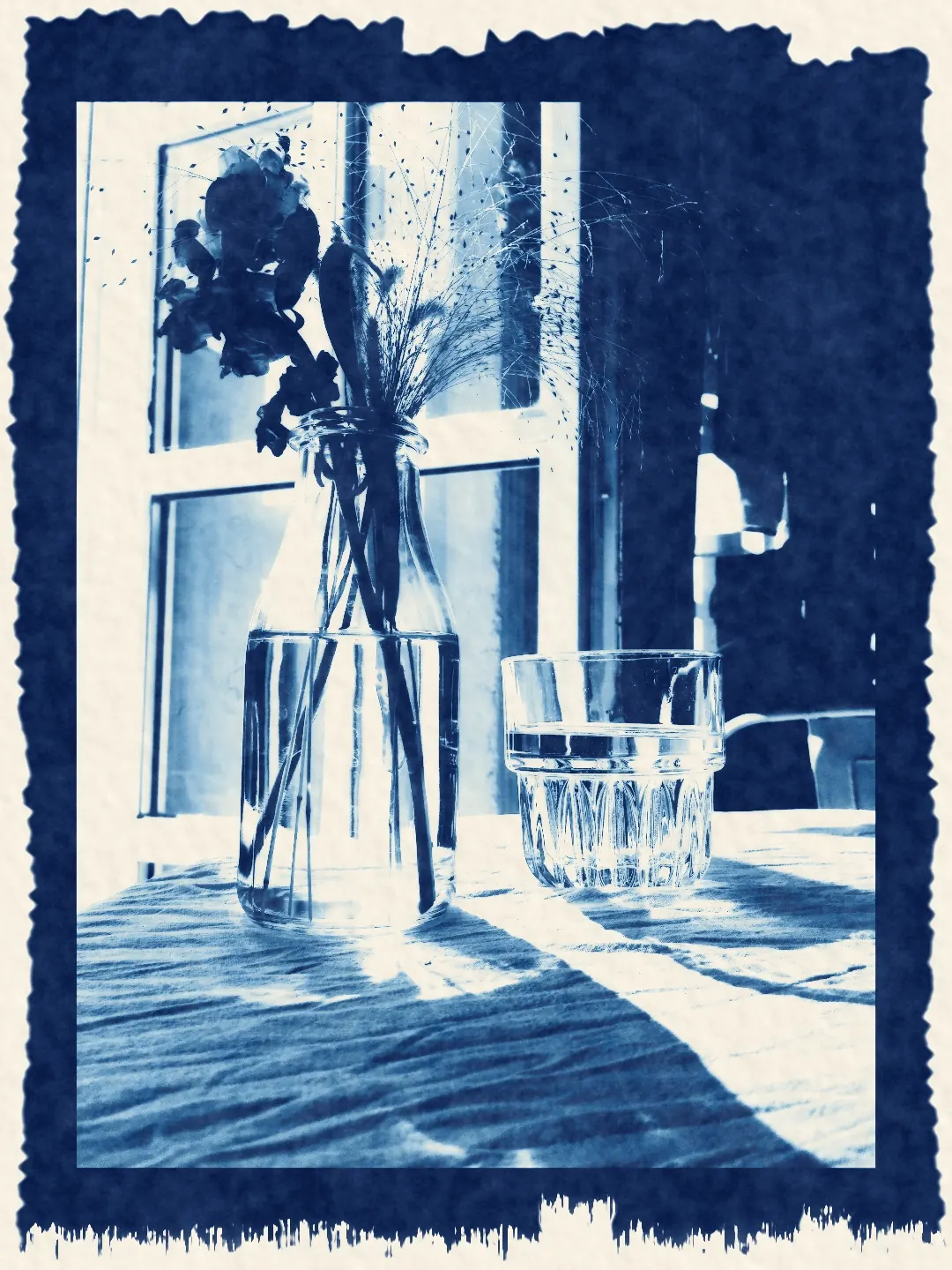
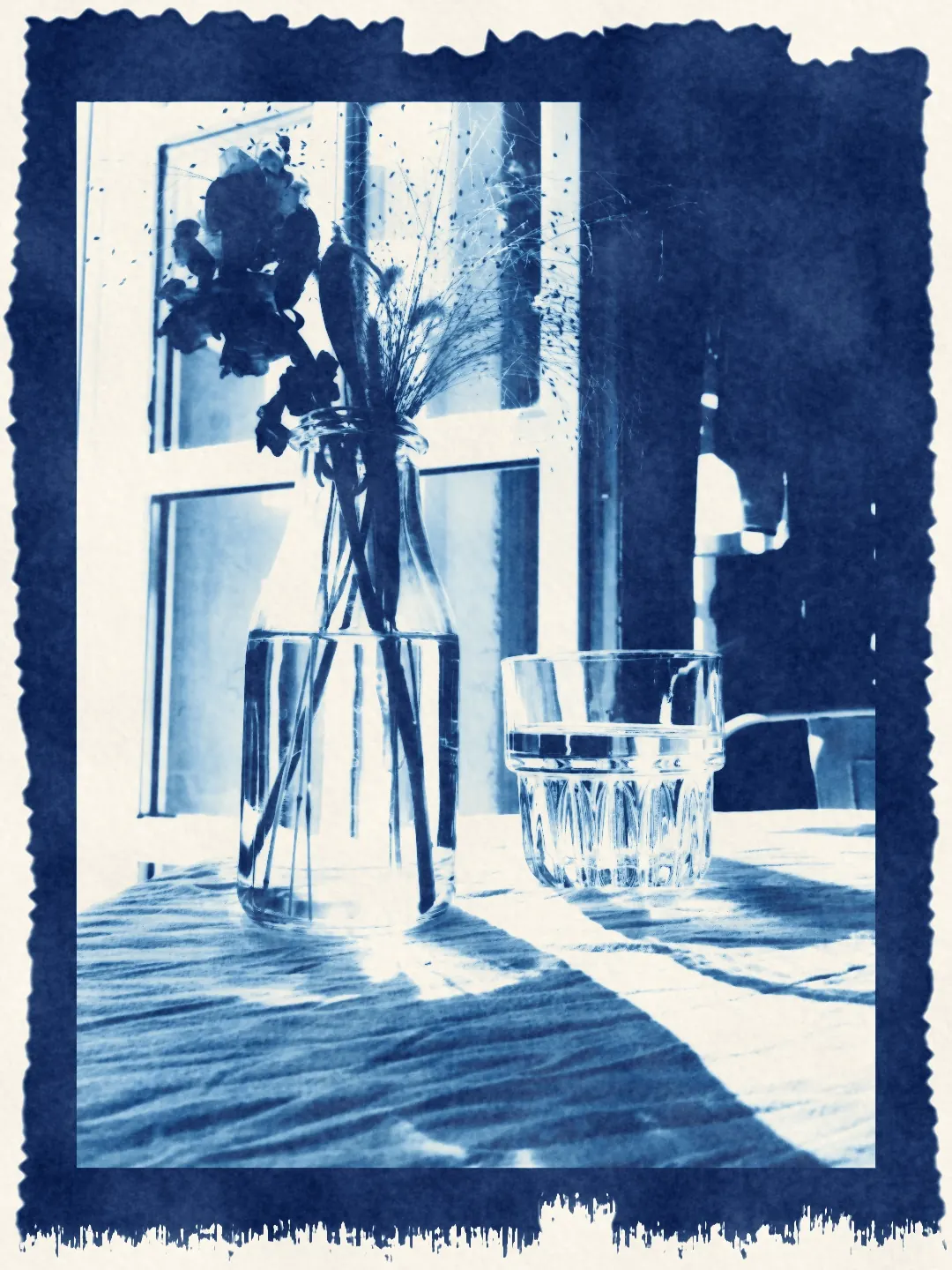
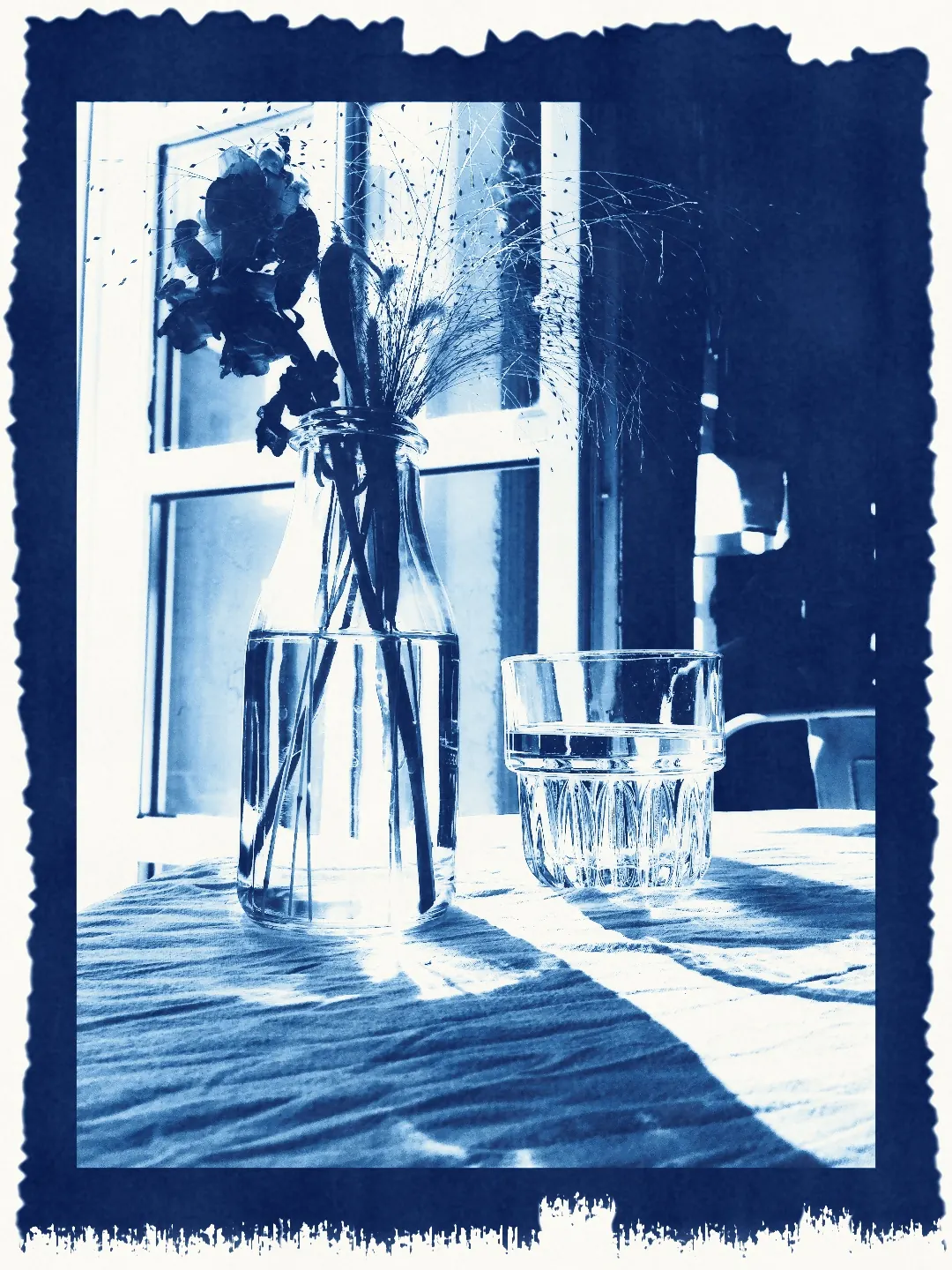
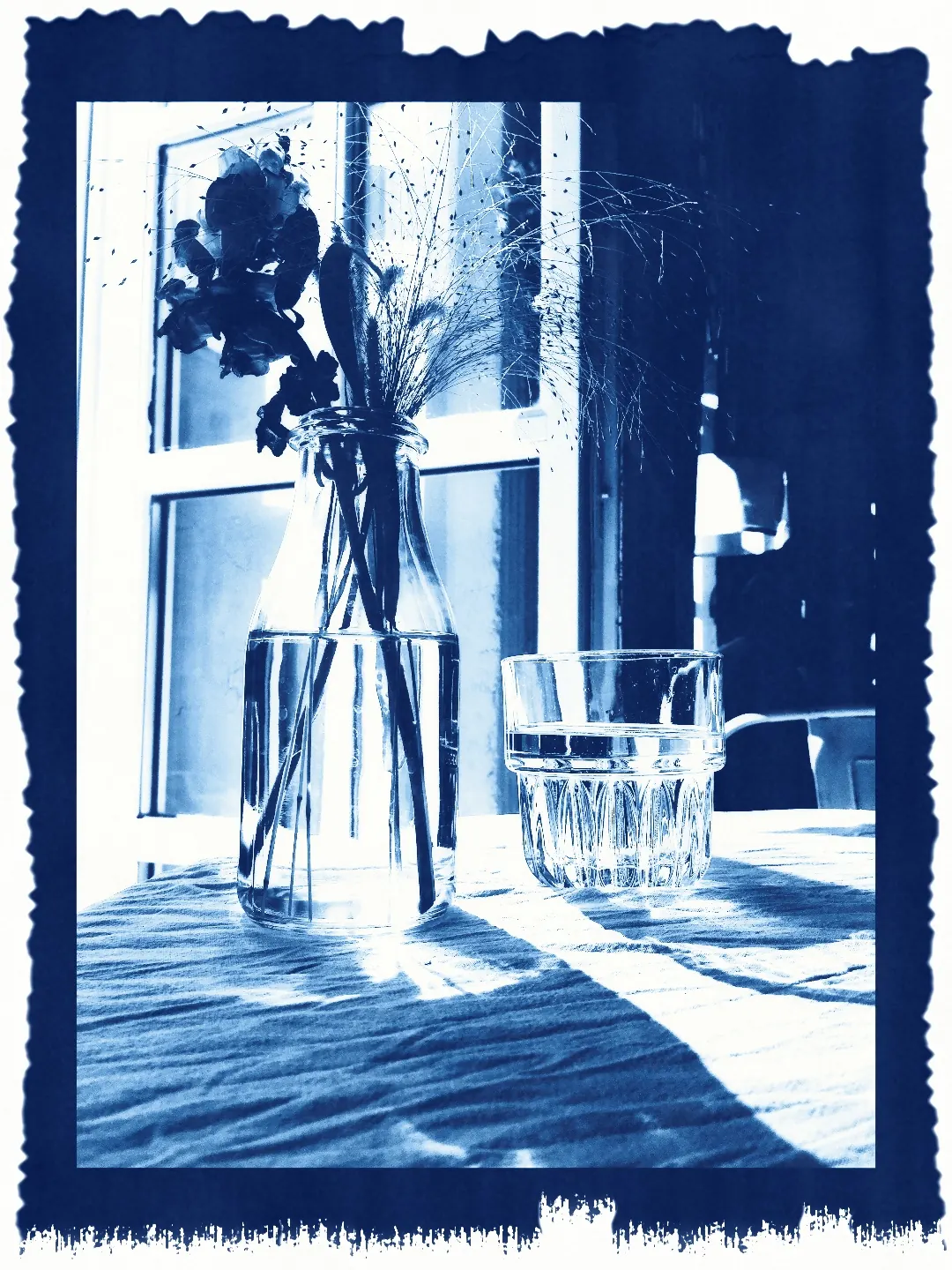
The same negative, exposure and wash on four papers. Only the sheet changes: its white, its surface and how the blue sits in the fibres.
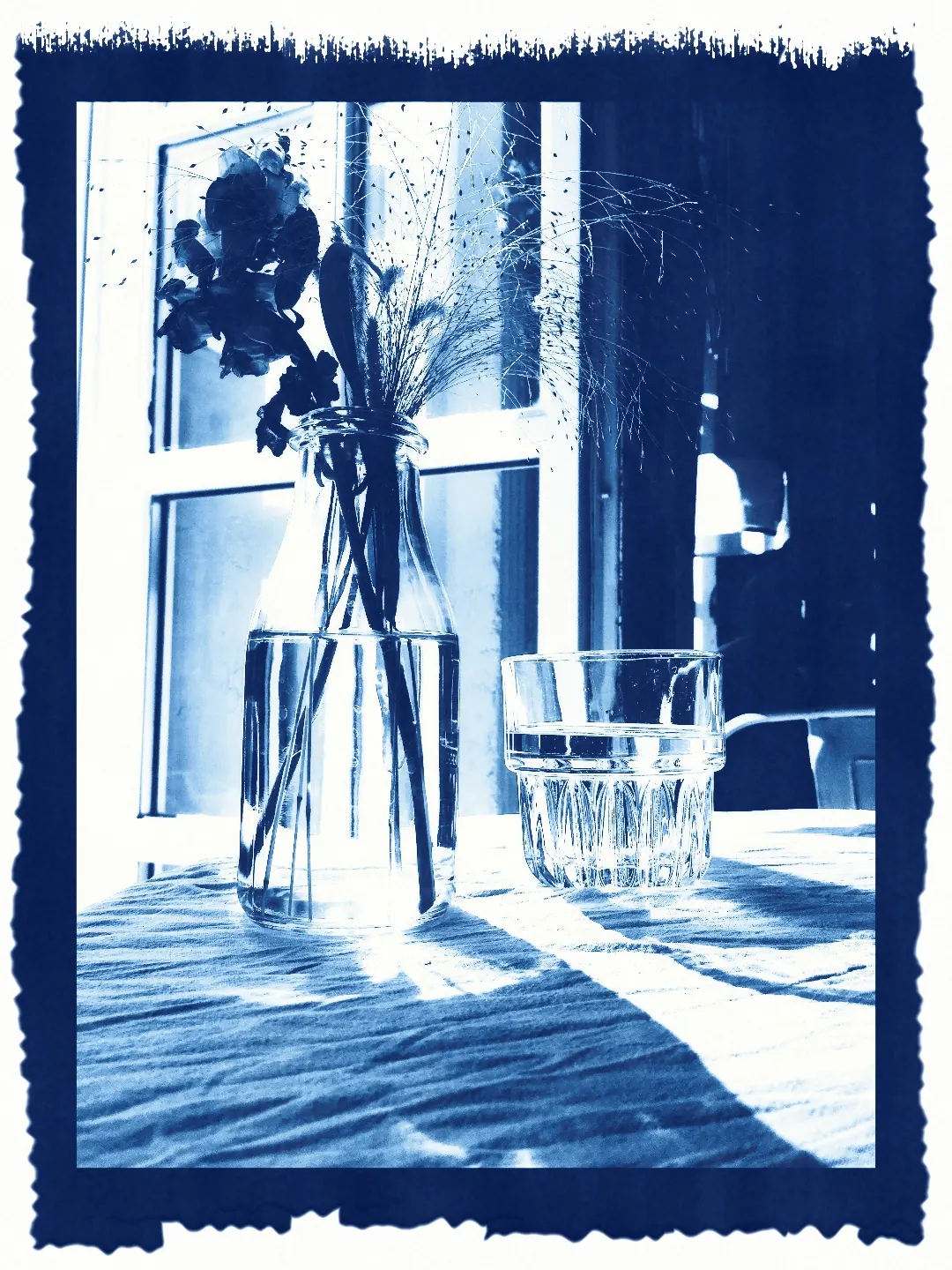
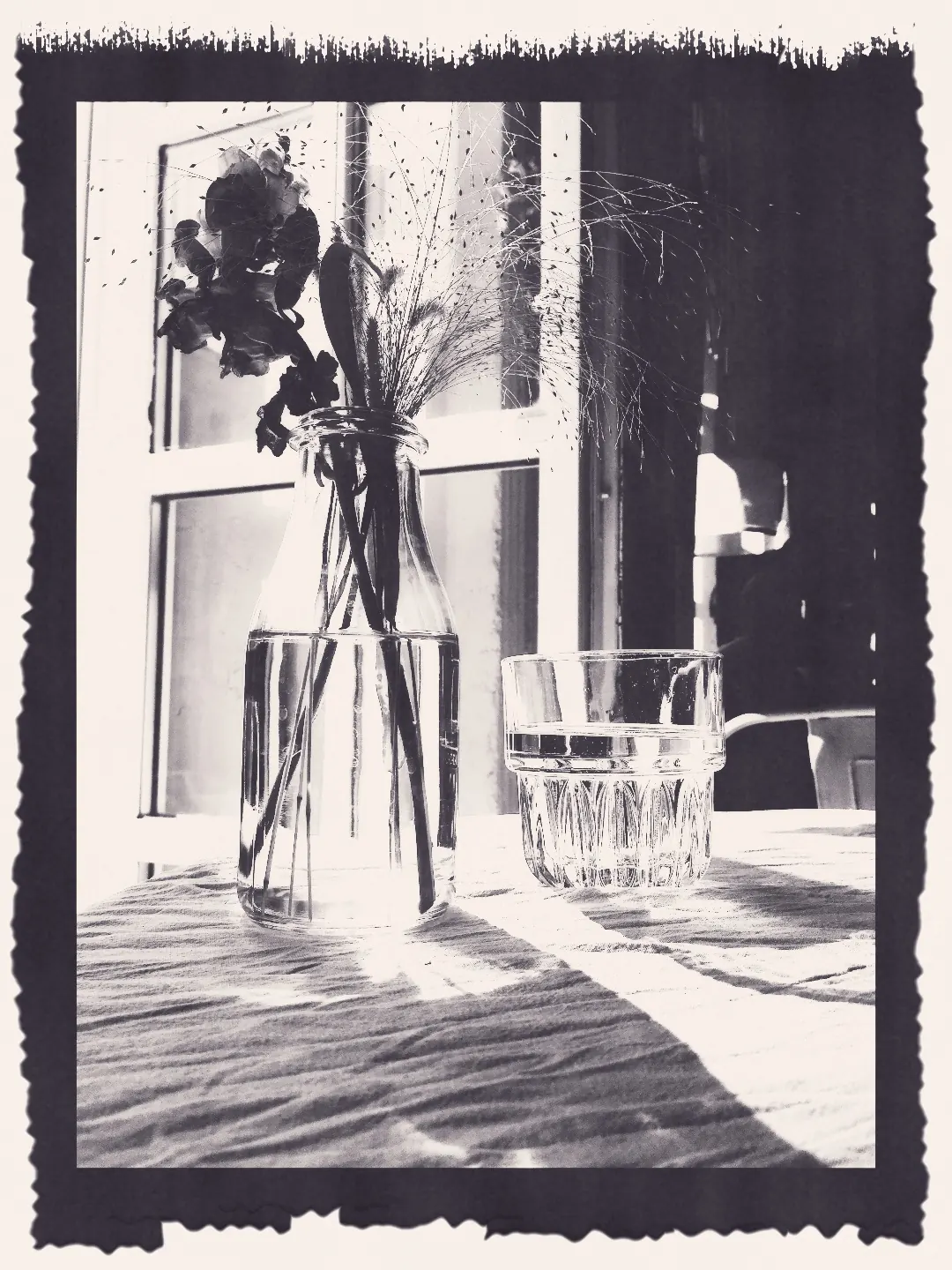
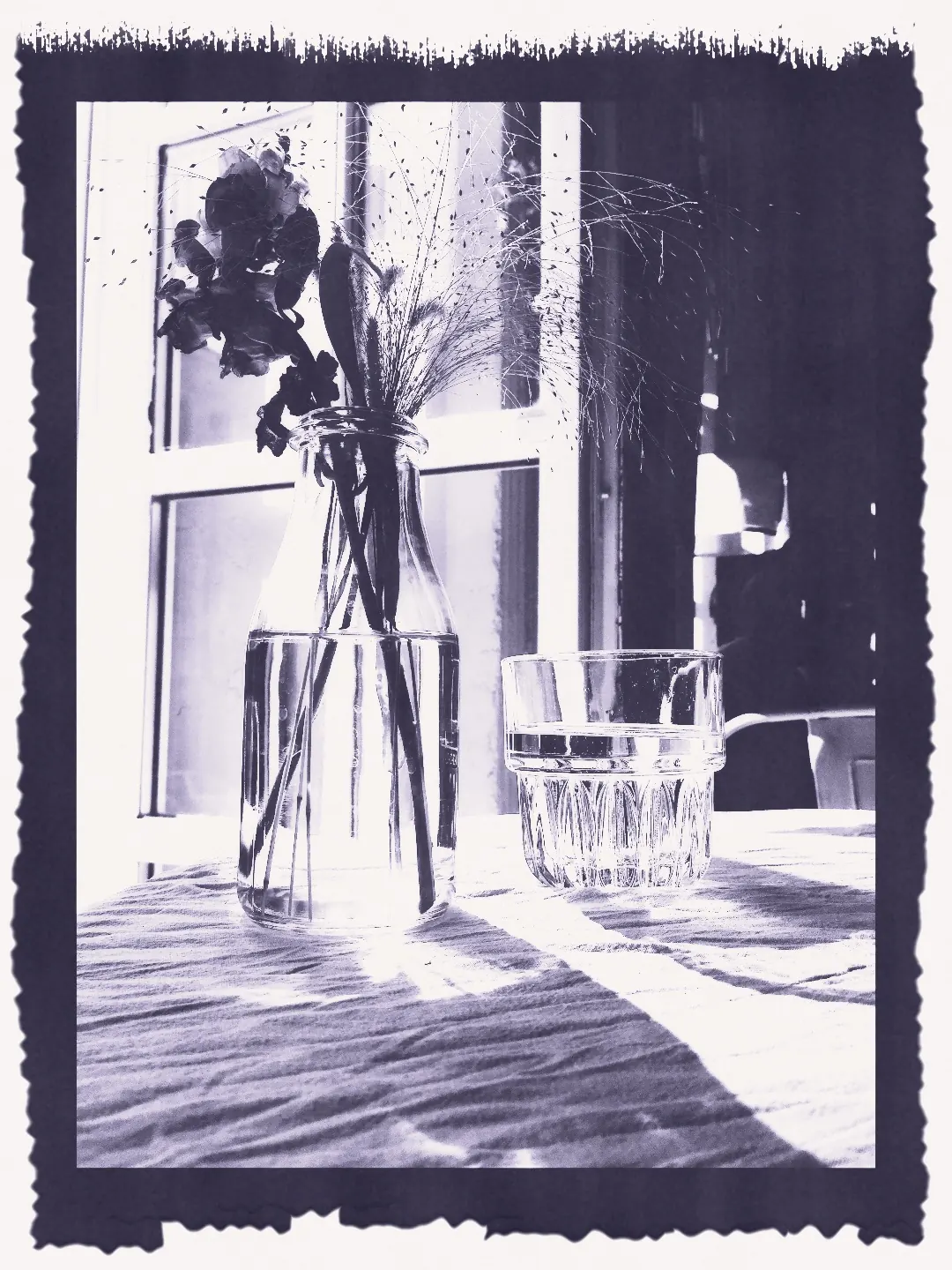
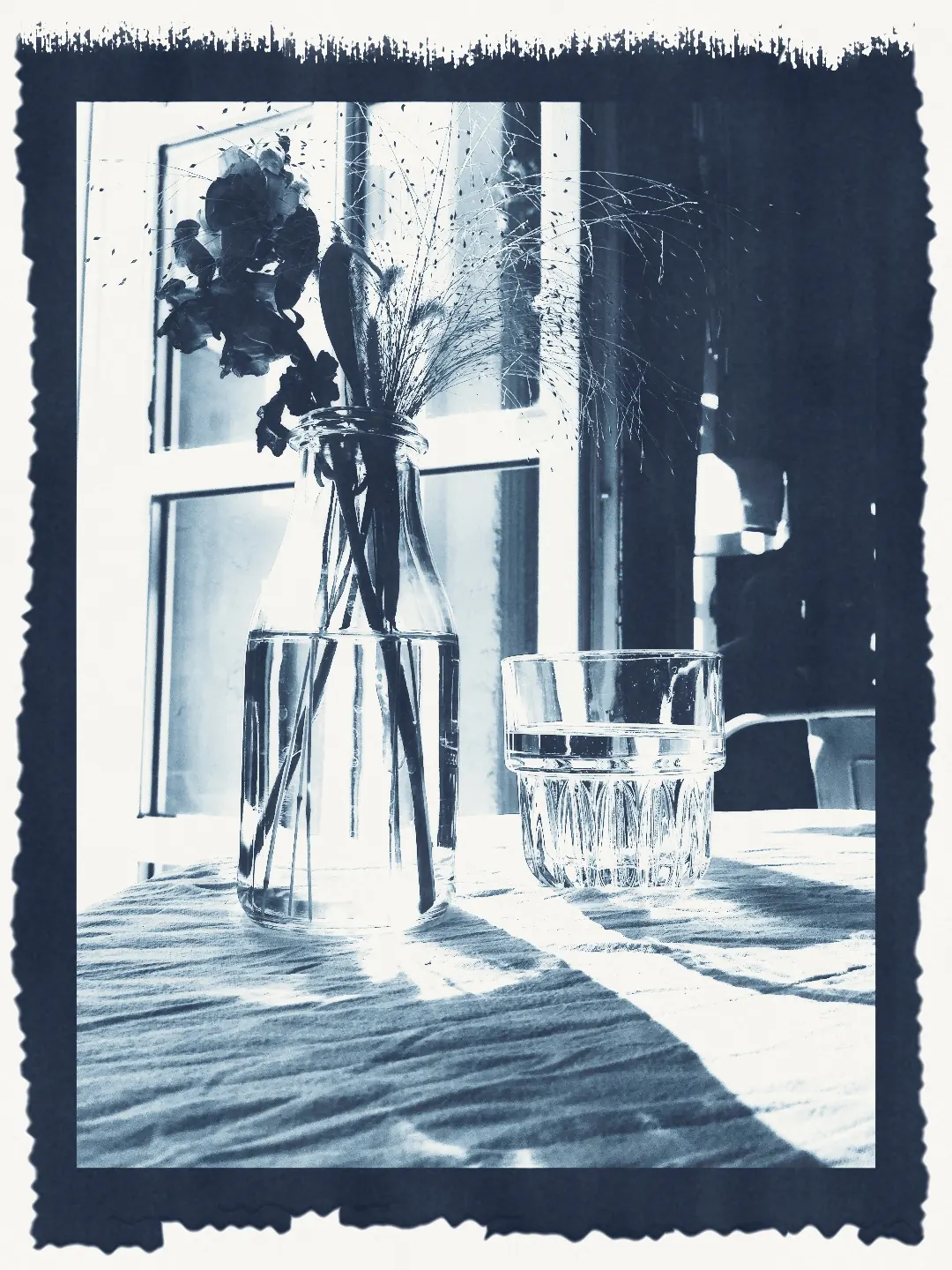
The same print, toned at strength 70. Tannin, tea and coffee stain the paper as they change the blue; nickel keeps the lights cooler.
Which photographs make a good cyanotype
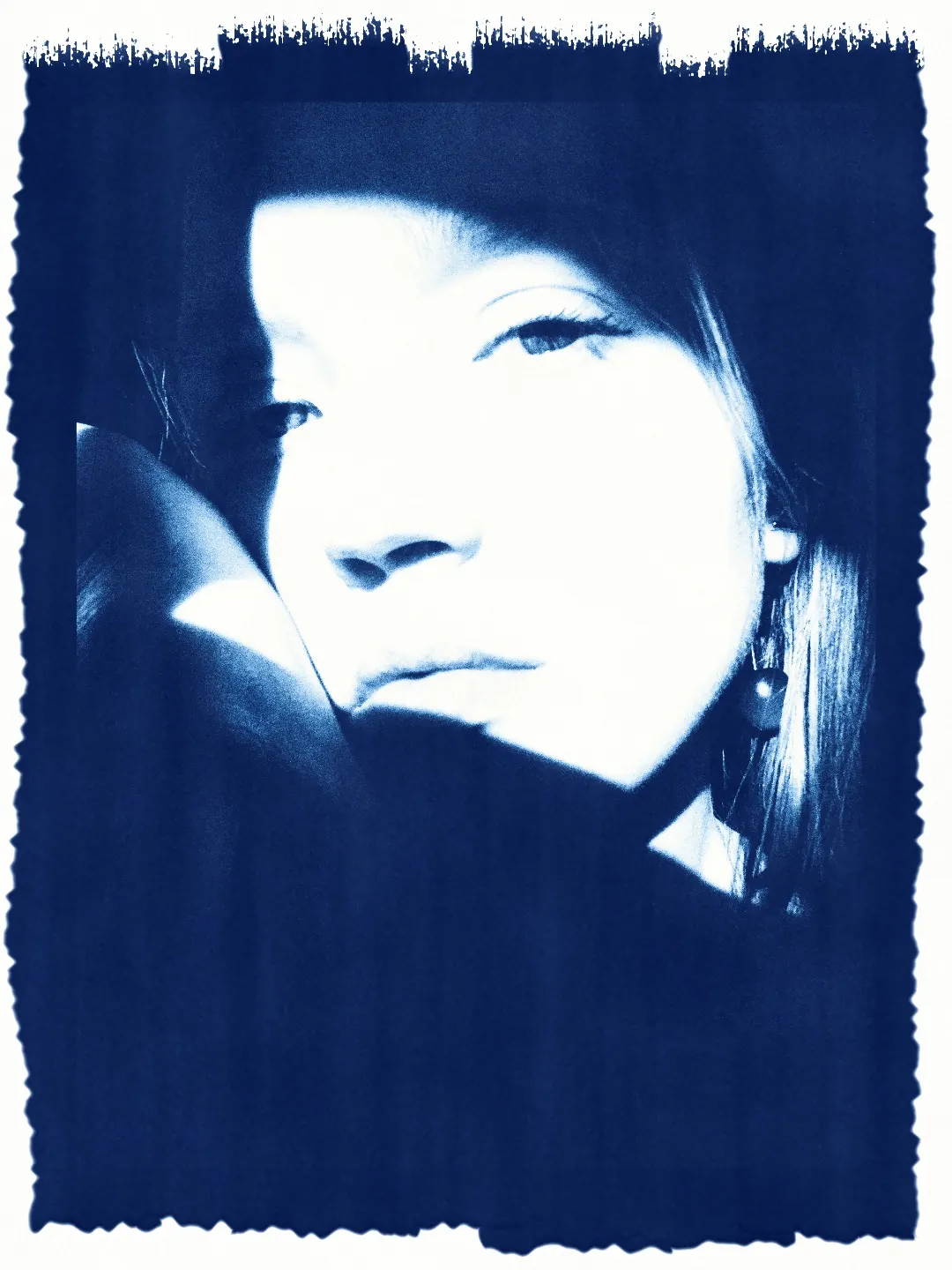
Look for a hard light and a clear shape: sun on a face, a dark rock in pale water, a flower against shadow, a window on a white wall, lamps in a wet street. The process has no true black and no delicate midtone, so a flat, evenly lit photograph has less to give it.
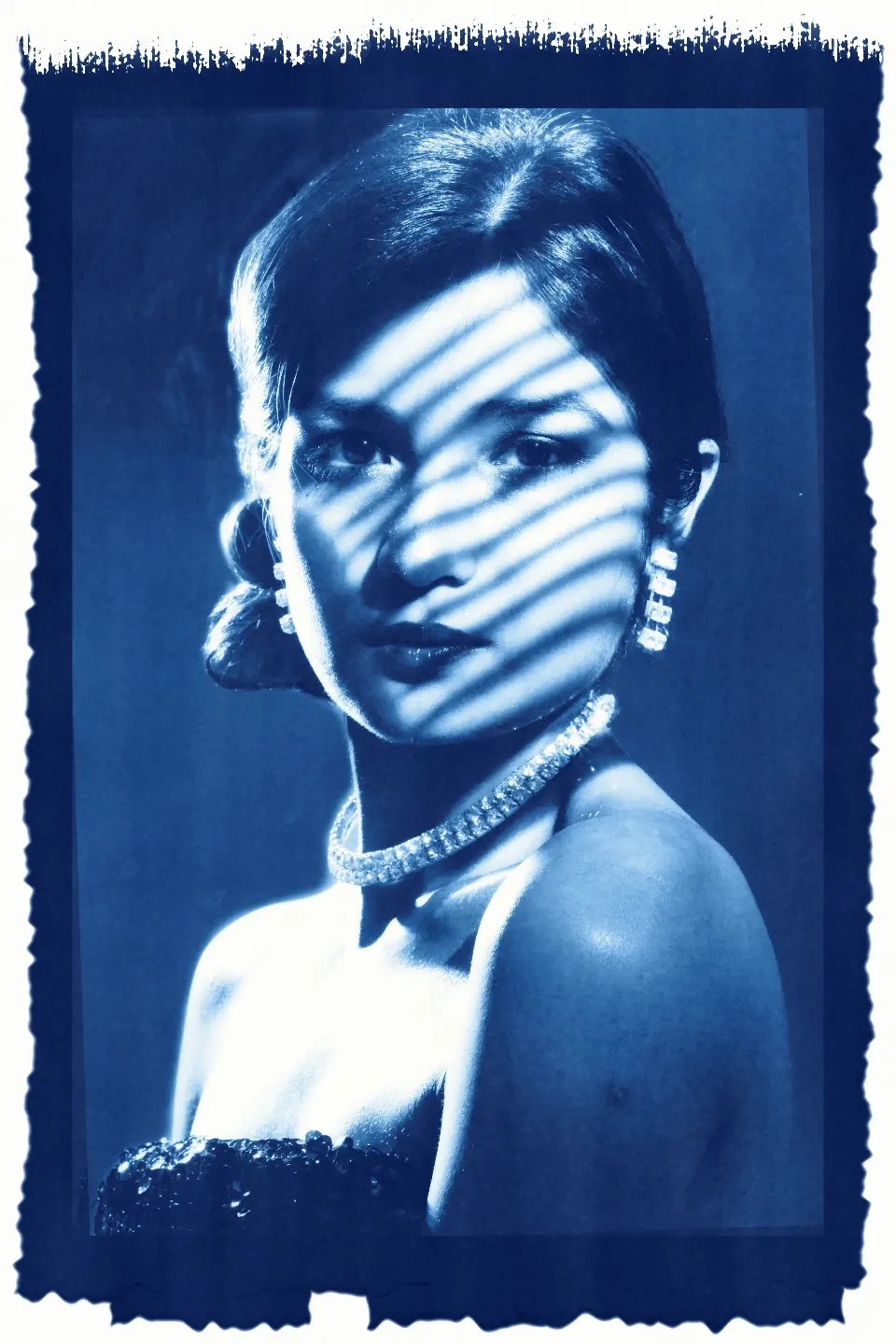
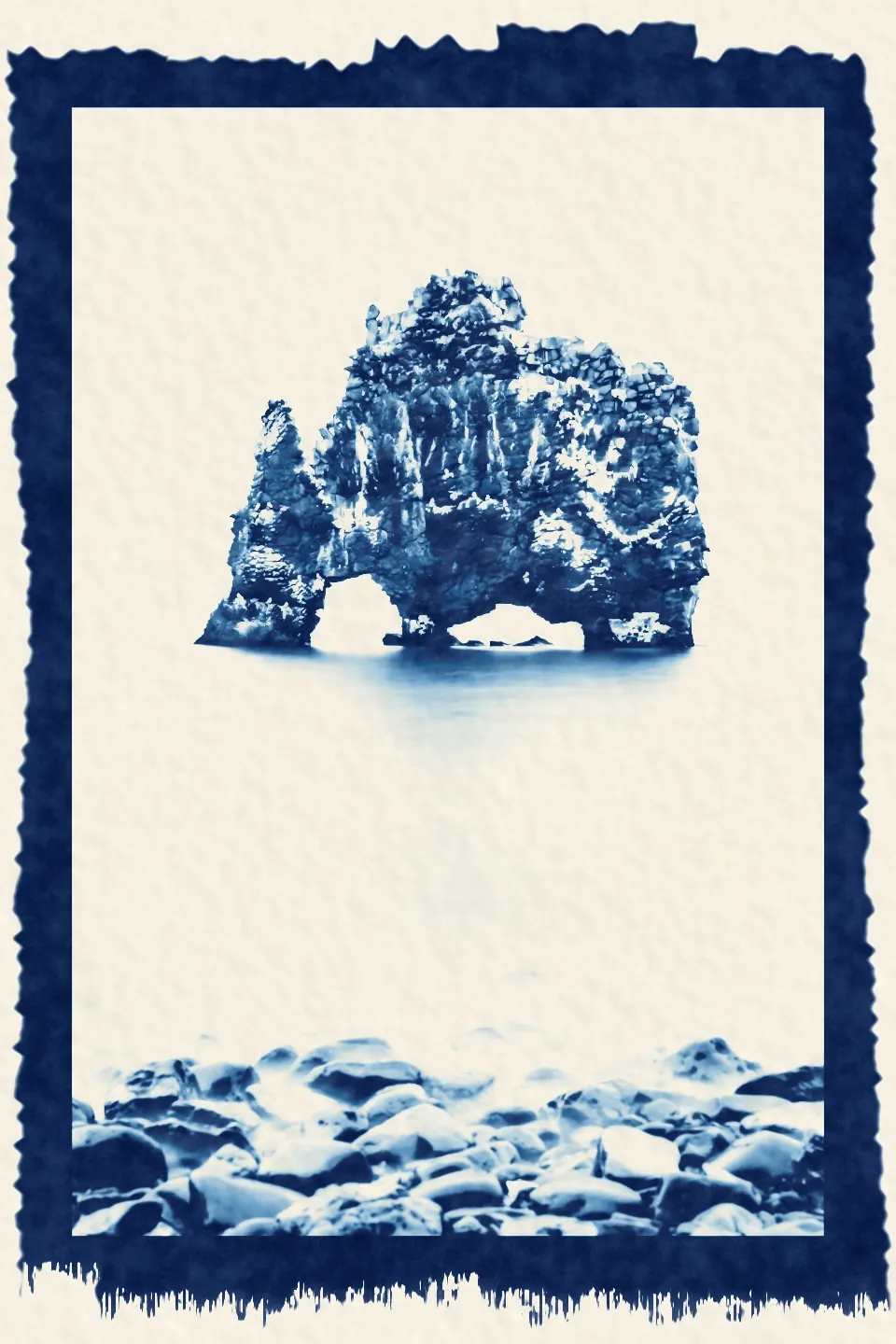
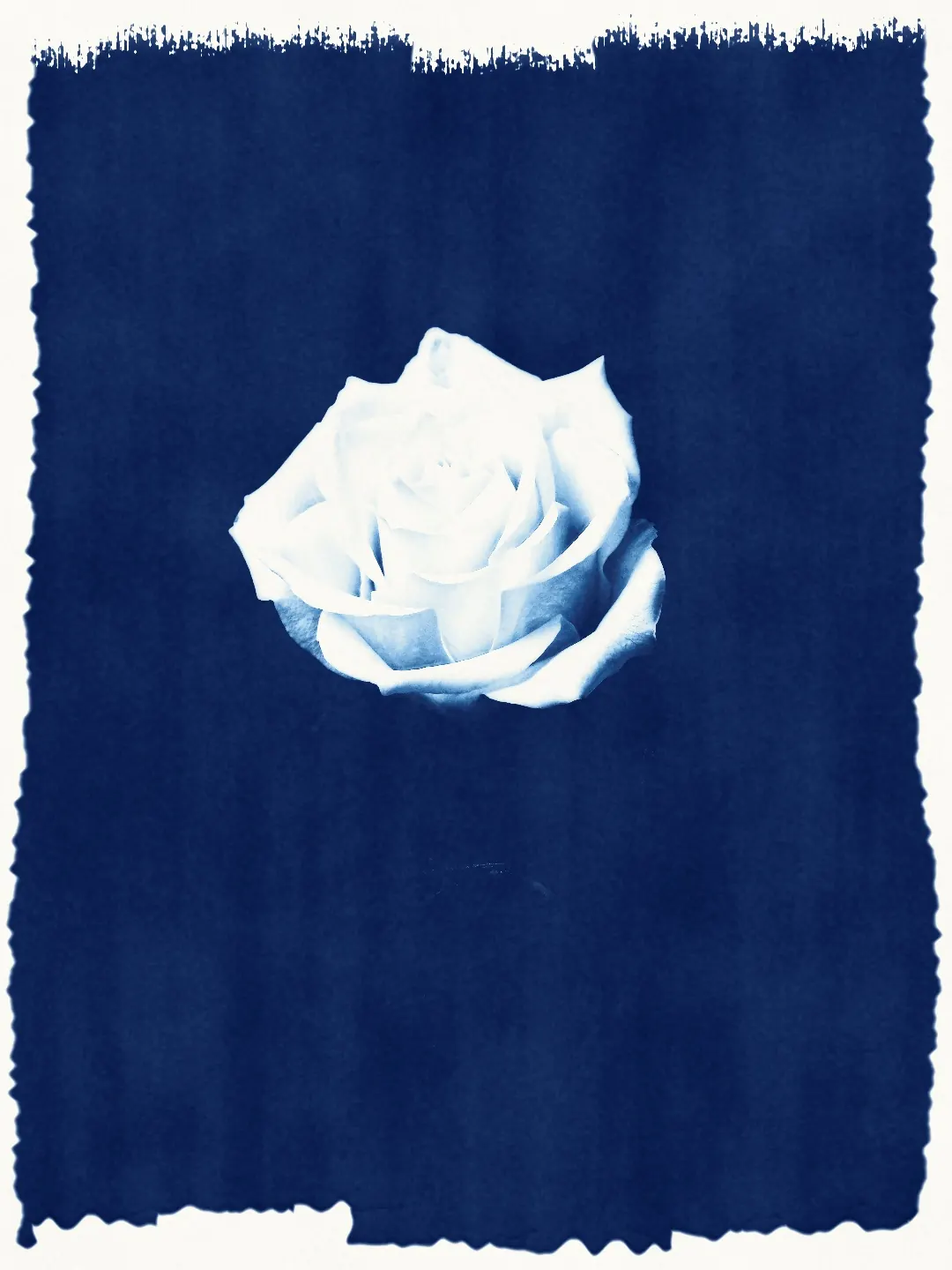
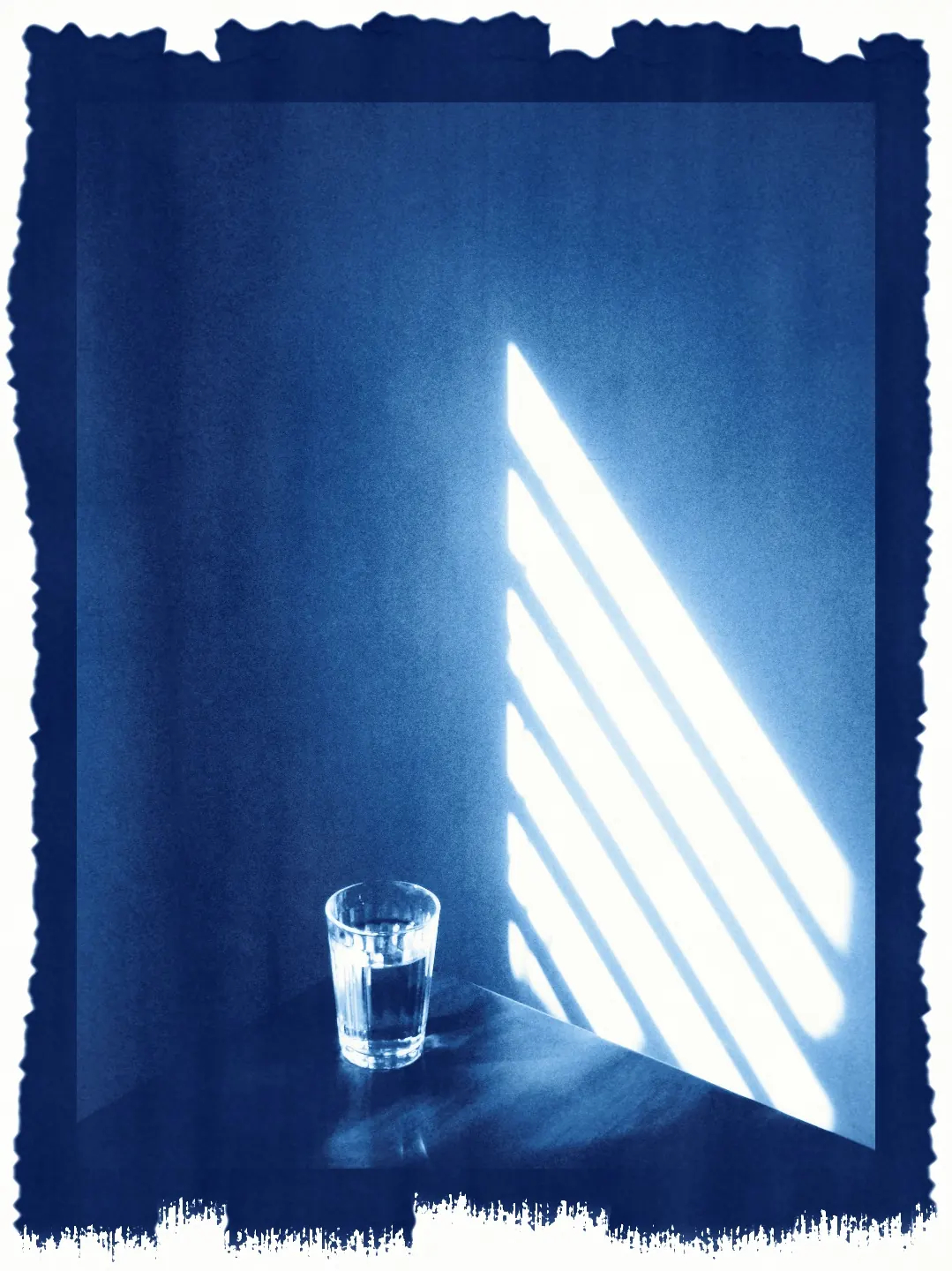
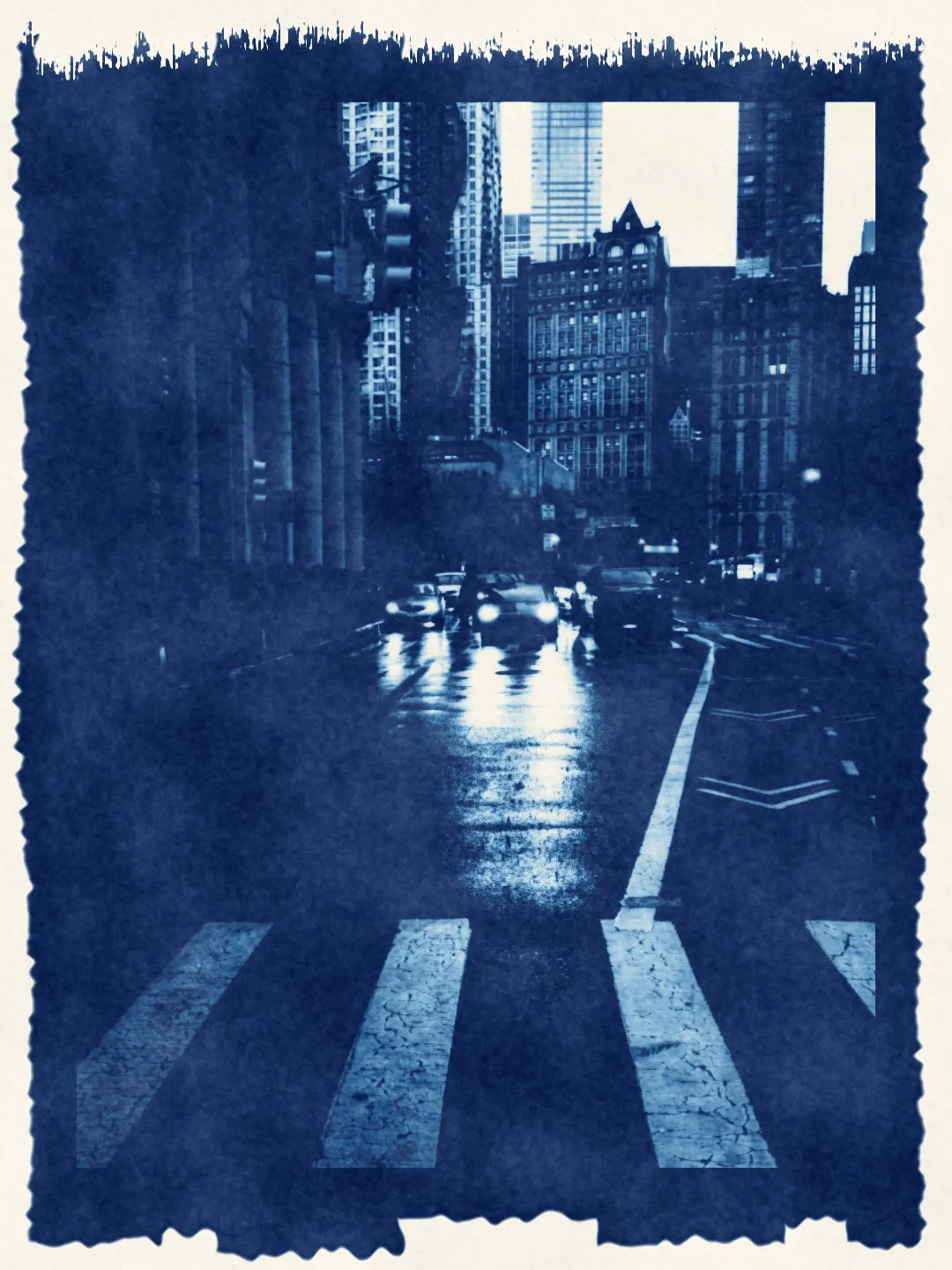
It prints the edit as it is
The cyanotype comes after every other image tool. It prints the photograph with all of its current processing — film, print paper, adjustments and effects — and changes none of it. Close the stage and your edit is where you left it.
How to make a cyanotype
Cyanotype is part of Pro, and every Pro feature can be tried free for 7 days. The negative, the sheet and the print are computed on your device.
Finish your edit first
Edit as usual — film, light, effects. The cyanotype keeps every one of your decisions.
Open the cyanotype darkroom
Open Print processes after Effects and choose Cyanotype. The editor makes a negative and a sheet from your photograph.
Tune the cyanotype
Choose a paper and a sensitizer, then move Density, Exposure and Wash. Tone the blue if you want it warmer or greener, and press Another sheet for a fresh sheet of paper.
Cyanotype questions
What is a cyanotype?
A contact print made with iron instead of silver. Paper is coated with ferric ammonium citrate and potassium ferricyanide, exposed to ultraviolet light under a negative and developed in water: the light turns iron(III) into iron(II), the iron meets ferricyanide as Prussian blue, and the unexposed chemistry washes away. It was invented in 1842 and used for some of the first photographic books.
How is a cyanotype different from a silver print?
A silver print has a metal black, a paper-white highlight and a long, smooth scale. A cyanotype is matte pigment sitting in the paper: its deepest tone is a deep blue rather than black, its scale is short and steep, its brightest tone is the paper itself, and the blue can bleed a little in the wash. Its density comes from the exposure and the negative, not from the developer.
Which photograph works best?
Start with one that has a strong shape and hard light: a portrait in window light, a plant against a wall, a rock in pale water, a window on a white wall. Soft, evenly lit photographs give the process little contrast to work with.
Does the cyanotype change my edit?
No. The stage prints your photograph with all of its current processing and changes nothing underneath. Close it and your film, adjustments and effects are exactly as you left them.
Is cyanotype free?
No, the cyanotype darkroom is part of Pro. Every Pro feature can be tried free for 7 days, with no card and no automatic charge.
Is my photograph uploaded?
No. The negative, the sheet and the print are computed in your browser; nothing leaves your device.
Photographs: Alina Vilchenko, Jan van der Wolf, NGSOFT IT, Valerie de Limoges, Anubhaw Anand, Thorarinn Torfason, Phil Mitchell, Ánh Đặng and Allen Boguslavsky on Pexels. Edited in Photonica.