
Vintage film filter for your photos
Faded colour, yellowed whites and coarse grain: your photo, the way a print ages in a family album.
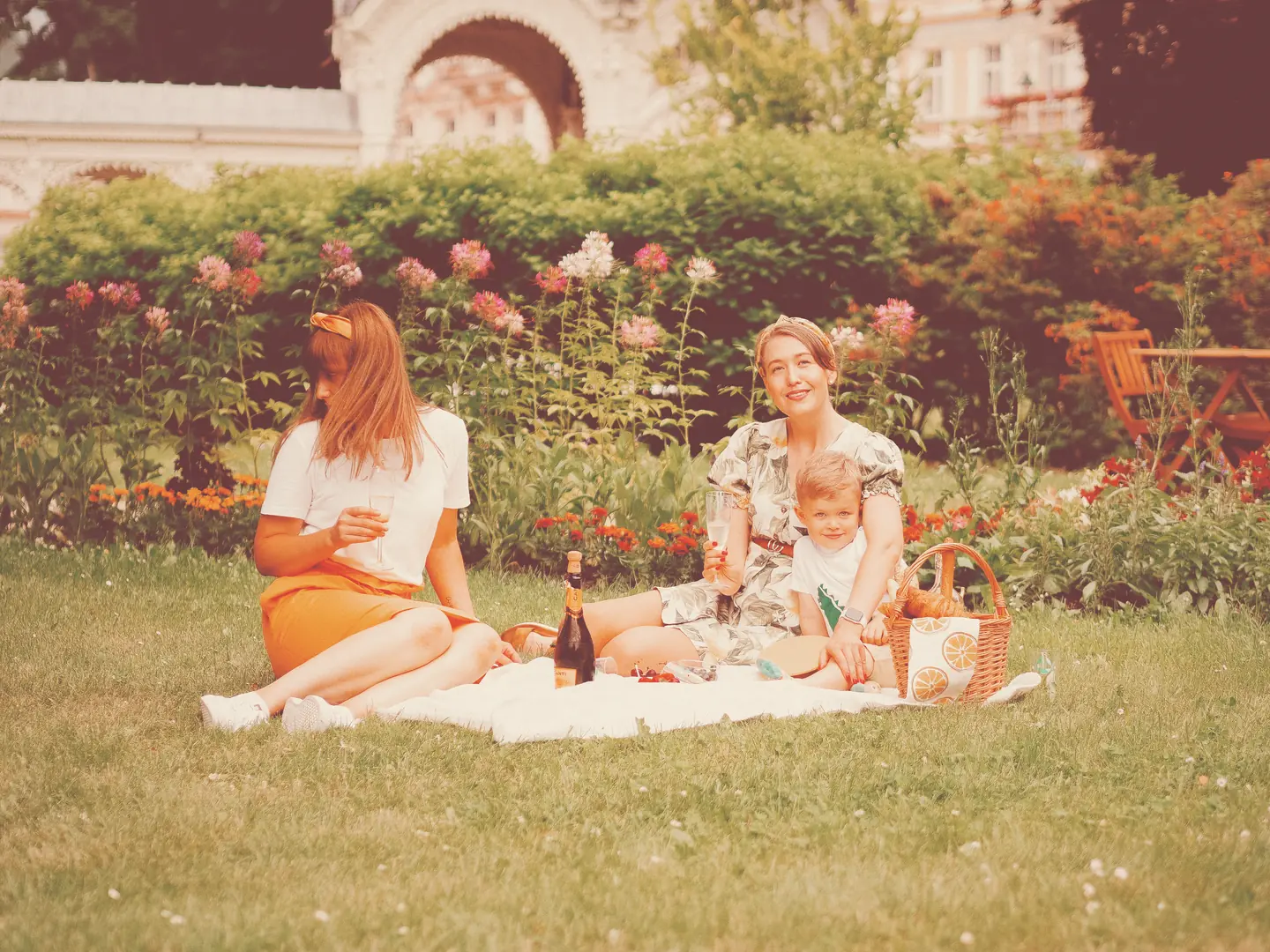
Then add the marks of age
Pro adds what time does to a photograph: light leaks, dust, scratches and instant frames. Choose a band to see them build up.
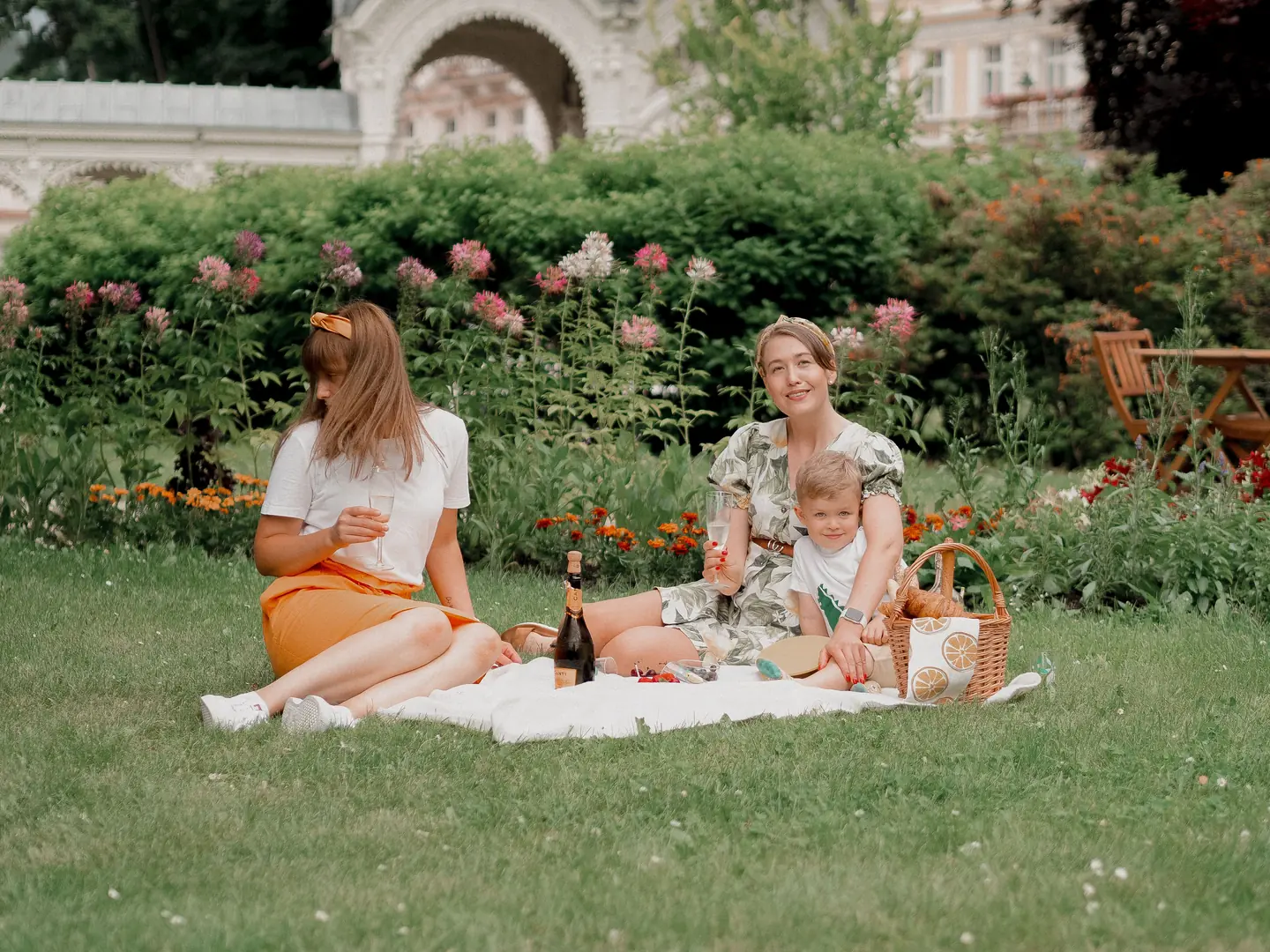
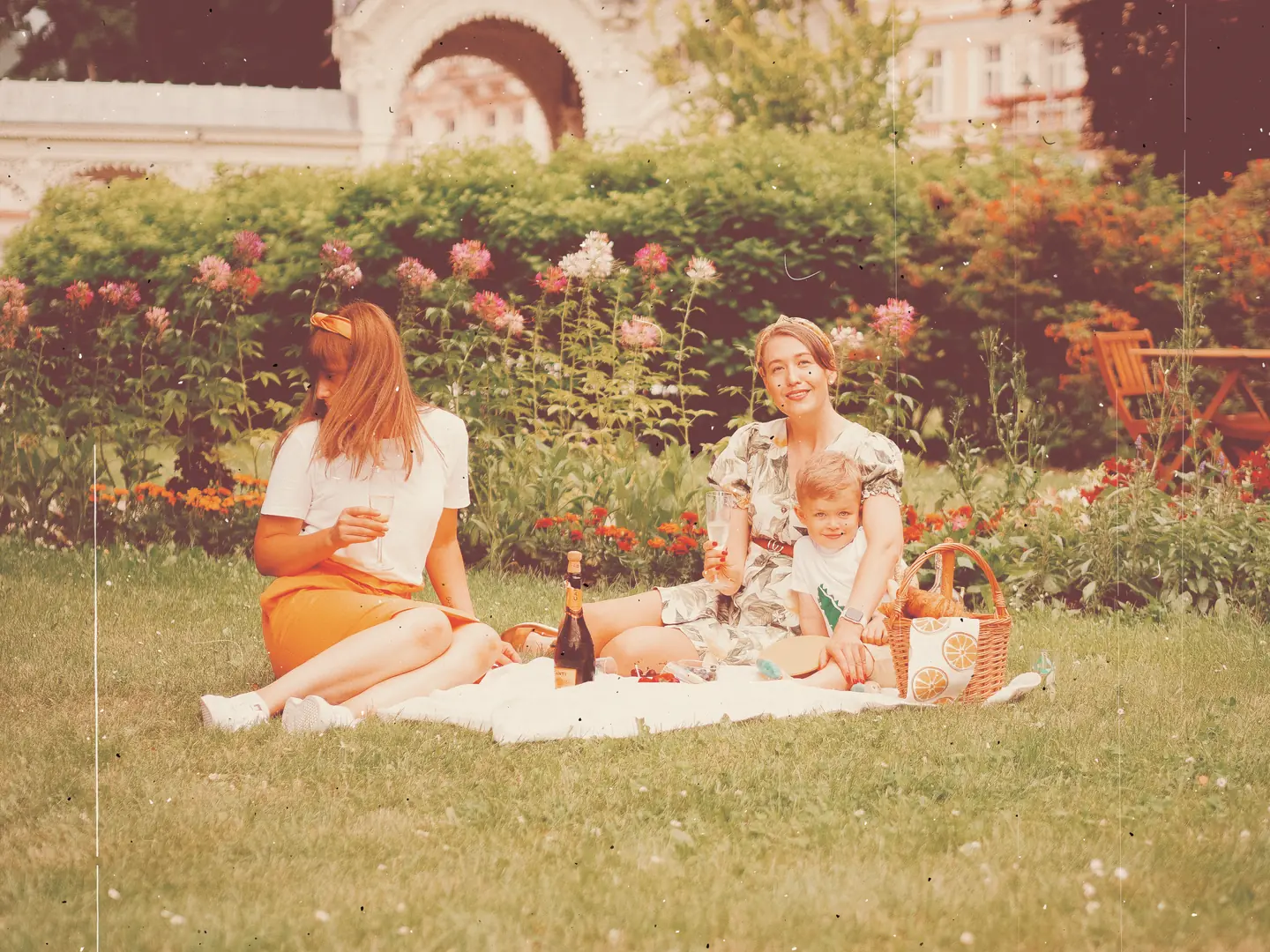
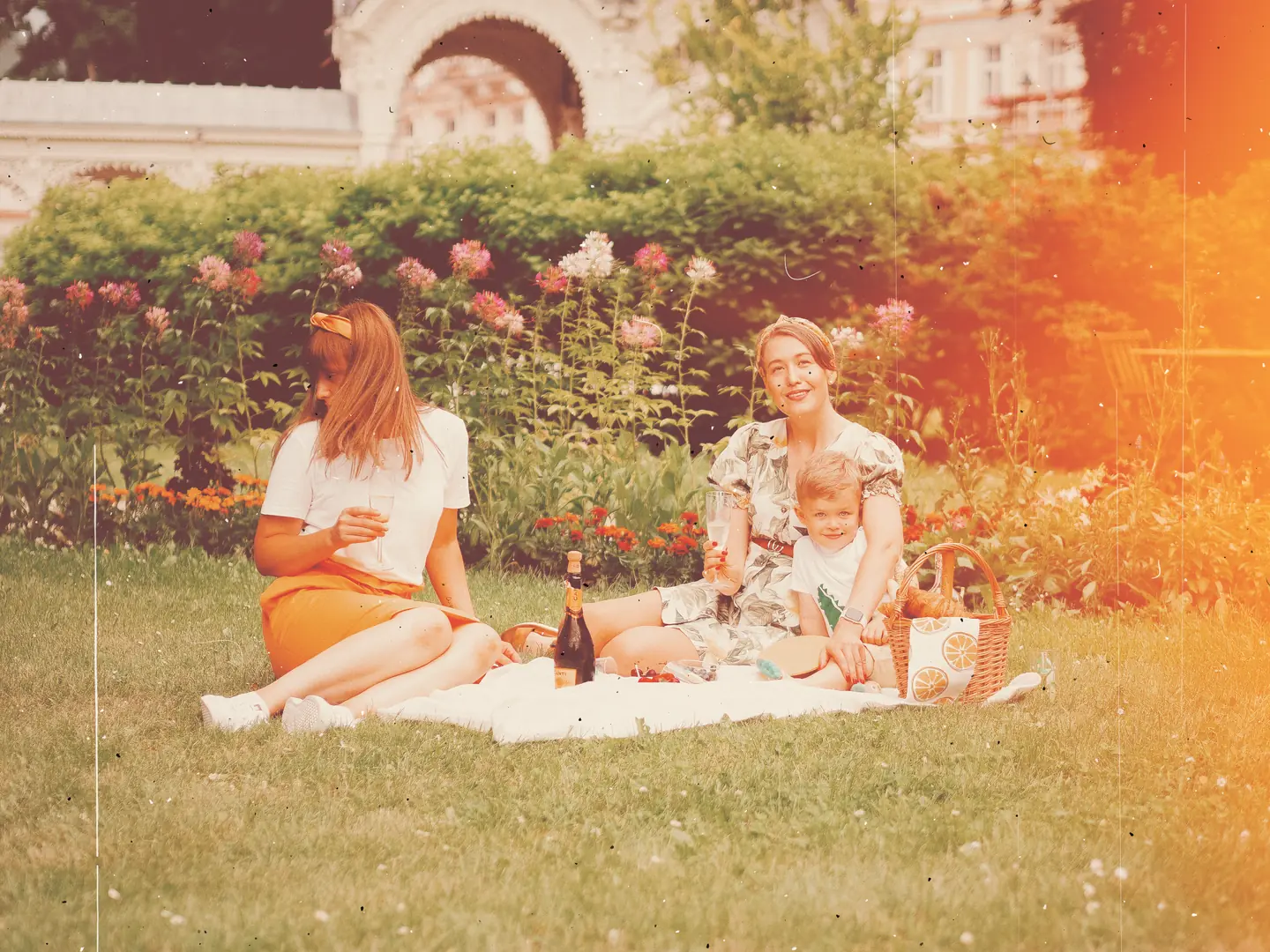
Vintage film. The free look that the buttons on this page open.
Photo: Pelageia Zelenina / Pexels.
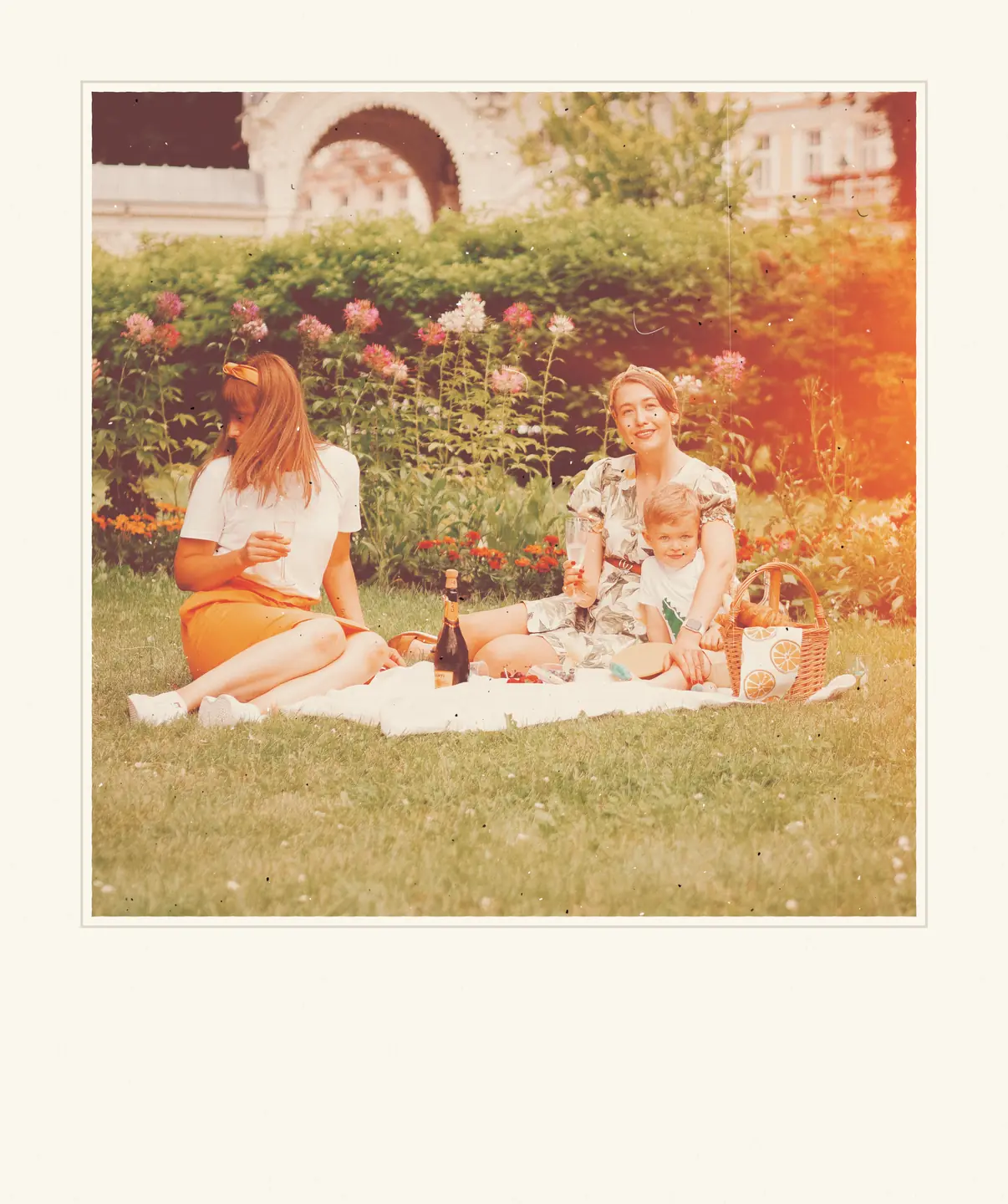
All of it, in an instant frame
Frames place the photograph on an instant print, a strip of 35 mm film or a contact sheet. They come with Pro too.
Try Pro free for 7 daysOr start from a vintage preset
Three presets built around an old print: Road Trip is free, Old Album and Sun-Faded come with Pro. Each page shows one on four photographs and opens it on yours.
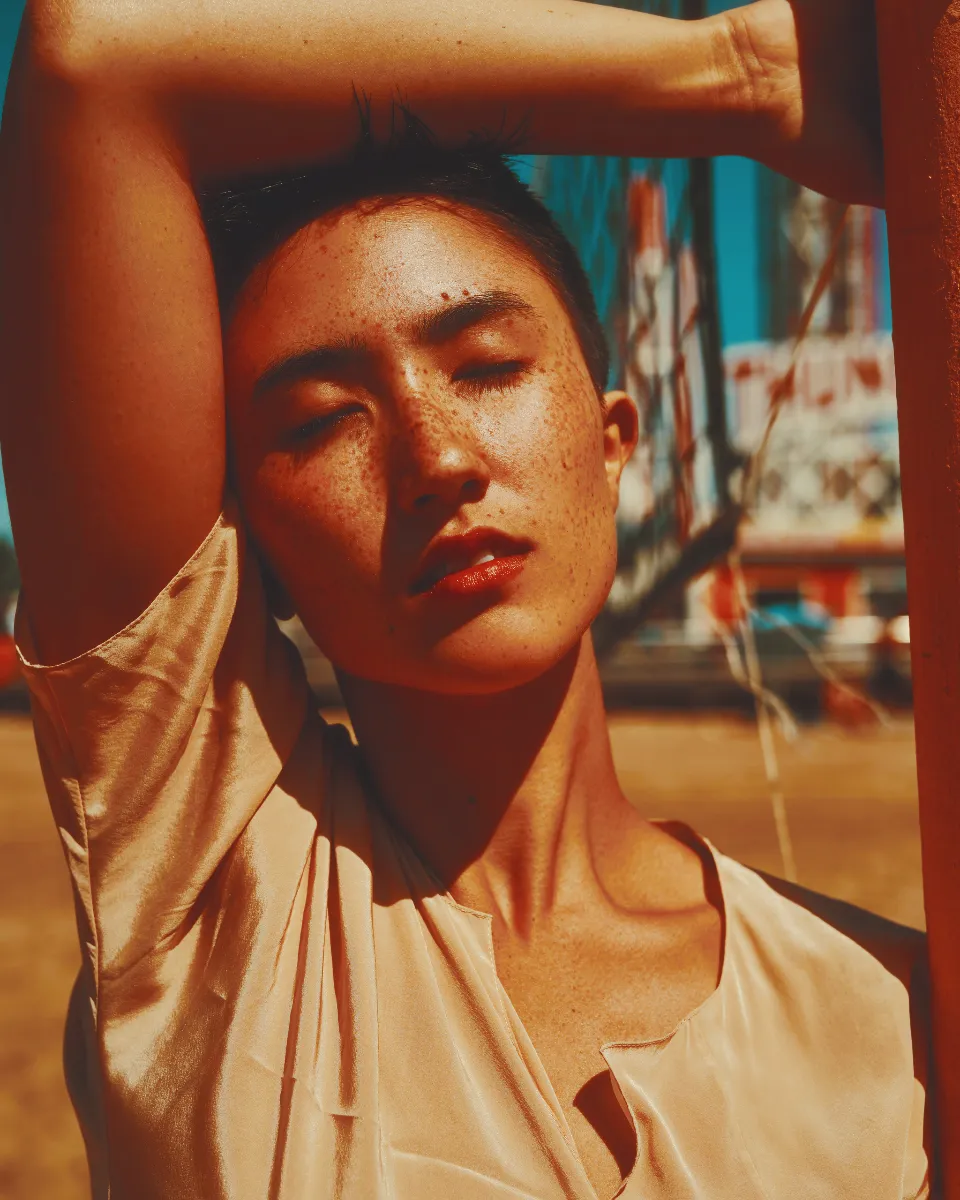
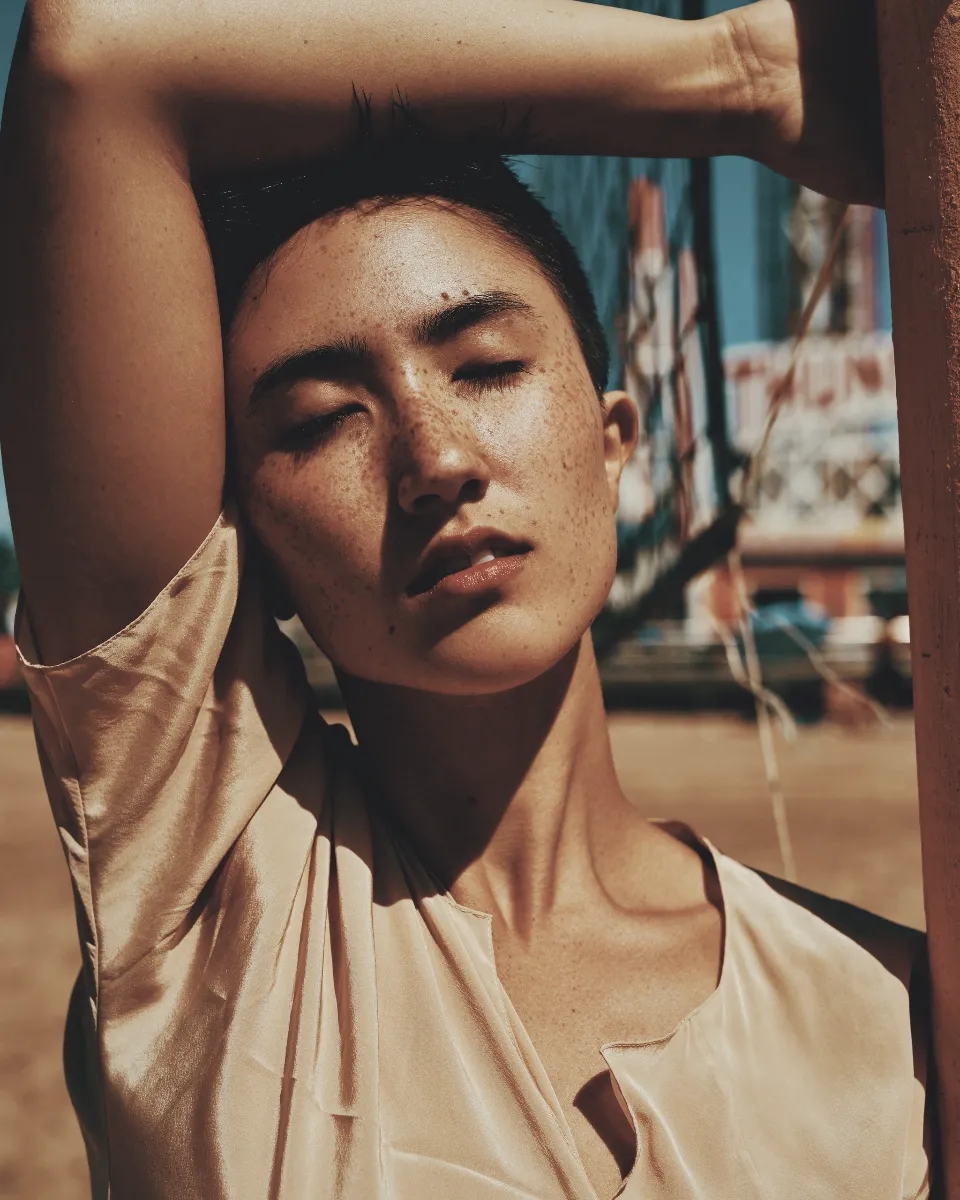
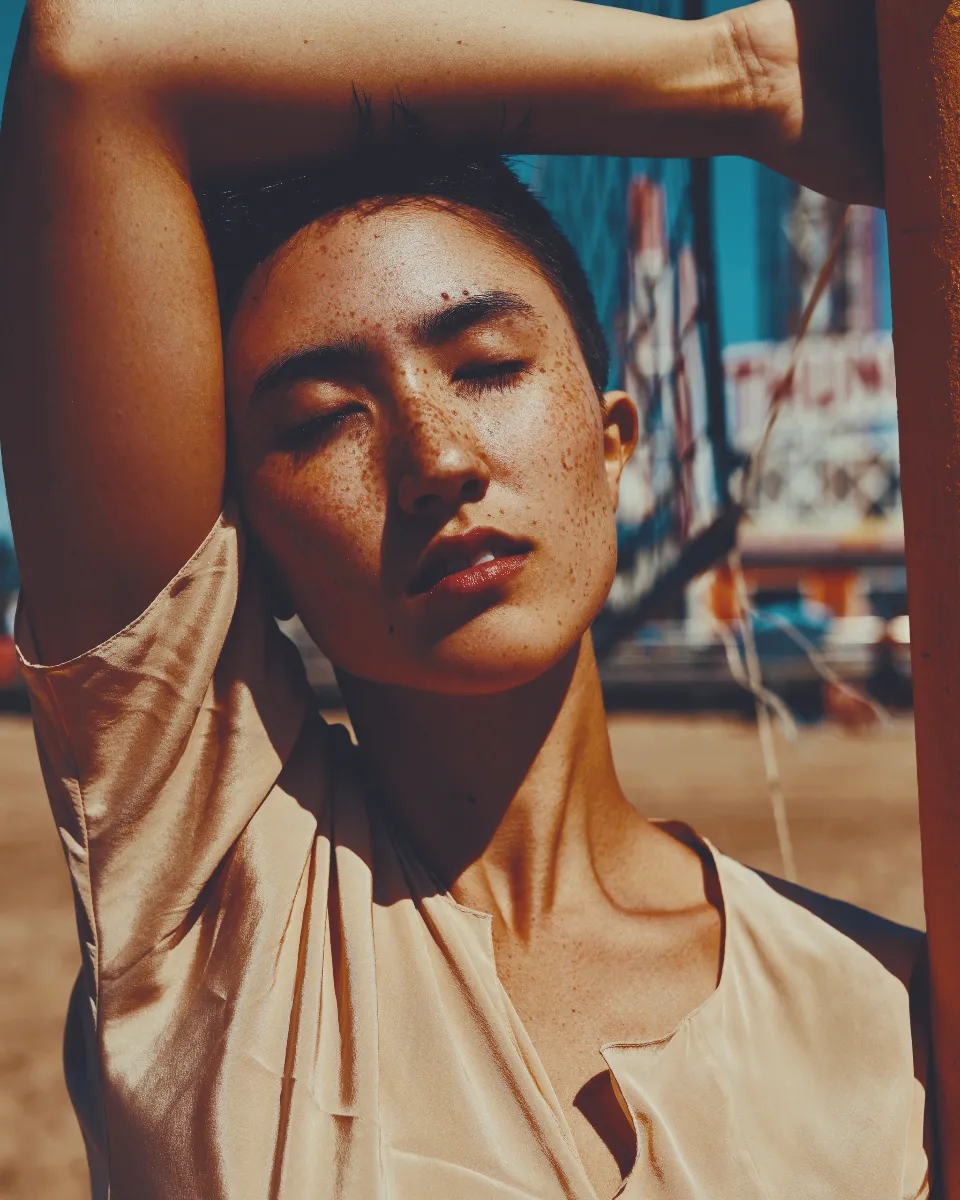
Try the vintage look on your photo
Free, in your browser. Your photo stays on your device.
Every photograph here was rendered by Photonica with the settings the editor opens. Results vary with the light and colour in your photo. The vintage look uses free tools. Guest editing includes three exports a day; a free account removes that daily limit.
Photographs: Pelageia Zelenina and Saul Joseph on Pexels.