
Personal presets. Keep your point of view.
Save a combination of settings and try it on another photograph. Build a personal starting point while keeping each image its own.
Open editorFree account · Pro settings require Pro
Save the treatment, keep looking at the photograph.
A personal preset is a combination of editing decisions you can return to. It might be a favourite film-and-print pair with fine grain, a neutral monochrome treatment or a particular balance of diffusion and colour. Saving those settings gives you a useful beginning for the next photograph.
The value is continuity, not identical output. The same recipe will meet different light, colours and exposure in every image. A bright field portrait and a beach scene can share a direction while still needing individual judgement. Treat the preset as a conversation with the new source rather than a guarantee of a finished result.
Photonica lets you save personal presets with a free account. The photos themselves are processed locally; the saved preset is a recipe, not a cloud copy of the photograph. Crop and frames stay with the individual photo, so a saved look does not impose someone else’s composition on the next image.
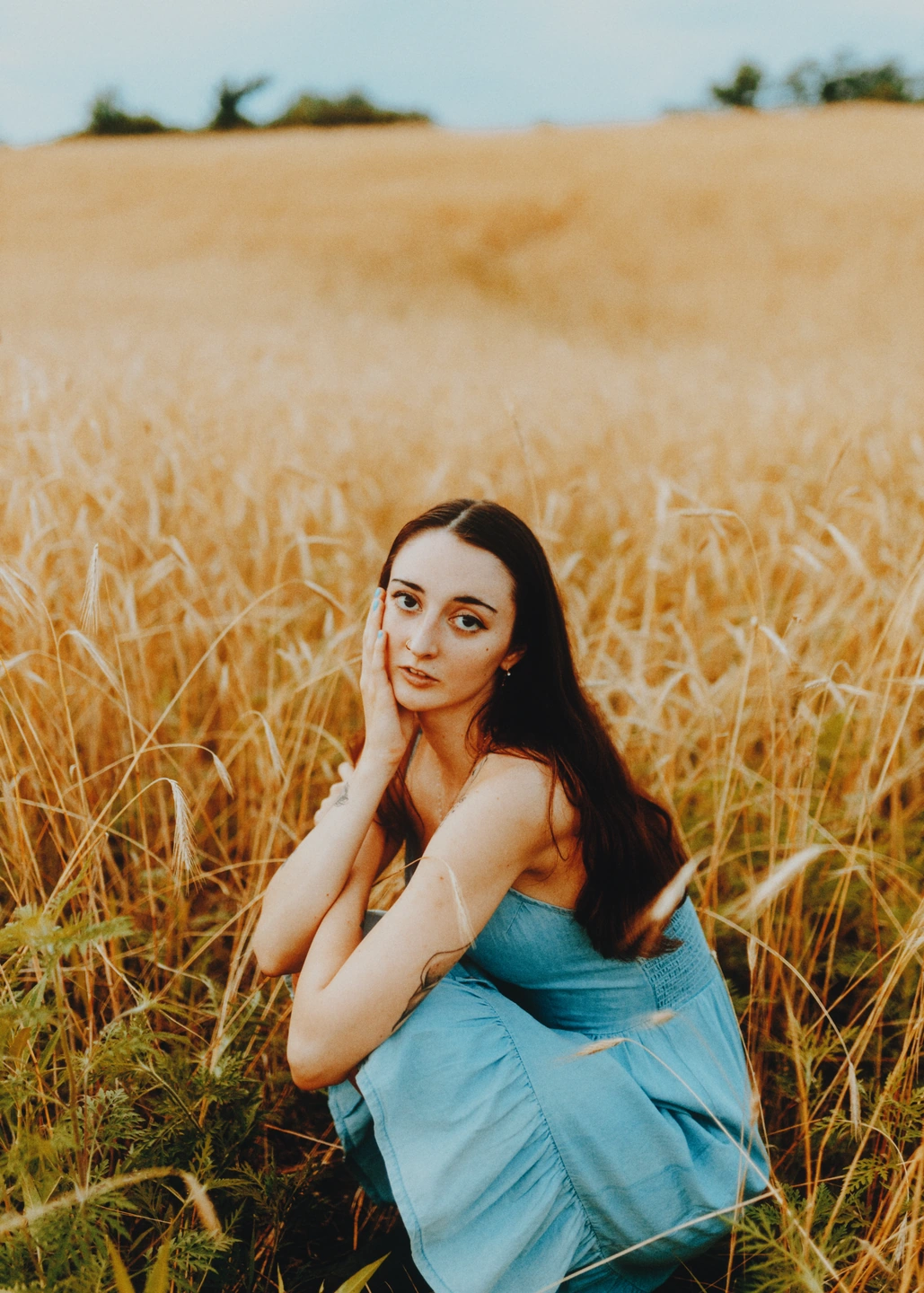
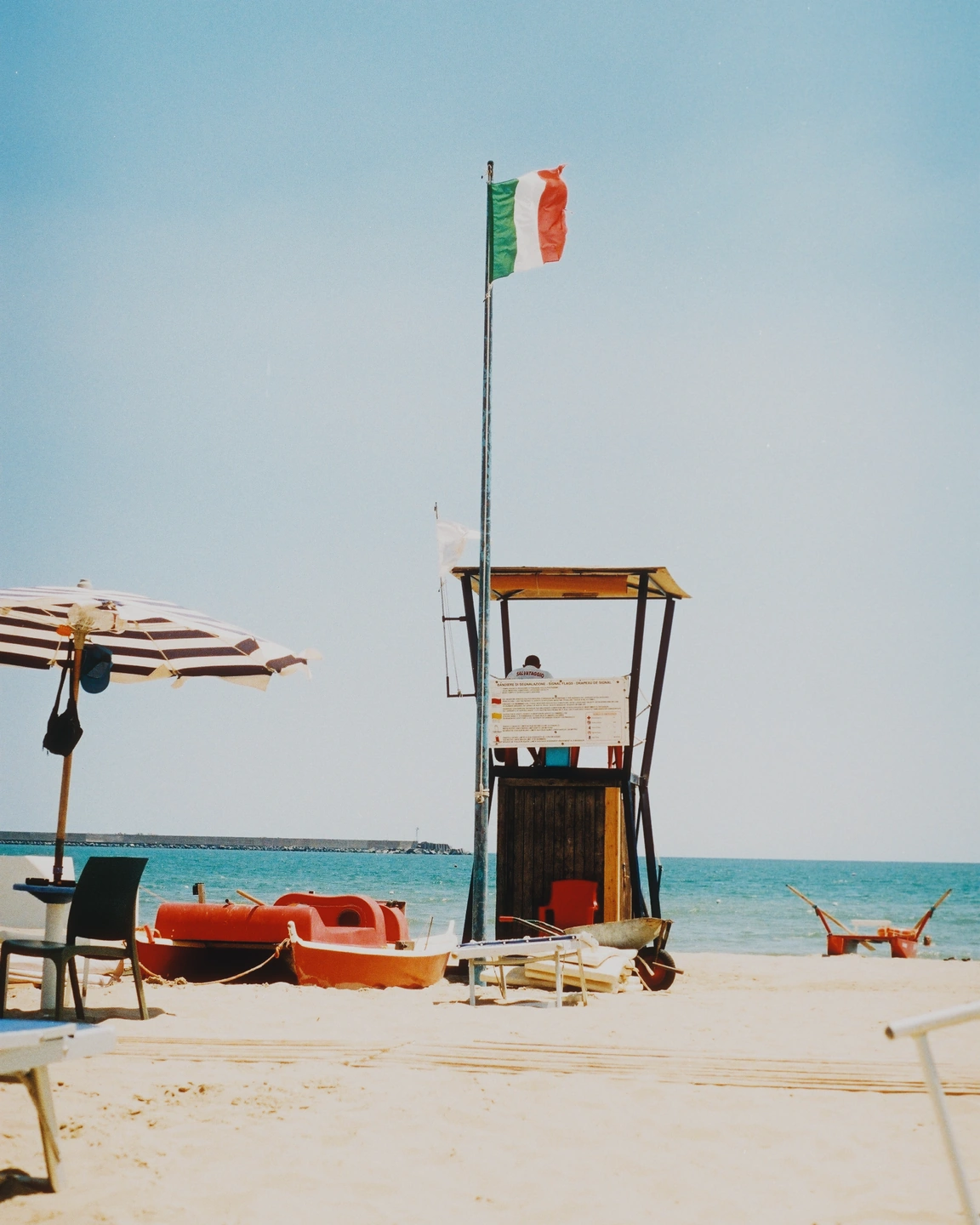
The same recipe on two different photographs: field portrait / beach. These are finished looks, not a before-and-after comparison.
One recipe, two different kinds of summer.
The field portrait and beach photograph use exactly the same combination: Gold 200, a small exposure adjustment, grain, halation, diffusion and film softness. Their different light and source colours still shape the final images. Compare the shared direction rather than expecting matching pixels.
Made with Photonica. Source photographs retain their photographer’s original treatment. Film and optical effects are creative interpretations.
When to use personal presets.
A starting point for your photograph. Let the subject and the light guide the final choice.
A treatment you keep rebuilding
Save a combination when you recognise that you return to it often. A clear name helps you remember the intended mood or use rather than the exact value of every control.
A coherent set from one outing
Apply a shared starting point across a small series, then adjust each image for its own light. Review the pictures together so consistency does not come at the cost of a weak individual frame.
A record of your own taste
Presets can preserve the choices you have learned to enjoy. Keep comparing with the source as your taste changes; a saved treatment is useful only while it serves the photographs you make.
Make the next choice.
- Save preset
- Save the current treatment to your personal collection while signed in. Choose a name that will make sense when you return later.
- Apply preset
- Load the saved combination onto the current photograph, then review the whole image and its important details.
- Individual tools
- Refine exposure, colour, light and texture for the new source after applying a preset. A familiar recipe is still editable.
How to use personal presets in Photonica.
Finish a look worth keeping
Compare the treatment with the original and remove effects that do not help. Save a clear creative decision rather than a pile of experiments.
Save it to your account
Sign in and save the preset. Cropping and frame placement remain decisions for the photograph itself.
Test it on a different source
Try a photograph with different light or colours. Adjust exposure first, then reconsider any effect that becomes too strong in the new scene.
Free account · Pro settings require Pro Compare Free and Pro.
A few things to know.
Does a saved preset unlock Pro effects?
No. Any Pro film, material or effect in the preset still requires the corresponding Pro access. A free account provides preset saving, not access to every paid tool.
Is there a public gallery of these presets?
This feature is for your personal saved recipes. The examples on this page demonstrate a shared treatment and are not a claim of a built-in or public preset collection.
Photography: Megan Ruth, Eugene Laszczewski on Pexels. Edited in Photonica.
Make it your photograph.
Bring a photograph and see where it takes you. Your photo stays on your device.
Open editorUse a WebGPU-compatible browser. Free JPEG export uses a working image up to 2560 px on its longest side before cropping.
Explore all photo editing tools