
Film softness. Take the edge off.
Ease digital crispness without making grain or glowing light do all the work. Film softness gives the image a gentler surface.
Open editorFree
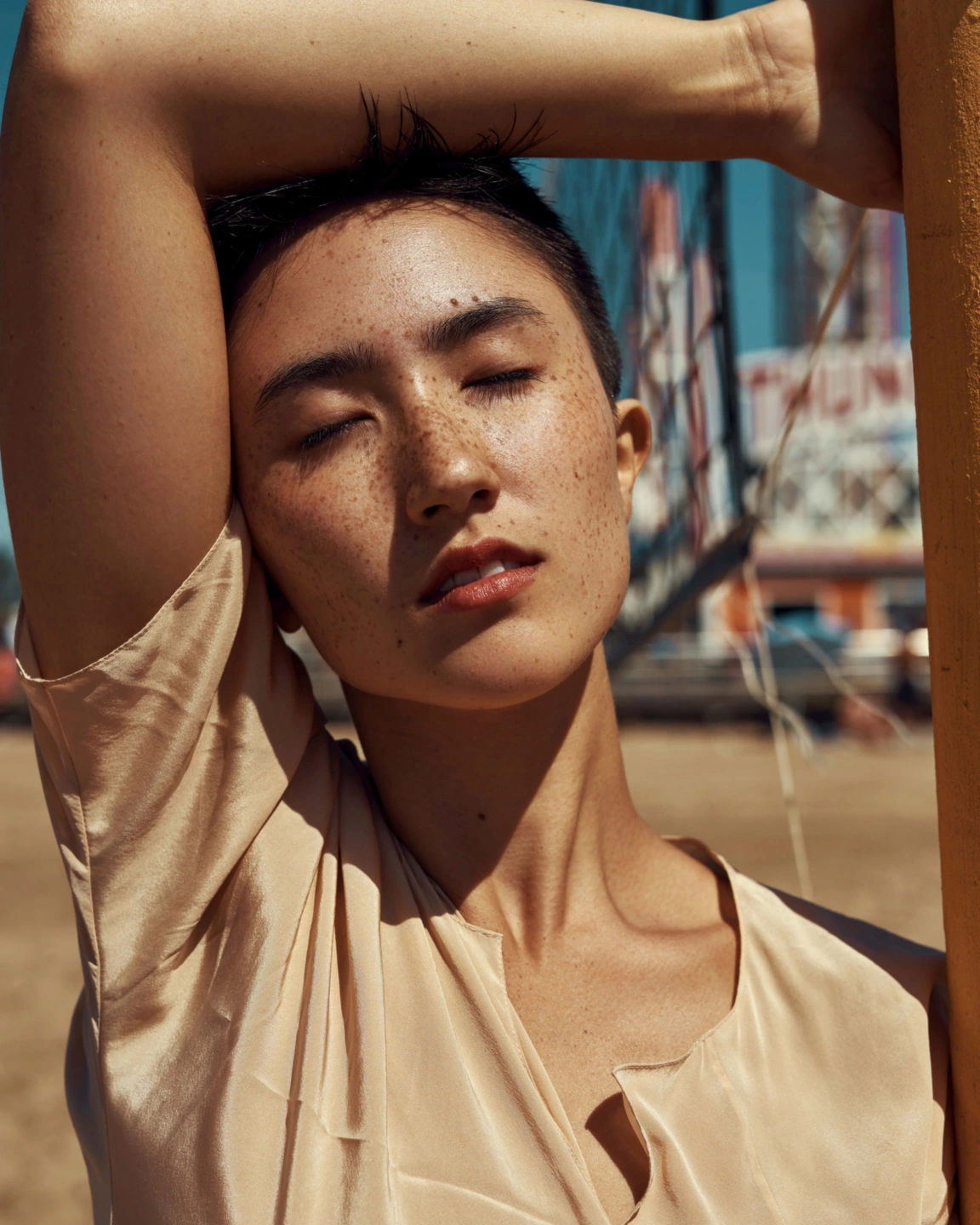
Not every photograph needs to look maximally crisp.
Fine digital detail can sometimes feel more insistent than the subject needs. Hair, fabric and tiny surface edges may all ask for attention at once. Film softness lets you ease that crispness so the larger shapes, expression and light can carry more of the image.
It is controlled separately from grain. You can soften the underlying detail and leave the image clean, add grain to a sharper photograph, or find a balance between the two. Keeping those decisions separate helps prevent texture from becoming a substitute for the actual surface quality you want.
Film softness is also separate from diffusion. Diffusion gives highlights a scattered-light character; softness is useful when you want a gentler rendering without building a glow around the bright areas. Compare them individually on a familiar photo and the distinction becomes easier to see.
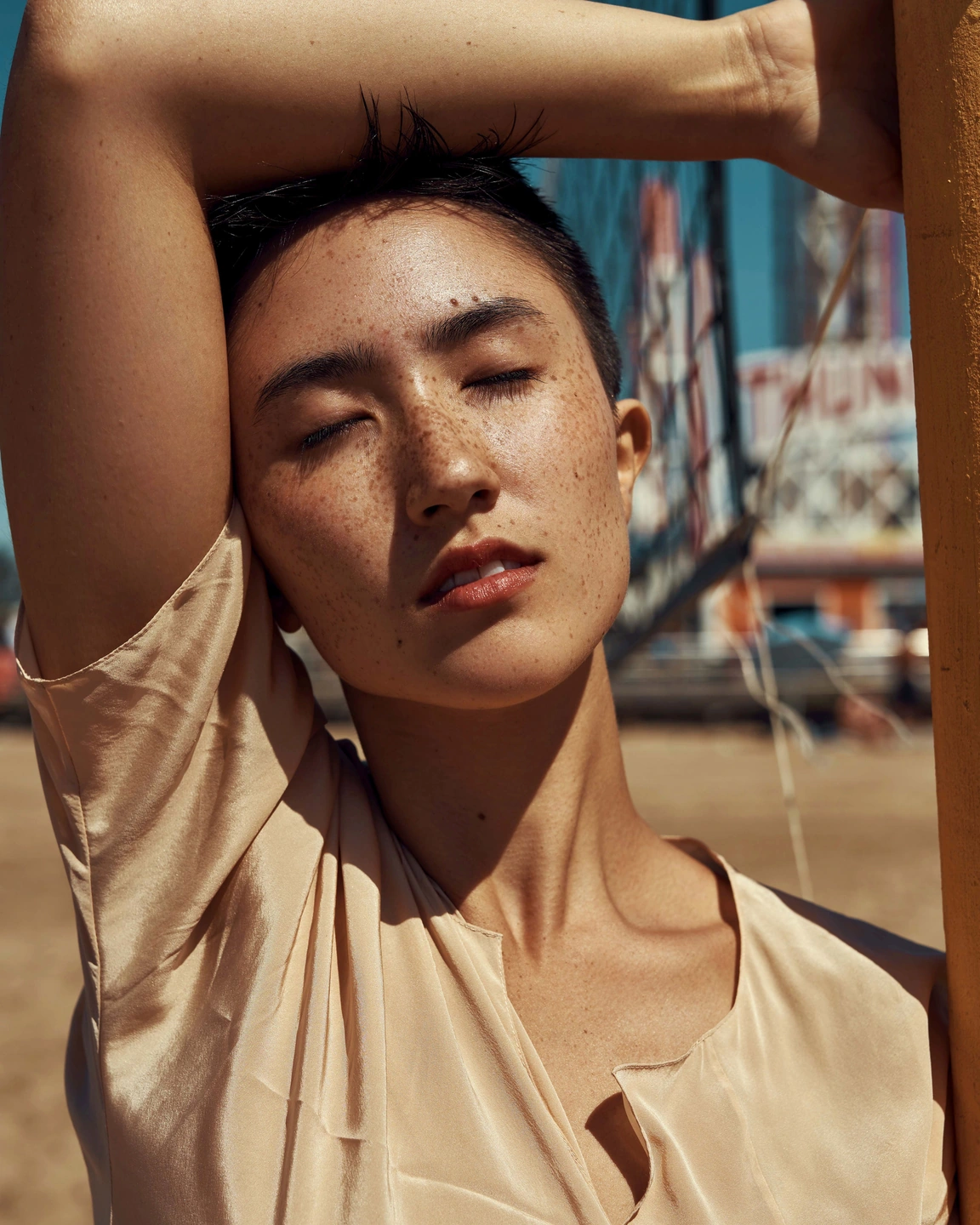
Film softness off / film softness applied to the same source. This is a whole-image treatment, not skin retouching.
Judge the detail you want to keep.
The portrait contains fine skin texture, freckles and hair alongside broad areas of light. Compare those details at the same scale, then look at the face as a whole. A successful amount reduces unwanted crispness while leaving the person recognisable and expressive.
Move the divider to compare. Before on the left, after on the right. Zoom in to look closer.
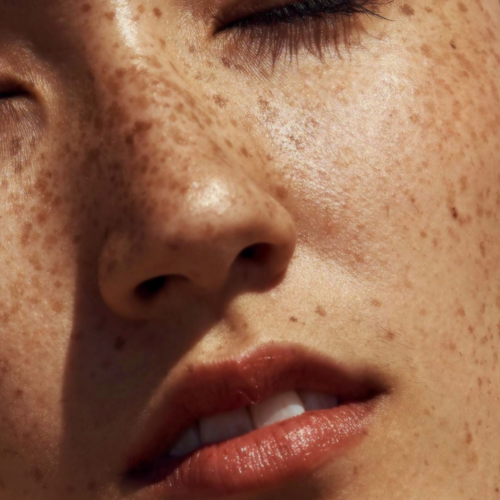
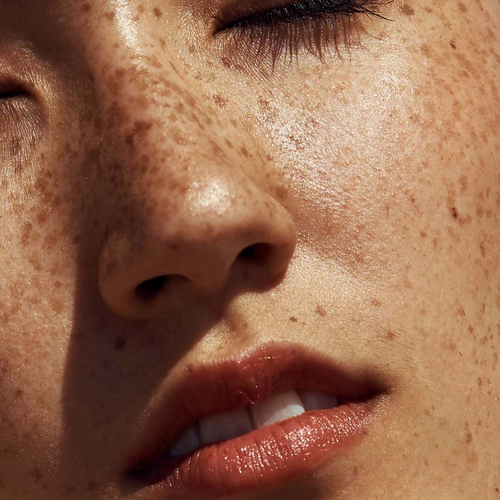
Made with Photonica. Source photographs retain their photographer’s original treatment. Film and optical effects are creative interpretations.
When to use film softness.
A starting point for your photograph. Let the subject and the light guide the final choice.
A portrait with very assertive fine detail
Use a small amount when micro-detail competes with the expression. Inspect eyes, hair and clothing too: the tool does not identify skin or protect particular facial features.
A gentler film-inspired finish
After choosing colour and contrast, explore softness before adding grain. This lets you decide whether the picture needs less crispness, more texture, or a little of both.
Quiet still lifes and soft natural light
A gentle surface can suit cloth, flowers or objects near a window. Preserve enough edge definition for glass and delicate stems to retain their physical shape.
Find your balance.
- Film softness
- Increase the amount to ease fine detail. Work in small changes and inspect an area with important texture rather than judging only from a reduced preview.
- Grain
- Use the separate grain controls if you also want a visible surface texture. Adding grain is optional and does not replace the softness adjustment.
- Fit and 100%
- Use both viewing scales. Close inspection reveals detail loss; the whole image tells you whether the gentler rendering serves the photograph.
How to use film softness in Photonica.
Choose the main treatment
Set film, exposure and monochrome first if you are using them. Decide whether fine detail still feels too forceful.
Soften slowly
Raise Film softness while checking a meaningful edge or texture. Stop before important features lose their shape.
Compare before adding texture
Review softness on its own. If you add grain afterward, check the balance again rather than assuming a softer image needs more grain.
Free Compare Free and Pro.
A few things to know.
Does Film softness retouch skin?
No. It is a whole-image detail treatment, not a face-aware beauty tool. Skin, hair, clothing and background detail can all be affected.
Can I use softness without grain or a film?
Yes. Film softness is free and works independently. You can leave film emulation and grain off for a clean, gentler result.
Should I use diffusion instead?
Choose diffusion when the scattered appearance of bright light is part of the goal. Choose Film softness when you mainly want to ease fine detail. Try each separately before combining them.
Photography: Saul Joseph on Pexels. Edited in Photonica.
Make it your photograph.
Bring a photograph and see where it takes you. Your photo stays on your device.
Open editorUse a WebGPU-compatible browser. Free JPEG export uses a working image up to 2560 px on its longest side before cropping.
Explore all photo editing tools